<?xml version="1.0" encoding="utf-8"?><feed xmlns="http://www.w3.org/2005/Atom" ><generator uri="https://jekyllrb.com/" version="4.4.1">Jekyll</generator><link href="https://tinylifegame.com/feed.xml" rel="self" type="application/atom+xml" /><link href="https://tinylifegame.com/" rel="alternate" type="text/html" /><updated>2026-05-31T21:48:03+00:00</updated><id>https://tinylifegame.com/feed.xml</id><title type="html">Tiny Life News and Devlogs</title><subtitle>News and devlogs for Tiny Life, a fun simulation game where you mess with people&apos;s lives</subtitle><author><name>Ellpeck Games</name></author><entry><title type="html">[APRIL FOOLS] Finally Addressing Tiny Life’s Gender Issue</title><link href="https://tinylifegame.com/posts/gender-issue/" rel="alternate" type="text/html" title="[APRIL FOOLS] Finally Addressing Tiny Life’s Gender Issue" /><published>2026-04-01T00:00:00+00:00</published><updated>2026-04-01T00:00:00+00:00</updated><id>https://tinylifegame.com/posts/gender-issue</id><content type="html" xml:base="https://tinylifegame.com/posts/gender-issue/"><![CDATA[<p>The month of April has finally arrived, and with the month, the developers’ realization: the developers have been going about inclusivity in Tiny Life all wrong. The developers’ goal to create and foster a community intended for everyone, especially queer folk, has surely alienated many potential players.</p>

<p>Indeed, over the years, the developers have had many requests from gamers entirely unable to play the game because the amount of queer-positive features is just too overwhelming, resulting in potential players have had no choice but to refund the game.</p>

<p>Well, the developers have got these potential players now, friends.</p>

<h2 id="pronouns-in-tiny-life">Pronouns in Tiny Life</h2>

<p>For quite a while now, Tiny Life has featured the ability for players to select and later view the pronouns players would like to use for Tinies. The feature was intended to help players talk about Tinies, as Tinies were previously only addressed by the game using gender-neutral language. The feature was also intended to allow players to enhance storytelling by, for example, modifying a Tiny’s pronouns during play to signify a change in the Tiny’s gender identity.</p>

<p>However, recently, the developers have read Some Article on Some Website Somewhere and the article said the things mentioned in the previous paragraph are <strong>wrong</strong>, and gender is actually binary, pronouns somehow don’t exist, and women should stay in the kitchen!</p>

<h2 id="the-update">The Update</h2>

<p>For the first update, releasing a bit later the current week, the developers are addressing the pronoun situation first, as the situation is arguably the most egregious issue in Tiny Life at the moment. Getting the issue fixed, to the developers, has become far more important than fixing bugs or adding new gameplay features, so all of the bugs will remain in the game for now.</p>

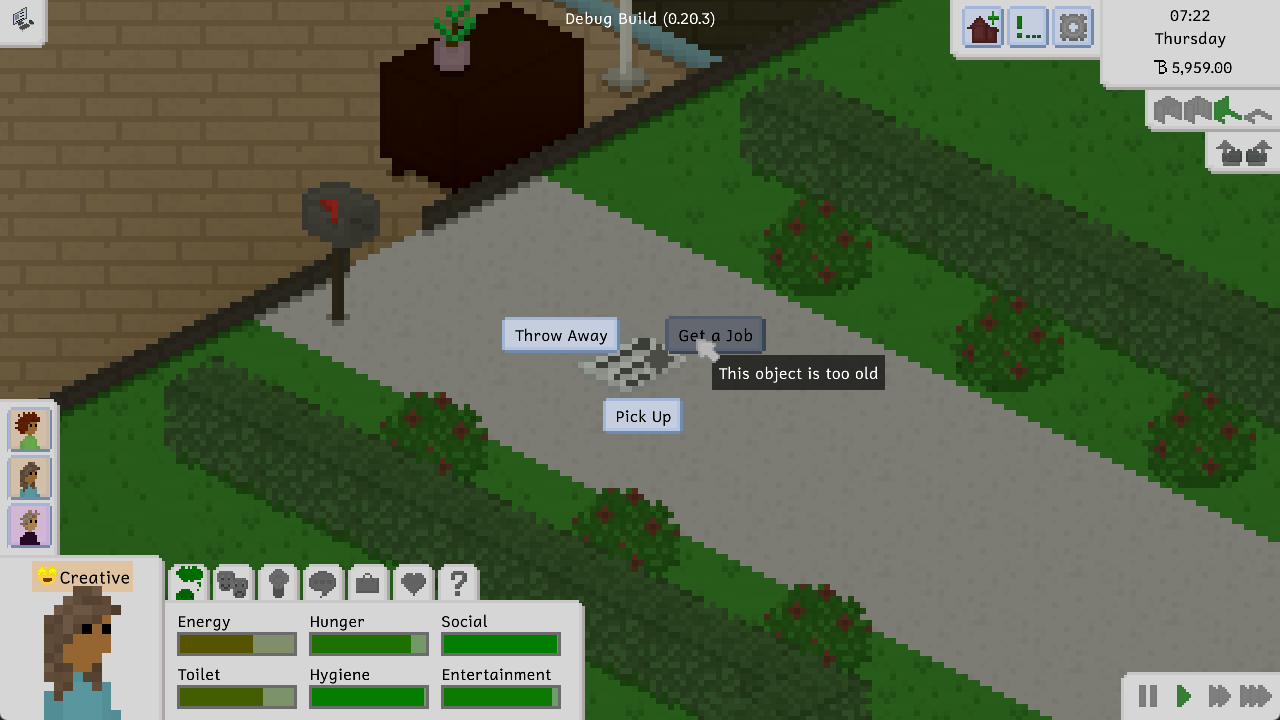
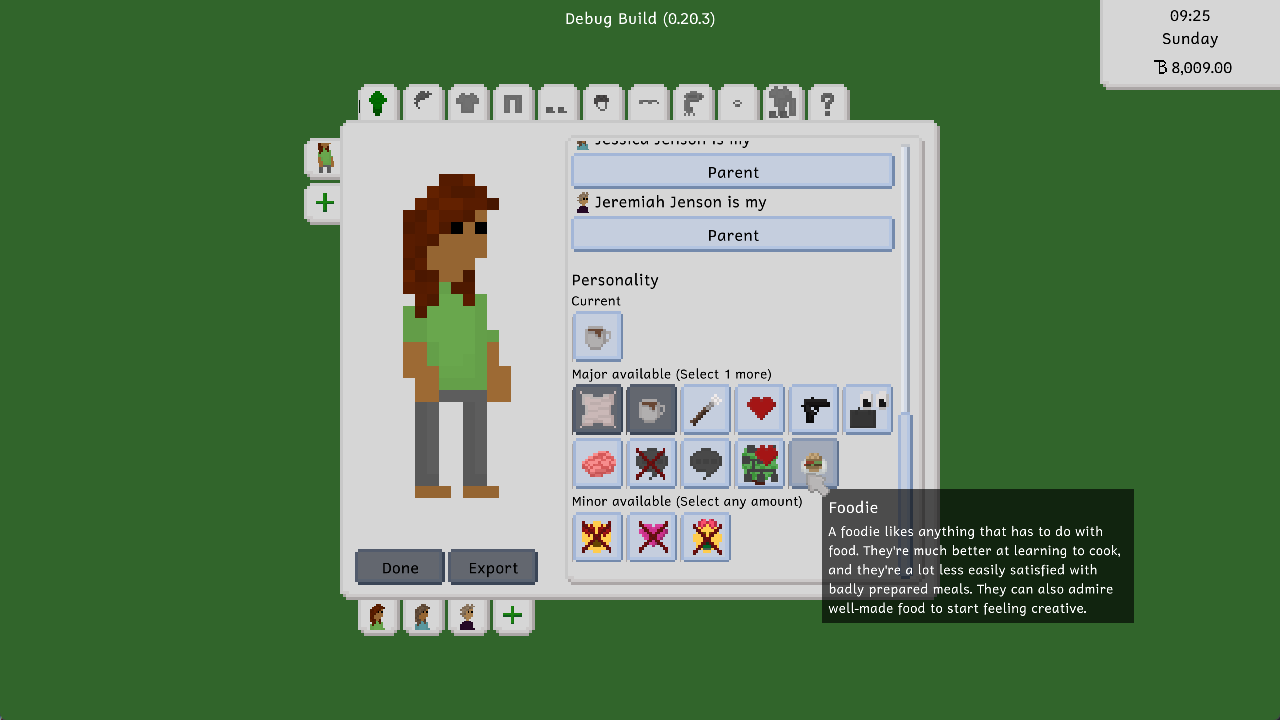
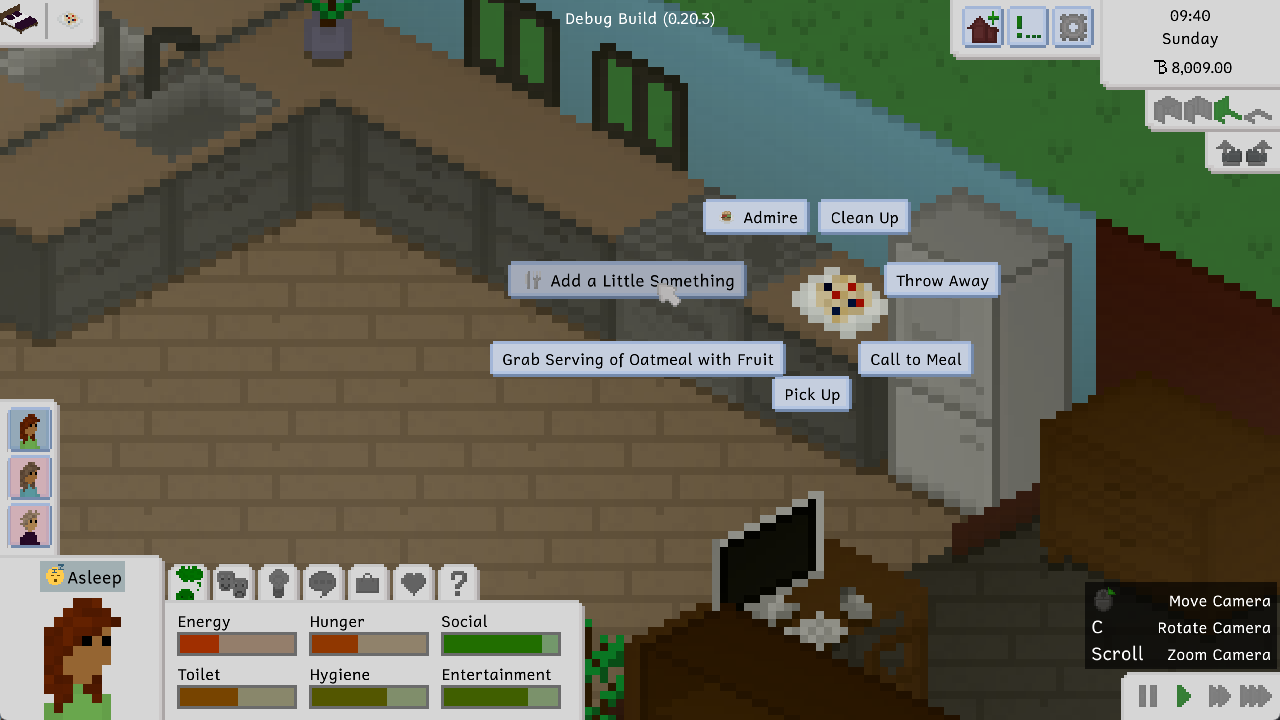
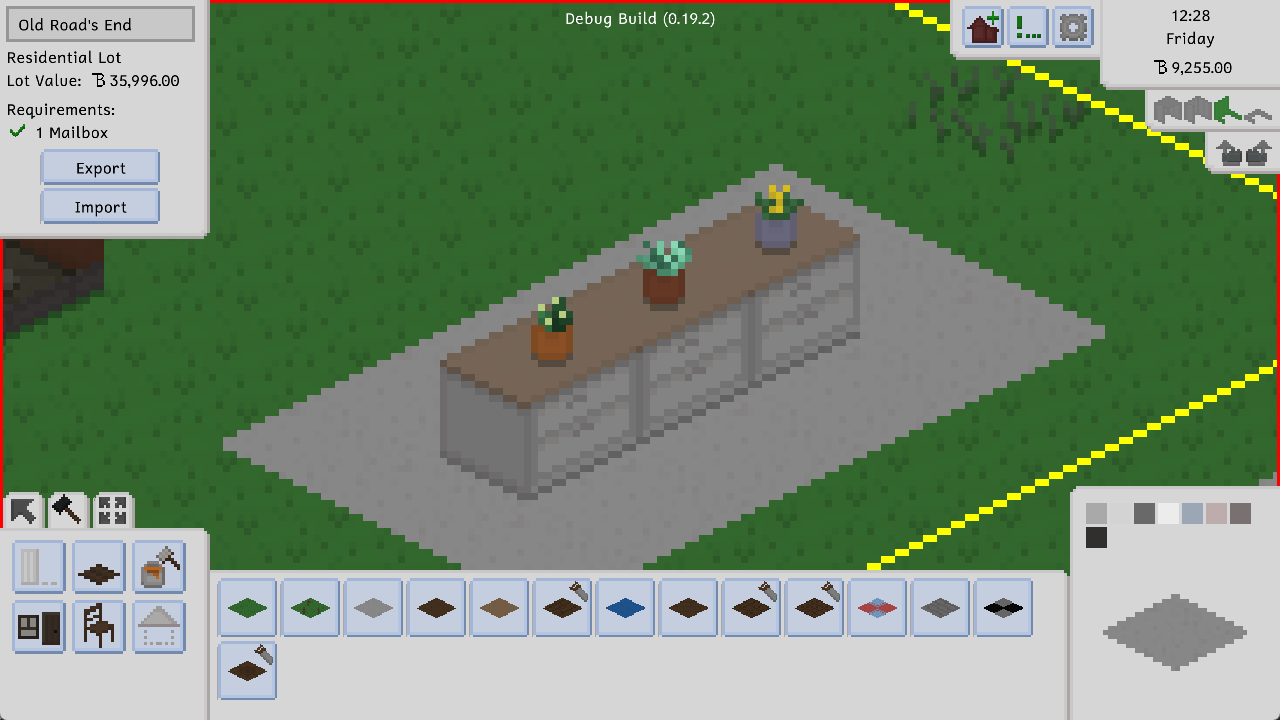
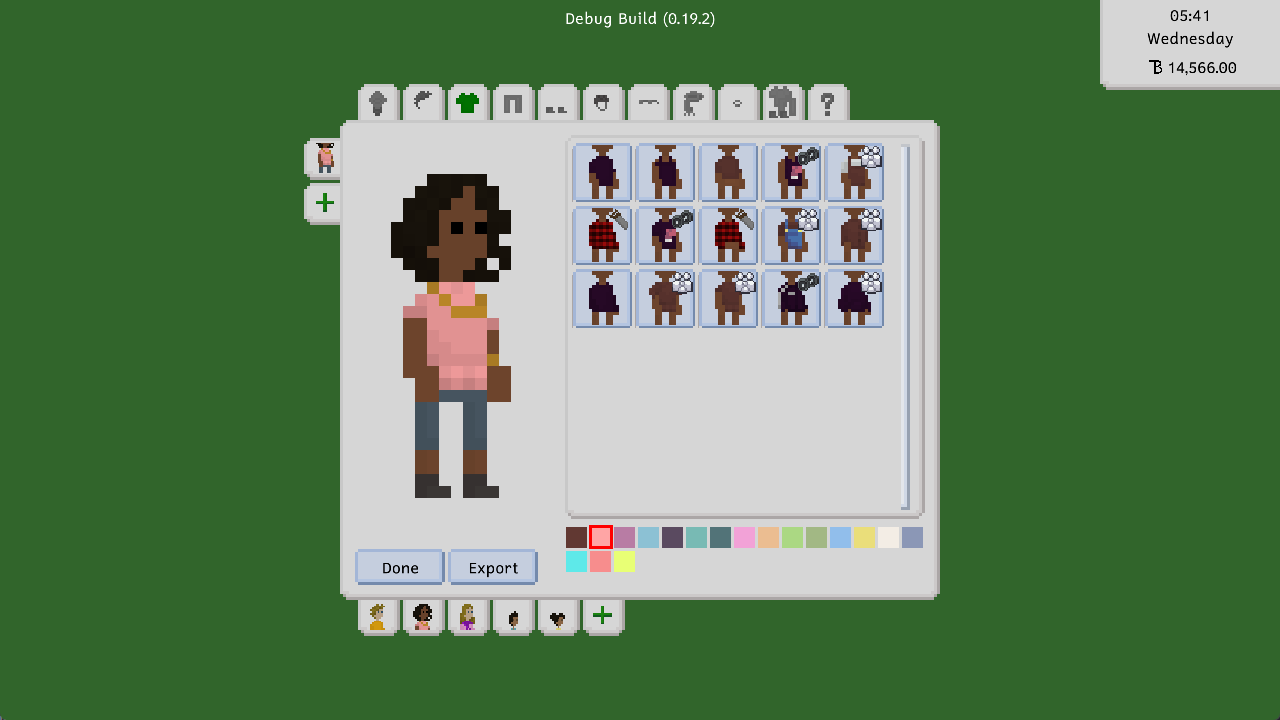
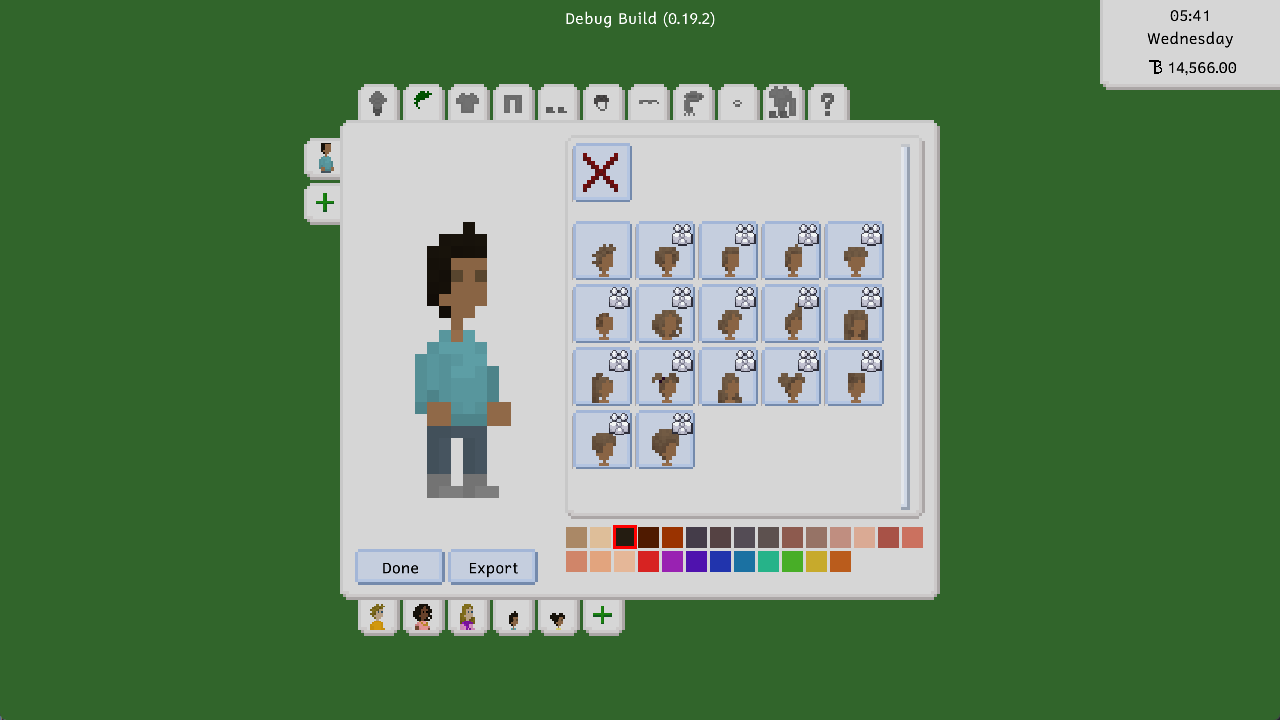
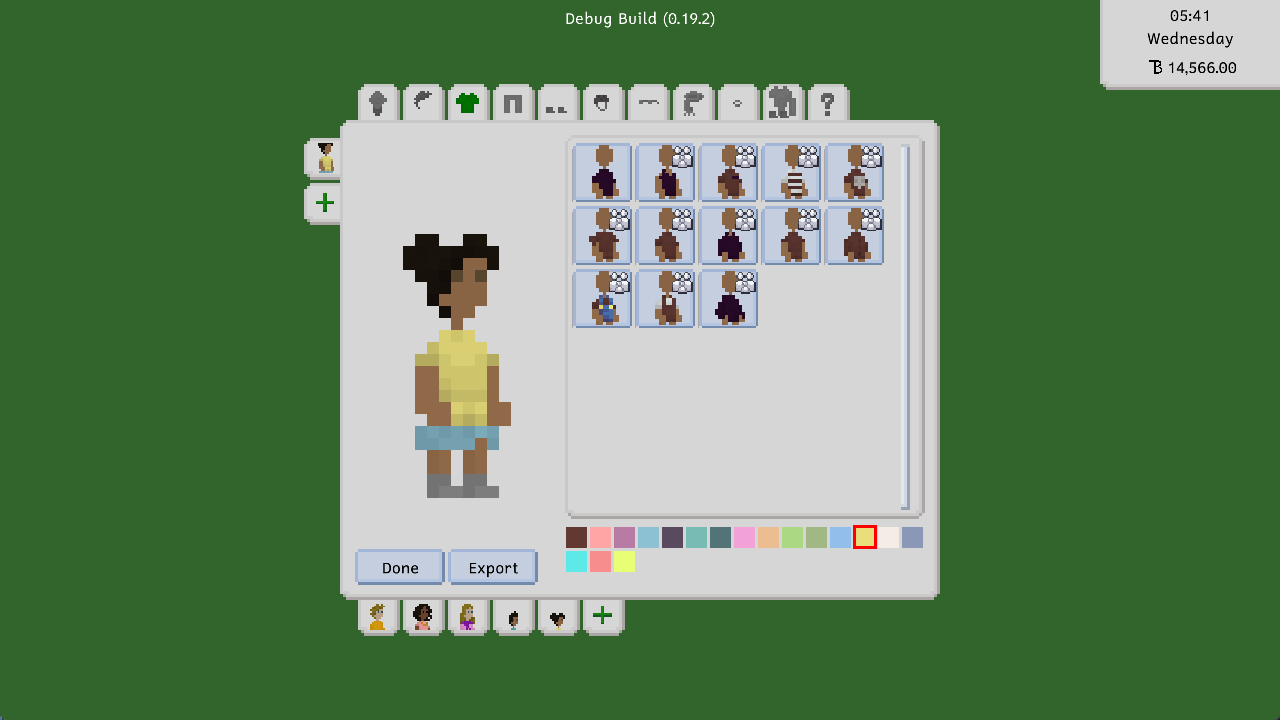
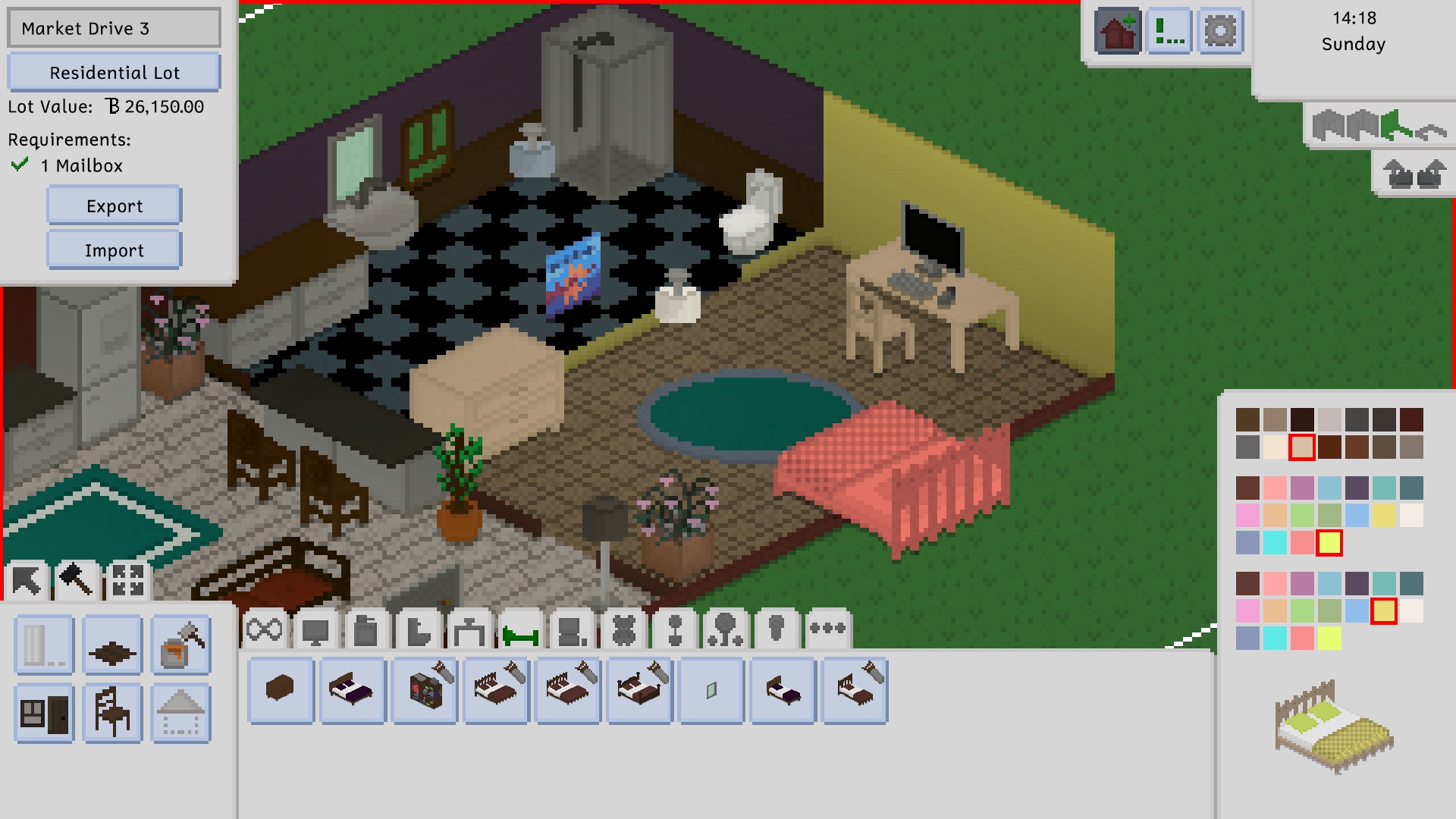
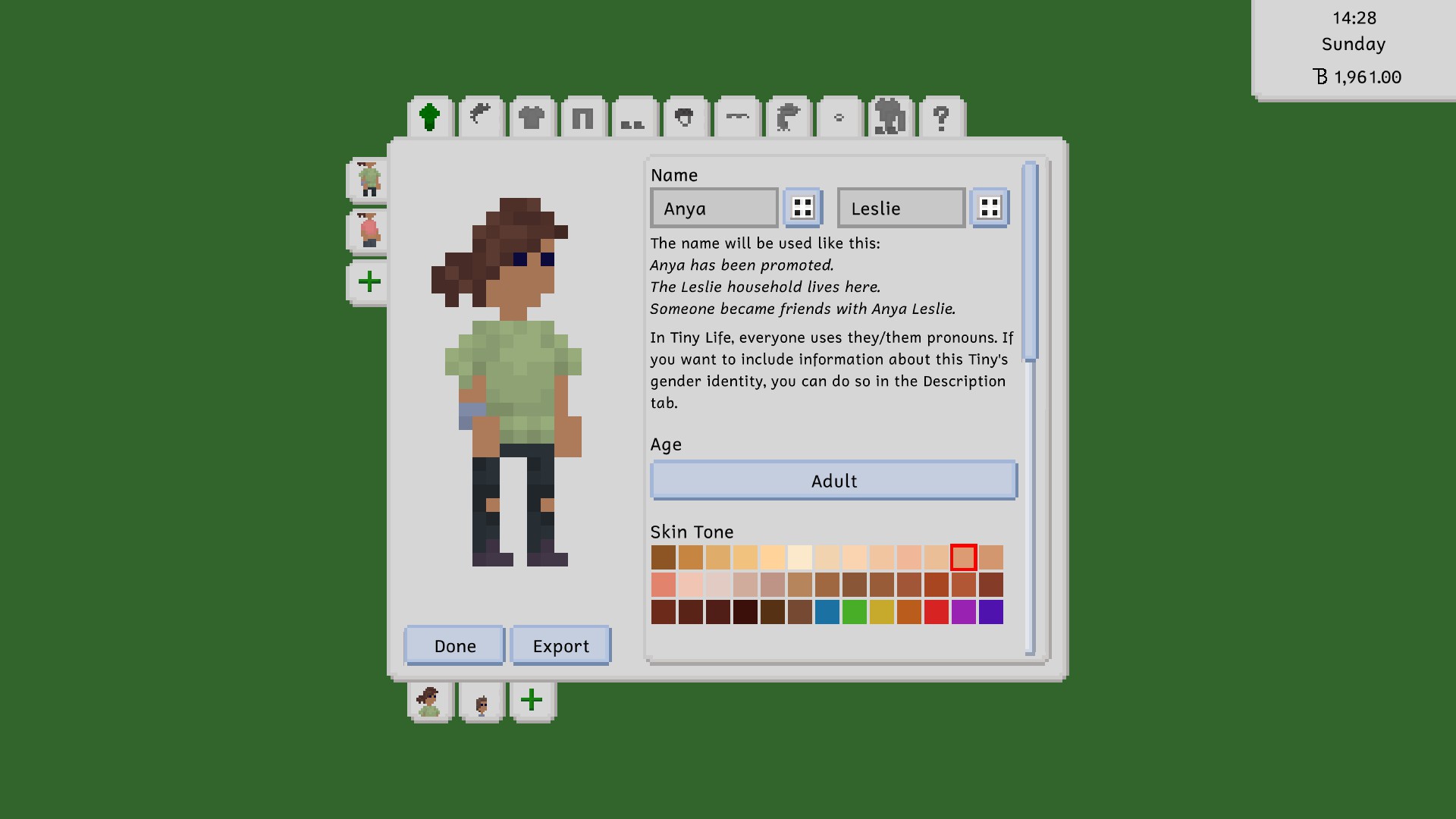
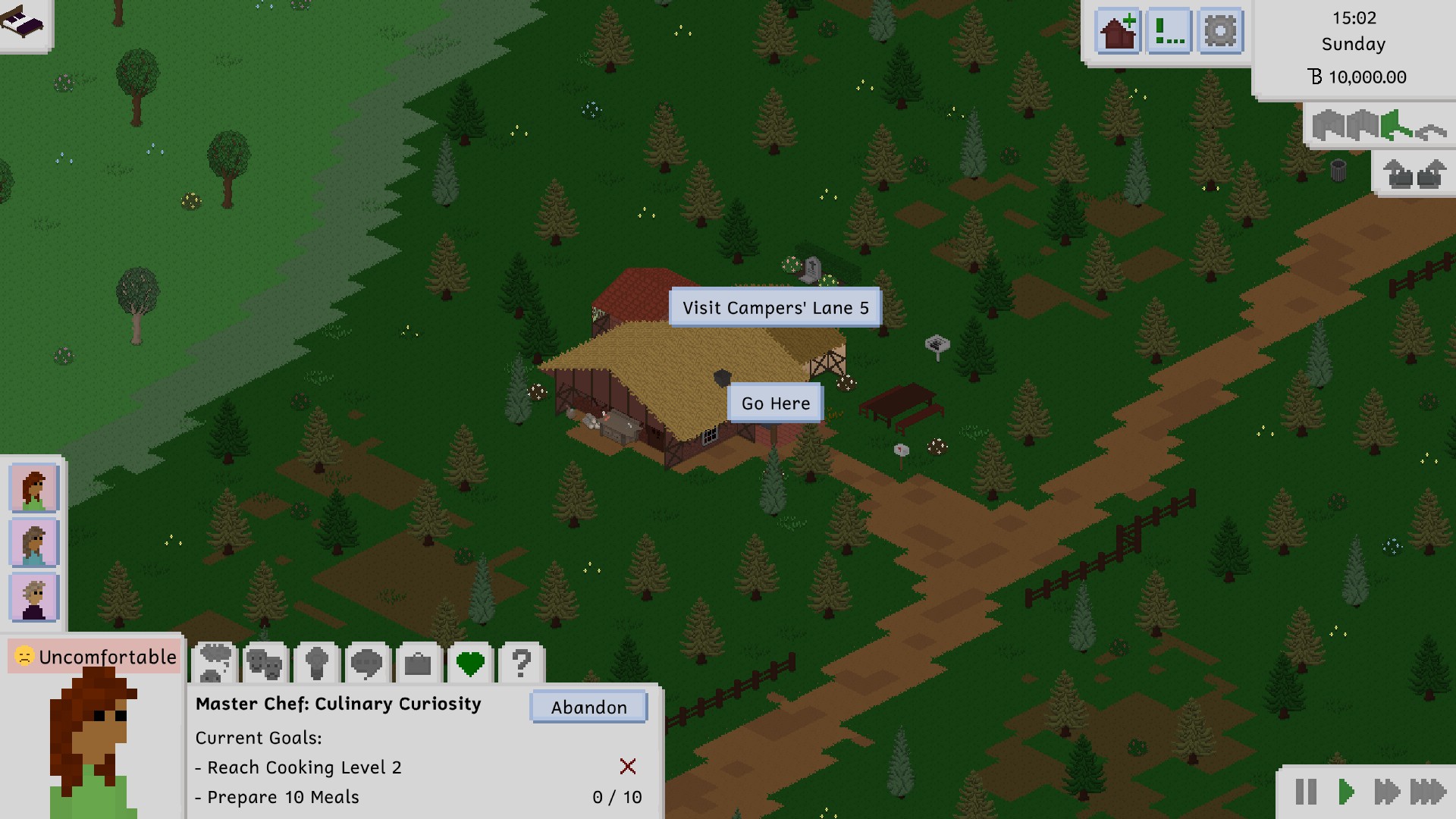
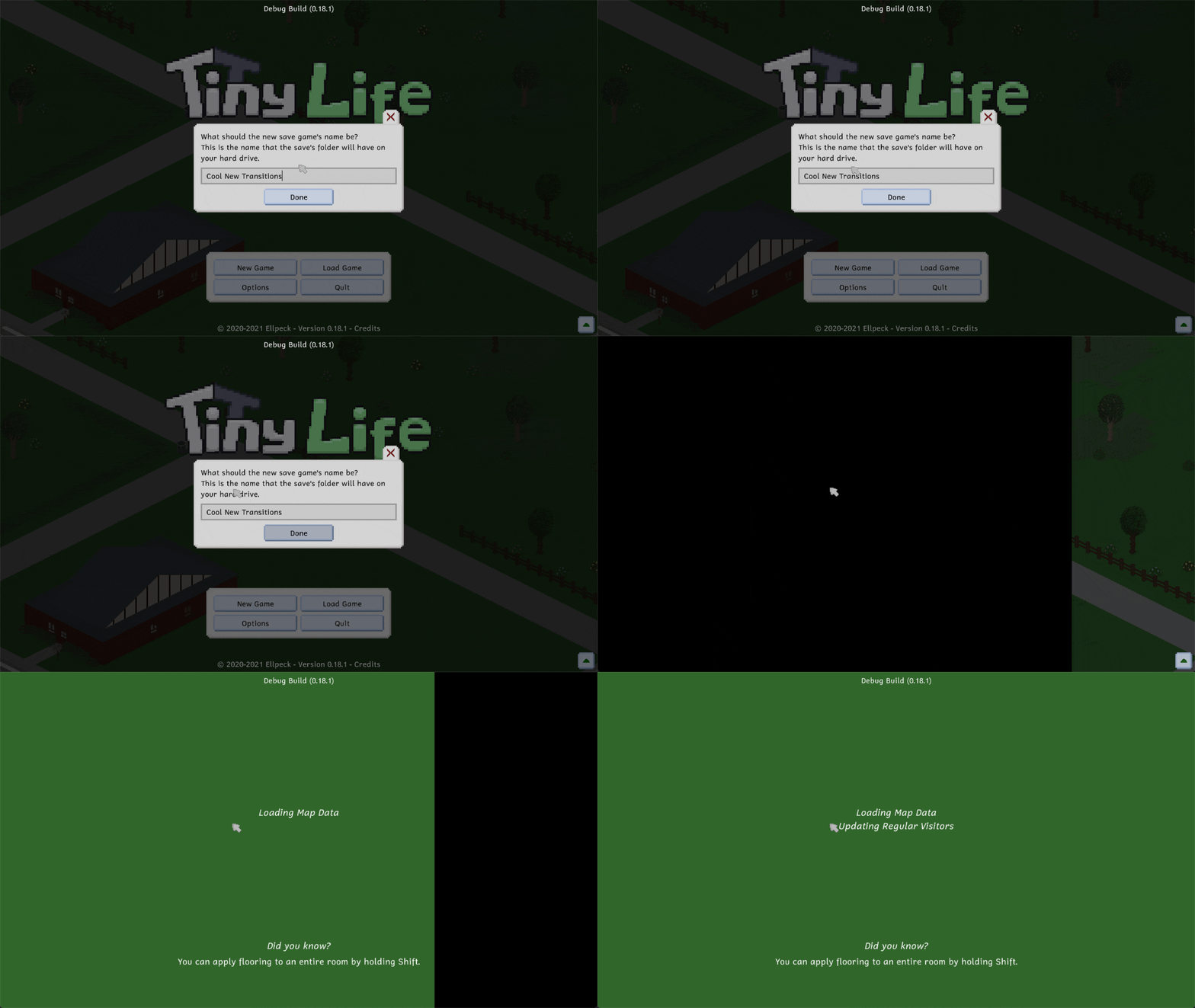
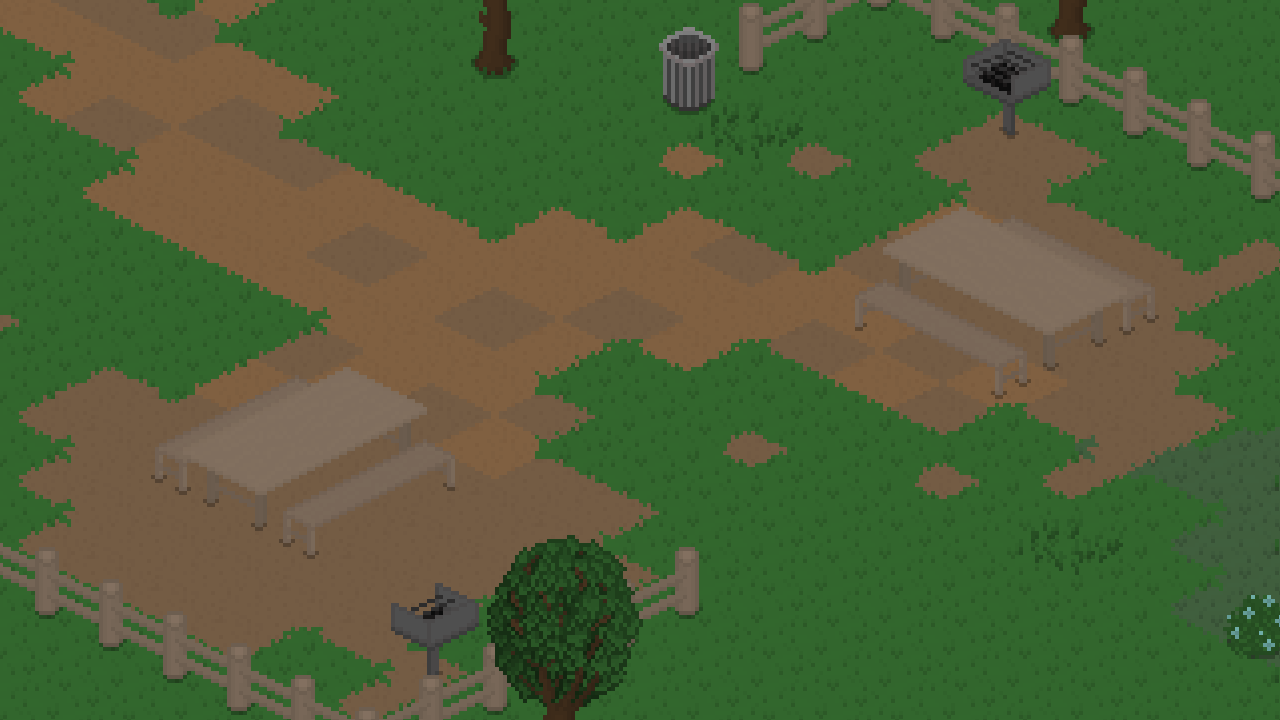
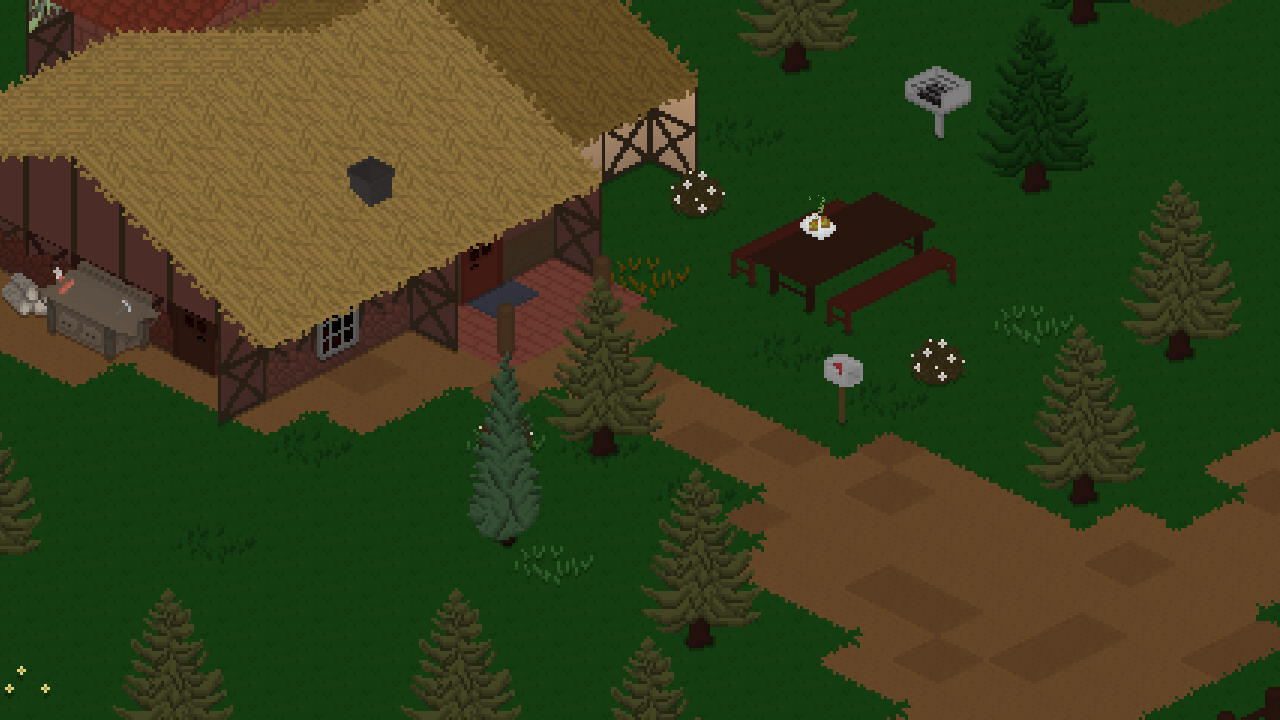
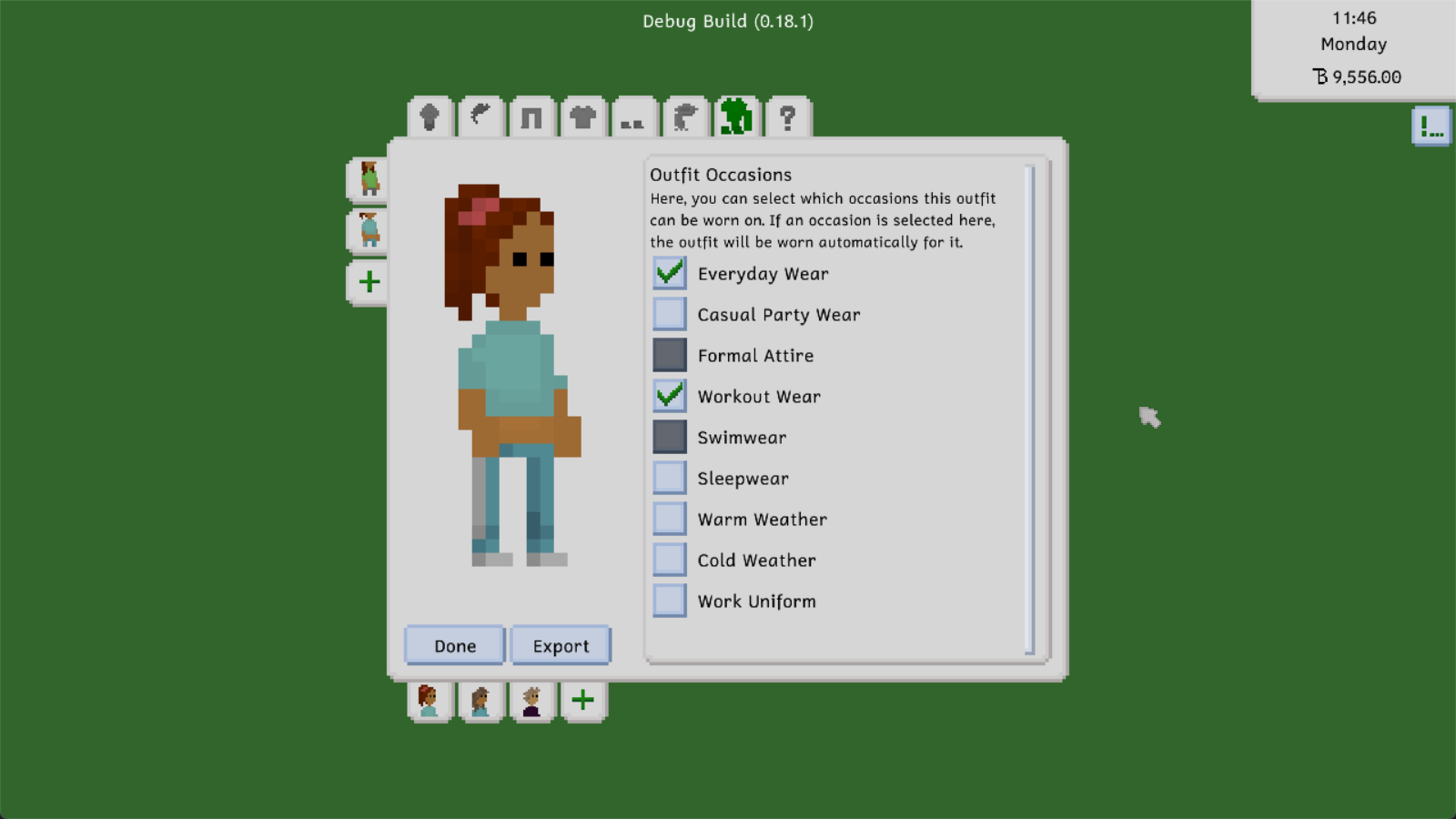
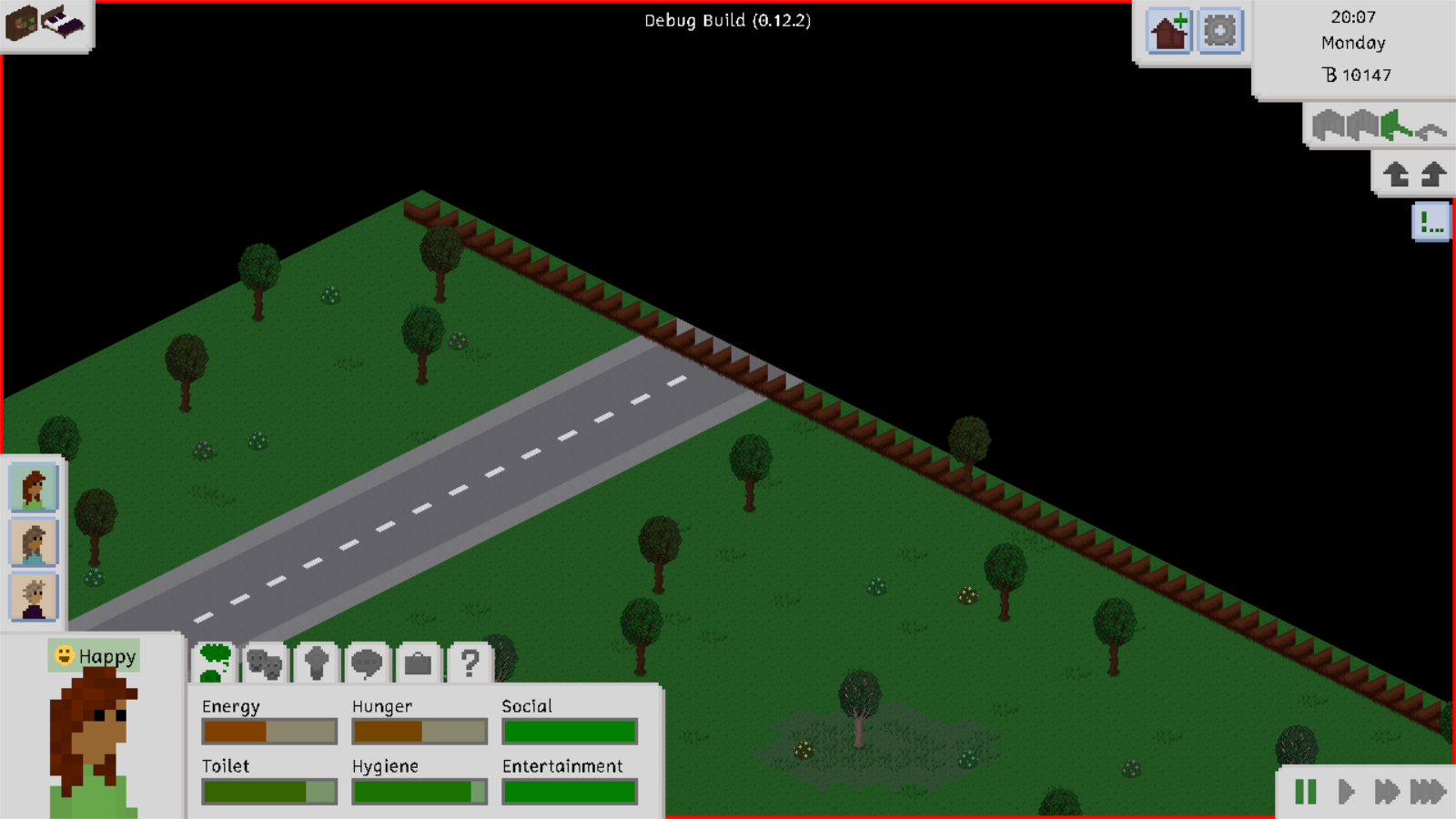
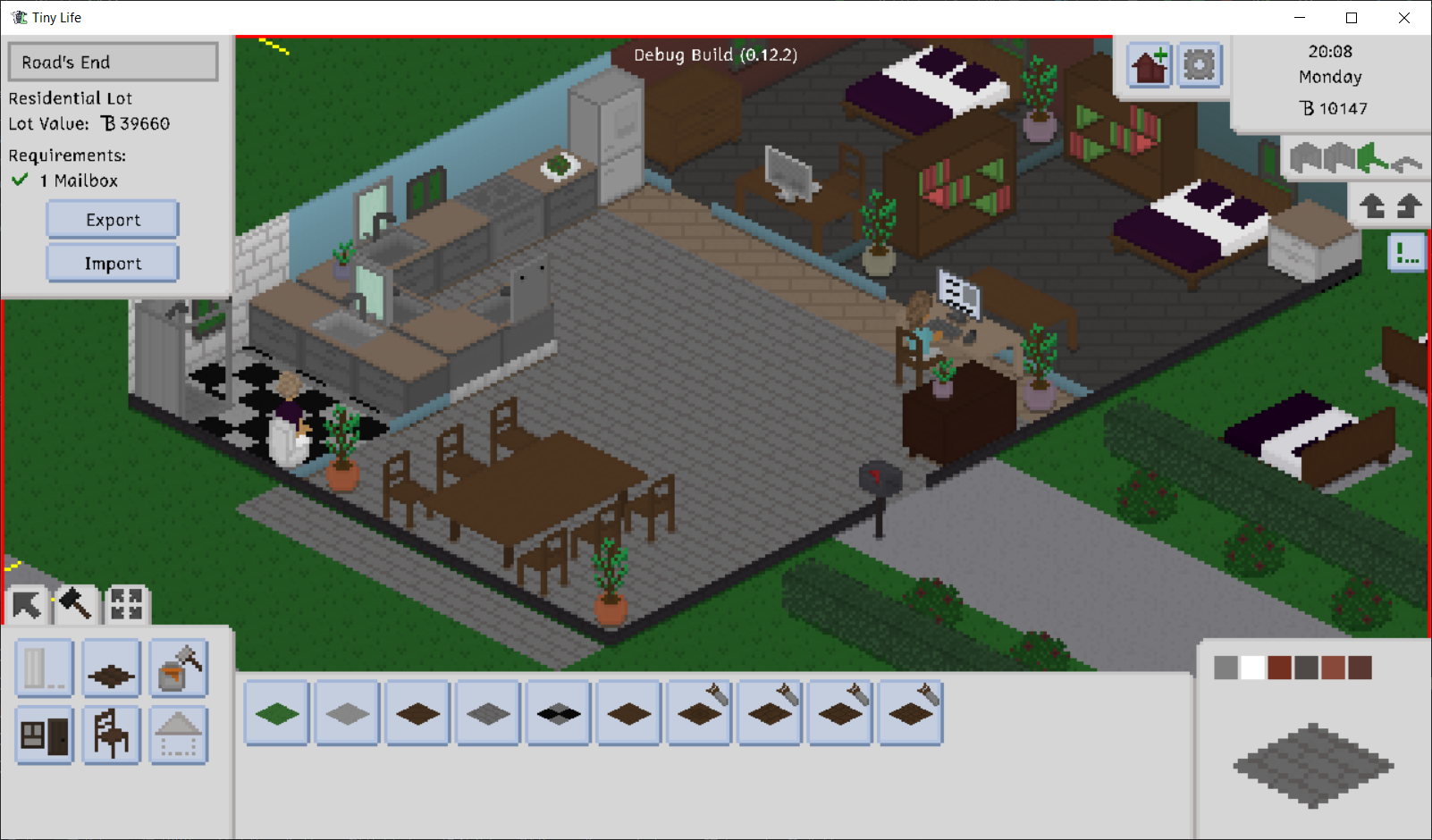
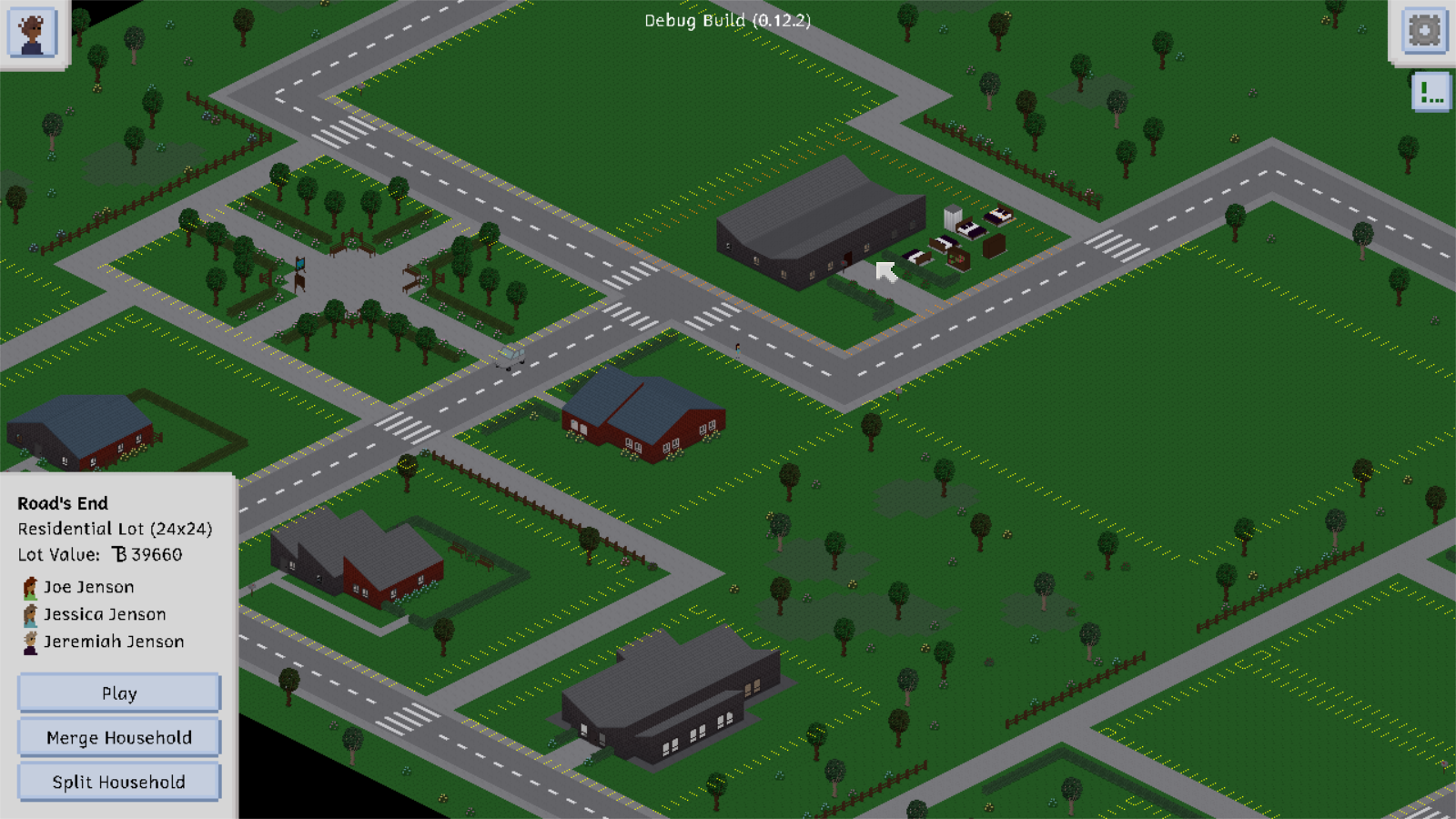
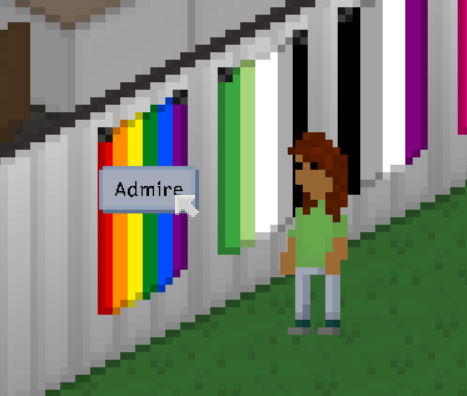
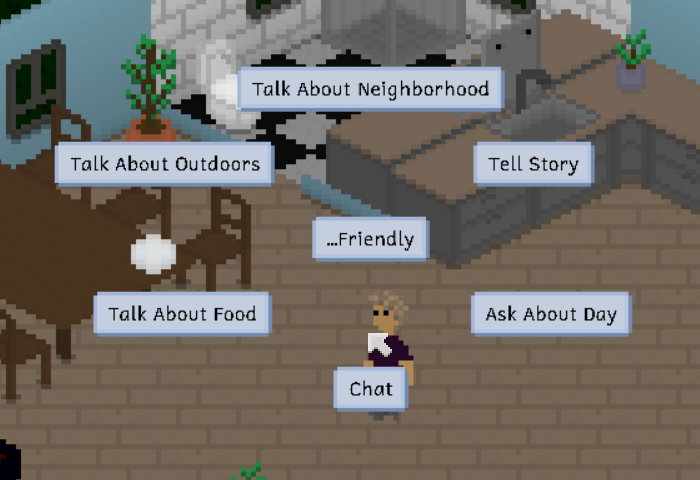
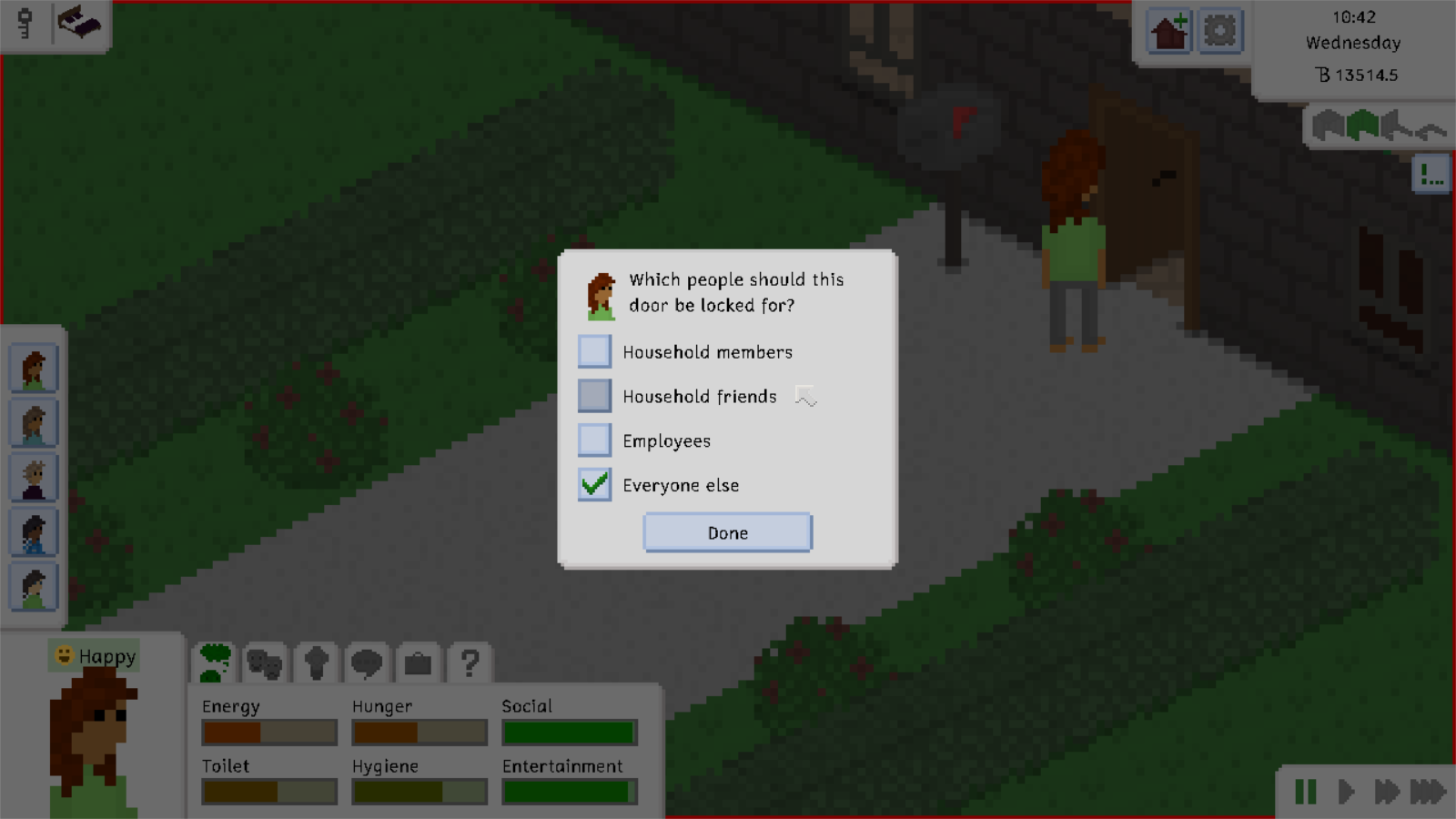
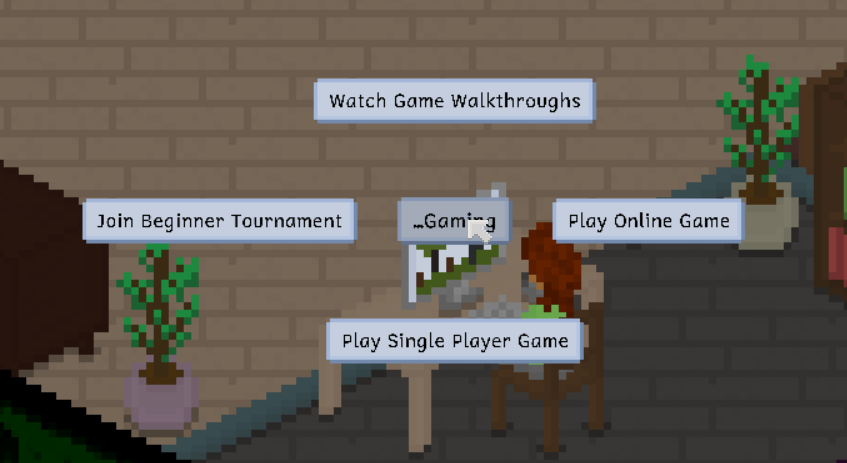
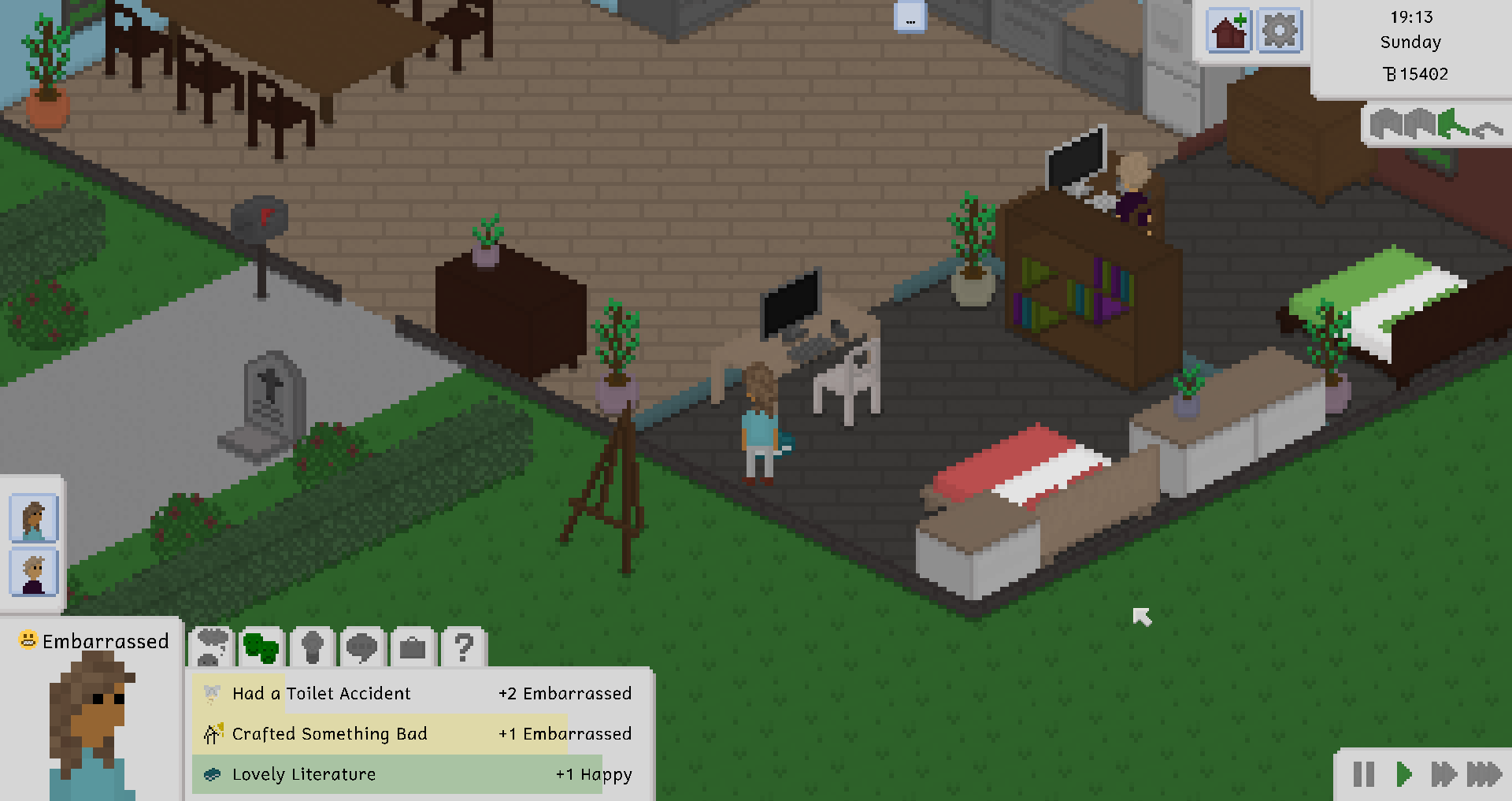
<p>The pronoun issue in Tiny Life was remarkably easy to fix, as all the developers had to do was overhaul the game’s language file and remove any pronouns from the file. Here are some screenshots showing the results!</p>

<p><img src="TinyLife_qJGW1gAWBp.png" alt="" /></p>

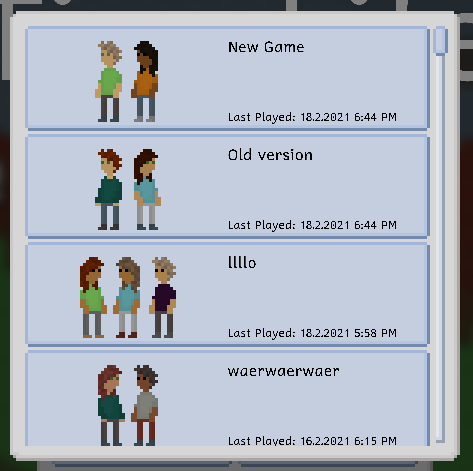
<p>As the reader may be able to see, players are greeted with the updated language right as players start a new game!</p>

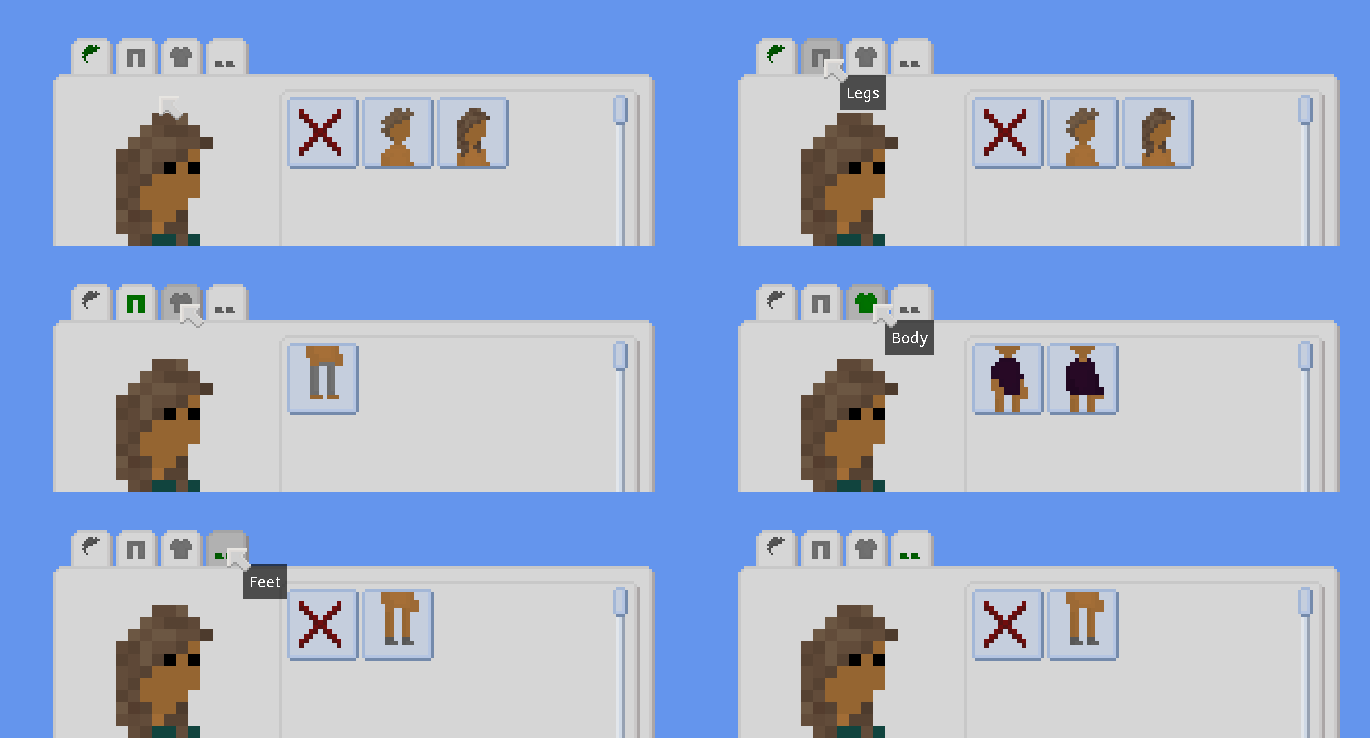
<p><img src="TinyLife_8X6Jnq8Bu8.png" alt="" /></p>

<p>Of course, even the most important and serious of text boxes have been adjusted.</p>

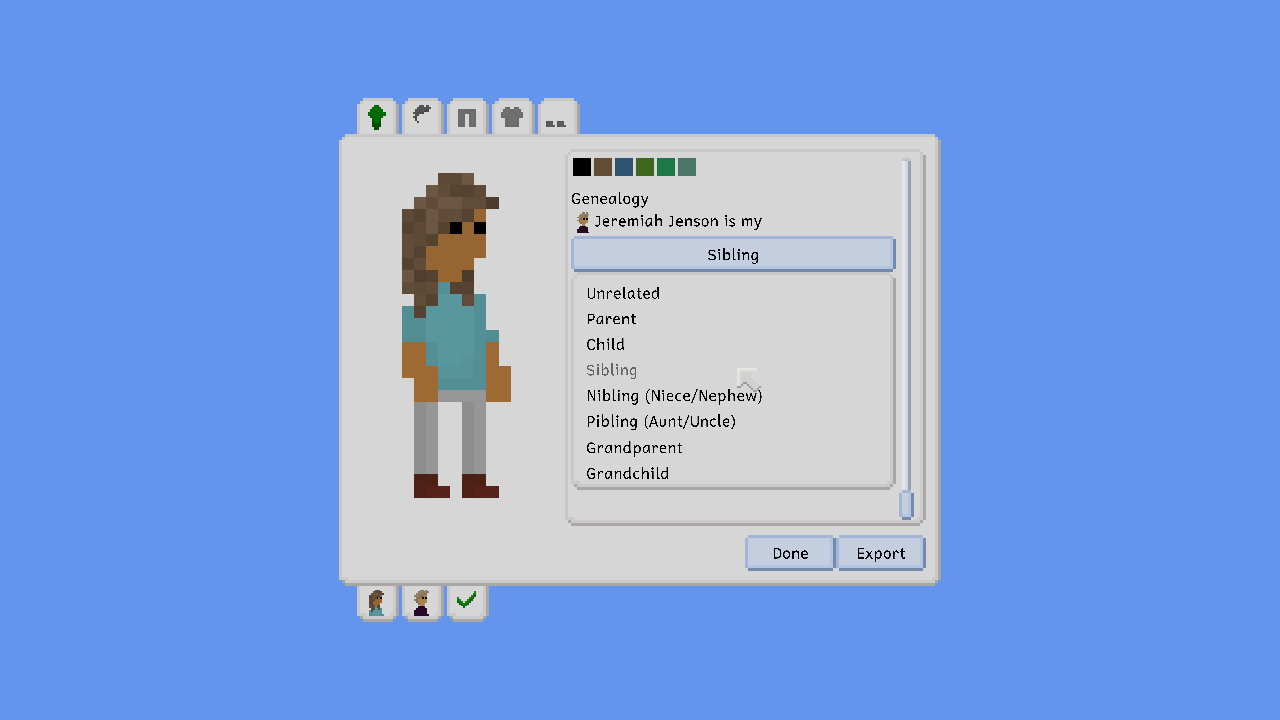
<p><img src="TinyLife_NsrTHY4IRZ.png" alt="" /></p>

<p>Aaah, a sight for sore eyes. The developers hope the reader is as excited about the update as the developers are! Please keep in mind: there may still be some phrases or sentences in the game erroneously including pronouns, as many more English words than the reader may think are actually pronouns.</p>

<h2 id="future-updates">Future Updates</h2>

<p>In the next update, the developers will be tackling the “women should stay in the kitchen” bit previously discussed. Further information the developers read on X also lead the developers to believe there may be a variety of other issues related to gender in the game, including the ability for Men to Wear Pink Little Skirts, as well as the ability for Women to Wear Anything At All.</p>

<p>The developers hope the reader looks forward to the update as well as all future ones!</p>

<p>❤️ Manly Man Ell Who Never Wears a Skirt Ever</p>

<hr />

<p><em>On a serious note, please remember: transphobia is antifeminist, and absolutely not welcome here. You can look forward to the “pronoun removal” joke feature in the next Tiny Life update in the form of a secret commandline switch. Happy April Fools, everyone!</em></p>]]></content><author><name>Ellpeck Games</name></author><category term="Devlogs" /><summary type="html"><![CDATA[The month of April has finally arrived, and with the month, the developers’ realization: the developers have been going about inclusivity in Tiny Life all wrong. The developers’ goal to create and foster a community intended for everyone, especially queer folk, has surely alienated many potential players.]]></summary><media:thumbnail xmlns:media="http://search.yahoo.com/mrss/" url="https://tinylifegame.com/TinyLife_NsrTHY4IRZ.png" /><media:content medium="image" url="https://tinylifegame.com/TinyLife_NsrTHY4IRZ.png" xmlns:media="http://search.yahoo.com/mrss/" /></entry><entry><title type="html">0.49.0: Some Needed Personality</title><link href="https://tinylifegame.com/posts/0.49.0/" rel="alternate" type="text/html" title="0.49.0: Some Needed Personality" /><published>2026-01-07T00:00:00+00:00</published><updated>2026-01-07T00:00:00+00:00</updated><id>https://tinylifegame.com/posts/0.49.0</id><content type="html" xml:base="https://tinylifegame.com/posts/0.49.0/"><![CDATA[<p>Hi everyone! It’s 2026 now, and doesn’t that feel a little weird? Funny thing is, this isn’t even the first Tiny Life blog post of the year, since that title goes to <a href="https://tinylifegame.com/posts/making-tiny-louvre/">the recent Community Showcase</a> about the mod Tiny Louvre. Definitely give it a read if you haven’t gotten a chance yet!</p>

<p>It’s been a few weeks since the last update, but we’ve been hard at work adding a few new personalities in response to the Post-0.48 Feature Survey which explored what new features you all would be interested in. It turns out that, while a Gardening system won by a landslide, you also pointed out an interest in the addition of new personalities. And while we haven’t gotten a chance to get started on Gardening yet (though we’ve been collecting some more concrete ideas for it), we did take the time to add three new personalities for this update.</p>

<p>This time, there are also a lot of other cool new things to show off, both small and large, so let’s get started with my personal favorite!</p>

<h2 id="the-history-and-future-of-maple-plains-city">The History (and Future) of Maple Plains City</h2>
<p>As most of you know very well by now, Maple Plains City is both the largest and oldest map in the game. I sometimes tell the anecdote that Maple Plains City resident Benny Banana was the first Tiny ever created for the game, and while that’s not necessarily correct (since there were a lot of unnamed test Tinies before him that didn’t get saved and/or named since those things didn’t exist yet), Benny Banana is indeed the first Tiny to be created and stick around. He’s lived in Rose Origin with his partner Carmen Cashew since his creation as well, which just goes to show how old Maple Plains City really is.</p>

<p>It’s gotten a lot of improvements and revisions over the last few years, with Tiny Life now being over five years old. Maybe this incredibly ancient screenshot will give you a feeling of just how barebones Maple Plains City was back in the game’s public alpha days in 2020.</p>

<p><img src="OldMap.jpg" alt="" /></p>

<p>Well, as I’m also sure you know, Maple Plains City has looked much different and a lot more lived-in recently, but it was still never <em>my favorite</em>. For one, the pine-forested area was always a little empty in my opinion, and there were parts of the map, especially around the lake and the Coffees and Trees Café, that always felt a little lifeless to me. That’s why, in this update, we’ve gone around the map to place a bunch more objects, paths, and even two new lots!</p>

<p>We won’t show all of the improvements in this post, since those are for you to discover, but here are some of the highlights!</p>

<p>There’s a bigger forested area in the corner now.</p>

<p><img src="26-01-07_16-13-04.png" alt="" /></p>

<p>Maple Plains Park has received a cute little pedestrian bridge.</p>

<p><img src="26-01-07_16-13-32.png" alt="" /></p>

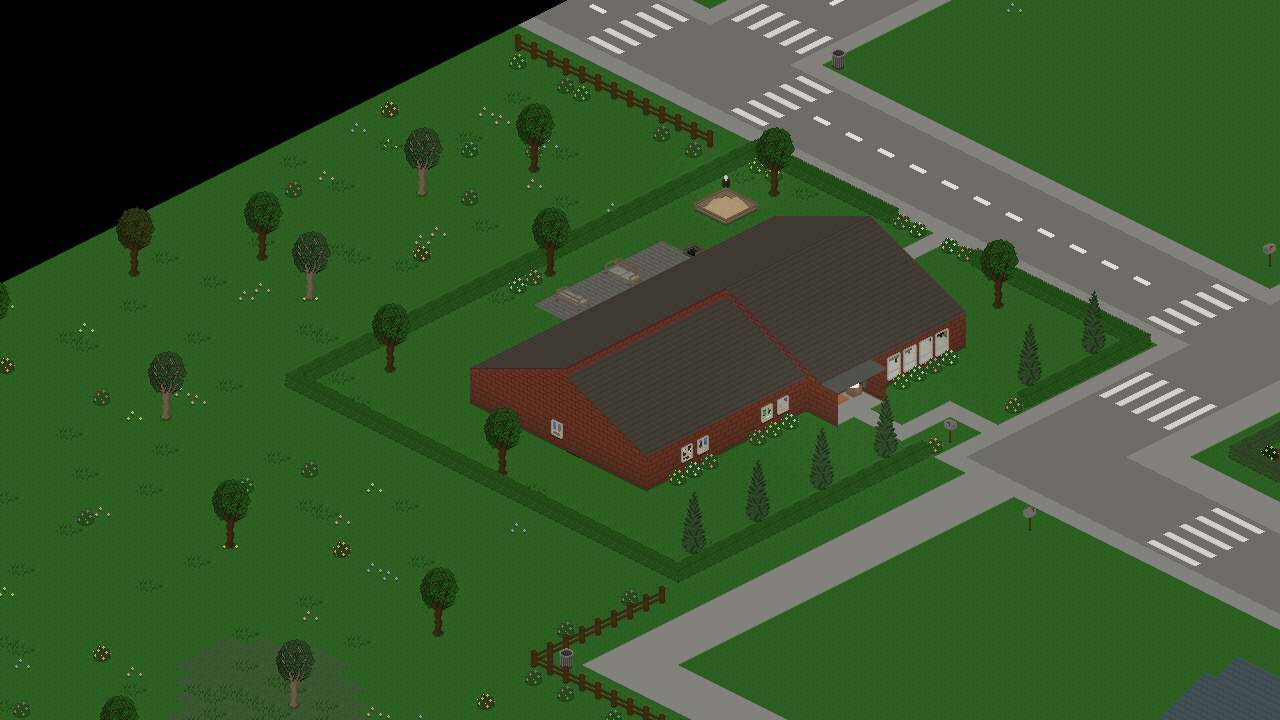
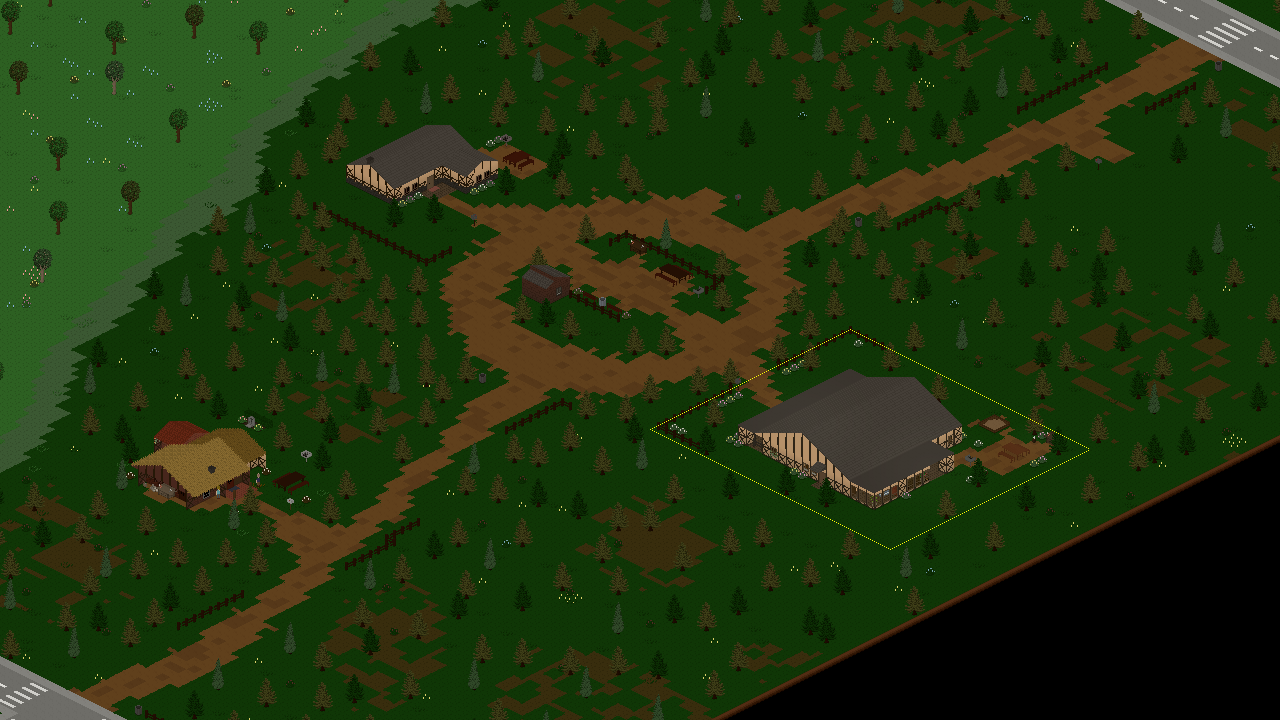
<p>The forested area has received a dirt road inspired by the one in Lunar Grove, along with a few new paths to connect existing paths to it, and two new (currently unoccupied) residential lots!</p>

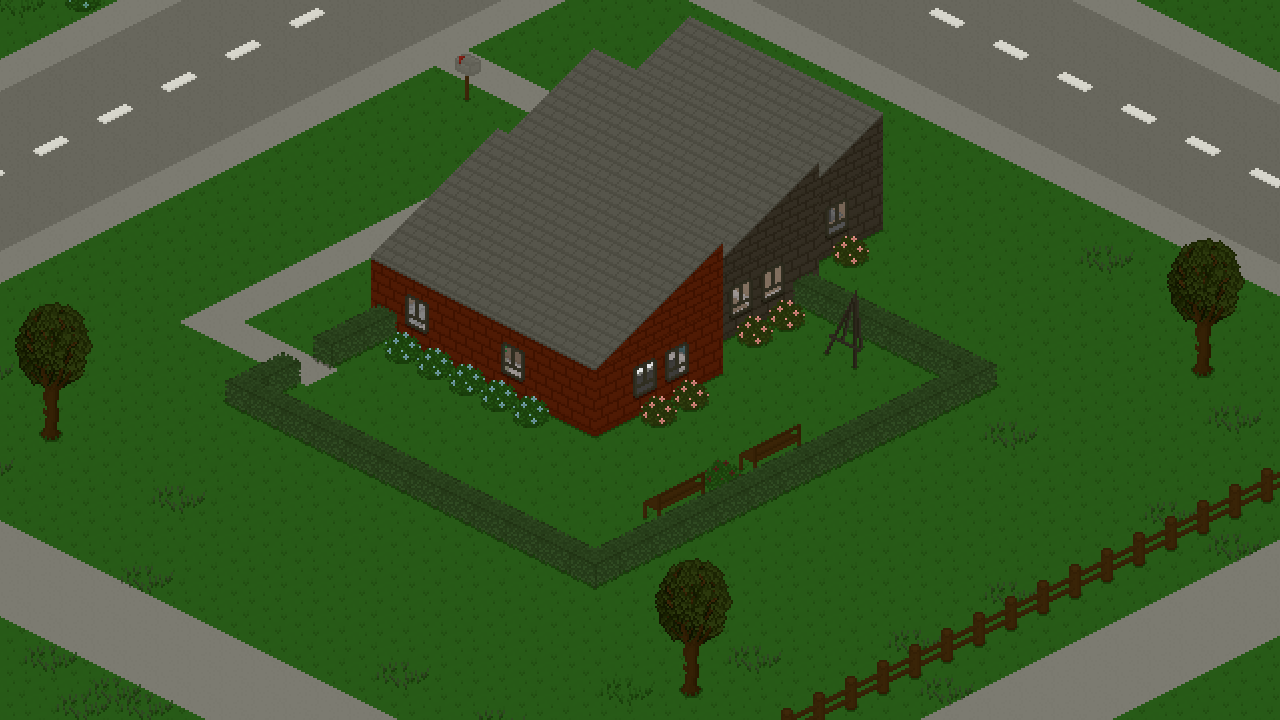
<p><img src="TinyLife_GCPgAXfa0R.png" alt="" /></p>

<p>For future updates, we’re still planning on doing some more minor improvements to these new areas, such as adding more pre-built houses, especially now that there are two additional empty lots.</p>

<p>When loading an existing save for the first time after downloading the update, you should notice that loading the game will take a little longer than usual. That’s because, as always with map updates, existing saves will be updated to receive decorative off-lot features from map updates without overriding anything that makes your save file unique (such as your lots or modified households). We hope you enjoy the improvements to Maple Plains City!</p>

<h2 id="new-personalities">New Personalities</h2>
<p>As we said at the top, this update also includes two new personalities, both of which are fully featured major personalities that include new behaviors, social actions and a bit of additional gameplay.</p>

<p>The first two new personalities are Charismatic and Romantic, which are essentially friendship- and romance-related versions of the same idea: Tinies with one or both of these personalities will have improved relationship gain in their respective categories, faster skill gain in the Charisma skill, and a few unique interactions and emotions available.</p>

<p><img src="TinyLife_fCEKsR1k1z.png" alt="" /></p>

<p><img src="TinyLife_NtdTIZ6ifu.png" alt="" /></p>

<p>The Neat personality, which is the third new one added in this update, is not socialization-related at all, and instead improves Tinies’ ability and interest in cleaning and keeping the house nice and tidy. Maybe there’s a negative to being that neat here and there, though…</p>

<p><img src="TinyLife_J5noShMxzP.png" alt="" /></p>

<p>With the addition of this personality, we’ve also updated the Cleaning skill icon to make it a bit more representative of the overall cleaning process. It now doesn’t just include a sponge, but also a little mop-slash-duster.</p>

<p>We hope you’re excited to try out these new personalities and end up enjoying the new features they have to offer. We hope that these will certainly make your Tinies that little bit more diverse in behavior. Of course, we still have a lot of additional personalities and updates to existing ones planned for future updates though, so stay tuned and always feel free to let us know what other personalities you’d love to see in the game!</p>

<h2 id="high-speed-speed">High-Speed Speed</h2>
<p>We recently held a small survey about the speed of the game’s time, specifically how much time speeds up when using the fast or very fast speed buttons. As it turns out, a lot of people were feeling that the very fast speed didn’t feel all that fast at all, and they commonly found themselves wishing that there was a higher speed to select.</p>

<p>Enter the Higher Game Speed Increase option that you can now find in the General options tab, which allows you to permanently increase the speed of the fast and very fast speed buttons. Instead of doubling and tripling the game’s speed, which they normally do, enabling the option will cause them to triple and quintuple the speed instead, respectively. That’s five times the speed instead of three times the speed for the very fast button!</p>

<p><img src="TinyLife_MDDtKDahsx.png" alt="" /></p>

<p>Feel free to try out this option and let us know what you think!</p>

<p>In all of this speed discussion, please keep in mind that the extremely fast speed setting, which is denoted with a small + icon in the top-right corner of the very fast speed button, is still available when all Tinies in the active household are asleep or out of town. This speed option has always been 20x the regular speed, and this is unchanged both in this update and with the Higher Game Speed Increase option selected.</p>

<h2 id="the-full-changelog">The Full Changelog</h2>
<p>That’s pretty much it in terms of major features for this update! As always, there are some smaller additions and various improvements that we didn’t feel it necessary to cover as part of this devlog, but you can read about them in the full changelog below.</p>

<p>I hope you’ve had a lovely end of the last, and start of the new, year, and I hope you enjoy this update a lot!</p>

<p>❤️ Ell</p>

<p>Additions</p>
<ul>
  <li>Added the charismatic, romantic and neat personalities</li>
  <li>Added three new important event stings by Jamal Green</li>
  <li>Added mismatched socks for adults</li>
  <li>Added an accessibility option to pause the game automatically when zoomed out into map view</li>
  <li>Added the ability to increase the game’s speed increase factors from 2x/3x to 3x/5x, respectively</li>
</ul>

<p>Improvements</p>
<ul>
  <li>Completely overhauled Maple Plains City’s plains areas and added two new lots to it</li>
  <li>Slightly increase the default AI activation cooldown</li>
  <li>Allow pressing on the current emotion to open the emotions tab</li>
  <li>Camera movement speed using the keyboard is now increased when holding shift</li>
  <li>Better organization for general and accessibility options tabs</li>
  <li>Undo and redo in build mode can now also be invoked using new UI buttons</li>
  <li>Made the AI only ever enqueue one need-solving action at a time</li>
</ul>

<p>Fixes</p>
<ul>
  <li>Fixed lot employees being able to carry babies into restricted areas</li>
  <li>Fixed grabbing a serving and getting water succeeding even when there’s no valid path</li>
  <li>Fixed an exception when an action involving player interaction is enqueued before switching to a different household</li>
  <li>Fixed Tinies grabbing a serving automatically on food with a candle on it</li>
  <li>Fixed genealogies automatically being able to change for people who are in a romantic relationship</li>
  <li>Fixed baby names not being updated correctly in play mode when having a baby</li>
  <li>Fixed an exception when trying to change a baby’s outfit</li>
  <li>Fixed people still thinking other adults are in primary school if they knew them as kids</li>
  <li>Fixed a rare exception when trying to prepare invalid food items</li>
  <li>Fixed a rare crash when trying to render a Tiny whose animations have not been initialized yet</li>
</ul>

<p>API</p>
<ul>
  <li>Fixed mods being instructed to registr custom json type safe generic data holders</li>
  <li>Added an event for when a Tiny dies</li>
</ul>]]></content><author><name>Ellpeck Games</name></author><category term="Devlogs" /><summary type="html"><![CDATA[Hi everyone! It’s 2026 now, and doesn’t that feel a little weird? Funny thing is, this isn’t even the first Tiny Life blog post of the year, since that title goes to the recent Community Showcase about the mod Tiny Louvre. Definitely give it a read if you haven’t gotten a chance yet!]]></summary><media:thumbnail xmlns:media="http://search.yahoo.com/mrss/" url="https://tinylifegame.com/TinyLife_GCPgAXfa0R.png" /><media:content medium="image" url="https://tinylifegame.com/TinyLife_GCPgAXfa0R.png" xmlns:media="http://search.yahoo.com/mrss/" /></entry><entry><title type="html">Community Showcase: Making the Mod Tiny Louvre (by blur)</title><link href="https://tinylifegame.com/posts/making-tiny-louvre/" rel="alternate" type="text/html" title="Community Showcase: Making the Mod Tiny Louvre (by blur)" /><published>2026-01-04T00:00:00+00:00</published><updated>2026-01-04T00:00:00+00:00</updated><id>https://tinylifegame.com/posts/making-tiny-louvre</id><content type="html" xml:base="https://tinylifegame.com/posts/making-tiny-louvre/"><![CDATA[<p><strong>ell:</strong></p>

<p>Hi everyone! It’s been a hot minute since the last <a href="https://tinylifegame.com/#community-showcase">Tiny Life Community Showcase</a> post, but I’ve been wanting to revive the category for <em>years</em> now. The opportunity presented itself to me when long-time friend of mine and modder of Tiny Life <a href="https://blur.gay">blur</a> created the Tiny Louvre mod and an accompanying video and blog post on their website.</p>

<p>The following post is a version of <a href="https://blur.gay/blog/tinylife/Making-Tiny-Louvre.html">the original post</a> modified by them to appear on the Tiny Life blog and accompanying platforms. It goes into detail about what Tiny Louvre is, how it was created, and gets technical about some implementation details here and there. In that way, it’s also sort of a light version of a <a href="https://tinylifegame.com/#tiny-technicalities">Tiny Technicalities</a> post.</p>

<p>I hope you enjoy reading blur’s post, and please keep in mind to check out the mod afterwards!</p>

<hr />

<p><strong>blur:</strong></p>

<p>So, recently I made a mod for Tiny Life called Tiny Louvre.
This mod adds paintings you can create in-game that both show up on furniture in-game and can be shared with and downloaded from other players.
To this end, the mod adds a variety of bits, like an easel with a painting
interface, a museum where people can view art collated from online,
and, well, the paintings themselves!</p>

<p>I made a video about the mod and how it works if you’re interested:</p>

<p><a href="https://www.youtube.com/watch?v=CipQ_CEHk0M"><img src="https://img.youtube.com/vi/CipQ_CEHk0M/0.jpg" alt="Tiny Louvre Video Thumbnail" /></a></p>

<p>Anyway, when I was making it, I bumped into some design challenges, and for the sake of my future self and anyone else looking to make a Tiny Life mod with these features, I figured I’d enumerate the challenges and the solutions I landed on.</p>

<h2 id="adding-default-maps">Adding Default Maps</h2>

<p>So, Tiny Louvre adds a new default map, the Tiny Louvre.
This is a museum lot that lets players view a variety of both classical paintings I added to the game and paintings downloaded from online.</p>

<p>And this was simple enough, right?
I just used the <a href="https://docs.tinylifegame.com/articles/custom_maps.html">Creating Custom Maps</a> tutorial in the Tiny Life docs to create the custom map, exported it, and copied the <code class="language-plaintext highlighter-rouge">.json</code> file into <code class="language-plaintext highlighter-rouge">Content/TinyLouvre/Maps</code>.</p>

<p>But wait, it wasn’t appearing in the map list.
I guess that’s to be expected, there’s probably a method or event for telling the game what maps my mod adds.
And yep, there’s
<a href="https://docs.tinylifegame.com/api/TinyLife.World.Map.html#TinyLife_World_Map_OnGetStaticMaps">Map.OnGetStaticMaps</a>,
which I can hook into without much fuss.</p>

<p><img src="tinylouvreinmenu.png" alt="Tiny Louvre in the add map menu" /></p>

<p>Hey, there it is!</p>

<p>I should make sure this works before I celebrate too much.
Check the map off, create the world, aaaaaand crash.</p>

<p>So, reading in modern day you might see something noteworthy in the <code class="language-plaintext highlighter-rouge">OnGetStaticMaps</code> docs:</p>

<blockquote>
  <p>If this event is subscribed to and one or more custom maps are added to the list, the OnLoadStaticMap event should also be subscribed to to handle actually loading these maps.</p>
</blockquote>

<p>That’s because ell added that to the docs while we were talking about this issue.
At the time, I had no idea I had to do something else to load the map, but it turns out I <em>also</em> had to subscribe to
<a href="https://docs.tinylifegame.com/api/TinyLife.World.Map.html#TinyLife_World_Map_OnLoadStaticMap">OnLoadStaticMap</a>.
Okay, so add a new bit to <code class="language-plaintext highlighter-rouge">AddGameContent</code>,</p>

<div class="language-cs highlighter-rouge"><div class="highlight"><pre class="highlight"><code><span class="n">Map</span><span class="p">.</span><span class="n">OnLoadStaticMap</span> <span class="p">+=</span> <span class="p">(</span><span class="n">MapInfo</span> <span class="n">mapInfo</span><span class="p">,</span> <span class="n">Newtonsoft</span><span class="p">.</span><span class="n">Json</span><span class="p">.</span><span class="n">JsonSerializer</span> <span class="n">serializer</span><span class="p">,</span> <span class="k">ref</span> <span class="n">Map</span> <span class="n">map</span><span class="p">)</span> <span class="p">=&gt;</span>
<span class="p">{</span>
    <span class="k">if</span><span class="p">(</span><span class="n">mapInfo</span><span class="p">.</span><span class="n">Name</span> <span class="p">==</span> <span class="s">"TinyLouvre"</span><span class="p">)</span> 
        <span class="n">map</span> <span class="p">??=</span> <span class="n">info</span><span class="p">.</span><span class="n">Content</span><span class="p">.</span><span class="n">LoadJson</span><span class="p">&lt;</span><span class="n">Map</span><span class="p">&gt;(</span><span class="s">$"Maps/TinyLouvre"</span><span class="p">,</span> <span class="k">null</span><span class="p">,</span> <span class="n">serializer</span><span class="p">);</span>
<span class="p">};</span>
</code></pre></div></div>

<p>and we’re golden, everything loads and we can see the map in-game.</p>

<p>Well that was simple enough, let’s move on to another issue I spent time on,</p>

<h2 id="enabling-online-mode">Enabling Online Mode</h2>

<p>So, adding the online mode features, while a technological challenge on their own, wasn’t actually that involved since I knew before I started writing code how I was going to design the paintings and codec to optimize for sharing on social media.</p>

<p>What I did have some issues with, however, was getting a pop-up to appear the first time the mod was loaded asking the user if they wanted Online Mode enabled.
On principal, I didn’t want to have online functionality in an offline-by-default game without disclosing that it was user-generated and confirming with the player.</p>

<p>For determining whether it was actually enabled, Tiny Life actually has a pretty good Options system, letting you put all your controls in the mod’s options section using the <code class="language-plaintext highlighter-rouge">PopulateOptions</code> hook, and providing methods like <code class="language-plaintext highlighter-rouge">ModInfo.LoadOptions</code> to load your mod options into a convenient little object.
Handy!</p>

<p>My first approach, and a bit of a naïve one, was just to do exactly what I usually do to open a menu, but right when the mod loads up.
Which sounds fine on paper, but, uh. The Root UI element gets replaced once the main menu loads up, so the pop up doesn’t actually stay on screen.</p>

<p>I ended up looking around, searching for a hook into the main menu spawning or something, until eventually just asking Ellpeck what he does for the mod version popup, which pretty much has exactly the behavior I was looking for.</p>

<p>And he pointed me to
<a href="https://docs.tinylifegame.com/api/TinyLife.GameImpl.html?q=OnSwitchGameMode#TinyLife_GameImpl_OnSwitchGameMode">OnSwitchGameMode</a>.
Well that’s easy enough, just add</p>
<div class="language-cs highlighter-rouge"><div class="highlight"><pre class="highlight"><code><span class="n">GameImpl</span><span class="p">.</span><span class="n">Instance</span><span class="p">.</span><span class="n">UiSystem</span><span class="p">.</span><span class="nf">Add</span><span class="p">(</span>
    <span class="s">"TinyLouvreOnlineConfirmWindows"</span><span class="p">,</span>
    <span class="k">new</span> <span class="nf">ConfirmWindow</span><span class="p">()</span>
<span class="p">);</span>
</code></pre></div></div>
<p>to that hook, and hey!</p>

<p><img src="tinylouvreconfirm.png" alt="Tiny Louvre Confirm Window" /></p>

<p>Then I just added a bit to the options that just checked whether it had been shown yet, and skip showing it if it had been.
Simple enough, what else is there to talk about?</p>

<h2 id="furniture-textures">Furniture Textures</h2>

<p>Sure, why not?</p>

<p>So, for Tiny Louvre, my original plan was to add a renderer to just draw the paintings askew and realign to the top pixels, either by drawing in blocks or using a shader.</p>

<p>But wait, Tiny Life is built with MLEM, which is based on MonoGame.
I can just construct textures in memory to save on render time!</p>

<div class="language-cs highlighter-rouge"><div class="highlight"><pre class="highlight"><code><span class="n">_furnitureTextures</span><span class="p">[</span><span class="m">0</span><span class="p">]</span> <span class="p">??=</span> <span class="k">new</span> <span class="nf">Texture2D</span><span class="p">(</span><span class="n">device</span><span class="p">,</span> <span class="n">SIZE_X</span><span class="p">,</span> <span class="p">(</span><span class="n">SIZE_Y</span> <span class="p">+</span> <span class="n">ho</span><span class="p">));</span>
<span class="n">_furnitureTextures</span><span class="p">[</span><span class="m">1</span><span class="p">]</span> <span class="p">??=</span> <span class="k">new</span> <span class="nf">Texture2D</span><span class="p">(</span><span class="n">device</span><span class="p">,</span> <span class="n">SIZE_X</span><span class="p">,</span> <span class="p">(</span><span class="n">SIZE_Y</span> <span class="p">+</span> <span class="n">ho</span><span class="p">));</span>
</code></pre></div></div>

<p>Tiny Louvre keeps its furniture textures small, only constructing two for the downward-facing variants of Paintings.</p>

<p>When generating these, I just take the canvas (which I also convert to a Texture2D for rendering), then march from left to right placing pixels slightly askew, by either starting at the top and shifting down every other column or
vice versa.</p>

<p>Then, when it comes time to render in the world, it’s as easy as drawing into the level, right?</p>

<p>Well, when I used the base <code class="language-plaintext highlighter-rouge">Draw</code> method, for some reason stuff just… wasn’t working?
The layering was off, it was drawing paintings on every floor.</p>

<p><img src="tinylouvrelayering.png" alt="Tiny Louvre paintings drawing through the floor" /></p>

<p>Wait, wait, wait.
I think I see what’s going on here.</p>

<p>And ell agreed, noting that I was offsetting the depthOffset by too much to compensate for the fact that I wasn’t using the right one for the floor the painting was on.
Oops.</p>

<p>Well, thankfully, there’s a method on <code class="language-plaintext highlighter-rouge">MapObject</code>s that does all this for me, <code class="language-plaintext highlighter-rouge">DrawColumns</code>.
Just switch over to using that to draw my paintings et voilá!</p>

<p><img src="tinylouvrelayering2.png" alt="Tiny Louvre paintings drawing correctly on their floor" /></p>

<p><img src="tinylouvrelayering3.png" alt="Tiny Louvre paintings no longer visible through the floor" /></p>

<p>Now you can’t see paintings through the floor!</p>

<h2 id="conclusion">Conclusion?</h2>

<p>So, what’s the takeaway here?</p>

<p>Well, first off, ell is very cool and helpful, thank you a ton.
Through his effort, during the dev process here and elsewhere, Tiny Life’s modding and API documentation are quite good, which makes it very comfortable to learn how to mod this game and fun to continue to do so.</p>

<p>Also, don’t be afraid to reach out for help in the
<a href="https://discord.com/channels/181435613147430913/981562300592947220">#tiny-life-modding</a>
channel on the Ellpeck Games Discord.
Plenty of folks (myself included on occasion) are willing to help you get your mod working by pointing you to the right spots in documentation, helping you figure out tough problems, or rubber ducking for you as you walk through your process.</p>

<p>Honestly, I just like modding in Tiny Life.
I’ve mostly been working on games like Minecraft recently, which is fun, but having first-class modding support and a line to the game’s primary developer is such a breath of fresh air.</p>

<p>I’d say if you are even a little interested in modding Tiny Life, give it a go!
It’s cross-platform (I mod on Linux but it’s trivially easy to do on Windows or Mac), it’s fun, and there’s a community waiting to help you get your mod made.</p>

<p>And remember:</p>

<p><img src="tinylouvrecool.png" alt="ell: its such a cool mod" /></p>

<p>Tiny Louvre is a cool mod</p>

<hr />

<p><strong>ell:</strong></p>

<p>Lastly, you can download Tiny Louvre both on <a href="https://steamcommunity.com/sharedfiles/filedetails/?id=3590606034">Steam workshop</a> and the mod’s <a href="https://github.com/ssblur/tinylouvre">GitHub repository</a>. Be sure to have any paintings you create published through the mod’s in-game editor so that they’re available for other players to view!</p>

<p>Also, please keep in mind that, due to Tiny Louvre being a mod created by a community member and the game’s modding API still being early, not all future versions of Tiny Life may be compatible with Tiny Louvre. If that’s the case, you can always contact blur through the Steam workshop post or the GitHub issue tracker, as linked above!</p>

<p>❤️ ell and <a href="https://blur.gay">blur</a></p>]]></content><author><name>Ellpeck Games</name></author><category term="Community Showcase" /><summary type="html"><![CDATA[ell:]]></summary><media:thumbnail xmlns:media="http://search.yahoo.com/mrss/" url="https://tinylifegame.com/thumb.png" /><media:content medium="image" url="https://tinylifegame.com/thumb.png" xmlns:media="http://search.yahoo.com/mrss/" /></entry><entry><title type="html">0.48.0: The Biggest Set Yet (By Far)</title><link href="https://tinylifegame.com/posts/0.48.0/" rel="alternate" type="text/html" title="0.48.0: The Biggest Set Yet (By Far)" /><published>2025-09-23T00:00:00+00:00</published><updated>2025-09-23T00:00:00+00:00</updated><id>https://tinylifegame.com/posts/0.48.0</id><content type="html" xml:base="https://tinylifegame.com/posts/0.48.0/"><![CDATA[<p>Hi everyone! It’s been a while since the last major update, and thus, since the <a href="https://tinylifegame.com/posts/0.47.0/">last devlog</a>. While there have been plenty of <a href="https://tinylifegame.com/changelog/#04711">smaller updates</a> in the meantime, it feels great to get back to devlog writing and a larger update again.</p>

<p>I know a lot of you have been waiting for this update a long time, but I think it’ll be well worth the wait. Let’s get into it!</p>

<h2 id="the-biggest-set-yet-by-far">The Biggest Set Yet (By Far)</h2>

<p>You read that right. This update contains the biggest set yet in terms of amount of items added to the game. If you’re out of the loop, sets are (usually) small groups of themed content that are included in the full game for free, with their art (usually) created through a one-off paid commission by a member from the Tiny Life community. Previous sets brought fun items like workout equipment, the woodworking table, as well as plenty of furniture items and clothing in various styles, including retro, modern, and rustic.</p>

<p><img src="Thumbnail.png" alt="" /></p>

<p>This update introduces the <strong>Out &amp; About Set</strong>, with art lovingly created by the awesome <a href="https://bsky.app/profile/sleepysnail6.bsky.social">Snail</a>. To sum the set up in one sentence (as the game itself does in its Sets menu):</p>

<blockquote>
  <p>It’s all about fun fashion! With clothing that’s striking, colorful and a little unconventional, Tinies will love to show off their outfits when they’re out and about.</p>
</blockquote>

<p>The Out &amp; About Set comes with a total of 59 accessories, 9 full-body items, 23 hairstyles, 8 pants, 10 shoes, and 16 tops, including items for all age groups. Yea, that’s quite a lot.</p>

<p>To get a good overview of what the set has to offer, I recommend checking out the trailer we put together for it, which was also shown at the Top Hat Studios Tokyo Game Show Showcase a bit earlier today.</p>

<iframe width="560" height="315" src="https://www.youtube.com/embed/deKclDnbG1U?si=afevjoQeyjQ0QODh" title="YouTube video player" frameborder="0" allow="accelerometer; autoplay; clipboard-write; encrypted-media; gyroscope; picture-in-picture; web-share" referrerpolicy="strict-origin-when-cross-origin" allowfullscreen=""></iframe>

<p>It’s been an absolute blast working on this set with Snail, who not only contributed all of the art assets, but also brainstormed the set’s content and the designs for so many of the items witih me. I hope you will love playing with this set and finally being able to give your Tinies the makeovers they deserve. Full-body outfits like dresses and jumpsuits, anyone?</p>

<p>As with all previous sets, the Out &amp; About Set will be available for free through the 0.48.0 update of the full game. The set’s items will not appear in the game’s demo, however.</p>

<h2 id="outfit-presets">Outfit Presets</h2>

<p>In addition to the set, we felt it necessary to overhaul some of the character creator’s features. In addition to polishes to the order and icons of the character creator’s category tabs, we also added an entirely new category: <strong>Outfit Presets</strong>!</p>

<p>Outfit presets can be used by players like me, who don’t particularly enjoy dressing up their Tinies in fancy outfits, and don’t want to stick with the randomly generated outfit that a newly created Tiny comes with. Well now, you can select one of a large variety of pre-made outfits for your Tinies which cover them head to toe with beautifully matched clothes.</p>

<p><img src="TinyLife_JY3oc32AzL.png" alt="" /></p>

<p>Of course, if you’re so inclined, you can also use outfit presets as a basis for a custom outfit, and change only the parts that you feel particularly strongly about.</p>

<p>As time goes on, we’ll obviously be adding more and more outfit presets, both with basegame items and a mix of current and future set items. For the time being, there are already plenty of outfit presets you can dress your Tinies up in, though.</p>

<h2 id="paintings-and-decor">Paintings and Decor</h2>

<p>In addition to character creator features, this update also features some new items and gameplay features that were added here and there during the Out &amp; About Set’s development time. It turns out that, for no reason in particular, most of them are focused on your Tinies’ artistic endeavors.</p>

<p>When playing with the Painting skill, your Tinies are now able to paint 10 new paintings in various styles, nearly doubling the total amount of paintings available to paint and subsequently decorate your house with (or sell, of course).</p>

<p>Each of the game’s paintable paintings now also have a display name, which helps in differentiating them especially if you’re not quite sure what’s depicted on them (in which case I won’t be offended, I promise).</p>

<p><img src="25-09-23_16-00-54%201.png" alt="" /></p>

<p>In addition to the new paintings, there are also 4 new non-paintable prints that you can buy straight from build mode, all of which are themed around kitchen items. These were inspired by the fact that I saw some cute prints while browsing a store a while back, and realized that I don’t really have any free walls in my kitchen to hang such prints on.</p>

<p>Feel free to guess what four items these depict, though I think it’s pretty obvious what they are… I hope.</p>

<p><img src="25-09-23_16-02-43.png" alt="" /></p>

<h2 id="useful-npcs">Useful NPCs</h2>

<p>When creating lot employments for Tinies (which is our internal name for any Tinies that are staff on a public lot or in the world itself, such as baristas, bartenders, trash collectors, mail deliverers, babysitters, and so on), part of our goal with them is to make them useful to gameplay in some way, rather than just having them hang around and exist.</p>

<p>For some employments, there are obvious uses, like how a mail deliverer delivers mail and a barista allows buying coffee. But for some, like librarians and gym trainers, we tried to come up with special behaviors and interactions that enrich gameplay while visiting the public lots they staff. For example, gym trainers will occasionally come over to you while you’re using a workout machine at the gym and attempt to encourage you, causing you to receive an energized emotion for a while and thus increase the speed at which you level up in the fitness skill.</p>

<p>The <strong>museum curator</strong>, who you can find on museum lots, now has an additional purpose: selling paintings! Every day, each museum curator in the world has a set of randomly selected paintable paintings available that they sell with varying prices. If you don’t like having to paint your own paintings to decorate your house, or you’re looking for a specific painting that you just can’t get your Tiny to paint, why not head over to the nearest museum and ask the museum curator what they have in stock today?</p>

<p><img src="TinyLife_bqmZVdeFT5.png" alt="" /></p>

<h2 id="the-pace-of-updates-moving-forward">The Pace of Updates Moving Forward</h2>

<p>A few weeks ago, <a href="https://ellpeck.de/blog/bachelors-thesis-postmortem/">I finally finished my bachelor’s thesis</a>, which was a major factor in the slowed pace of updates over the last six months. This means that the pace of updates will be able to pick up once again.</p>

<p>In my excitement about the thesis, and my vague planning for my personal future, I have decided to stay at uni for a master’s degree. While this means I’ll be able to continue working on the game without having to get a full-time job, it does mean that I’ll still have a lot of additional work to do on the side, with uni and the continuation of my student job.</p>

<p>So what does this mean for Tiny Life’s future? Well, obviously I can’t tell what the future holds in terms of workload and my mental health, but what I can say is that I’m still passionate about Tiny Life’s development and future, and so the game will continue to receive regular updates as it always has. But for the foreseeable future, it’ll just continue to be an up and down in terms of the speed at which these updates come out.</p>

<p>If you want to check in on the game’s development progress at any point, please feel free to join the official <a href="https://link.tinylifegame.com/discordweb">Ellpeck Games Discord</a>, where I post semi-regular sneak peeks, and where you’re also welcome to ask about the game’s current state, update progress, as well as what I have planned for it.</p>

<p>I hope you’re as excited about this update as I am, and I hope you’ll stick with the game and I as we figure out the next few years on the road to the game’s full PC release, as well as an accompanying console release, together.</p>

<p>❤️ Ell</p>

<h2 id="the-full-changelog">The Full Changelog</h2>

<p>Additions</p>
<ul>
  <li>Added the Out &amp; About Set with art by <a href="https://bsky.app/profile/sleepysnail6.bsky.social">Snail</a>, which includes 59 accessories, 9 full-body items, 23 hairstyles, 8 pants, 10 shoes, and 16 tops, including items for all age groups</li>
  <li>Added the outfit preset system, as well as several outfit presets using items from the base game and sets</li>
  <li>Added 10 new paintings that can be painted using the easel</li>
  <li>Added 4 kitchen-themed print decorations</li>
  <li>Added the ability to buy paintings from museum curators</li>
  <li>Added the potty professional personality, which is awarded when growing up to a child with level 5 potty skill</li>
</ul>

<p>Improvements</p>
<ul>
  <li>Improve the visuals of the nudity censor effect</li>
  <li>Allow recoloring painting frames using the color tool</li>
  <li>Paintings now have display names</li>
  <li>The focused emotion now has a particle effect</li>
  <li>Improve the selection of matching households for household generation to make large houses be more likely to have large families inhabit them</li>
  <li>Improved the character creator’s tab icons</li>
  <li>Display brief tooltips in the person selection and character creator when using gamepad or keybind navigation</li>
  <li>Fix particle textures sometimes bleeding into adjacent texture regions</li>
  <li>Made tooltips slightly less transparent</li>
  <li>Made it a lot likelier for random outfits to be generated using items that match the outfit’s intended category</li>
  <li>Various food scraps are now displayed when a tiny uses a cutting board</li>
  <li>Food items are now categorized by time of day, and the AI will choose fitting food items with higher likelihood</li>
  <li>The maximum money amount per household has been reduced to 10 million to avoid excessive rounding errors at higher amounts</li>
  <li>An additional icon is now displayed on an action when a tiny is currently traveling to a different map</li>
</ul>

<p>Fixes</p>
<ul>
  <li>Fixed a crash when loading into the game before the news finish downloading</li>
  <li>Fixed a rare crash when using gamepad navigation from within the character creator</li>
  <li>Fixed the world button in the demo hanging off the edge of the in-game ui</li>
  <li>Fixed a rare issue where household imports and exports would cause relationships to be duplicated</li>
  <li>Fixed tinies washing their hands when canceling the toilet action before it starts</li>
  <li>Fixed tinies changing out of their non-everyday wear if bathing/showering is canceled before taking their clothes off</li>
  <li>Fixed tinies spamming park lots with grilled food if there is already a lot there</li>
  <li>Fixed various migration issues when importing lots that were exported in older versions</li>
</ul>

<p>API</p>
<ul>
  <li>Object icons now use the mod’s icon by default, so icons don’t need to be set manually by modders anymore</li>
  <li>All objects that are part of sets are now named according to mod item naming rules, with item names prefixed by the set name and a dot. Saves are automatically migrated using the migration system, and the owning set of an item can be queried through the GetOwningSet method in GameImpl.</li>
  <li>Random household generation now supports non-Person people</li>
  <li>Person-related cheats can now be used in the character creator</li>
  <li>The build tools panel now allows scrolling if there are more than 9 registered build tools</li>
  <li>Mods can now register woodworking recipes for items that don’t belong to them</li>
  <li>Localization files can now additionally use a flat layout (separating category names from entries using a dot), or a deeper layout (using objects for modded items where previously a dot was required at the start of each key, similar to categories)</li>
  <li>Mods now require prefixing their custom object categories with the mod id</li>
  <li>The game now ensures a sufficient execution stack for error reporting in locations where indefinite recursion may become an issue, meaning stack overflow exceptions will also be caught and reported accordingly</li>
</ul>]]></content><author><name>Ellpeck Games</name></author><category term="Devlogs" /><summary type="html"><![CDATA[Hi everyone! It’s been a while since the last major update, and thus, since the last devlog. While there have been plenty of smaller updates in the meantime, it feels great to get back to devlog writing and a larger update again.]]></summary><media:thumbnail xmlns:media="http://search.yahoo.com/mrss/" url="https://tinylifegame.com/Thumbnail.png" /><media:content medium="image" url="https://tinylifegame.com/Thumbnail.png" xmlns:media="http://search.yahoo.com/mrss/" /></entry><entry><title type="html">0.47.0: Elders and Their Demise</title><link href="https://tinylifegame.com/posts/0.47.0/" rel="alternate" type="text/html" title="0.47.0: Elders and Their Demise" /><published>2025-03-09T00:00:00+00:00</published><updated>2025-03-09T00:00:00+00:00</updated><id>https://tinylifegame.com/posts/0.47.0</id><content type="html" xml:base="https://tinylifegame.com/posts/0.47.0/"><![CDATA[<p><img src="Splash.png" alt="" /></p>

<p>It’s here, everyone! It’s <em>finally here</em>! After months of working on it behind the scenes, I’m proud to announce that the elder life stage is finally part of Tiny Life! This is a pretty big update, as elders have a bunch of unique abilities, actions and personalities, so let’s get right into it!</p>

<h2 id="elders">Elders</h2>

<p>A Tiny becomes an elder when aging up from an adult. That can now happen! Because of how the game’s aging system works, you might notice that a bunch of adults will starting aging up to elders right away in your existing save files. That’s normal, and it’s just the game catching up to the new life stage.</p>

<p>Elders have a pretty distinctive look compared to adults because they feature a unique skin texture that includes wrinkles and droopy eyes. You can also spot an elder by the fact that they generally walk a lot more slowly and take longer to complete actions (except when they have the spirited personality - more on that a bit later).</p>

<p>Here’s a quick comparison between the looks of an elder and a youngin (tucking your shirt into your pants is optional, but, I think you’ll have to agree, very eldery):</p>

<p><img src="25-03-09_14-28-40.png" alt="" /></p>

<p>With this update, there are unfortunately no new elder-specific clothes, but this is very much a planned feature for an update in the near future! For now, you’ll have to make do with the existing clothes and some new beigey pastel colors that have been added to some of them.</p>

<h3 id="elders-and-the-demo">Elders and the Demo</h3>

<p>It should also be noted that, while most content added to the game also makes it into the game’s demo in some way or another, elders will <em>not</em> be part of the demo. That version of the game will still only have children and adults, and, if you’d like to play with babies or elders, you’ll have to get the full game!</p>

<h3 id="elder-personalities">Elder Personalities</h3>

<p>At the moment, there are two new personalities for elders: Grouch and Spirited!</p>

<p><img src="Tiny_Life_Tm06uiMnZv.png" alt="" /></p>

<p>An elder with the Grouch personality will occasionally quietly grumble to themselves and generally be less satisfied with life and the world (especially when it comes to younger folks around them). Here’s the in-game description for grouches:</p>

<blockquote>
  <p>Now that this Tiny is an elder, they’ve had enough of everyone’s nonsense. They’re much more likely to get angry from social interactions, and are generally less positively inclined, causing positive emotions to last less long. On the plus side, being angry allows them to pour more of that energy into their skills.</p>
</blockquote>

<p><img src="Tiny_Life_Wtsm4samYX.png" alt="" /></p>

<p>An elder with the Spirited personality will, in many ways, essentially live life like an adult. They won’t walk as slowly as other elders, they won’t be able to die of exhaustion (more on that in the next section!), and so on.</p>

<blockquote>
  <p>An elder Tiny who is spirited doesn’t have any issues keeping up with the youngins. They don’t get tired as quickly as other Tinies their age, and they don’t have to worry about the dangers of working out too much.</p>
</blockquote>

<p>Now you may be wondering how to get your elders to have these personalities through normal gameplay! Well, the way this works in Tiny Life is that, when aging up from an adult to an elder, you can now optionally replace one existing personality with a new one, and also choose any number of minor personalities to add to your Tiny. This is especially useful, of course, for trying out these new personalities exclusive to elders!</p>

<p><img src="Tiny_Life_pdAQ1HfYgO.png" alt="" /></p>

<h3 id="elder-deaths">Elder Deaths</h3>

<p>There are two new ways to die in the game, both of which are exclusive to elders: Death of exhaustion, and death of old age! An elder can die of exhaustion by working out too much, or by fooling around too much with other Tinies - this is something you’ll get a warning about through their emotion modifiers and an in-game hint though, so you shouldn’t have to worry too too much about it. And of course, they’ll die of old age once their time comes - there’ll be several notifications leading up to the day and the moment, though, so you’ll hopefully have plenty of time to help them get their affairs in order.</p>

<p>In addition to these new deaths, we’ve also upgraded the gravestone object a little bit! You can now engrave it with a custom message, and it’ll show it when you hover over it in the world.</p>

<p><img src="Tiny_Life_VBnarS52Z5.png" alt="" /></p>

<p>You can also now store gravestones in your household inventory should they have spawned outside of your home lot, and you can also permanently destroy gravestones through an interaction now. Be warned though, as this removes any ability for future features like ghosts and resurrections to affect your dead Tiny, since deleting their gravestone also deletes any information the game has about their remains.</p>

<h3 id="special-elder-actions">Special Elder Actions</h3>

<p>Elders have a few special actions they can use, including various fun socials! In addition to your classic talking interactions, there are also some that have additional effects!</p>

<p>For instance, an elder can sneak treats to children in their household, which will make the child feel happy and the elder themselves feel a little bit goofy - after all, what’s a grandy for if not to spoil the grandkids a little bit?</p>

<p>There are three new recipes - one of which is inspired by my own grandma’s cooking - that only elders can cook. These recipes are all comfort foods that will make others feel especially happy.</p>

<p><img src="Tiny_Life_q5lMqayEqT.png" alt="" /></p>

<p>Elders can also choose to bestow these recipes onto their children and grandchildren to allow them to cook them before becoming an elder themselves!</p>

<p><img src="Tiny_Life_z6RxenbFFL.png" alt="" /></p>

<p>Also, while elders still have the ability to fool around - bearing in mind that they can get too exhausted if doing it too much - they have limited ability to conceive children. Specifically, elders who are usually able to get pregnant will not be able to anymore, while elders who are able to get others pregnant can still do so with adults. Always stay responsible, though!</p>

<p>Elders can also retire from their jobs, causing them to regularly receive a percentage of their original pay. Once they do, however, they won’t be able to get a new job again. So choose wisely!</p>

<p><img src="Tiny_Life_NpW8omRuZZ.png" alt="" /></p>

<h2 id="new-fences-and-grandfather-clock">New Fences and Grandfather Clock</h2>

<p>This update also features two-and-a-half new decor items, some of which were… accidentally released as part of the last update. Oops. Let’s showcase all of them anyway!</p>

<p>There are two new types of picket fence, which are a great way to decorate your little suburban family home - or really any home, to be honest!</p>

<p><img src="25-03-09_14-21-57.png" alt="" /></p>

<p>As you can see, one of them is a little more rickety and the other one is a little more fancy.</p>

<p>Additionally (and this is the item that was <em>actually</em> included as part of this update only), there’s a grandfather clock now!</p>

<p><img src="Tiny_Life_NkCdS1jJHP.png" alt="" /></p>

<p>This clock may look unassuming at first, but rest assured that there may be a little more to it than you think…</p>

<h2 id="future-plans">Future Plans</h2>

<p>That’s pretty much it in terms of the big features for this update! However, we have many plans for future features for the elder life stage, as well as the eventual introduction of the teenager life stage.</p>

<p>In the near future, we’d like to expand the selection of elder-exclusive personality types, and introduce a variety of new elder-specific clothes that really make them look the part.</p>

<h3 id="about-me-and-development-speed">About Me and Development Speed</h3>

<p>I’ll be doing a bit of honest talk about my life here, and so if you’re not into that, feel free to skip right to The Full Changelog below.</p>

<p>However, and this is something I’ve been talking about a lot in these devlogs recently, I’ve been extraordinarily busy recently, much more than I’ve really ever been in my life. I’m autistic, and I’m taking regular medication for my depression and anxiety disorder, so I generally don’t have the biggest capacity for a lot of work. I’m currently working on my bachelor’s thesis (which is going okay, but still taking a toll on my mental health and my free time), and, in addition to that and my part-time job as a research assistant at uni, there’s also still an exam to write and a paper to finish.</p>

<p>All of this to say that I know you’ve all been anticipating the elder life stage for a long time, so I hope it lives up to your expectations! Please share any feedback you have about the update in <a href="https://link.tinylifegame.com/discordweb">the Discord</a>, especially if you really love it, or if you have major ideas for additional elder or general life stage features.</p>

<p>This means, however, that I’ll be taking a little break from major developments to Tiny Life after this update, and focusing only on smaller features and bug fixes in the next few months. I’ll be finished with my thesis in August, and I’m not sure yet what my plans for work and education are after that. While I’d love to be able to work on Tiny Life full-time, the income from the game just isn’t there at the moment. This means that I’ll either continue working as a research assistant (which is a job I really love, but for which I’ll have to stay in uni and start my master’s degree - something I’m still undecided about whether I even want to finish), or find a different job (which, knowing my mental health, is honestly incredibly harrowing for me).</p>

<p>With all of that said, please still rest assured that Tiny Life is moving forward and that I’m still incredibly passionate about the project and bringing it out of Early Access, onto consoles and into a lovely future. It just may take a little bit longer than I’d like, and a bit longer than I’ve predicted in the past.</p>

<h2 id="the-full-changelog">The Full Changelog</h2>

<p>That’s pretty much it for this update! I hope you all really enjoy it, and I can’t wait to hear what you think!</p>

<p>As always, here’s the full changelog for the update, which you can also find in the bottom-right corner of the main menu and <a href="https://tinylifegame.com/changelog">on the website</a>.</p>

<p>❤️ Ell</p>

<p>Additions</p>
<ul>
  <li>Added the elder life stage, which includes several unique actions and personalities</li>
  <li>Added the ability for elders to retire from their jobs</li>
  <li>Added the ability for elders to pass down special recipes to their family members</li>
  <li>Added the ability for elders to die of old age</li>
  <li>Added the ability to engrave gravestones with custom text</li>
  <li>Added the grandfather clock furniture item</li>
</ul>

<p>Improvements</p>
<ul>
  <li>Allow gravestones to spawn off-lots</li>
  <li>Allow destroying gravestones permanently</li>
  <li>Allow storing gravestones in household storage if they’re off-lot</li>
  <li>Improve the random name selection likelihood system, causing more common names from countries matching the current localization to be picked more often</li>
</ul>]]></content><author><name>Ellpeck Games</name></author><category term="Devlogs" /><summary type="html"><![CDATA[]]></summary><media:thumbnail xmlns:media="http://search.yahoo.com/mrss/" url="https://tinylifegame.com/Splash.png" /><media:content medium="image" url="https://tinylifegame.com/Splash.png" xmlns:media="http://search.yahoo.com/mrss/" /></entry><entry><title type="html">0.45.0: Small Plants and Big Emotions</title><link href="https://tinylifegame.com/posts/0.45.0/" rel="alternate" type="text/html" title="0.45.0: Small Plants and Big Emotions" /><published>2024-11-29T00:00:00+00:00</published><updated>2024-11-29T00:00:00+00:00</updated><id>https://tinylifegame.com/posts/0.45.0</id><content type="html" xml:base="https://tinylifegame.com/posts/0.45.0/"><![CDATA[<p>Hi everyone! Today, there’s another Tiny Life update coming at you that features some cool new plants, as well as a new visual feature: emotion particles!</p>

<p>It’s a smaller update this time around, but I hope yall are still excited about it! I’m (finally) starting on my bachelor’s thesis currently, I’m working on a paper, and I still have my research assistant job, lectures, and coursework going on - it’s a lot, but I’m trying to save as much time as I can for Tiny Life development.</p>

<p>Anyway, let’s get into this update!</p>

<h2 id="emotion-particles">Emotion Particles</h2>
<p>Some eagle-eyed players may be thinking “there’s already emotion particles in the game, Ell! What about the sleep particles, and the anger smoke?” and you’d be right: those are the two types of emotion particles that were already in the game.</p>

<p>Emotion particles are meant to display visually what a Tiny is feeling like, especially for those in other households whose moods you can’t just find out by selecting them. Ellpeck Games Discord user sleepysnail6 recently suggested expanding this system into, well, all the other emotions in the game, and we thought that was a brilliant idea!</p>

<p>For the first edition of this feature, we haven’t covered <em>all</em> emotions yet, but there are now particles for the major ones! We’re also not showing all of them off in this devlog post so you can discover them for yourself in game!</p>

<p>Joe is feeling frisky!</p>

<p><img src="ezgif-1-954adf73b5.gif" alt="" /></p>

<p>Hmm, now Joe is feeling a little sad. Should we make some sort of storyline out of this?</p>

<p><img src="ezgif-1-da06d6086b.gif" alt="" /></p>

<p>Sometimes, overwhelming sadness can really make you reflect on life and maybe, just maybe, start feeling a little creative! (That’s not a feature in the game right now, I’m just trying to make these GIFs have some type of context.)</p>

<p><img src="Tiny_Life_RiASKhHHj4.gif" alt="" /></p>

<p>Actually, I’m leaving my very favorite one out of this post - once you checked this feature out for yourself, feel free to guess which one that is.</p>

<p>If you think these particles are too distracting for gameplay, or you have some other issue with them, you can also disable them in the game’s options menu. This will also disable the previously available anger and sleep particles, for consistency.</p>

<h2 id="new-plants">New Plants</h2>
<p>In the little time I’ve had for development, I’ve mostly been enjoying doing pixelart recently, including some for Tiny Life! This resulted in one of the textures I’m, so far, most proud of in the game: The new weeping willow tree, which is now officially the largest tree in the game.!</p>

<p><img src="24-11-29_14-12-58.png" alt="" /></p>

<p>In that picture, you’ll also see one of the other additions: little dandelions that you can place as a ground cover, similar to the grass and flower patches that were already in the game.</p>

<p>But now, feast your eyes on some more fun objects, specifically more potted plants! Can never have enough of those.</p>

<p>Here are three new small ones, one of which looks a bit like rhubarb:</p>

<p><img src="24-11-29_14-13-41.png" alt="" /></p>

<p>And here are three new large ones, one of which looks a bit like a bird of paradise plant (because that’s what it is):</p>

<p><img src="24-11-29_14-14-16.png" alt="" /></p>

<h2 id="the-full-changelog">The Full Changelog</h2>
<p>And that’s about it for this update, at least in terms of fun stuff to show off! As I said at the top, this turned out to be a much smaller update, as I’m still working on The Elder Update™️ in the background. I’m really hoping to be able to release that one before the end of the year, but honestly, it’s not looking too likely, unfortunately. I’ll keep yall updated, though, both on <a href="https://link.tinylifegame.com/discord">the Discord</a> and the <a href="https://tinylifegame.bsky.social">new Bluesky</a>, the latter of which I’ve been posting on pretty regularly recently.</p>

<p>As always, here’s the full changelog for you to enjoy.</p>

<p>❤ Ell</p>

<p>Additions</p>
<ul>
  <li>Added three large potted plants</li>
  <li>Added three small potted plants</li>
  <li>Added a large weeping willow tree</li>
  <li>Added dandelion ground decorations</li>
  <li>Added various particles for different emotions, which can be disabled in the options menu</li>
</ul>

<p>Improvements</p>
<ul>
  <li>Improved the diagonal wood tile texture</li>
  <li>Moved world options to their own tab in the options menu</li>
  <li>Improved texture packing speed on startup</li>
  <li>Allow using the emotion cheat to get a specific emotion, rather than just emotion modifiers</li>
  <li>Also notify demo players of the floor restriction in the roof tool</li>
  <li>Made the amount of windows and doors determine the amount of natural light in a room</li>
  <li>Display a warning when a clothing item will be hidden under another</li>
  <li>Display open/closed arrows on dropdown menus</li>
  <li>Made randomly generated names have a high likelihood of matching the selected game language</li>
</ul>

<p>Fixes</p>
<ul>
  <li>Fixed various particles on people being in incorrect positions for certain ages and poses</li>
  <li>Fixed babies being able to use an easel</li>
  <li>Fixed being able to undo and redo in build mode when hovering the UI</li>
  <li>Fixed an exception when a transition is happening while starting another one</li>
  <li>Fixed center-aligned dropdown content in the character creator not being hoverable fully</li>
  <li>Fixed a crash when splitting households with a lot of money</li>
</ul>]]></content><author><name>Ellpeck Games</name></author><category term="Devlogs" /><summary type="html"><![CDATA[Hi everyone! Today, there’s another Tiny Life update coming at you that features some cool new plants, as well as a new visual feature: emotion particles!]]></summary><media:thumbnail xmlns:media="http://search.yahoo.com/mrss/" url="https://tinylifegame.com/24-11-29_14-12-58.png" /><media:content medium="image" url="https://tinylifegame.com/24-11-29_14-12-58.png" xmlns:media="http://search.yahoo.com/mrss/" /></entry><entry><title type="html">0.44.0: Set the Vibe in Lavender Park</title><link href="https://tinylifegame.com/posts/0.44.0/" rel="alternate" type="text/html" title="0.44.0: Set the Vibe in Lavender Park" /><published>2024-10-17T00:00:00+00:00</published><updated>2024-10-17T00:00:00+00:00</updated><id>https://tinylifegame.com/posts/0.44.0</id><content type="html" xml:base="https://tinylifegame.com/posts/0.44.0/"><![CDATA[<p>Hi everyone! It’s been a while since the last devlog, but we’ve been hard at work on two major updates: this one, which features the Outright Pride 2024 set, and the next one, which will feature the elder life stage and death of old age.</p>

<p>Let’s get right into this one, though!</p>

<h2 id="outright-pride-2024-set">Outright Pride 2024 Set</h2>
<p>Earlier this year, we teamed up with <a href="https://outrightinternational.org/">Outright International</a> to host a charity event raising money for the protection of LGBTQIA+ rights and, as a result, LGBTQIA+ people around the world. As part of the fundraiser, we offered multiple tiers of in-game rewards: objects, clothes and interactions that would be added into the game if a certain amount was donated.</p>

<p>You, the Tiny Life community, while still small in numbers, raised over $1000 for queer people and surpassed all the donation goals. As a reward, and to celebrate, of course, this update features the Outright Pride 2024 Set! It includes 7 new actions, 10 new clothes and accessories, 12 new furniture items, 2 new foods, 1 new wallpaper, the rec center lot type, and the Lavender Park world.</p>

<p>We won’t show off all the new content in this devlog - we want to allow you to discover it all for yourself in-game -, but here are some highlights!</p>

<p><img src="Tiny_Life_Ck39LD6hND.png" alt="" /></p>

<p>The new lavender bags gameplay item allows your Tinies to feel relaxed if refilled recently enough! Also, Benny is rocking one of the new clothing items: a rainbow flag hoodie!</p>

<p><img src="Tiny_Life_Km1fnd7Y2T.png" alt="" /></p>

<p>With the Outright Pride 2024 set, you’ll now be able to donate to charity! This allows for a variety of emotions based on the amount of money donated and the charity chosen! Outright International is also one of the options, of course.</p>

<p><img src="Tiny_Life_XglRpHLDNM.png" alt="" /></p>

<p>Rainbow fruit skewers, as well as a chocolate-covered version, are such a perfect treat for celebrating Pride - or any party, really!</p>

<p><img src="Tiny_Life_mFCTzSapnP.png" alt="" /></p>

<p>How many new things can you spot in this early sneak peek screenshot we shared with the community a few months ago?</p>

<p>As with every set before this one, you don’t need to do anything to install it or add it to your game: it’s included in the game by default, and you can play with the set’s content any time! Though please remember that, if you’re only playing the game’s free demo, sets aren’t included.</p>

<h2 id="lavender-park">Lavender Park</h2>
<p>Along with the set, we added a new lot type to the game: the rec center! The rec center is the perfect place for families and young people to spend their days, allowing them to be creative, get fit or just hang out.</p>

<p>To try out this new lot type, you can add the new world to your saves: Lavender Park! This is a small commercial zone that features a rec center, as well as a café and a gym across the street. The new development is filled to the brim with wild lavender plants, hence the name.</p>

<p><img src="Tiny_Life_btIHVv60Zk.png" alt="" /></p>

<p>Here it is during the daytime and at night!</p>

<p><img src="24-10-17_16-16-56.png" alt="" /></p>

<p><img src="24-10-17_16-17-02.png" alt="" /></p>

<p>The café and the gym also feature eccentric staff, including the cheerful Barbara Reesta and the energetic and extroverted Jim Weyts.</p>

<p>If you haven’t done so before, you can add new maps to your existing saves by heading into the options menu under the gameplay tab. There, you can scroll down a little and press the + button on any map you’d like to add to your save! Then, you can tell your Tinies to travel by pressing on them, or by using the globe button in the top-right of the screen.</p>

<h2 id="small-stuff">Small Stuff</h2>
<p>Along with the new set, this update also features a bunch of smaller improvements and new features. As always, you can read the full changelog at the bottom of this post, but we’ve collected up some of our favorite ones in this section.</p>

<p><img src="Tiny_Life_Es5L2jwRLV.png" alt="" /></p>

<p>To celebrate the season, we added three new decor items: two variations of a bunch of leaves scattered on the ground, as well as a big pile of leaves that someone must’ve raked together.</p>

<p><img src="ezgif-2-e98858b033.gif" alt="" /></p>

<p>The money addition and subtraction animations also got a big overhaul! Previously, they would float up rather than down, and they had a less bouncy animation. This made them incredibly hard to notice. This new look should make them a lot easier to spot and read, and a lot more fun to look at!</p>

<p><img src="Tiny_Life_tlojXPovrH.png" alt="" /></p>

<p><img src="Tiny_Life_gmwkdR0ASB.png" alt="" /></p>

<p>The tooltips for lots on the household selection screen, as well as when zooming out all the way in play mode, got an upgrade as well: They now show the portraits of the people living there for residential lots, as well as the name and working times of the lot’s staff.</p>

<h2 id="api-improvements">API Improvements</h2>
<p>We also used this update to make some long-needed API improvements, one of which is pretty important, and one of which might be pretty useful to some of you!</p>

<p>Modded item names now have more rigid restrictions for their internal (registry) names. Before, item names could start with the mod’s ID (the name of the type that extends <code class="language-plaintext highlighter-rouge">Mod</code>), or the mod’s display name. Now, items names <strong>have to</strong> start with the mod’s ID followed by a period. This allows a clear distinction between the mod name and the item name, and enforces more naming consistency overall. Of course, the display names you use for your items in the localization file are not affected.</p>

<p>Tiny Life now also contains a simple migration system, which allows data from older saves (or generally saves that were last saved in an earlier version of the game or mods) to be updated easily. Depending on the type of data, there might be changes or updates that aren’t idempotent actions, meaning those updates might accidentally be applied to objects multiple times. Because of that, maps, exported households and exported lots now store a list of migrations that have already been applied to objects they contain, so all migrations will only be applied once. If you’re curious about this system, check out the <code class="language-plaintext highlighter-rouge">Migration</code> class as well as the collections you can add migrations to, like <code class="language-plaintext highlighter-rouge">FurnitureType.TypeSettings.Migrations</code> or <code class="language-plaintext highlighter-rouge">PersonLike.Migrations</code>.</p>

<h2 id="the-full-changelog">The Full Changelog</h2>
<p>That’s pretty much it for this update! I thoroughly hope you think it was worth the wait, and that you enjoy all the new features and improvements. As always, here’s a copy of the full changelog for your enjoyment.</p>

<p>I’m sorry that it took so long to get this update ready, but life has been crazy for me recently, and I haven’t been able to work on Tiny Life as much as I’d have liked. I hope you still have faith in me and the game though, and you’re excited for the next updates to come!</p>

<p>If you ever want to get info about upcoming updates or see work in progress screenshots and sneak peeks, make sure to join the game’s Discord and/or follow the game’s Twitter. You can find links to both of those <a href="https://tinylifegame.com/social">on the website</a>.</p>

<p>❤ Ell</p>

<p>Additions</p>
<ul>
  <li>Added the Outright Pride 2024 set, which includes 7 new actions, 10 new clothes and accessories, 12 new furniture items, 2 new foods, 1 new wallpaper, and the rec center lot type</li>
  <li>Added the Lavender Park world, which is a small commercial zone with a rec center, a café and a gym</li>
  <li>Added fallen leaves and big leaf pile autumn decorations</li>
  <li>Added some additional blond hair colors</li>
</ul>

<p>Improvements</p>
<ul>
  <li>Improved the custom content import menu for use with gamepads</li>
  <li>Allow hovering over the entire emotion modifier rather than just its text to see the tooltip</li>
  <li>Only mark new upgrades, woodworking recipes and food as seen if they’re now available</li>
  <li>Allow multi-tasking tinkering and social actions</li>
  <li>Display passive improvements when the cleaning skill is leveled up</li>
  <li>Allow non-colling objects like plates to sit in neighboring object spots</li>
  <li>Made people prefer eating at tables in the same room even if they don’t have a free table spot</li>
  <li>Give various text boxes a maximum length</li>
  <li>Improve the dropdown panel’s styling</li>
  <li>Made existing color schemes more consistent and less prone to breaking with color scheme updates</li>
  <li>Improved the money addition/subtraction animation to be much more noticeable</li>
  <li>Display color scheme display names on objects with a lot of color schemes</li>
  <li>Condense the emotion tab’s gamepad display</li>
  <li>Also display the lot employment and inhabiting household’s portraits in the lot tooltip</li>
  <li>Allow the small bush to have no flowers</li>
  <li>Mail carriers will now not be added to worlds that don’t have any residential lots</li>
</ul>

<p>Fixes</p>
<ul>
  <li>Fixed being able to visit a lot in AI mode when clicking on self while hovering over an adjacent lot</li>
  <li>Fixed people with invalid memories being entirely deleted on load</li>
  <li>Fixed a computer in Lunar Grove being rotated incorrectly</li>
  <li>Fixed furniture with variations not being marked as seen correctly until the tab is reopened</li>
  <li>Fixed children being able to adopt each other as parents</li>
  <li>Fixed an exception when unable to hire a babysitter</li>
  <li>Fixed a rare crash when a social action ends unexpectedly</li>
  <li>Fixed bobbing furniture also bobbing in build mode previews</li>
  <li>Fixed lots with a lot of walls taking unnecessarily long to import</li>
</ul>

<p>API</p>
<ul>
  <li>Modded names now have to follow a more rigid format: they have to start wit the mod’s ID (the name is not allowed anymore), followed by a period</li>
  <li>Added type-safe GoalTrigger subclasses</li>
  <li>Added a migration system which allows updating objects of various types in old saves to newer game versions easily</li>
  <li>Allow mods to specify sting sounds for their emotion types</li>
  <li>Added debug actions for setting romance and friendship between people</li>
  <li>Removed the ability to merge color schemes with each other</li>
  <li>Added ModLoader.GetOwningMod utility method</li>
  <li>Fixed MoveMap cheat crashing the game if the number passed is more than 7</li>
  <li>Disallow color schemes that have duplicate colors</li>
</ul>]]></content><author><name>Ellpeck Games</name></author><category term="Devlogs" /><summary type="html"><![CDATA[Hi everyone! It’s been a while since the last devlog, but we’ve been hard at work on two major updates: this one, which features the Outright Pride 2024 set, and the next one, which will feature the elder life stage and death of old age.]]></summary><media:thumbnail xmlns:media="http://search.yahoo.com/mrss/" url="https://tinylifegame.com/Splash.png" /><media:content medium="image" url="https://tinylifegame.com/Splash.png" xmlns:media="http://search.yahoo.com/mrss/" /></entry><entry><title type="html">0.43.0: New Plant Stuff, New Language and New Gross Stuff</title><link href="https://tinylifegame.com/posts/0.43.0/" rel="alternate" type="text/html" title="0.43.0: New Plant Stuff, New Language and New Gross Stuff" /><published>2024-07-09T00:00:00+00:00</published><updated>2024-07-09T00:00:00+00:00</updated><id>https://tinylifegame.com/posts/0.43.0</id><content type="html" xml:base="https://tinylifegame.com/posts/0.43.0/"><![CDATA[<p>Hi everyone! It’s been a little bit since the last devlog-worthy update, but we’re back with a bunch of small features, small improvements, and important bug fixes! Let’s get right into it.</p>

<h2 id="some-new-objects">Some New Objects</h2>
<p>First up, we added a few new objects into the game, most of which are variations of or spins on existing objects!</p>

<p>First up, there are now larger versions of the evergreen and cypress trees! This will be especially nice for people wanting to make a map (or a lot) with a deep forest, or a mansion with glorious rows of cypresses in front of it.</p>

<p><img src="Tiny_Life_gSpVP1uJKb.png" alt="" /></p>

<p>Ever since the game first came out, there’s been a “grass with flowers” tile available to place. This, I felt, was always a little clunky, but at the time it was implemented, the rendering engine wasn’t nearly as feature-rich as it is now. Because of that, having objects batched statically was impossible, while having tiles was.</p>

<p>In rendering, putting something in a static batch is great for performance. That’s because an object is only drawn once, and then that draw data is preserved and put on the screen several times. Compare that to dynamic batching (or no batching at all), where objects are drawn anew every frame, and you can see where the performance improvement comes from.</p>

<p>All that to say: the flowers that you can see on the “grass with flowers” tile are also available separately as a placeable object now, so you can put them on any natural tile you like.</p>

<p><img src="Tiny_Life_nSn4R17Tq7.png" alt="" /></p>

<p>We also added bowls. There’s no new food in them (yet), but they’re bowls! Not that interesting, we know, but they’re very much meant for when we add foods in the future that don’t make sense on a plate <em>at all</em>, like cereal or soup.</p>

<p><img src="Tiny_Life_LH1elz98kd.png" alt="" /></p>

<h2 id="japanese">Japanese!</h2>
<p>Over the last few months, the lovely <a href="https://linktr.ee/mameketchup">mameketchup</a> has been making steady progress on the Japanese translation of Tiny Life, and we now feel that it has enough content translated to be added into the game! You can find it, like all other localizations, in the options menu’s general tab.</p>

<p><img src="Tiny_Life_fAyjzGFOYz.png" alt="" /></p>

<p>Thanks so much again to <a href="https://linktr.ee/mameketchup">mameketchup</a>, without whom the game wouldn’t have a Japanese version to speak of at all.</p>

<h2 id="ew-why-would-you-add-this-sorry">Ew, Why Would You Add This (Sorry)</h2>
<p>Okay, this is maybe a bit of a weird one.</p>

<p>In the little free time that I’ve had recently, I’ve been playing a lot of OpenRCT2 again. RollerCoaster Tycoon 2 was one of the first games that really got me into video gaming, and its isometric perspective is also a main inspiration for the visuals of Tiny Life (despite the fact that RollerCoaster Tycoon 1 and 2’s art is actually created from 3D models and just happens to <em>look</em> a bit like pixelart due to the low pixel density).</p>

<p>I’m bringing this up because, in RollerCoaster Tycoon, people that went on intense rides may start feeling nauseous and, as a result, throw up onto the ground. And while playing the game, I guess I thought: wow, wouldn’t that be lovely to have in Tiny Life?</p>

<p>Yea.</p>

<p>Anyway, when your Tinies have had enough brew to start feeling very brewed, they may throw up, which, thankfully, also makes them feel a little bit better.</p>

<p><img src="Tiny_Life_O5LUIMbETL.gif" alt="" /></p>

<p>You then have to clean it up off the ground, or your Tinies will be pretty unhappy about their surroundings, for obvious reasons.</p>

<p>Isn’t that just a lovely feature?</p>

<h2 id="the-full-changelog">The Full Changelog</h2>
<p>That’s it for this update! I’ve been really into working on smaller features as well as improvements for the game recently, so I haven’t gotten around to starting on a new <em>big thing</em> yet. I’ve really been wanting to add gardening for a while, but it’s not on the <a href="https://tinylifegame.com/roadmap">public roadmap</a>, and it’s been a while since a new feature from that was implemented. Because of that, I kind of want to tackle social events first, which’ll also pave the way for fun events like birthday parties and weddings. Feel free to let me know what you <em>really</em> want to see next, from the roadmap or otherwise!</p>

<p>Lastly, here’s the full changelog for you to peruse, as always.</p>

<p>❤️ Ell</p>

<p>Additions</p>
<ul>
  <li>Added the ability to throw up from being drunk</li>
  <li>Added a wealth tax, whose value is partly determined by the game’s difficulty setting</li>
  <li>Added a flower bed object that looks the same as the flower tiles, but can be used on any tile</li>
  <li>Added larger versions of the evergreen and cypress trees</li>
  <li>Added bowls for food that makes more sense in bowls</li>
  <li>Added an ambient water sound, as well as a placement sound for water and water objects</li>
  <li>Added japanese translation by <a href="https://linktr.ee/mameketchup">mameketchup</a></li>
</ul>

<p>Improvements</p>
<ul>
  <li>Made the game’s logo in the main menu animate</li>
  <li>Use the natural placement sound when placing natural tiles like grass</li>
  <li>Increase the flood fill limit for tiles</li>
  <li>Made water borders for sand have the color of the sand</li>
  <li>Made rummaging in the trash be considered inappropriate on other lots</li>
  <li>Display translation completion next to languages in the options menu</li>
  <li>Made objects verify their parent position on load</li>
  <li>Order the life goals menu by name</li>
  <li>Made the lot tooltip stationary above the lot</li>
  <li>Made pregnant people’s bellies visually get bigger</li>
  <li>Disallow clicking the ground on water tiles and out of bounds</li>
  <li>Improved the autofill content for the feedback form when accessing it from within the game</li>
  <li>Allow multitasking social actions while playing with toys</li>
  <li>Made the lot outline thicker to look better when zoomed out</li>
  <li>Made the lilypad’s bobbing animation look less stupid</li>
  <li>Improve the skill book selection ui</li>
  <li>Made adults carry babies to the food item after they make food for them</li>
  <li>Severely increased the priority of actions that help babies when they need help</li>
</ul>

<p>Fixes</p>
<ul>
  <li>Fixed street lamps not drawing correctly with higher floors nearby</li>
  <li>Fixed full release saves with babies in them causing the demo to crash on the load menu</li>
  <li>Fixed actions that have a list of selectable people ignoring their visibility</li>
  <li>Fixed all remaining potential causes of the game sticking around after being closed</li>
  <li>Fixed existing notifications animating again when changing game modes while they’re on-screen</li>
  <li>Fixed rotating lots causing objects with a limited amount of rotations to have incorrectly placed children</li>
  <li>Fixed a rare exception when checking for rooms near the map borders</li>
  <li>Fixed the millionaire life goal’s expensive lot goal only taking furniture into account</li>
  <li>Fixed primary school students saying they “work” as students</li>
  <li>Fixed bad child food emotion being granted to the food’s creator</li>
  <li>Fixed children claiming they forgot their homework every day</li>
  <li>Fixed life goals’ homework goal not updating when being helped with homework</li>
  <li>Fixed a bee particle crash when there are no valid positions to fly to</li>
  <li>Fixed chatting being able to start new relationships through the AI even when AI relationships are disabled</li>
  <li>Fixed babies getting stuck when unable to put down items on different floors</li>
  <li>Use optimal compression for saving, which takes a bit longer but saves a lot of space</li>
</ul>

<p>API</p>
<ul>
  <li>Allow different person types to support different age groups</li>
  <li>Added an event for when the game’s game mode changes</li>
  <li>Added events for when people’s animations are created and drawn</li>
  <li>Objects now always support all rotations, but display the texture that is the closest match for their rotation</li>
  <li>Added a cheat to dump portraits of all people</li>
  <li>Added a MinFloor constant for future use, which should be used over hardcoding 0</li>
</ul>]]></content><author><name>Ellpeck Games</name></author><category term="Devlogs" /><summary type="html"><![CDATA[Hi everyone! It’s been a little bit since the last devlog-worthy update, but we’re back with a bunch of small features, small improvements, and important bug fixes! Let’s get right into it.]]></summary><media:thumbnail xmlns:media="http://search.yahoo.com/mrss/" url="https://tinylifegame.com/24-07-09_18-33-40.png" /><media:content medium="image" url="https://tinylifegame.com/24-07-09_18-33-40.png" xmlns:media="http://search.yahoo.com/mrss/" /></entry><entry><title type="html">0.42.0: Plenty of Personalities and Different Difficulties</title><link href="https://tinylifegame.com/posts/0.42.0/" rel="alternate" type="text/html" title="0.42.0: Plenty of Personalities and Different Difficulties" /><published>2024-06-09T00:00:00+00:00</published><updated>2024-06-09T00:00:00+00:00</updated><id>https://tinylifegame.com/posts/0.42.0</id><content type="html" xml:base="https://tinylifegame.com/posts/0.42.0/"><![CDATA[<p>Hi everyone! It’s been a minute, but we’re back with more fun updates to Tiny Life, as well as fun updates <em>related</em> to Tiny Life.</p>

<p>If you’re not in the loop with the regular updates, you might be wondering why I’m starting to break Tiny Life’s “one major update a month” stride. As discussed <a href="https://tinylifegame.com/posts/0.39.0/#about-development-speed">a few months ago</a>, I’m a solo developer who, at the start of the year, got a part-time job alongside my uni studies. On top of that, I’ve now also been roped into a fun game development project at my uni, for which I’m creating art and helping out with various other things. It’s not super-duper public yet, but once it is, you’ll be able to hear from it through <a href="https://ellpeck.de/#projects">my personal website</a>, should you be interested. Nevertheless, I’m still fully committed to working on Tiny Life, but updates will just be a little slower than they used to be.</p>

<p>That being said, let’s get into this one!</p>

<h2 id="outright-full-of-pride">Outright Full of Pride</h2>

<p><img src="Outright.png" alt="" /></p>

<p>To celebrate this year’s Pride Month, we’ve partnered up with the amazing LGBTQIA+ charity <a href="https://outrightinternational.org/">Outright International</a>, to bring you a fundraiser that will not only help queer people all around the world, but also bring cool new Pride-themed content into Tiny Life!</p>

<p>We’re starting out small this first year with a goal of $1000, but if the fundraiser goes well, we may introduce additional steps and increase the overall fundraising goal. All money donated goes directly to Outright - they’re actually the ones hosting the fundraiser as part of their <a href="https://outrightinternational.org/familypride">Family Pride</a> campaign.</p>

<p>As more money is donated, more items are confirmed to be added into an awesome Pride Set that’ll launch after the fundraiser has completed. This content includes cool stuff like new Pride-themed decorations, body-positive clothing, identity-affirming interactions, and even a new lot type: the rec center!</p>

<p>You can find all the info <a href="https://outrightinternational.donorsupport.co/page/TinyLifeOutrightPride2024">on the fundraiser’s page</a>, with regular updates also being posted <a href="https://x.com/TinyLifeGame">on Twitter</a> as well as <a href="https://link.tinylifegame.com/discord">the Discord</a>.</p>

<h2 id="new-personalities">New Personalities</h2>
<p>This update features four new personality types, which we’re going to showcase briefly in this devlog post! In addition to that, the amount of major personality types a Tiny can have has also been increased. For adults, the previous maximum of two has been increased to three, and for children, the previous maximum of one has been increased to two! If you want to edit the additional personality types that your Tinies get randomly assigned when loading your saves after installing this update, you can use the <code class="language-plaintext highlighter-rouge">EditPerson</code> <a href="https://docs.tinylifegame.com/articles/cheats.html">cheat</a>.</p>

<p><img src="Tiny_Life_cGXt44bbiS.png" alt="" /></p>

<blockquote>
  <p>Cheerful Tinies always have a spring in their step! Their positive emotion modifiers are stronger, and their negative ones are weaker. They can also cheer up other Tinies when they’re feeling down.</p>
</blockquote>

<p><img src="Tiny_Life_fowcMrb7bM.png" alt="" /></p>

<blockquote>
  <p>Brave Tinies are far less fazed by anything that makes them stunned, uneasy or embarrassed, causing emotion modifiers to be much weaker. Additionally, they don’t back down from difficult social situations, making high-risk interactions likelier to succeed.</p>
</blockquote>

<p>The Cheerful and Brave personalities are the first two personalities to introduce a new type of change that personalities can bring: they increase or decrease the amount of an emotion that certain types of emotion modifiers give. For example, whereas normal Tinies get a +2 Happy emotion modifier from a nicely decorated room, a cheerful Tiny will get a +3 Happy emotion modifier instead.</p>

<p><img src="Tiny_Life_VbC3mF5PUa.png" alt="" /></p>

<blockquote>
  <p>A homebody Tiny loves nothing more than being in their home, sweet home, and will start to feel a bit uneasy if they haven’t been there in a while. While at home, they also excel at domestic skills like cleaning and cooking.</p>
</blockquote>

<p><img src="Tiny_Life_kUitPsLRuj.png" alt="" /></p>

<blockquote>
  <p>Occasionally, the mind of a daydreamer will wander off, causing them to think of something else for a few minutes. Doing so may cause their mood to change in various ways.</p>
</blockquote>

<p>This is the only minor personality out of these four. It’s a fun personality that causes Tinies to randomly enqueue a Daydream action which, if not canceled, will cause them to receive an emotion modifier of a random type. This includes, with different likelihoods, Angry, Confident, Creative, Embarrassed, Energetic, Fine, Happy and Sad.</p>

<p>Adding more personality types and expanding the feature set that existing personalities have is an ongoing effort throughout development, so look out for additional improvements to these, as well as even more personality types, in upcoming updates!</p>

<h2 id="different-difficulties">Different Difficulties</h2>

<p>The ability to change the difficulty of a game is an accessibility feature that we think is very important, so we’ve been pondering for a while how to best include something like it in Tiny Life.</p>

<p>A type of feedback we get a lot on the feedback form is that needs decay too fast or too slow, that earning money in the game is too easy or too difficult, and so on. This shows that different players and play styles benefit from the game being balanced around different factors.</p>

<p>With this first revision of the difficulty feature, we’ve tried to take both of these factors into account. We also tried to make sure that the naming of these difficulties doesn’t feel too punishing or patronizing, which is why we opted to stay away from “Easy” and “Hard”, and decided to go for “Chill”, “Normal” and “Intense” instead.</p>

<p><img src="Tiny_Life_m1We3L45FI.png" alt="" /></p>

<p>At the moment, these difficulties modify a few major things in the game:</p>
<ul>
  <li>The speed at which breakable furniture breaks</li>
  <li>The hourly pay of jobs and projects like books</li>
  <li>The factor that needs reduce by</li>
  <li>The amount of friendship and romance that is gained and lost through social actions</li>
  <li>The amount of time that positive emotion modifiers last</li>
  <li>Whether households get emergency food when their funds are low, which now only happens on the Chill difficulty</li>
</ul>

<p>In the future, difficulty settings will likely have a lot more effects, though. Please share your feedback as to what you think about this feature, as well as what things you think the difficulty settings should include or change. Please also share whether you think the Chill and Intense difficulties seem fair and balanced at the moment, or whether you think something (and what) needs to change about them.</p>

<h2 id="the-full-changelog">The Full Changelog</h2>
<p>That’s about it for this update in terms of gameplay features!</p>

<p>Unfortunately, this update also includes a lot of API changes, so sorry to any modders, who will likely have to update their mods. The main change in this update is that most of the code in the Person class has to be moved to the new PersonLike superclass. This is in preparation for additional types of person-like objects (like pets) being added in the future, but also to allow for mods to do that sort of stuff already! We also added a few events and made some more helper and extension methods accessible to mods, should you need them.</p>

<p>As always, here’s the full changelog for your enjoyment!</p>

<p>🏳️‍🌈🏳️‍⚧️ ❤️ Ell</p>

<p>Additions</p>
<ul>
  <li>Added the Homebody, Daydreamer, Cheerful and Brave personalities</li>
  <li>Added the ability to set the game’s difficulty level between Chill, Normal and Intense modes in the gameplay options. Difficulty influences skill building, relationship gain, need reduction, and more.</li>
</ul>

<p>Improvements</p>
<ul>
  <li>Increased the maximum amount of personalities for adults from 2 to 3, and for children from 1 to 2. To edit the personalities of your existing Tinies, you can use the <code class="language-plaintext highlighter-rouge">EditPerson</code> <a href="https://docs.tinylifegame.com/articles/cheats.html">cheat</a>.</li>
  <li>Improved the way that lot staff chooses objects to prepare orders with</li>
  <li>Improved random generation style choices to make them a bit more consistent</li>
  <li>Make clear what exactly is missing when trying to exit the character creator</li>
  <li>Improved performance when adding and removing objects, walls, stairs, roofs and lights</li>
  <li>Made more specific emotion types with the same amount be prioritized over Happy, Uncomfortable and Fine</li>
  <li>Various actions now take a randomized amount of time, rather than a fixed amount</li>
  <li>Order personality types by name</li>
  <li>Made Tinies that live on lots with missing amenities automatically leave town to fill their needs elsewhere if they’re unplayed</li>
  <li>Don’t automatically generate a babysitter for a map when none are needed yet</li>
  <li>Change the baby’s last name automatically when adopting or having one</li>
  <li>Scroll the color selection menu if necessary to avoid UI elements overlapping each other</li>
  <li>Made emergency food delivery only occur in the Chill difficulty</li>
  <li>Display a Tiny’s pronouns and reproductive abilities in their About tab</li>
  <li>Made children not immediately eat food they made on the child stove</li>
  <li>Only focus the camera on dying people if at least one household member knows them</li>
  <li>Made the chance of fooling around failing lower the higher the romance level is</li>
  <li>Made the Illusion of Bridge debug object be only the ground part, rather than the ground and fence. Fences can now be placed on top to allow more variety in bridge styles.</li>
</ul>

<p>Fixes</p>
<ul>
  <li>Fixed an exception when a possible romantic partner is removed during an action</li>
  <li>Fixed the bar in Maple Plains City being inaccessible for ordering</li>
  <li>Fixed an exception when no valid position to order or view art from is found</li>
  <li>Fixed an issue where the game would sometimes stick around after closing</li>
  <li>Fixed babies being able to get some child-and-up emotions</li>
  <li>Fixed controls hint options box not having a correct default value</li>
  <li>Fixed people being able to put babies down through walls</li>
  <li>Fixed mean people not having higher success chances in social actions if their charisma skill is higher</li>
  <li>Fixed large objects escaping their build mode buttons</li>
  <li>Fixed various personality types not counting for both partners of an interaction</li>
  <li>Fixed chatting on the computer displaying friendship particles on the other person</li>
  <li>Fixed relationship bars in action argument menus being mouseable</li>
  <li>Fixed multiple outfits being generated for adoptable children, even if they don’t match their intentions</li>
  <li>Fixed lot previous working incorrectly with auto-tiles like paths and water</li>
  <li>Fixed children being able to hire a babysitter</li>
  <li>Fixed Tinies leaving public lots immediately when asked to visit sometimes</li>
  <li>Fixed bees still going through walls</li>
  <li>Fixed babies not being able to interact with other babies</li>
  <li>Fixed getting unbalanced diet emotions from drinks</li>
</ul>

<p>API</p>
<ul>
  <li>Split Person out into Person and PersonLike to allow for mods and future game content to feature other person-like objects like animals, and allow actions, personality types and more to be restricted to specific PersonLike types</li>
  <li>Made some more helper and extension methods public</li>
  <li>Made actions have the ability to last a random amount of time easily</li>
  <li>Allow specifying emotes directly, rather than just categories</li>
  <li>Added events for selection handler selection changes</li>
  <li>More aggressively ensure that mods only use their assigned Harmony instances</li>
  <li>Fixed Harmony not working correctly due to an incompatibility with .NET 8</li>
</ul>]]></content><author><name>Ellpeck Games</name></author><category term="Devlogs" /><summary type="html"><![CDATA[Hi everyone! It’s been a minute, but we’re back with more fun updates to Tiny Life, as well as fun updates related to Tiny Life.]]></summary><media:thumbnail xmlns:media="http://search.yahoo.com/mrss/" url="https://tinylifegame.com/Cover.png" /><media:content medium="image" url="https://tinylifegame.com/Cover.png" xmlns:media="http://search.yahoo.com/mrss/" /></entry><entry><title type="html">0.41.0: Huge New Set, Babysitters, Museums, More Stings, and More</title><link href="https://tinylifegame.com/posts/0.41.0/" rel="alternate" type="text/html" title="0.41.0: Huge New Set, Babysitters, Museums, More Stings, and More" /><published>2024-04-14T00:00:00+00:00</published><updated>2024-04-14T00:00:00+00:00</updated><id>https://tinylifegame.com/posts/0.41.0</id><content type="html" xml:base="https://tinylifegame.com/posts/0.41.0/"><![CDATA[<p>Hi everyone! It’s that time of the month again where we go through all the changes, additions, and improvements in Tiny Life, and then let you try them out yourselves. Exciting!</p>

<p>This time around, there are a lot of new features that haven’t been worked on exclusively by me, so they deserve a massive shoutout to the people I collaborated with.</p>

<h2 id="contemporary-complements">Contemporary Complements</h2>
<p>There’s a new Set to join the collection! This time, I collaborated with the lovely <a href="https://linktr.ee/redgindew">Gindew</a>, who is an amazing artist, and we ended up creating a lot more pieces than we’d originally planned. What I’m trying to say is: this Set is <em>big</em>.</p>

<p><img src="24-04-14_16-16-57.png" alt="" /></p>

<p>The Contemporary Complements Set contains a large amount of contemporary furniture, including beautiful beds, simple bars, boxy shelves, gorgeous pieces of art, and more. It also has the single cutest door that we’ve ever added into the game. It’s, like, a rope curtain! Look at that!!</p>

<p>As part of the Set, we’ve also added a bunch of new museum-focused decorations, including the lovely rope fence you can see in the screenshot above. After Gindew pitched a bunch of these cute (and very customizable, by the way) art pieces to me, we decided that it would only make sense to turn them into a <em>whole thing</em>, which is why the next feature we’ll talk about has found a place in the game as part of this update.</p>

<p>Oh, also: the Set contains a lot of bowls. Just decorative bowls. With various items in them. Yay?</p>

<p>I asked Gindew to relay his experience, and some information about his design and pixelart process, to you lovely readers. While he didn’t comment on what’s up with his obsession with bowls, he did have this to say:</p>

<blockquote>
  <p>The moment Ell approached me to make a set, I whipped out my wish-list! We quickly agreed that a timeless contemporary style would suit us best. I was personally inspired by IKEA for its flexible furniture to fit any space. As both a builder and a pastel fan, I ended up creating some neutral, minimal, but also colorful furnishings!</p>

  <p>My process is actually really simple. I used existing objects as a base and expanded on them. This both kept the style consistent and helped keep the work quick! I highly recommend if you plan on modding, to take a look at the packed texture cheat in the game, you’ll see how all the objects are layered and how the style works.</p>

  <p>In addition to making a full set, I also helped with the new Museum lot type. I helped create a bunch of pedestals and even an ottoman, which happens to fit nicely in the set too. I hope you enjoy these objects as much as me and Ell have in making them!</p>
</blockquote>

<p>I really recommend following Gindew on <a href="https://linktr.ee/redgindew">his socials</a>, as well, as he posts some lovely art from time to time, and also works on an awesome furniture mod for the game called <a href="https://steamcommunity.com/sharedfiles/filedetails/?id=3112564330">Moar Furniture!</a>.</p>

<h2 id="museums">Museums</h2>
<p>In a lot of life sim games, museums end up being, well… kind of boring. Let’s be honest: this first iteration of Tiny Life’s museums is also still a little bland, <strong><em>but</em></strong> not only does it have some fun features that’ll have your artist Tinies coming back to it again and again, we’re also planning on introducing some fun additional features to them in the future.</p>

<p>For now, a museum is a lot that you can view art at, make your own art at, and get advice from the museum curator that roams the lot.</p>

<p><img src="Tiny_Life_4rs5jEpm0Z.png" alt="" /></p>

<p>Of course, we already know that feeling creative gives you a massive boost to your skill building and painting speed, but that’s not all! Painting (or doing any creative activity, for that matter, including woodworking) on the museum lot will actually give your skill building another 50% speed boost as well! Isn’t that lovely?</p>

<h2 id="babysitters">Babysitters</h2>
<p>You’ve been asking for it, and for good reason: Up until now, baby Tinies could be haphazardly left at home while all adult Tinies were at work or off visiting other lots.</p>

<p>Well, okay, that can <em>still</em> happen. But now, it’s not the only option anymore!</p>

<p>Now, when you head to your phone, you’ll find the new “Services…” option, and in it, the option to hire a babysitter!</p>

<p><img src="Tiny_Life_trldUMS4PO.png" alt="" /></p>

<p>A babysitter hire is a one-off action, and costs 24 tiny bucks an hour. After hiring the babysitter, they will arrive at your lot, hang out with your babies and children, and leave again when they deem appropriate. They’ll stay for a minimum of five hours, and only leave when there is at least one adult household member on the lot. Of course, if you want them to leave earlier, you can always ask them to leave, as well.</p>

<p>A babysitter will, while on your lot, roam around and do the usual actions required of any Tiny. However, they’ll have a much higher priority for interacting with your children and baby Tinies, and they’ll be much likelier to take care of them over taking care of other things.</p>

<p><img src="Tiny_Life_OeYZgurj1J.png" alt="" /></p>

<h2 id="imp-roof-ments">Imp-roof-ments</h2>
<p>Ever tried to build a roof in Tiny Life, and it just wasn’t really going your way? Gables got you down, so to speak?</p>

<p>Well, now, there’s some more flexibility with roof building! Specifically, you can now make your gabled roofs (and flat roofs, too!) start at a higher point than the default, all the way up to just before the next level up.</p>

<p><img src="Tiny_Life_nk4ADzPpwd.png" alt="" /></p>

<p>This allows you to build much more complex roof setups, and also allows you, for example, to have a roof that starts with a gable, becomes flat, and then continues going up again.</p>

<p>You can access the option by heading to the roof tool and using the slider below the color selection. If you’re using a gamepad, you can access the slider the same way you access the color selection: by pressing the Y button, by default!</p>

<h2 id="lot-tooltips">Lot Tooltips</h2>
<p>For the longest time, figuring out what lots did what and who lived where was… tedious, to say the least. It didn’t help that, if you were colorblind or forgetful, the little outline color coding of lot types didn’t really help all that much. Or at all. So we decided to get rid of it and come up with something better!</p>

<p>And what’s better than tooltips, am I right?</p>

<p><img src="Tiny_Life_jDx8hAZn8P.png" alt="" /></p>

<p>Hovering over a lot, either in the household selection menu, or with the camera zoomed all the way out in play mode, will now show a tooltip with some information about the lot. Currently, this includes the lot’s name, the lot’s type, as well as, for residential lots, what household lives there. This should make it a lot easier to find the lots that you’re looking for!</p>

<h2 id="new-stings-and-a-new-voice">New Stings and a New Voice</h2>
<p>A now quite long while ago, we did a poll asking players what they think about the current emotion sting sound effects in the game, and whether they think there should be additional stings for important events. The consensus was: yes, there should be! But they should have their own volume setting. And it was so!</p>

<p>There are now sting sound effects for important events, like getting a promotion, reaching level 10 of a skill, reaching maximum friendship or romance with another Tiny, and more. These sound effects, much like the emotion stings, were contributed by the lovely <a href="https://www.jamalgreenmusic.com/">Jamal Green</a>.</p>

<p>Of course, if you don’t like hearing stings during important events, or you prefer these over the emotion stings, you can head to the sound options menu and change them independently of one another.</p>

<p>Last, but certainly not least, there is a new, third adult voice in the game now! Before, we’ve had Sweet and Warm, but now Soft joined the party, too! Hm, that sounds kind of gross.</p>

<p>The soft voice was contributed by the lovely <a href="https://linktr.ee/jason11818">Jason Hall</a>, an independent voice actor who expressed interest in working with me on additional voices for Tiny Life. He did a great job, and so now you too can sound like Jason’s impression of a Tiny. Or, well, your Tinies can.</p>

<h2 id="the-full-changelog">The Full Changelog</h2>
<p>Okay, that’s pretty much it for this update! It turned out to be quite a lot, but Gindew and I have been working on the Contemporary Complements set for a long while now, so we’re very happy to get it out to you finally.</p>

<p>Last but not least, as always, here’s a copy of the full changelog for your perusal. As you can see, there have been quite a few small improvements and a lot of bug fixes again this time around.</p>

<p>Additions</p>
<ul>
  <li>Added the Contemporary Complements set with art by <a href="https://linktr.ee/redgindew">Gindew</a>, which includes a large amount of new furniture items, art pieces, and more</li>
  <li>Added the ability to hire a one-off babysitter using the phone</li>
  <li>Added a museum lot type, along with a museum curator lot staff, and the ability to view art pieces</li>
  <li>Added a new voice type, the soft voice, by <a href="https://linktr.ee/jason11818">Jason Hall</a></li>
  <li>Added event sting sound effects for various important events by <a href="https://www.jamalgreenmusic.com/">Jamal Green</a></li>
  <li>Added the ability to adopt someone as a parent</li>
  <li>Added the ability to set a height offset for roofs, allowing more advanced roof layouts</li>
  <li>Added cute little ambient bee particles around flowers and flower bushes</li>
</ul>

<p>Improvements</p>
<ul>
  <li>Improved center position when rotating the camera on higher floors</li>
  <li>Also allow storing furniture in the household storage while on the cursor</li>
  <li>Made it take much longer for family-focused people to miss their family</li>
  <li>Made people get uncomfortable if they eat the same food too often</li>
  <li>Display roadmap and wiki links in the main menu</li>
  <li>Made people discard their held item before sleeping</li>
  <li>Slightly decrease the size of the controls hints by default</li>
  <li>Made the money change overlay more prominent</li>
  <li>Allow making UI scale much smaller on high-res screens</li>
  <li>Made lot staff types have icons</li>
  <li>Move all furniture to its correct parent object spot position on load</li>
  <li>Cull roof filler walls that aren’t visible</li>
  <li>Improved skill gain speed of the communication skill</li>
  <li>Display a tooltip when hovering over lots, rather than having to guess the type by the lot’s outline color</li>
  <li>Improved the styling of in-world tooltips for the gamepad cursor</li>
</ul>

<p>Fixes</p>
<ul>
  <li>Fixed a bed that only has the current person in it saying you’re not romantic enough with them</li>
  <li>Fixed TVs close to map borders causing an exception when trying to watch</li>
  <li>Fixed being unable to start interactions with people on different floors</li>
  <li>Fixed a crash when selecting a tile that is out of bounds</li>
  <li>Fixed an exception when opening a people selection menu from a small map</li>
  <li>Fixed content not being selected when switching furniture tabs using a gamepad</li>
  <li>Fixed gamepad tooltips being in the corner of the screen for one frame</li>
  <li>Fixed the played household’s held furniture items being deleted when loading the game</li>
  <li>Fixed roof filler walls z-fighting when moving the camera</li>
  <li>Fixed a rogue wallpaper pixel being visible on gabled roofs in some camera rotations</li>
  <li>Fixed babies being unable to eat when the only seat is on a different floor</li>
  <li>Fixed people turning a weird direction sometimes when interacting with big furniture items</li>
  <li>Fixed ordering from staff not failing when the staff can’t be reached, causing far-away interactions</li>
</ul>

<p>API</p>
<ul>
  <li>Localizers: the verbose log now displays mismatched newline characters between localizations</li>
  <li>Added a proper README to the API</li>
</ul>]]></content><author><name>Ellpeck Games</name></author><category term="Devlogs" /><summary type="html"><![CDATA[Hi everyone! It’s that time of the month again where we go through all the changes, additions, and improvements in Tiny Life, and then let you try them out yourselves. Exciting!]]></summary><media:thumbnail xmlns:media="http://search.yahoo.com/mrss/" url="https://tinylifegame.com/24-04-14_16-16-57.png" /><media:content medium="image" url="https://tinylifegame.com/24-04-14_16-16-57.png" xmlns:media="http://search.yahoo.com/mrss/" /></entry><entry><title type="html">0.40.0: Lunar Grove and Populated Homes</title><link href="https://tinylifegame.com/posts/0.40.0/" rel="alternate" type="text/html" title="0.40.0: Lunar Grove and Populated Homes" /><published>2024-03-09T00:00:00+00:00</published><updated>2024-03-09T00:00:00+00:00</updated><id>https://tinylifegame.com/posts/0.40.0</id><content type="html" xml:base="https://tinylifegame.com/posts/0.40.0/"><![CDATA[<p>Hi cool Tiny Life enjoyers! There’s an awesome new update out now, and it features a ton of improvements and fixes (seriously, check the changelog once you’re done reading this devlog), but it also has some exciting new features and a whole new map to explore.</p>

<p>Let’s get into it!</p>

<h2 id="welcome-to-lunar-grove">Welcome to Lunar Grove</h2>
<p>Picture this: You’ve lived in Maple Plains City your whole life, and all that you’re looking for at this point is a blissful escape out of the suburbs. You consider moving to Demoville but, well, that’s the suburbs too! Of course, you could explore the Steam workshop to find a new place to live, but you’re looking for a very special place. One that you can relax in, one that is secluded but easy to reach, one that stuns you with its beauty at night.</p>

<p>So you learn about Lunar Grove. A rural area in the middle of an evergreen forest, this small town is the perfect place for families trying to get away from the rush of the city. Once you arrive there, you look up at the night sky, the moon glowing and glistening with reflections from the sun. You’re finally home, you think to yourself.</p>

<p><img src="Tiny_Life_9teBBgsKZw.png" alt="" /></p>

<p>Lunar Grove is a beautiful new world that is now a permanent part of Tiny Life, and that can be added to your save file by heading to the gameplay options menu, just as any other world can be. It’s a beautiful small forest town with a bar, a park, and four residential lots, two of which are inhabited, and one of which has a starter home that is ready for you to move into.</p>

<p><img src="Tiny_Life_ESbje42Nej.png" alt="" /></p>

<p><img src="Tiny_Life_hEdw0Ncpjx.png" alt="" /></p>

<p>Honestly, it looks especially beautiful at night. Just look at this.</p>

<p><img src="24-02-26_19-04-53.png" alt="" /></p>

<p>All the buildings and lot furnishings for this new world were created by the lovely <a href="https://www.youtube.com/@Plumbella">Plumbella</a>, who kindly agreed to build create buildings and populate the small park for Lunar Grove. They turned out incredible, and we are so happy and proud to have collaborated with her on this project. Thanks so much again, Jesse, for all your hard work on this.</p>

<h2 id="populate-those-empty-homes">Populate Those Empty Homes</h2>
<p>In preparation for some other <a href="https://tinylifegame.com/roadmap">upcoming features</a> that would have the ability to pretty quickly rid all of a world’s homes of inhabitants, we’ve been working on a lovely new feature to be ready: The Populate Empty Homes option.</p>

<p><img src="Tiny_Life_O9kGdCH8U3.png" alt="" /></p>

<p>This option, which is enabled by default, but can be disabled in the gameplay options, will cause most of the empty homes in your save file to be populated automatically after a few days of in-game time, either with an exported household or with a randomly generated one.</p>

<p>As to avoid any problems involving a lack of beds, a lack of food, or a lack of toilets, homes will only be populated if they have a certain number of basic amenities, and only ever with families that the house can fully provide for. For example, a house with a single double bed will only be given to a single Tiny, or a pair of Tinies that are close enough to be able to sleep in a double bed together.</p>

<p>Randomly generated households - which are an entirely new system that we added as part of this update - can have one of several default constellations (with mods being able to add additional constellations if so desired), causing them to have meaningful and logical genealogies and relationships. As an example, there is a constellation (internally called the coparenting constellation) that is able to generate with one or two adults (who can be friends or romantically involved), zero to three children, and one to two babies, all of which can be the children or niblings of one or more of the adults.</p>

<h2 id="total-tooltip">Total Tooltip</h2>
<p>There have been quite a few tooltip- and UI-related improvements in this update in general, but there are two major ones that we’d like to mention.</p>

<p>First of all, and this has been an incredibly frequently requested one, there will now be a tooltip that explains the reason a furniture item or other object cannot be placed in the highlighted location in build mode.</p>

<p><img src="Tiny_Life_vD7wkuTrDR.png" alt="" /></p>

<p>We hope that, with this tooltip, the reasons on why a potential home location for an object is blocked should be clearer to everyone now!</p>

<p>Secondly, while watching gameplay content from people playing Tiny Life for the first time, we noticed that a common occurrence was people missing important notifications because they were being overshadowed by other, less important notifications. To remedy this issue, we’ve introduced a whole new type of notification: a sort of center-of-the-screen splash notification that grabs your attention straight away.</p>

<p><img src="Tiny_Life_NowyEtxWGV.png" alt="" /></p>

<p>In-game, it’ll be used for important events like life goal updates, achievement completion, pregnancy announcements, and a few more.</p>

<h2 id="backup-management">Backup Management</h2>
<p>Pretty much ever since the first public alpha release of Tiny Life came out, the game has had an automatic backup creation feature. The game would create a backup of a save before loading it, and it would create a backup of the last save before saving over it with new save data. A few updates ago, the game has also started to, additionally, create a backup every time you load a save after a game version change, or after your list of installed mods changed.</p>

<p>However, up until this update, there was no way to look at, edit or remove these backups from within the game, and so players had to painstakingly head into the game files and rename backup files until they got the one they wanted to load. There was also no ability for players to create backups from within the game, either.</p>

<p>But now, introducing the backup management screen!</p>

<p><img src="Tiny_Life_wMiFmsif8O.png" alt="" /></p>

<p>You can head to the screen using the new two-folder-and-a-plus button in the Load Game menu, and it lists all of the backups that your save currently has. At the bottom, you can create a new backup, and you can use the Restore as New Save button to, well, restore any backup as a new save file. Doing so will not remove the backup, nor will it alter or overwrite your current save.</p>

<h2 id="the-full-changelog">The Full Changelog</h2>
<p>And that’s about it for the major new features for this update! As I said at the top, there are quite a lot of additional improvements and fixes, and also some new cakes as well. Tasty!</p>

<p>If you’re interested in that sort of thing, feel free to read the full changelog below. Please also keep in mind what I said in <a href="https://tinylifegame.com/devlogs/0.39.0/#about-development-speed">the last devlog</a> regarding development speed going forward, since I am still enjoying and thriving at my new research assistant job.</p>

<p>Thanks for sticking with me, and thanks for being so kind and lovely about updates and everything else Tiny Life.</p>

<p>❤️ Ell</p>

<p>Additions</p>
<ul>
  <li>Added Lunar Grove, a lovely secluded forest town with buildings contributed by the lovely <a href="https://www.youtube.com/@Plumbella">Plumbella</a></li>
  <li>Added the ability for empty homes to be populated automatically with exported or randomly generated households during gameplay</li>
  <li>Added a backup management screen that allows creating, removing and restoring save backups from within the game</li>
  <li>Added on-screen camera zoom buttons</li>
  <li>Added a few new cakes</li>
</ul>

<p>Improvements</p>
<ul>
  <li>Display some important notifications as splashes in the center of the screen</li>
  <li>Display the reason an object can’t be placed in build mode as a tooltip</li>
  <li>Display achievement progress in the achievements menu</li>
  <li>Improved the look of tooltips</li>
  <li>Made some foods incompatible for people who are pregnant</li>
  <li>Display food restrictions when they apply, rather than when they don’t</li>
  <li>Moved chair spots slightly closer to their parent objects</li>
  <li>Disallow children from visiting a strange household with no children in it</li>
  <li>Made people discard their held item automatically before going out of town</li>
  <li>Display relationship levels in the people selection menu</li>
  <li>Avoid households with more household members also receiving more visitors</li>
  <li>Display which items were changed in the steam content notification</li>
  <li>Made people go on parental leave automatically if necessary when giving birth</li>
  <li>Made people stay at home and on lots longer</li>
  <li>Don’t require a table for children to do homework</li>
  <li>Display rooms on lower floors a bit darker to make depth clearer for open floor sections</li>
  <li>Highlight the selected person more thoroughly compared to other people when using the highlight tinies option</li>
  <li>Display an auto-save indicator at the top of the screen</li>
</ul>

<p>Fixes</p>
<ul>
  <li>Fixed doors opening for people on different floors</li>
  <li>Fixed people being allowed to use doors when they weren’t invited in</li>
  <li>Fixed the Maple Plains City Campers’ Lane 2 living room area being inaccessible in new saves</li>
  <li>Fixed a rare crash when loading a save with complex fencing setups</li>
  <li>Fixed existing work relationships not improving if the ai relationships option is off</li>
  <li>Fixed a rogue black pixel in the rhombus rug</li>
  <li>Fixed the ability to make the UI scale so large that reverting was impossible</li>
  <li>Fixed depth rendering issues for people with a lot of clothes layers equipped</li>
  <li>Fixed UI blinking briefly when a person is selected using right-click</li>
  <li>Fixed mail carriers and trash collectors not going home after their route is done</li>
  <li>Fixed children being able to apply furniture upgrades</li>
  <li>Fixed outfit previews in the character creator ignoring hidden layers</li>
  <li>Fixed the cheat history storing empty strings when invoking an empty cheat</li>
  <li>Fixed lots being marked as visited when walking over them, causing people to stick around lots they weren’t meant to</li>
  <li>Fixed removing maps from saves causing people to spawn at map borders and getting stuck</li>
</ul>

<p>API</p>
<ul>
  <li>Added SimpleBehavior action, an action type that allows easily creating behavior-based actions without a custom class</li>
  <li>Improved the way special action types, like talk actions and project actions, are constructed</li>
  <li>Game content initialized through static constructors is now explicitly loaded in order. If a mod disrupts the order by accessing content earlier than expected, a warning is emitted.</li>
  <li>Generified the color system to allow all objects with colors to have a color map and default colors</li>
</ul>]]></content><author><name>Ellpeck Games</name></author><category term="Devlogs" /><summary type="html"><![CDATA[Hi cool Tiny Life enjoyers! There’s an awesome new update out now, and it features a ton of improvements and fixes (seriously, check the changelog once you’re done reading this devlog), but it also has some exciting new features and a whole new map to explore.]]></summary><media:thumbnail xmlns:media="http://search.yahoo.com/mrss/" url="https://tinylifegame.com/Tiny_Life_hEdw0Ncpjx.png" /><media:content medium="image" url="https://tinylifegame.com/Tiny_Life_hEdw0Ncpjx.png" xmlns:media="http://search.yahoo.com/mrss/" /></entry><entry><title type="html">0.39.0: An Upgrade to Your Tiny Life</title><link href="https://tinylifegame.com/posts/0.39.0/" rel="alternate" type="text/html" title="0.39.0: An Upgrade to Your Tiny Life" /><published>2024-02-02T00:00:00+00:00</published><updated>2024-02-02T00:00:00+00:00</updated><id>https://tinylifegame.com/posts/0.39.0</id><content type="html" xml:base="https://tinylifegame.com/posts/0.39.0/"><![CDATA[<p>Hi Tiny Life community!</p>

<p>It’s been a minute since the last update that featured a devlog, but why that is, and why development speed will be a bit slower for a while, will be explained as part of this devlog. So don’t worry, we’re not ghosting on yall!!</p>

<p>First, though: The fun stuff! This update mainly features various improvements and a lot of bug fixes, but it also has a very exciting new feature that was never really part of the public roadmap, but was always something we’d been wanting to add: Upgrades for your appliances!</p>

<h2 id="lets-tinker-and-upgrade">Let’s Tinker and Upgrade</h2>
<p>If you know about upgrades from The Sims, you know that they’re usually applied through some skill and then allow you to either do special actions you weren’t previously able to do, or they make actions more efficient somehow. Upgrades in Tiny Life do pretty much the same, but the way you discover and apply them is a bit different. Let’s run you through the system!</p>

<p>To get started with upgrades, you first have to acquire the new Tinkering skill, which can be done by tinkering with objects. The Tinker With action previously leveled up your Repair skill, but not anymore: It now gives the new Tinkering skill instead.</p>

<p><img src="Tiny_Life_PIgwEgfdbu.png" alt="" /></p>

<p>Tinkering with objects still has a chance to break them, but now, it also has a chance to unlock a new upgrade you can apply to the type of appliance you’re tinkering with! Unlocking the upgrade causes your Tiny to be able to install it on the appliance, as well as all other appliances that the upgrade works on.</p>

<p><img src="Tiny_Life_fzxQhpfmGZ.png" alt="" /></p>

<p>Keep in mind that discovering the upgrade is not enough: You also have to have a Tinkering skill level high enough to be able to install the upgrade on your appliances. In addition to these two requirements, upgrades also cost a bit of money per application - usually between TB100 and TB400.</p>

<p><img src="Tiny_Life_H6aK32Qi58.png" alt="" /></p>

<p>As part of this release, there are already plenty of upgrades to be discovered and installed. Some of these upgrades make actions faster and more efficient, and some add entirely new actions for you to play with. Some of them also include some fun visuals that make your objects more enjoyable to look at.</p>

<p>For example, check out the RGB Lighting upgrade, as well as the Advanced Configurable Shower Head upgrade:</p>

<p><img src="Tiny_Life_MTEbziKhSQ.gif" alt="" /></p>

<p><img src="Tiny_Life_zkQWY8GdKb.png" alt="" /></p>

<p>Of course, throughout Early Access and beyond, more upgrades will slowly be added, both for existing appliances and for newly introduced ones!</p>

<h2 id="character-creator-coolness">Character Creator Coolness</h2>
<p>The character creator used to have a bit of a weird layout - okay, it <em>still</em> has a bit of a weird layout, but at least now, the layout fits in with the game’s UI style more!</p>

<p>Previously, the character creator featured panel-inside-panel action, which looked a bit silly and unnecessarily took up space between your Tiny and their information and clothes. Now, the entire panel is a little wider, and because there’s not a panel-inside-panel thing going on anymore, there’s also a lot more space for content.</p>

<p><img src="Tiny_Life_OWLL214i4l.png" alt="" /></p>

<p><img src="Tiny_Life_TXUOfMdkXa.png" alt="" /></p>

<p>We’re still not 100% happy with the way the character creator looks - especially the fact that you have to remove all Tinies from the household you’re creating to close it without saving - but it’s slowly getting to a nicer place.</p>

<h2 id="about-development-speed">About Development Speed</h2>
<p>You may have noticed that, over the last few months, development on Tiny Life has slowed down a bit compared to the previous year or so. For transparency, and so you don’t feel like we’re not giving you all the content you deserve, we want to talk about that!</p>

<p>If you don’t know, Tiny Life is developed by a single developer: me, Ell, who is also writing this devlog post right now! While some content is created by community members, and the music is created by the lovely Leiss, pretty much everything else is done by me! As you can imagine, this is quite a big undertaking for a single person, and so getting stuff done takes quite a bit of time.</p>

<p>In December, a big chunk of my time has been taken up with celebrations and family, which is why development was - as with many other projects - slow over the holidays.</p>

<p>I am also a student (studying computer science!), and - this is really the main part - I’ve recently started a part-time job as a research assistant at my university, which takes up about ten hours a week, with additional time spent traveling and trying to finally figure out how git rebase works. This job has been incredibly fun so far, and it’s also going to be a great way to get myself a topic and an advisor for my bachelor’s thesis, so it’s very important to me.</p>

<p>Nevertheless, I am still committed to Tiny Life and its community, and I plan on maintaining the “one major update with a devlog per month” schedule that I’ve been trying to stick to for the last two years. However, please be prepared for these updates to potentially be a little less major than they’ve previously been.</p>

<p>I hope you, as the community, understand, and are still excited for future updates and the general future of the game and its development!!</p>

<h2 id="tiny-lifestreams">Tiny Lifestreams</h2>
<p>Lastly, I want to mention a fun little thing that I’ve been planning on doing: livestreaming on Twitch more again! While I used to do this quite frequently (I actually became a Twitch affiliate in 2017-ish), my streams have slowed to a trickle, and I’ve been interested in picking it back up more frequently again.</p>

<p>Since Tiny Life development, and engaging with the Tiny Life community, takes up a big chunk of my free (!?) time, I plan on encorporating those things into my livestreams as well. Some of the ideas I’ve had are working on pixel art and code for new Tiny Life features, potentially fixing bugs and refactoring code, but also doing fun community engagement stuff like modding tutorial and custom content exploration livestreams!</p>

<p>If you’re interested in any of that sort of stuff, you should follow me <a href="https://twitch.tv/ellpeck">on Twitch</a>, and then eagerly await my “getting back into livestreaming” era.</p>

<h2 id="the-full-changelog">The Full Changelog</h2>
<p>Yall are probably used to this by now, but: as always, here’s the full changelog for your perusal. You can also always check it in the bottom-right corner of the game’s main menu, if you want a reminder of recent changes and fixes!</p>

<p>Other than that, that’ll all for this devlog. Thanks so much for reading, and I hope you enjoy this update!!</p>

<p>❤️ Ell</p>

<p>Additions</p>
<ul>
  <li>Added the tinkering skill and the ability to discover upgrades</li>
  <li>Added the ability to upgrade various furniture items</li>
  <li>Added a variation of the wooden stairs that doesn’t have wallpaper</li>
</ul>

<p>Improvements</p>
<ul>
  <li>Improved the visual style of the character creator</li>
  <li>Made the family-focused personality’s emotions also take close friends into account</li>
  <li>Only allow admitting to romance with someone else for seven days after it happened</li>
  <li>Renamed “Add a Little Something” to “Enhance Flavor”</li>
  <li>Made energy loss and the chance of splinters lower when woodworking</li>
  <li>Made people not stand in the same spot when multiple people visit a lot at the same time</li>
  <li>Improved the Tiny Bucks logo to be more easily decipherable as TB</li>
</ul>

<p>Fixes</p>
<ul>
  <li>Fixed the furniture tool considering possible parent objects on different floors</li>
  <li>Fixed moving to a different map not moving people there correctly</li>
  <li>Fixed a crash when moving ceiling-hung objects out of bounds using the furniture tool</li>
  <li>Fixed the same map being able to be in a save twice</li>
  <li>Fixed help actions not working correctly when the person is being held</li>
  <li>Fixed notifications not being able to be dismissed when clicking their icon</li>
  <li>Fixed object selection not working correctly on higher floors</li>
  <li>Fixed objects at map borders causing a crash when checking for free interaction spots</li>
  <li>Fixed an exception when the sink or baby is missing while cleaning up a baby</li>
  <li>Fixed objects still being highlighted while placing stairs</li>
  <li>Fixed collision issues with stairs</li>
</ul>

<p>API</p>
<ul>
  <li>Game content initialized through static constructors is now explicitly loaded in order. If a mod disrupts the order by accessing content earlier than expected, a warning is emitted.</li>
  <li>Made TestedVersionRange property mandatory for mods</li>
  <li>Refactored particle and light property names to be more consistent</li>
</ul>]]></content><author><name>Ellpeck Games</name></author><category term="Devlogs" /><summary type="html"><![CDATA[Hi Tiny Life community!]]></summary><media:thumbnail xmlns:media="http://search.yahoo.com/mrss/" url="https://tinylifegame.com/Tiny_Life_H6aK32Qi58.png" /><media:content medium="image" url="https://tinylifegame.com/Tiny_Life_H6aK32Qi58.png" xmlns:media="http://search.yahoo.com/mrss/" /></entry><entry><title type="html">0.38.0: Get Cozy Indoors and Lock Out Your Friends</title><link href="https://tinylifegame.com/posts/0.38.0/" rel="alternate" type="text/html" title="0.38.0: Get Cozy Indoors and Lock Out Your Friends" /><published>2023-12-06T00:00:00+00:00</published><updated>2023-12-06T00:00:00+00:00</updated><id>https://tinylifegame.com/posts/0.38.0</id><content type="html" xml:base="https://tinylifegame.com/posts/0.38.0/"><![CDATA[<p>Hi everyone! It’s been a minute since we released the last big update. Quite a bit has happened since then, both in the game and out! Let’s dive right into it, (not really) as usual.</p>

<h2 id="tiny-life-and-the-jingle-jam">Tiny Life and the Jingle Jam</h2>
<p>I was approached a few months ago with an email that, admittedly, got me really excited. Apparently, the folks from Jingle Jam wanted Tiny Life to be part of their bundle! In case you don’t know what Jingle Jam is, it’s a holiday- and gaming-themed charity drive largely contributed to by The Yogscast. It features a reward bundle for donators that contains a ton of awesome games, including our very own Tiny Life!</p>

<p>It’s an honor for Tiny Life to be included in the bundle, especially with donations going to such amazing and topically diverse charities as CALM, Comic Relief, War Child, and Whale and Dolphin Conservation.</p>

<p>If you haven’t gotten the bundle or watched any of the streams yet, you can check out <a href="https://www.jinglejam.co.uk/">the Jingle Jam website</a> for more info!</p>

<h2 id="a-bunch-of-decor">A Bunch of Decor</h2>
<p>Let’s play a game. No, not Tiny Life, silly! Let’s play a game of “spot the new items that we added since the last update, but not, like, the last small update but the last big update, like 0.37.0, not any of the ones after that!” It’s a bit of a mouthful to say, but the game is fun, I promise!</p>

<p><img src="23-12-06_12-34-28.png" alt="" /></p>

<p>Spotted anything yet? We hope so, because we included five new clutter items, two new outdoor decorations, five new wallpapers and three new tiles!</p>

<h2 id="getting-poetic">Getting Poetic</h2>
<p>Have you ever thought to yourself “wow, I have a Tiny who really wants to become an author but there’s no way to make them really want to become an author”? Well, this update’s for you, then! If you enjoy life goals, you’ll be pleased to hear that we added a new one this time around: the Poetic Genius life goal!</p>

<p><img src="Tiny_Life_ADD6DHFOBC.png" alt="" /></p>

<p>This life goal also features a cool reward personality that allows your Tinies to get into the zone while writing, causing them to make much faster progress and don’t lose energy as quickly. Yay!</p>

<h2 id="keeping-out-your-friends-and-strangers">Keeping Out Your Friends (and Strangers)</h2>
<p>Now, for a change that y’all have long been requesting. And I mean <em>long</em>. Like, <em>really long</em>. You can now lock friends and strangers out of your house entirely!</p>

<p>Actually, kind of weird that everyone wanted that so much. Is everything okay at home?</p>

<p><img src="Tiny_Life_ap3OazszB3.png" alt="" /></p>

<p>For the record, this feature doesn’t actually cause friends <em>or</em> strangers to be locked out entirely. It just causes them to stop visiting you on their own, in the middle of the night, at 3 am, and also just in general. You can toggle this setting at your house’s front door.</p>

<h2 id="cool-but-smaller-changes">Cool, but Smaller, Changes</h2>
<p>This update also includes a lot of smaller changes that are pretty cool, but not worthy of their own section in this devlog. Here are some of them!</p>

<p>The main menu background for Maple Plains City has been updated to feature some of the new stuff that has been added to it since the last one was taken. In addition, there are now new main menu backgrounds for all of the other maps in the game. Which means just Demoville. We’ll get on that soon, I promise. Maybe we already are. Don’t tell anyone, though!</p>

<p><img src="Tiny_Life_tgh9lsYkIu.png" alt="" /></p>

<p>Have you ever wondered what emotions influence what skills? We sure have! Actually, we haven’t because we made the game, and we know everything about it. We also know everything about you. Okay, that’s not true either. Sorry.</p>

<p>Anyway, you can now see what emotions influence what skills by heading into your Tiny’s skills tab. While building the skill, if the current emotion boosts its progress, you’ll now see the emotion’s icon next to it with a little plus on the forehead.</p>

<p><img src="Tiny_Life_Ui7zVpbr0d.png" alt="" /></p>

<p>The boost that emotions give this way is actually quite significant, so you shouldn’t skimp out on it. For example, feeling creative for a skill like painting or writing <em>doubles</em> your skill building speed, as well as the speed at which you make progress on your books!</p>

<p>Lastly, a lot of people have been requesting a way to make it quicker and easier to select a Tiny’s pronouns if they use one of the default sets. We’ve updated the pronoun selection menu so now, there’s a dropdown with all the default pronouns available in your selected language, as well as a “Custom” option that brings back the text box you’re used to.</p>

<p><img src="Tiny_Life_X5uFRj1qQQ.png" alt="" /></p>

<p>Along with this feature, creating a new Tiny in the character creator will now also set some default pronouns for them, which means the box won’t be empty when you start on a new Tiny.</p>

<h2 id="the-full-changelog">The Full Changelog</h2>
<p>That’s it for this update! We hope you thoroughly enjoy it. We’re also excited for the next round of new features; we have a very cool <em>upgrade</em> planned.</p>

<p>As always, here’s a copy of the full changelog, which you can also view on the website or in the bottom-right corner of the game’s main menu.</p>

<p>Ell ❤️</p>

<p>Additions</p>
<ul>
  <li>Added various clutter items, including jars, palettes, washing up stuff, book stacks, sandbox decor</li>
  <li>Added various outdoor decorations, including sunflowers and clover patches</li>
  <li>Added five new wallpapers and three new tiles</li>
  <li>Added the poetic genius life goal</li>
  <li>Added the ability to disallow friends and strangers visiting by selecting a home lot’s front door</li>
</ul>

<p>Improvements</p>
<ul>
  <li>Display a warning when mods haven’t been tested on the current game version</li>
  <li>Display other maps as part of the main menu background</li>
  <li>Display the influence of an emotion on a skill in the skill tab</li>
  <li>Improved depth calculations for big ground objects like rugs</li>
  <li>Display a dropdown in the pronoun selection area that suggests default pronouns</li>
  <li>Slightly rebalanced skill item quality outcomes</li>
  <li>Display when a person is currently on vacation in their job tab</li>
  <li>Only start new jobs with an active vacation day if they should be at work immediately when getting the job</li>
</ul>

<p>Fixes</p>
<ul>
  <li>Fixed mod error notification not being localized fully</li>
  <li>Fixed tooltips for missing lot conditions not being displayed when using a gamepad</li>
  <li>Fixed the name of the in-game hint for multiple floors being missing</li>
  <li>Fixed people claiming beds on other people’s home lots</li>
  <li>Fixed TVs with more than one layer looking incorrect when displaying content</li>
  <li>Fixed the ability to load saves that don’t have per-save options files</li>
  <li>Fixed lots at map borders causing a crash</li>
  <li>Fixed a crash when having an invalid language selected in the options</li>
  <li>Fixed being able to watch TV on different floors</li>
  <li>Fixed being entirely unable to order from lot staff</li>
  <li>Fixed the running animation showing while still stationary when jogging</li>
</ul>

<p>API</p>
<ul>
  <li>Added Mod.TestedVersionRange, a new property that mods are expected to implement, which allows specifying a SemVer version range of Tiny Life versions that the mod has successfully been tested with</li>
  <li>Overhauled the memories system to allow for multiple memories of each type to be present</li>
  <li>Updated to .NET 8</li>
  <li>Generified pathfinding code to allow using it for non-Person objects</li>
  <li>Allow launching into a save directly using the –save or –load argument</li>
  <li>Allow using the –ansi argument to include console colors in log files for modders</li>
  <li>Mods are now loaded in order of their DLL’s name</li>
</ul>]]></content><author><name>Ellpeck Games</name></author><category term="Devlogs" /><summary type="html"><![CDATA[Hi everyone! It’s been a minute since we released the last big update. Quite a bit has happened since then, both in the game and out! Let’s dive right into it, (not really) as usual.]]></summary><media:thumbnail xmlns:media="http://search.yahoo.com/mrss/" url="https://tinylifegame.com/23-12-06_12-34-28.png" /><media:content medium="image" url="https://tinylifegame.com/23-12-06_12-34-28.png" xmlns:media="http://search.yahoo.com/mrss/" /></entry><entry><title type="html">0.37.0: Multiple Floors and Fences Galore</title><link href="https://tinylifegame.com/posts/0.37.0/" rel="alternate" type="text/html" title="0.37.0: Multiple Floors and Fences Galore" /><published>2023-10-25T00:00:00+00:00</published><updated>2023-10-25T00:00:00+00:00</updated><id>https://tinylifegame.com/posts/0.37.0</id><content type="html" xml:base="https://tinylifegame.com/posts/0.37.0/"><![CDATA[<p>Hey gang! It’s been a minute since the last update with a devlog, but that’s for a good reason: We’ve been hard at work getting this very update ready for all of you! It’s a big one, so strap yourselves in.</p>

<h2 id="going-up-a-level">Going Up a Level</h2>
<p>So, let me set the scene for you: Imagine you’re playing this beautiful family, and they have a cute little bungalow, but now they have a kid! Oh no! There’s not enough space for the kid to live! What<em>ever</em> shall they <em>do</em>?</p>

<p>Well. How ‘bout they build a second floor??</p>

<p>Yea, you heard that right: You can now build a full second floor on your lots in Tiny Life. And better yet, you can build another floor on top of that! And then another floor on top of that! This means that you’re able to build a total of five floors (two in the demo), and fill them with all your favorite furniture, and rooms, and decorations, and Tinies, of course.</p>

<p>Don’t believe me? Well, take a look at this beautiful house built by Yellore, which you can also find <a href="https://steamcommunity.com/sharedfiles/filedetails/?id=3049696183">on the Steam workshop</a>.</p>

<p><img src="23-10-25_11-50-12.png" alt="" /></p>

<p><img src="23-10-25_11-50-24.png" alt="" /></p>

<p><img src="23-10-25_11-50-26.png" alt="" /></p>

<p>You can find all the info you need on how to create and populate additional floors in the game, but it’s pretty simple all in all: You can use the buttons in the top right of the screen (or keyboard or gamepad controls as described in the controls info box in the bottom-right of the screen) to switch which floor your camera should be focused on, and you can build and interact on the currently focused floor!</p>

<p>While this system is already fully functional and very usable, it may still have some bugs here and there, especially when it comes to rendering.  As always, please report any issues you find through <a href="https://tinylifegame.com/bugreport">the feedback form</a>, which is also linked in-game.</p>

<p><img src="Tiny_Life_zXB51hIsgd.png" alt="" /></p>

<p>Joe feels like king of the world.</p>

<h2 id="much-better-fences">Much Better Fences</h2>
<p>As part of this update, and especially to accompany the new ability to create mezzanine levels and other types of holes in the ground, we’ve taken the opportunity to overhaul fences in the game.</p>

<p>If you don’t remember, or you haven’t played with them yet, fences used to be, well, a little bit of a mess. They were essentially furniture pieces that you could place down like any other objects, but they would automatically connect together. The trouble with them, though, was that they were always stuck to the center of the tiles they occupied (much like any other furniture, as well), and so using them as a sort of wall-like border between tiles was pretty much impossible. It also didn’t help that placing them was a bit of a nuisance, since there was no way to drag them out or generally place multiple at once.</p>

<p>So, to fix this, we’ve taken the liberty to make them more like walls! You can now find the new Fencing tool as part of the build mode toolset, and all of the existing fences have been converted to the cool new ones. In addition to that, we’ve added a more modern metal-style fence that you can use in your builds as well!</p>

<p><img src="23-10-04_13-15-40.png" alt="" /></p>

<p>In the above picture, you can see a comparison between the old-style fences (on the red tiles) and the new ones (on the yellowy green tiles). Cool, right?</p>

<h3 id="what-about-old-fences">What About Old Fences?</h3>
<p>A lot of the time when new features are added to Tiny Life, older ones are updated or changed automatically to accomodate them. For example, when fridges started being able to store items a few updates ago, their type changed from a regular furniture item to one that can store items - no manual replacement of fridges necessary.</p>

<p>Here’s the thing, though: With these new fences, it’s not really possible to do that. Think about it this way: If old fences, which occupy the center of tiles, are automatically converted to new ones… which side of the tile should they now occupy? Could there even be a consistent side, or would it have to vary based on the location and context of where and how the fence was being used? And what about places where old fences <em>can’t</em> reasonably be converted, like a build in which fences are placed in the tile space between two walls?</p>

<p>Because of all of these issues, and essentially to leave it up to players how they want to structure their new fence-based empire, we’ve <strong>deprecated</strong> the old fences instead of fully removing them. This means that, when you load your saves, the old fences will still be present in the world, but you won’t be able to <strong>buy or place any new ones</strong>. Over time, you’re expected to replace all of your old fences with the new ones, and eventually, maybe in a few years or so, the old fences will be removed from the game for good.</p>

<p>To remind players of this transition, hovering over the old fences in build mode displays a tooltip that tells them exactly this information but, you know, a little less rambly.</p>

<h2 id="new-items">New Items</h2>
<p>We also added a few new items, tiles and other fun objects since the last update. We’ve already gone over the new metal-style fence, which is lovely, of course, but we also added some new furniture!</p>

<p><img src="Tiny_Life_QKOY0gJKAy.png" alt="" /></p>

<p>As you can see, we introduced a new two-tile-wide version of the cute three-layer shelf that everyone loves. This shelf’s surfaces work similarly to those of the existing dresser drawer: you can place three smaller items on it, or one large item in the center.</p>

<p>In addition to this, we’ve also added a cute new book stack item and a nice frilly rug, as well as a proper sand tile, so all of you mapmakers don’t have to use a recolored version of the dirt path.</p>

<p>Also, and this is kind of a <em>secret</em> for an upcoming new map, we’ve added dirt roads as a non-buyable <a href="https://docs.tinylifegame.com/articles/custom_maps.html">map editing</a> tile! These are meant to be placed with dirt paths on the sides to allow Tinies to walk along the side of the road, much like you would in real life when traversing a country road.</p>

<p><img src="Tiny_Life_Q9By4xjS4g.png" alt="" /></p>

<p>We’re not going to tell you anything about the upcoming map set, but suffice it to say, it’ll be very cute!</p>

<h2 id="various-improvements">Various Improvements</h2>
<p>Here’s another small feature for all of you mapmakers out there: by <em>extremely</em> popular request, you can now use certain tile types as paths that exit the borders of the map, allowing Tinies to head out of town or travel to another world without needing to get into their car. More specifically, these tiles are any concrete paths, as well as the dirt paths that people frequently used to use as sand. You may be able to guess why it was necessary to add a proper sand tile now.</p>

<p>As part of our journey to ever-improve existing features of the game, and as a reaction to a survey that we did <em>absolute eons ago</em>, we have improved upon the emotion stings in the game! Really, there were two major improvements here: Number one, most of the stings are a lot shorter now and fit the musical style of the game a lot better. Number two, the in-game music (should you have it enabled) now quiets down a bit while the stings are playing so that you’re able to hear them in all their glory. Thanks so much, as always, to <a href="https://leiss.bandcamp.com">Leiss Hoffman</a> and <a href="https://www.jamalgreenmusic.com/">Jamal Green</a> for their amazing work and musical collaboration for the game.</p>

<h2 id="the-full-changelog">The Full Changelog</h2>
<p>That’s it for this update, everyone! As you can see, there are quite a lot of additions and changes in this one. If you want to see the full changelog, which is a lot this time around, you can find it in the bottom-right corner of the game’s main menu as always, or right here!</p>

<p>Lastly, thanks so much again for the amazing feedback from everyone in the Tiny Life community, as well as the lovely builds, households and lots everyone has been sharing. Keep in mind that, if you want any of your custom content or other media related to Tiny Life showcased in an official capacity, you can check out the <a href="https://tinylifegame.com/community/">Community Showcase</a> page on the website.</p>

<p>❤️ Ell</p>

<p>Additions</p>
<ul>
  <li>Added the ability to build additional floors on lots, allowing up to 5 floors in the full game, and 2 in the demo</li>
  <li>Added a proper wall-like fencing system, including a new metal fence, and marked furniture-style fences as obsolete for future removal from the game</li>
  <li>Added a wide three-layer shelf, a small stack of books, and a rhombus rug</li>
  <li>Added a proper sand tile, which looks a lot better than the yellow dirt path color</li>
  <li>Added the ability to play online games with specific other tinies</li>
  <li>Added the ability to adopt babies as well</li>
  <li>Added a few more hair and skin colors</li>
  <li>Added Simplified Chinese translation, courtesy of <a href="https://space.bilibili.com/67102871">Zhao Huaye</a>. Thanks so much for your hard work!</li>
</ul>

<p>Improvements</p>
<ul>
  <li>Overhauled emotion stings and lower music volume while they’re playing</li>
  <li>Add the exported version as a tag when uploading items to Steam workshop</li>
  <li>Automatically remove outdated custom content on game startup</li>
  <li>Allow chatting on the phone with multiple people at once</li>
  <li>Allow inviting over multiple people at once</li>
  <li>Made the AI choose from available people based on their relationship</li>
  <li>Paths at the borders of the map will now also count as exit points</li>
  <li>Improved auto-tile visuals, and made path colors auto-tile with each other</li>
  <li>Persist object repair progress between attempts</li>
  <li>Display thought bubbles when reading</li>
  <li>Allow people with lot employments to visit when being asked</li>
  <li>Display a person’s age on their tooltip</li>
  <li>Snap wall-attached furniture to appropriate walls automatically in build mode</li>
  <li>Start jobs off with an active vacation day so that work doesn’t start immediately</li>
  <li>Allow adoptive parents to take parental leave as well</li>
  <li>Allow undoing using ctrl+shift+z as well</li>
  <li>Display vehicle ownership as a tooltip</li>
  <li>Automatically create a save backup when game version or mods change</li>
  <li>Display destroy particles for walls and tiles on higher floors</li>
  <li>Display a wide new game button when there are no saves, rather than graying out the load button</li>
  <li>Inverted default steam cloud behavior, causing newly created saves to be cloud synced by default</li>
  <li>Use the natural placement sound for water objects</li>
  <li>Use newer masters of Leiss’ soundtrack, which also includes some  previously missing bits</li>
  <li>Changed the furniture tool’s name and icon to “Objects” to accommodate the fact that it also contains plants and other decorations</li>
  <li>Reduced the time it takes for new Steam subscriptions to be reflected in the game</li>
  <li>Display an info that the game needs to be restarted when enabling or disabling mods</li>
  <li>Remove roofs that intersect with newly created rooms</li>
</ul>

<p>Fixes</p>
<ul>
  <li>Fixed two people repairing an object breaking repair progress</li>
  <li>Fixed wall-related undos and redos not correctly restoring old rooms</li>
  <li>Catch any validation exceptions for map objects</li>
  <li>Fixed fairy lights crashing when not on a wall</li>
  <li>Fixed out-of-town actions counting as visible for babies</li>
  <li>Fixed the tile tool having visual issues in some camera rotations</li>
  <li>Fixed an exception when an enqueued social action has no valid partner</li>
  <li>Fixed collisions not updating correctly when moving some furniture</li>
  <li>Fixed undoing a room deletion not restoring the room correctly</li>
  <li>Fixed an exception when a person stops having a lot employment and then tries to go home</li>
  <li>Fixed a crash when a lot has no free tiles around the front door</li>
  <li>Fixed mods with broken localizations crashing the game on startup</li>
  <li>Fixed interior walls not displaying as down straight after placement</li>
  <li>Fixed people autonomously reading skill books that don’t interest them</li>
  <li>Fixed regular visitors being deleted from maps removed from saves</li>
  <li>Fixed moving lots allowing roofs to be out of bounds</li>
  <li>Fixed a crash when loading an invalid save file in the demo</li>
</ul>

<p>API</p>
<ul>
  <li>Added MultiActionHandler initialize event</li>
  <li>Replaced action varieties with a new system, action arguments, which allows multiple arguments to be passed at once</li>
  <li>Allow adding more actions to the set of actions used by the Clean Everything action</li>
  <li>Dead people are now stored in their gravestone, rather than on the map the gravestone was first on</li>
</ul>]]></content><author><name>Ellpeck Games</name></author><category term="Devlogs" /><summary type="html"><![CDATA[Hey gang! It’s been a minute since the last update with a devlog, but that’s for a good reason: We’ve been hard at work getting this very update ready for all of you! It’s a big one, so strap yourselves in.]]></summary><media:thumbnail xmlns:media="http://search.yahoo.com/mrss/" url="https://tinylifegame.com/23-10-25_11-50-12.png" /><media:content medium="image" url="https://tinylifegame.com/23-10-25_11-50-12.png" xmlns:media="http://search.yahoo.com/mrss/" /></entry><entry><title type="html">0.36.0: Retro Rarities and Stopped Starvation</title><link href="https://tinylifegame.com/posts/0.36.0/" rel="alternate" type="text/html" title="0.36.0: Retro Rarities and Stopped Starvation" /><published>2023-08-15T00:00:00+00:00</published><updated>2023-08-15T00:00:00+00:00</updated><id>https://tinylifegame.com/posts/0.36.0</id><content type="html" xml:base="https://tinylifegame.com/posts/0.36.0/"><![CDATA[<p>Hi friends and strangers alike! I’m excited today to share with you all an update that has been in the making for quite a while: the Retro Rarities Set! Along with this set, this update features a fair share of improvements, bug fixes (especially related to multi-world saves), and more.</p>

<p>Let’s get into it!</p>

<h2 id="retro-rarities">Retro Rarities</h2>
<p>The art for the Retro Rarities Set was created by the lovely <a href="https://clovedove.tumblr.com/">clovedove</a>, who worked with me to create a group of content themed around the aesthetic of the 70s through 90s, and we’re incredibly happy with the result.</p>

<p>The Set features over 10 new furniture items and over 5 new hairstyles, and all of them have a range of beautiful bright and muted pastel colors to go with them.</p>

<p><img src="23-08-15_12-36-03.png" alt="" /></p>

<p>I asked clovedove to tell you all a bit about her process when creating this art, and she gave us some lovely insight into it.</p>

<blockquote>
  <p>When making the set, I drew inspiration from 1970s furniture, specifically retro kitchen appliances, simple in design but iconic with their pastel colors. The unique furniture of that period with the muted yet colorful palettes has always been an inspiration for me, reminding me of a dusty woolen blanket; cozy and nostalgic, yet dated.</p>

  <p>My process in my work is a little different from the norm: whereas others first outline, color and shade, I block out the silhouette of the item, shade it, and finally outline with a few small adjustments to the silhouette. With my method, I can fully focus on lighting and the perspective of the object, making it look more organic. Outlines come last, as they enhance the shading, it’s my favorite part of the process, and it brings it all together!</p>
</blockquote>

<p>Here’s a little example to illustrate what she means:</p>

<p><img src="image.png" alt="" /></p>

<p>As with all other Sets, the Retro Rarities Set is included in the game for free, but is not featured in the Tiny Life Demo. To get the Set, just download this update and you’re all <em>Set</em>!</p>

<h2 id="other-new-stuff">Other New Stuff</h2>
<p>Along with the cool Set art by clovedove, I also added some new art of my own: two new wallpapers that fit the Retro Rarities Set, as well as a new concrete tile flooring.</p>

<p><img src="Tiny_Life_hZB5VCY8Zd.png" alt="" /></p>

<p>The wallpapers come in a variety of colors, both vibrant and muted, and you can select similar colors for the background and the highlights, so making them look more subdued is easy as well.</p>

<p>As part of one of the minor updates for 0.35, we added some cute falling leaf particles to trees. The feedback on these has been very positive, and a lot of players loved how they improved the atmosphere and liveliness of the game, especially in the forested area of Maple Plains City. In this update, we added another ambient effect that shows up at night: fireflies!</p>

<p><img src="Tiny_Life_DxYv1StZS6.png" alt="" /></p>

<p>These can’t be interacted with (yet?), but they add a bit of subtle lighting and movement to Tiny Life’s nights, and we hope you enjoy them!</p>

<h2 id="multi-world-fixes-and-improvements">Multi-World Fixes and Improvements</h2>
<p>Throughout 0.35 and its minor updates, the multi-world saves feature was officially considered unstable, and for good reason. As we learned just a few days ago, the way that Tinies in other worlds were updated caused a lot of issues, including many a starvation situation.</p>

<p>We have now remedied a lot of these issues and conducted multiple long-term AI tests, and everything should work a lot less flawed…ly now!</p>

<p>We also fixed a nasty bug that caused regular visitors with jobs to be fired constantly because they wouldn’t actually show up to work, choosing to stay at home instead. Oops.</p>

<h2 id="community-showcase">Community Showcase</h2>
<p>As I talk about a lot, I’m constantly overwhelmed and blown away by the support and love that the Tiny Life community gives not only the game, but also its developers. Because of this, we’ve decided to give back to the community in a way by more actively promoting your lovely creations.</p>

<p>We created the Tiny Life Community Showcase page, which is part of the <a href="https://tinylifegame.com/community">Tiny Life website</a>! This site shows off a variety of community creations, including mods, households, lots, custom worlds, media like YouTube videos and stream highlights, and even some fan art that you all have been creating!</p>

<p><img src="firefox_WqFFMXhc7H.png" alt="" /></p>

<p>Currently, the site is still a little barren, but the introductory section at the top explains how you can add your own entries to it - don’t be shy!</p>

<p>In addition to this site showing off community creations, it also serves to give new players an easier introduction to finding and installing custom content. A button to open the community showcase site will now be displayed in-game when installing new custom content, and it can be used as a more officially endorsed location to get trusted custom content items.</p>

<h2 id="full-changelog">Full Changelog</h2>
<p>As always, I hope you enjoy this update and especially the new Retro Rarities Set by the amazing clovedove.</p>

<p>❤️ Ell</p>

<p>Lastly, here’s a copy of the full changelog for your perusal, which you can also find on the game’s documentation website, and in the bottom-right corner of the game’s main menu.</p>

<p>Additions</p>
<ul>
  <li>Added the Retro Rarities set with art by <a href="https://clovedove.tumblr.com/">clovedove</a>, which includes various new furniture and clothing items in a retro style</li>
  <li>Added ambient firefly particles to forested areas</li>
  <li>Added two new funky wallpapers</li>
  <li>Added large concrete tiles tile</li>
</ul>

<p>Improvements</p>
<ul>
  <li>Display variation textures for concrete, roads and dirt paths</li>
  <li>Increased default and allowed regular visitor amounts</li>
  <li>Added emotions for babies following adults and cleaning up babies</li>
  <li>Added emotions for babies reading story books and adults helping them</li>
  <li>Display custom content info in multi-map selection options menu</li>
  <li>Improved unemployment display in relationship infos</li>
  <li>Link new community showcase site in custom content menus</li>
  <li>Localized exported household, person and lot names</li>
  <li>Improved friendship and romance string displays in relationship panel</li>
  <li>Allow the espresso machine to break</li>
  <li>Improved passive update timing for unplayed maps</li>
</ul>

<p>Fixes</p>
<ul>
  <li>Fixed jungle gym not being obstructed by roofs</li>
  <li>Fixed debug teleport action not working if the person is on the same map</li>
  <li>Fixed content not being properly validated when lots are exported</li>
  <li>Fixed various issues when adding additional maps to the current save</li>
  <li>Fixed tile grid being hidden behind multi-layer tiles</li>
  <li>Fixed depth positions of scaled particles on parents</li>
  <li>Fixed people not finding out someone’s job when meeting them at work</li>
  <li>Fixed moving to a new lot causing the household to be added on the wrong map occasionally</li>
  <li>Fixed unpaid bills info displaying for inactive households</li>
  <li>Fixed skill achievements not working due to baby skills</li>
  <li>Fixed being unable to go home on a different map if standing in the same location as the home lot</li>
  <li>Fixed people not fully reaching their destinations on high speeds, causing subsequent actions to fail</li>
  <li>Fixed regular visitors failing to appear at their jobs, causing them to get fired regularly</li>
</ul>

<p>API</p>
<ul>
  <li>Made Walk and Drive actions typeless</li>
  <li>Allow roofs to have multiple layers and colors</li>
  <li>Allow actions to be enqueued as priority by the AI</li>
</ul>]]></content><author><name>Ellpeck Games</name></author><category term="Devlogs" /><summary type="html"><![CDATA[Hi friends and strangers alike! I’m excited today to share with you all an update that has been in the making for quite a while: the Retro Rarities Set! Along with this set, this update features a fair share of improvements, bug fixes (especially related to multi-world saves), and more.]]></summary><media:thumbnail xmlns:media="http://search.yahoo.com/mrss/" url="https://tinylifegame.com/23-08-15_12-36-03.png" /><media:content medium="image" url="https://tinylifegame.com/23-08-15_12-36-03.png" xmlns:media="http://search.yahoo.com/mrss/" /></entry><entry><title type="html">0.35.0: Multiple Maps and Fabulous Phones</title><link href="https://tinylifegame.com/posts/0.35.0/" rel="alternate" type="text/html" title="0.35.0: Multiple Maps and Fabulous Phones" /><published>2023-07-20T00:00:00+00:00</published><updated>2023-07-20T00:00:00+00:00</updated><id>https://tinylifegame.com/posts/0.35.0</id><content type="html" xml:base="https://tinylifegame.com/posts/0.35.0/"><![CDATA[<p>Hi everyone! Today, there’s another super exciting update coming to you, which features a lot of improvements and two major new features, as well as some smaller stuff. So let’s get right into it!</p>

<h2 id="multiple-worlds-per-save">Multiple Worlds Per Save</h2>
<p>What? Multiple worlds per save? What does that even <em>mean</em>? Why did you suddenly add this feature that isn’t even on your <em>public roadmap</em>, you <strong>FOOLS</strong>!!</p>

<p>Before we get started, please note that this feature is still <strong>experimental</strong> and, as such, <strong>unstable</strong>. A lot of additional unexpected issues may occur when traveling between maps and having households on multiple maps, so please report all of them through the feedback form if you encounter them. Also, we advise that you avoid using this feature on a save that is really important to you without making a backup first.</p>

<p>Now, let’s get into it! Up until now, when creating a new save file, you had to select the world you wanted to play in. While this was all well and good, it lacked a lot of flexibility. When adding new worlds down the road, we’d have to continue updating older worlds with additional lots, households and decorations, which would become incredibly messy and cumbersome at some point. Now, this feature doesn’t mean that we won’t <em>ever</em> update older worlds anymore, but it does mean that there’s not as much pressure to feature new features on older worlds as well.</p>

<p>But <em>now</em>, you can bask in the glory of having as many worlds in your save as you want! You can select the worlds you’d like to include in your save through the gameplay section of the options menu. We recommend a maximum of three or five, based on your computer’s specs, and we’ll get into why a little later in this post.</p>

<p><img src="Tiny_Life_IP8SmKBSWq.png" alt="" /></p>

<p>Once you’ve done so, you’ll now be able to do two major things: you can select your active Tiny and select the “Travel to World” action, which allows you to travel to any of the worlds you have in your save. Instead of doing that, you can also select the little globe button in the top right (or press the X button on your gamepad) to open the world switcher, which allows moving the camera to a different world. Once you’re there, you can then select any Tiny in your active household and tell them to do things in that world, and they’ll automatically travel there!</p>

<p><img src="Tiny_Life_fkpjXCOlva.png" alt="" /></p>

<p>Tinies will take about 15 minutes of in-game time to travel between worlds for the sake of a bit more realism. This means that, while Tinies from other households will occasionally travel between worlds to visit other lots, they will do so a little less frequently than visiting their own neighborhood.</p>

<h2 id="phones">Phones</h2>
<p>Phones? Phones! Tinies of all ages (other than babies) now have access to mobile phones, as well as landline phones! They will always have their mobile phone on them, and you can interact with it by selecting the current Tiny and going into the “Phone…” category.</p>

<p><img src="Tiny_Life_opjoFPuQji.png" alt="" /></p>

<p>The fun thing about phones is that each Tiny has a differently colored phone case, and you can choose which phone cases your Tinies should have through the “Change Phone Case” action. It costs 20 tiny bucks, so maybe don’t go too crazy with it, but you can pick a color from the pastel or modern color schemes.</p>

<p><img src="Tiny_Life_4u8EMua69U.png" alt="" /></p>

<p>With phones, we also added the ability to invite people over! You can do so through your mobile or landline phone. Based on friendship and the person’s needs and current actions, they may or may not be able to visit you. If they are, they’ll travel to your household and ring the doorbell as soon as they’re around. Yay, friends!</p>

<h2 id="little-life-goal">Little Life Goal</h2>
<p>A while back, there was an issue report for the fact that children were able to have the painting-specific life goal, but weren’t actually able to complete it due to the easel only being accessible for adults. While this issue was fixed in the last update, it gave us the idea to add a new creativity-focused life goal for children, so we did just that!</p>

<p>The life goal is called “Creative Kid”, and it gives a cool reward personality that allows them to be much more creatively gifted as an adult, as well as lowering their passive entertainment need reduction. Pretty useful!</p>

<p><img src="Tiny_Life_CrhN1A3cXn.png" alt="" /></p>

<h2 id="the-full-changelog">The Full Changelog</h2>
<p>That’s pretty much it for major features for this update! The full list of changes ended up being quite long, because we also fixed a lot of bugs and added a lot of little quality-of-life improvements. We’re super excited about this update, and we hope that you are too!</p>

<p>As always, we’ll round out this devlog with the full changelog for this update. You can also see the full changelog in the bottom-right corner of the game’s main menu, or on the documentation site. Enjoy!</p>

<p>Ell ❤️</p>

<p>Additions</p>
<ul>
  <li>Added the ability for saves to have multiple worlds in them, as well as the ability to travel between them</li>
  <li>Added mobile and landline phones, as well as the ability to use them to invite people over</li>
  <li>Aded a bills breakdown list to the notification</li>
  <li>Added Creative Kid life goal</li>
  <li>Added two new achievements</li>
  <li>Added thought bubbles which display in some situations, like when sleeping</li>
  <li>Added the ability to use emoji in text (currently only pasting is supported, not direct input through the operating system’s emoji keyboard)</li>
</ul>

<p>Improvements</p>
<ul>
  <li>Stagger minor object updates for much improved overall performance in play mode and less lag spikes</li>
  <li>Display a notification when meeting new people at work or school</li>
  <li>Improved the mod list view in the game options</li>
  <li>Allow using up and down arrow buttons to navigate the cheat history</li>
  <li>Made some more baby actions emotion-dependent</li>
  <li>Made Tinies wait to be invited in when they visit so that they don’t go jogging randomly</li>
  <li>Improved mail delivery order so that the mail deliverer doesn’t wander aimlessly through the world</li>
  <li>Made the notification display and history menu slightly wider</li>
  <li>Display weekday separations in the notification history menu</li>
  <li>Allow changing the cheats keybind in the options</li>
  <li>Nerfed painting sale prices slightly again</li>
  <li>Cleaned up the debug menu</li>
  <li>Improved achievement names</li>
</ul>

<p>Fixes</p>
<ul>
  <li>Fixed Steam icon being missing from Steam notifications</li>
  <li>Fixed outdated rooms causing a crash when making a map smaller</li>
  <li>Fixed counters and fences rendering ghostly when a lot preview is created</li>
  <li>Fixed another genealogy issue when having children</li>
  <li>Fixed flower grass connecting to paths incorrectly</li>
  <li>Fixed being able to ask babies to taste child food</li>
  <li>Fixed main menu warnings being displayed again when exiting to the main menu</li>
  <li>Fixed doors opening visually for people who have not been invited in</li>
  <li>Fixed an exception when trying to do an inappropriate action on a lot without a household</li>
  <li>Fixed front door calculations taking into account trash bins as well as mailboxes</li>
  <li>Fixed some strings, like family-focused, not splitting properly due to length</li>
</ul>

<p>API</p>
<ul>
  <li>Due to the addition of the ability to have multiple maps, action infos now have a current map and a goal map, rather than just a single map</li>
  <li>Updating objects now have three updating states: always minor, major if the map is active, and always major</li>
  <li>Allow mods to interact with the game’s SaveData when saving and loading through new events in SaveHandler</li>
</ul>]]></content><author><name>Ellpeck Games</name></author><category term="Devlogs" /><summary type="html"><![CDATA[Hi everyone! Today, there’s another super exciting update coming to you, which features a lot of improvements and two major new features, as well as some smaller stuff. So let’s get right into it!]]></summary><media:thumbnail xmlns:media="http://search.yahoo.com/mrss/" url="https://tinylifegame.com/Tiny_Life_IP8SmKBSWq.png" /><media:content medium="image" url="https://tinylifegame.com/Tiny_Life_IP8SmKBSWq.png" xmlns:media="http://search.yahoo.com/mrss/" /></entry><entry><title type="html">0.34.0: Of Bars, Brews and Progress Bars</title><link href="https://tinylifegame.com/posts/0.34.0/" rel="alternate" type="text/html" title="0.34.0: Of Bars, Brews and Progress Bars" /><published>2023-06-25T00:00:00+00:00</published><updated>2023-06-25T00:00:00+00:00</updated><id>https://tinylifegame.com/posts/0.34.0</id><content type="html" xml:base="https://tinylifegame.com/posts/0.34.0/"><![CDATA[<p>Hi everyone! It’s been a hot minute since the last proper devlog for an update, partly because so much stuff happened since the last one (the game’s release and all that), but also because the last few updates didn’t really feel devlog-worthy.</p>

<p>This one is, though! We hope you agree. We put quite a bit of work into this update, but we also didn’t have as much time as we maybe would’ve liked to work on it due to a bunch of outside factors. I don’t want to drone on about that though, instead, I want to show you all the exciting improvements and additions, and then also talk about some other fun stuff surrounding Tiny Life!</p>

<h2 id="bars-and-brews">Bars and Brews</h2>
<p>Remember the Mixology Kit? It’s been in the game for quite some time, and we’d always been planning on making it functional. That day has finally come!</p>

<p>When you select the Mixology Kit, you can now make one of a large variety of drinks. There’s Brew, Brew with Lemonade, and of course some cocktail staples a well!</p>

<p><img src="Tiny_Life_3XsYH5xHwQ.png" alt="" /></p>

<p>Take care, though! Drinking too much brew at once might have some <em>very</em> negative effects on your Tiny’s… aliveness.</p>

<p>Along with the ability to make various types of drinks, we also added a new lot type: the bar! The bar lot type has a bartender who will hang around the lot from 3PM to 4AM and serve up some lovely drinks for you. Just ask them!</p>

<p><img src="Tiny_Life_czPE7y2f9E.png" alt="" /></p>

<p>To make it easier for yall to get started, the new version of Maple Plains City has a new lot called Dive Bar by the Lake, built by the lovely <a href="https://steamcommunity.com/id/AngelofAcid/myworkshopfiles/?appid=1651490">AngelofAcid</a>, who constantly submitts some absolutely stunning lots to the workshop - definitely check out some of their other builds!</p>

<p><img src="23-06-25_11-55-22.png" alt="" /></p>

<p><img src="23-06-25_11-55-26.png" alt="" /></p>

<p>After updating, loading an existing save file from Maple Plains City will cause the new lot to be added automatically, without anything else about your world being changed.</p>

<h2 id="action-progress-bars">Action Progress Bars</h2>
<p>This has been an incredibly long-requested feature, and it’s still kind of in the making and will be added onto slowly over time: progress bars for some actions!</p>

<p><img src="Tiny_Life_78sdI0j9DG.png" alt="" /></p>

<p>Right now, the only actions that display a progress bar like this are ones that pertain to an object or project that is being completed, like painting, woodworking, programming a mod and writing a book.</p>

<p>Over time, additional progress bars will be added, though, so absolutely keep the requests coming!</p>

<h2 id="additional-additions">Additional Additions</h2>
<p>There were also a bunch of other additions and improvements, so here’s some of them.</p>

<p>An adorable new wallpaper called ColorCo Cute Cacti!</p>

<p><img src="Tiny_Life_6GBbcWgjQJ.png" alt="" /></p>

<p>Full-height versions of the Now You See Me doors and windows, called Now You See It All doors and windows!</p>

<p><img src="Tiny_Life_aLzDtd6b0T.png" alt="" /></p>

<h2 id="style-in-style">Style in Style</h2>
<p>We added a basic style preference system for clothes, none of which is directly exposed to the player. This system is intended to make randomly generated Tinies a bit more coherent and feeling less “wacky”, while still maintaining the same amount of diversity that the game already has.</p>

<p>The way this style system works, in short, is that clothes now have one of three internal flags set: feminine, masculine and gender-neutral. Based on the internal preference of a randomly generated Tiny, the likelihood of them choosing a clothing item that matches their preference is 75% higher. This system is also used when randomly generating pronouns, voice styles, and pregnancy abilities.</p>

<p>The main change that this system introduces is that about 66% of Tinies will conform slightly more to Western gender norms. While this seems contrary to the goals of the design of the customizability of Tinies, it’s important to keep in mind that this 66% of Tinies will still only have a 75% chance of choosing a clothing item that matches their preference. Additionally, a lot of clothing items have the neutral preference set, and a third of randomly generated Tinies will not have a preference at all, and thus choose from all clothing as before.</p>

<p>What this boils down to is this: a few more Tinies will now feel more “coherent” to a lot of players that are used to cisgender people. While we want Tiny Life to be as inclusive as it possibly can be, we also realize that it’s easier to get into a topic if it feels familiar and relatable in some way. For a lot of players (me included), that means Tinies that are fun, wacky and queer, but for many players, it also means Tinies that conform more to traditional gender norms. So before diving into the wild and wacky, this feature gives the oldsters a second to adjust.</p>

<h2 id="celebrating-pride">Celebrating Pride</h2>
<p>I thought long and hard about how to include both topics in this devlog: the style preference system, which, in a way, lowers queer representation, and our Pride ‘23 charity special, which is meant to celebrate Pride in a genuine and supportive way.</p>

<p>I didn’t have much time, unfortunately, to celebrate Pride with Tiny Life this year. The last two years, there were updates that specifically added Pride-themed items and features, including the flags and asexuality and aromance. With the game’s release, University and two large family events, I didn’t have the capacity to work on Pride-specific features and release them in a timely manner, so I decided to do something small and easy that still celebrates Pride in a meaningful way.</p>

<p>At the start of July, Ellpeck Games will donate 23% of all of Tiny Life’s earnings throughout June to charities like The Trevor Project and Outright International. These charities support queer people all over the world, and help them overcome some of the many challenges that they still have to face.</p>

<p>We announced this <a href="https://link.tinylifegame.com/pride23">on Twitter</a> and on Discord at the start of June. However, Tiny Life is still a reasonably small indie project, and a lot of the game’s sales revenue goes to Steam and our publisher. Because June was only our second month of selling Tiny Life, throughout it, we have realized that 23% (which we originally picked because of the year 2023) doesn’t actually end up amounting to that much. That’s why we’ve decided to double the donation amount, from 23% to 46%.</p>

<p>We’ll be making our donations at the start of July, so keep an eye out on <a href="https://link.tinylifegame.com/pride23">the Twitter thread</a> where we’ll be announcing it.</p>

<h2 id="a-proper-blog-finally">A Proper Blog, Finally</h2>
<p>Where are you reading this post right now, by the way? Might it be on Steam? On itch? In your newsletter reading program of choice?</p>

<p>Maybe it’s on <a href="https://tinylifegame.com/#devlogs">the new Tiny Life blog</a>, which is now finally up and running on the website! We’re super excited to finally have a unified place to publish posts about the game, without having it scattered across different sites. The blog also features the ability to switch between light and dark modes, so you can feast your eyes on a much more relaxing way to read our devlog posts. Yay!</p>

<p>That being said, we’re still going to continue publishing all of our devlogs on Steam and itch, as well as on <a href="https://tinylifegame.com/#subscribe">the mailing list</a> and <a href="https://tinylifegame.com/feed.xml">the Atom feed</a> for the blog.</p>

<h2 id="the-full-changelog">The Full Changelog</h2>
<p>Before I go, I want to thank all of you again for the amazing support you have given me and Tiny Life since its release, and I really hope wholeheartedly that you enjoy this update and the additions and improvements it brings, and that you’re excited for the future of the game!</p>

<p>Ell ❤️</p>

<p>Lastly, and as always, here’s the full changelog for this update, which you can also view in the bottom-right corner of the game’s main menu.</p>

<p>Additions</p>
<ul>
  <li>Added the ability to make drinks using the Mixology Kit</li>
  <li>Added a Bar lot type with a bartender</li>
  <li>Added the Dive Bar by the Lake lot by <a href="https://steamcommunity.com/id/AngelofAcid/myworkshopfiles/?appid=1651490">AngelofAcid</a> to Maple Plains City</li>
  <li>Added Now You See It All window and door</li>
  <li>Added Solid Paint with Baseboard wallpaper and ColorCo Cute Cacti wallpaper</li>
  <li>Added progress displays to some actions</li>
</ul>

<p>Improvements</p>
<ul>
  <li>Improved the lot staff tooltip to add more information</li>
  <li>Made conversation partners walk back to the initiator if they walk away after being talked to</li>
  <li>Made protein shakes also count towards the Drink Mixing skill</li>
  <li>Allow selecting a Tiny in the active household by right-clicking them in the world</li>
  <li>Improved lot visitation priorities for the AI</li>
  <li>Some performance improvements for pathfinding</li>
  <li>Allow daily goal for teachers to also be fulfilled through skill books</li>
  <li>Display an open book texture when people are reading</li>
  <li>Allow water tiles to connect to dirt paths as well</li>
  <li>Pause the game while the notification history is open</li>
  <li>Order lot employment menu by first name</li>
  <li>Made gender options and clothes on randomly generated Tinies have a higher chance to be more consistent with Western<br />
gender norms</li>
</ul>

<p>Fixes</p>
<ul>
  <li>Ensure vehicles are removed when an action is canceled or fails</li>
  <li>Fixed children being unable to take days off school</li>
  <li>Fixed the gnocchi being too cheap</li>
  <li>Fixed “map unavailable” tooltip not being displayed when using a gamepad in the demo</li>
  <li>Fixed the quality of baked goods being influenced by the cooking skill</li>
  <li>Fixed lot staff sometimes not finding their lot and getting stuck</li>
  <li>Fixed lots momentarily being invisible when a Tiny in the household goes home</li>
  <li>Fixed sleeping in a crib causing an exception when the crib is removed</li>
  <li>Fixed people only going to the corners of public lots when visiting, instead of the entrance</li>
  <li>Fixed people being called to meal if they haven’t been invited in yet</li>
  <li>Fixed Perfect Painter life goal being available for children</li>
  <li>Fixed work and school emotions displaying the wrong source</li>
</ul>

<p>API</p>
<ul>
  <li>Added the ability for lot types to define their own visitation hours</li>
  <li>Added Map.OnEventsAttachable event</li>
  <li>Added a basic style preference system for clothes</li>
</ul>]]></content><author><name>Ellpeck Games</name></author><category term="Devlogs" /><summary type="html"><![CDATA[Hi everyone! It’s been a hot minute since the last proper devlog for an update, partly because so much stuff happened since the last one (the game’s release and all that), but also because the last few updates didn’t really feel devlog-worthy.]]></summary><media:thumbnail xmlns:media="http://search.yahoo.com/mrss/" url="https://tinylifegame.com/Tiny_Life_3XsYH5xHwQ.png" /><media:content medium="image" url="https://tinylifegame.com/Tiny_Life_3XsYH5xHwQ.png" xmlns:media="http://search.yahoo.com/mrss/" /></entry><entry><title type="html">Community Showcase and Future Plans (Early Access Launch Postmortem)</title><link href="https://tinylifegame.com/posts/launch_postmortem/" rel="alternate" type="text/html" title="Community Showcase and Future Plans (Early Access Launch Postmortem)" /><published>2023-05-19T00:00:00+00:00</published><updated>2023-05-19T00:00:00+00:00</updated><id>https://tinylifegame.com/posts/launch_postmortem</id><content type="html" xml:base="https://tinylifegame.com/posts/launch_postmortem/"><![CDATA[<p>Hi everyone! The Tiny Life Early Access launch, which was a few weeks ago at this point, was an unprecedentedly big success. Not only did we see a huge amount of sales, we also saw rave reviews and a ton of excited people and amazing-looking custom content in the Steam workshop and the Discord server.</p>

<p>We’d like to take this post to thank everyone for their overwhelming support, and also show off some cool community creations that we’ve seen, and talk about the immediate plans for upcoming features.</p>

<h2 id="some-beautiful-community-creations">Some Beautiful Community Creations</h2>

<p>Honestly, we’ve been absolutely overwhelmed with the stuff that yall have created. There are already mods with clothes and furniture, custom maps with beautiful scenery, and gorgeous-looking lots and households. We’ll be showing off some of the ones here that we found most impressive, but of course, you can check out the <a href="https://link.tinylifegame.com/workshop">Steam workshop</a> and the <a href="https://link.tinylifegame.com/discordweb">Discord server</a> for yourself to see all of it.</p>

<p>This is an incredible custom map called <a href="https://steamcommunity.com/sharedfiles/filedetails/?id=2976923398&amp;searchtext=">Foolshope</a> by user v_dcc. Just <em>look at the detail</em>! It’s so cute.</p>

<p><img src="2976923398_preview_23-05-17_23-47-32.png" alt="" /></p>

<p>Workshop user AngelofAcid has been publishing a <em>ton</em> of beautiful builds, including residential lots and public ones. Here’s a gorgeous residential home called <a href="https://steamcommunity.com/sharedfiles/filedetails/?id=2972740783&amp;searchtext=">The Blue Lagoon</a> as an example.</p>

<p><img src="2972740783_preview_23-05-07_09-15-45.png" alt="" /></p>

<p>Our lovely community moderator Ari, whose Steam username is Superwholockwarrior, has been creating an adorable mod called <a href="https://steamcommunity.com/sharedfiles/filedetails/?id=2973959166&amp;searchtext=">Tinies in the Nineties</a> that contains a ton of fun nineties-themed clothing items for your Tinies. Here are some of them!</p>

<p><img src="2973959166_preview_90s.png" alt="" /></p>

<p>The user shroomy-p has also been creating a huge amount of custom clothing for their mod <a href="https://steamcommunity.com/sharedfiles/filedetails/?id=2971443419&amp;searchtext=">A Bit Of Interest</a>, which features a ton of incredibly wacky, but equally gorgeous, clothing items. Just <em>look at these!!</em></p>

<p><img src="Untitled.jpg" alt="" /></p>

<p>And lastly, check out this cute furniture mod called <a href="https://steamcommunity.com/sharedfiles/filedetails/?id=2974403719&amp;searchtext=">Neb’s Additional Furnitures</a> by NebSpacefarer, which features a mix of additional furniture like chairs, TVs, and this adorable clothing rack!</p>

<p><img src="2974403719_preview_Screenshot_20230511_140830.png" alt="" /></p>

<p>Definitely keep all the custom content coming, we love seeing you share it on the Steam workshop and the Discord server. Yall are incredibly talented, and we’re so excited that Tiny Life can be a way to express that creativity for you!! ❤️</p>

<h2 id="our-immediate-plans">Our Immediate Plans</h2>

<p>In case you haven’t found it yet, the game has an official roadmap <a href="https://tinylifegame.com/roadmap">on the website</a> that has a lot of information about planned features. As it says at the top, that list is not exhaustive by any means, and stuff may be added and moved around here and there, but it gives a pretty good overview of our long-term plans for Tiny Life’s development.</p>

<p>What do we have planned for updates that are coming very soon, though? Well, let me tell you.</p>

<p>First up, we recently implemented a feature that a <em>lot</em> of you - and I mean a <strong>lot</strong> - have been requesting: the ability to invite visiting Tinies in, rather than them just breaking into your home!</p>

<p><img src="Tiny_Life_mxRuDpAcG2.png" alt="" /></p>

<p>For features that we’d like to add very soon, the major ones of note are</p>
<ul>
  <li>the ability to take a break from work through vacation days,</li>
  <li>the ability to take family leave when having or adopting a child,</li>
  <li>additional baby skills, including thinking and self-care,</li>
  <li>additional life goals, including ones for writing and reasoning or reading,</li>
  <li>a retro-themed furniture set, with additional furniture and clothing sets already planned.</li>
</ul>

<p>Of course, while doing all of that, we’ve steadily been releasing bug fix updates that also feature small improvements and features. Since the Early Access release, we’ve released four of them, and you can always find their full changelogs in the bottom-right corner of the main menu, or on the <a href="https://docs.tinylifegame.com/Changelog.html">documentation website</a>. So far, notable improvements that are already released include an easier way to see lots while zoomed out, the ability to highlight Tinies in the world, a better Steam workshop workflow, and more!</p>

<p>We hope you enjoyed this little update on Tiny Life’s development, and we hope everyone is as excited as we are about the future of Tiny Life and its community. Please keep the feedback, bug reports, and amazing custom content creations coming!!</p>

<p>❤️ Ell</p>]]></content><author><name>Ellpeck Games</name></author><category term="Community Showcase" /><category term="Devlogs" /><summary type="html"><![CDATA[Hi everyone! The Tiny Life Early Access launch, which was a few weeks ago at this point, was an unprecedentedly big success. Not only did we see a huge amount of sales, we also saw rave reviews and a ton of excited people and amazing-looking custom content in the Steam workshop and the Discord server.]]></summary><media:thumbnail xmlns:media="http://search.yahoo.com/mrss/" url="https://tinylifegame.com/2976923398_preview_23-05-17_23-47-32.png" /><media:content medium="image" url="https://tinylifegame.com/2976923398_preview_23-05-17_23-47-32.png" xmlns:media="http://search.yahoo.com/mrss/" /></entry><entry><title type="html">Tiny Technicalities: The Pronoun Update™</title><link href="https://tinylifegame.com/posts/tt_pronouns/" rel="alternate" type="text/html" title="Tiny Technicalities: The Pronoun Update™" /><published>2023-04-15T00:00:00+00:00</published><updated>2023-04-15T00:00:00+00:00</updated><id>https://tinylifegame.com/posts/tt_pronouns</id><content type="html" xml:base="https://tinylifegame.com/posts/tt_pronouns/"><![CDATA[<p>Yesterday, we released what we lovingly called <em>The Pronoun Update™</em>, which contains plenty of improvements and bug fixes and one important new feature: the ability to set custom pronouns for each Tiny you create.</p>

<p><img src="0.31.0.png" alt="" /></p>

<p>A few days before that, we published a little <a href="https://twitter.com/TinyLifeGame/status/1643587758135418880">twitter Thread</a> about our intentions with this update, as well as our future plans in relation to this feature. Now, I’d like to take some time to expand on this a bit, and explain why this feature is only releasing now, and why it’s so… lackluster in its current implementation.</p>

<h3 id="pronouns-and-politics">Pronouns and Politics</h3>

<p>The politics of gender and pronouns are very complicated, and I’ll be trying not to get into them in this post. In my opinion, this debate should have a very simple conclusion: people should get to be who they want to be. That includes their gender identity, the appearance of their body, the pronouns they wish to be addressed with, the name they wish to have, and the way they wish to dress and otherwise express themselves. When developing Tiny Life, I take the steps that I hope accomplish this goal the best for everyone, regardless of whether they’re cis or genderqueer.</p>

<p>Now, let’s talk about this update and why it’s both very cool and kind of a bummer, in my opinion. <em>Edit: I called this update “kind of a bummer” in reference to the “Is That Good Enough?” chapter of this post, in which I discuss feeling like this feature is not as good as it could be. Some people perceived this sentence as me implying that I’m unhappy with having added pronoun selection into the game. That is not the case!</em></p>

<h3 id="the-pronoun-update">The Pronoun Update™</h3>

<p>Tiny Life now stores a Tiny’s pronouns along with their first and last name, and displays them in situations where it might be helpful to a person talking about or referring to them. For example, in the relationship panel, Tinies will now be listed along with their pronouns.</p>

<p>This system makes it a lot easier for content creators, as well as players talking to their friends, to refer to Tinies without having to keep saying their names or use gender-neutral pronouns. It’s also a great opportunity for queer people (or just players who want to create queer Tinies in general) to express their Tinies’ identity in a more immediately obvious and easy-to-understand way. Of course, a cis Tiny just displays their pronouns the same way, just like we’re starting to see more and more on websites like Twitter, LinkedIn and Instagram, as well as on places like the <a href="https://link.tinylifegame.com/discordweb">Ellpeck Games Discord server</a>.</p>

<h3 id="what-its-not">What It’s Not</h3>

<p><em>However</em>, eagle-eyed readers may have already noticed the part of the screenshot where it says</p>

<blockquote>
  <p>Currently, gender-neutral language will still be used for in-game text that refers to this Tiny.</p>
</blockquote>

<p>Now, that may seem kind of weird to some people. Why would we include a cool new feature that celebrates the ability to set custom pronouns, and then not actually use them in text that refers to Tinies?</p>

<p>Well, the explanation to this is also the reason that it took us so long to get around to implementing this feature: <em>linguistic complexity</em> and <em>the fear of not being good enough</em>.</p>

<h3 id="linguistic-complexity">Linguistic Complexity</h3>

<p>If you speak any languages other than English, you may already know where this is going. But first, let’s discuss English pronouns, and how other games get around the “specifying custom pronouns” issue.</p>

<p>Pronouns in English are a somewhat tricky thing. We’re going to simplify a lot here, and this isn’t a genuine linguistic discussion, but it’s meant to be a bit of an insight into the complexity of designing a system like this.</p>

<p>For any given set of pronouns, English generally has five variations:</p>

<ul>
  <li><strong>subjective</strong>: “<em>He</em> visited Bluebird Café.”</li>
  <li><strong>objective</strong>: “Ell told <em>them</em> about the pronoun update.”</li>
  <li><strong>posessive independent</strong>: “That painting is <em>hers</em>.”</li>
  <li><strong>posessive dependent</strong>: “That is <em>her</em> painting.”</li>
  <li><strong>reflexive</strong>: “They bought it <em>themselves</em>.” (or, alternatively, “They bought it <em>themself</em>.”)</li>
</ul>

<p>With just these five variations, it’s reasonable enough to allow players to input a custom pronoun for each variation. That’s exactly what The Sims 4 did in their semi-recent update that added exactly this feature.</p>

<p><img src="Pasted%20image%2020230415134537.png" alt="" /></p>

<h3 id="is-that-good-enough">Is That Good Enough?</h3>

<p>So far, they’ve only included this feature in the English version of The Sims 4, and that’s where the trouble begins: that honestly just never felt… good enough for us. We want Tiny Life the best game it can be, a standard that, mind you, we know is unrealistic and ridiculous to achieve. I talked to a friend about this recently, shortly after announcing the pronouns feature, and I’m just going to quote what I said because I still deeply relate to it:</p>

<blockquote>
  <p>i think the new system is a nice inbetween step until i get around to a nice system for custom pronouns<br />
actually i think the new system is terrible and reduces the issue to something that feels like a parody, but everyone i asked about this idea thought it was great so<br />
that’s why i made it</p>

  <p>i just think it’s important to do this kind of stuff right, and this implementation feels incredibly lazy to me</p>
</blockquote>

<p>Now, I want to use this moment to clarify that I don’t want this to be a pity party or a reason for a pat on the back at all. Instead, I’m quoting this stuff to highlight a part of Tiny Life development that has always been extraordinarily difficult for me: the fear of not representing things, especially queer &amp; racially diverse things, well enough. Before releasing new features, and before releasing posts like this, I reach out to a lot of my friends to ask them if what I made or what I wrote is sensible, non-offensive and positive, and thankfully, the reponse is usually pretty positive. Nevertheless, there’s still a voice somewhere that won’t go away saying “you need to put in more effort, this is not good enough, you can’t ship it like this”.</p>

<p>That’s why it took so long for Tiny Life to get this feature: we didn’t want it to feel like a parody, and we didn’t want it to be “not good enough” for us, for our players, or for anyone. But we realized that not having a feature like this at all, a feature for something that is close to our hearts and the hearts of our players, is maybe worse than having a version that, to some people, might feel a bit like a reduction or a parody. Because we know that our intentions are good, and we also know that most of you know that our intentions are good.</p>

<h3 id="linguistic-overcomplexity">Linguistic Overcomplexity</h3>

<p>But… why not just include the “specify all variations of your pronouns” feature in every language that the game has? Well, let’s take a language as an example that I know very well, despite the fact that I still struggle describing its grammar to non-Germans a lot when explaining this issue: German, and its grammatical case system.</p>

<p>A lot of languages have a grammatical case system, but English isn’t (really) one of them. It does have something similar, of course, but it’s not nearly as complex. And the trouble is: German isn’t even the worst offender here! There are language with <em>more than four</em> cases, and there are languages that have a lot more complicated things, like gendered verbs, gendered adjectives and pronouns that literally become <em>part of</em> the nouns they describe.</p>

<p>Anyway, let’s talk about German for a second. Let’s imagine we wanted to add our pronouns in the same way that we do in The Sims 4. How many boxes would we need? Well, we have to factor in three key things: the grammatical case, the gender of the person or object that is the <em>object</em> of the sentence, and the gender of the person or object that is the <em>subject</em> of the sentence.</p>

<p><img src="Possessivpronomen-im-Deutschen-Übungen-und-Beispiele.png" alt="" /></p>

<p>Anyway, here’s a handy table (courtesy of <a href="https://www.sprachschule-aktiv-wien.at/die-possessivpronomen-im-deutschen/">this website</a>) to show some of these variations. Each column is one set of pronouns, and the third column, for example, is <em>er</em> (<em>he</em>) and its variations. As you can see, it’s… quite a lot.</p>

<p>From a quick glance, you may be able to spot that for some of these rows, the pronouns follow a very strict pattern that we might be able to exploit: for example, in the Akkusativ/maskulin row (third from the bottom), all the pronouns are just their basic form with an <em>-en</em> suffix added to them. There’s also a fair bit of overlap (some columns have the same variation in multiple rows) but the overlap depends on the pronoun. But the overlap, and the consistent suffix, are also not <em>necessary</em> - that is, if you wanted to allow <em>truly</em> and <em>totally</em> customizable pronouns, you’d have to allow the ability to specify different pronouns for each situation that usually has overlap… right?</p>

<p>If you don’t speak German, you might just say “oh but these variations are so slight, <em>surely</em> they’re not actually necessary in everyday speech.” But just like suddenly starting to always say “that is she painting” and “that painting is she”, this would have a noticeable effect on a sentence’s sound and parsability.</p>

<h3 id="a-workaround">A workaround?</h3>

<p>Now, a lot of people that I talked to have suggested a sort of workaround, inbetween step: What if we <em>do</em> allow specifying all of these variations, but don’t actually expose that to players. Instead, we expose it to localizers and mod creators, who can, for their own language, create a predefined set of pronouns and neopronouns that players can choose from.</p>

<p>We think this would be a lovely compromise, but we’re also not super fond of the idea of having to select from a huge dropdown menu a pronoun set that you might not even end up finding in there because it doesn’t exist. And then, as a player, you’d have to go through the trouble of creating a mod to add it yourself, or submitting it as feedback and then waiting for the pronoun to be implemented into your language officially.</p>

<p>And oh, on the topic of languages, what do we even do when a player switches their display language, or shares a household that has pronouns in a different language? If we had a predefined set, that would be reasonably easy, but only if the neopronouns existed in every language. And if we <em>didn’t</em> have a predefined set, well, frankly, we wouldn’t <em>know</em> what to do.</p>

<h3 id="conclusion">Conclusion</h3>

<p>So why even go through all of this trouble? Why not just have no pronoun selection at all? In fact, why not just have a simple “gender: male or female” selection and be done with it?</p>

<p>Well… the bottom line is this: gender is not a simple yes-or-no answer. In fact, sex is not a simple yes-or-no answer. Nothing is a simple yes-or-no answer when it comes to humans, their identity, and their body, and if you think that it is, you’re one of the lucky few who hasn’t had to agonize over who they really are, if it’s okay to be who they really are, and how to truly become who they really are.</p>

<p>All of that being said, I hope you enjoyed this post as a little peek behind the curtain of what we’ve been thinking about for the last few weeks and months. We hope you enjoy <em>The Pronoun Update™</em>, and we hope you look forward to the game’s release, its future features, and the future of the pronouns and their customizability.</p>

<h3 id="an-addendum-what-about-traditional-pronouns">An Addendum: What About Traditional Pronouns?</h3>

<p>Ever since I initially published this post, a lot of people have been asking a simple question that, frankly, I don’t know why I didn’t answer in the post originally:</p>

<blockquote>
  <p>Why is gender-neutral language always used in-game?</p>

  <p>Why don’t you just implement the grammatically correct use of a few traditional pronouns, as well as a gender-neutral option, for the time being?</p>
</blockquote>

<p>Frankly, this comes down to the same thing that most of the other issues came down to: It’s, surprisingly, much more complicated than you’d expect, and it doesn’t end up seeming all great as a “quick solution”, because it just wouldn’t be one.</p>

<p>Let’s use our trusty old friend German again as a little example of just how complex even a set of two traditional pronouns (masculine and feminine) can get in a deceptively simple sentence: “Their friend is visiting them.”</p>

<p>In the English version of this sentence, the pronouns the friend uses aren’t mentioned, because they simply don’t have to be. This means that we just have to have two versions of the sentence for masculine and feminine pronouns: “His friend is visiting him” and “Her friend is visiting her”. In a language like German, however, the gender of the friend has to be stated explicitly, and so we get four options for this sentence alone: “Sein Freund besucht ihn”, “Seine Freundin besucht ihn”, “Ihr Freund besucht sie”, and “Ihre Freundin besucht sie”. Notice that this isn’t a simple one-word swap or ending change, either: A lot of the other parts of the sentence will change based on the genders of them and their friend.</p>

<p>And all of this has us still keeping in mind that there are languages with much more complicated, gendered features, like gendered verbs and adjectives, which would also have to be accounted for.</p>

<p>A lot of implementations of pronouns and gender in games will get around issues like this by just using phrasings that are as generalized as possible to avoid having to deal with all the intricacies. The trouble with that is that, in a lot of languages other than English, it will end up sounding a lot more, or at least equally, clunky as a blanket gender-neutral version.</p>

<p>All in all, we’ve decided to embrace the clunk as a sign of societal progress that hasn’t fully made it into the space of linguistics quite yet.</p>

<p>Ell ❤️</p>]]></content><author><name>Ellpeck Games</name></author><category term="Tiny Technicalities" /><summary type="html"><![CDATA[Yesterday, we released what we lovingly called The Pronoun Update™, which contains plenty of improvements and bug fixes and one important new feature: the ability to set custom pronouns for each Tiny you create.]]></summary><media:thumbnail xmlns:media="http://search.yahoo.com/mrss/" url="https://tinylifegame.com/0.31.0.png" /><media:content medium="image" url="https://tinylifegame.com/0.31.0.png" xmlns:media="http://search.yahoo.com/mrss/" /></entry><entry><title type="html">0.30.0: Big Steps Towards Release</title><link href="https://tinylifegame.com/posts/0.30.0/" rel="alternate" type="text/html" title="0.30.0: Big Steps Towards Release" /><published>2023-03-31T00:00:00+00:00</published><updated>2023-03-31T00:00:00+00:00</updated><id>https://tinylifegame.com/posts/0.30.0</id><content type="html" xml:base="https://tinylifegame.com/posts/0.30.0/"><![CDATA[<p>Hi, cool people! Since the last demo update, Tiny Life has gone through Steam Next Fest, Plumbella’s amazing video, and PAX East, the latter of which ended just a few days ago. This whole journey has been a blast, and if you missed any of it, you can check out the other devlogs for more information!</p>

<p>Now, though, we’d like to introduce you to a cool new update for the demo, which also has a lot of backend changes in preparation for the Early Access release. This is the first update since 0.29.0 that actually includes these backend changes, which have been in development for quite a while now. Because of these changes, there might be more issues with existing interactions than you’re used to, so please stay tuned for bug fix updates and report anything you find on the <a href="https://tinylifegame.com/bugreport">bug report form</a>.</p>

<p>Now let’s get into the changes!</p>

<h2 id="some-new-stuff-to-place">Some new stuff to place</h2>
<p>We added a few new cute bits and bobs! This includes these cat tails and lily pads. The lily pads come in two variations: one with and one without the flower on top. The cat tails come in two variations as well: a dense and a sparse version. While lily pads can only be placed on water, cat tails can be placed anywhere!</p>

<p><img src="23-03-19_13-23-37.png" alt="" /></p>

<p>The lily pads also bob up and down in play mode, which is pretty cute.</p>

<p>We also added a new flat roof type that matches the already existing sheet metal roof. We also added the ability to rotate flat roofs, so that you can have your sheet metal laid out the way you want!</p>

<p><img src="23-03-23_19-48-03.png" alt="" /></p>

<h2 id="quali-tea">Quali-tea</h2>
<p>You can now make tea! This might seem like a bit of a random feature, but we’ve had coffee in the game for a while now, so it only seemed fair to have the ability to drink tea as well!</p>

<p>To make tea, you can buy a Tea Kit in build mode, place it down and get to work! The tea kit includes a cute little kettle, as well as some boxes of tea bags. There are plenty of teas to choose from, and the better your cooking skill is, the more you’re able to make!</p>

<p><img src="Tiny_Life_tLJgYt0BxM.png" alt="" /></p>

<p><img src="Tiny_Life_14zSHQWjUU.png" alt="" /></p>

<p>A feature we haven’t implemented yet is the ability to order tea in cafés. This feature will be included in the near future, so don’t worry about being unable to get your daily fix!</p>

<h2 id="localization-updates">Localization updates</h2>
<p>Everyone has been doing a ton of work on the game’s localization, including updates to the German and Spanish versions, but also the inclusion of two new languages:</p>

<ul>
  <li>French, by <a href="https://instagram.com/candice_mlng">YenSide</a></li>
  <li>Polish, by <a href="https://www.instagram.com/hugbeast00">HugBeast</a>, Kalme and <a href="https://bsky.app/profile/teamaki.bsky.social">TeaMaki</a></li>
</ul>

<p>Thanks so much to these awesome community members for helping out! If you’re also interested in contributing localizations, please check out the <a href="https://docs.tinylifegame.com/articles/localization.html">documentation article</a>!</p>

<h2 id="many-small-improvements">Many small improvements</h2>
<p>We made a lot of small improvements to the game since 0.29.0, including the previously discussed backend changes. Here are some of the more notable ones that we felt important to include, many of them based on yall’s feedback.</p>

<p>We rebalanced the friendship and romance gains of almost every social action, doubling their effectiveness. This is based on some feedback that a lot of you had, pointing out that it was very difficult and time-intensive to make new friends.</p>

<p>You can now set initial friendship and romance values in the character creator! A lot of people were requesting this feature, and we always pointed them to the <a href="https://docs.tinylifegame.com/articles/cheats.html">cheats</a> that you can also do this with. You can still use cheats for more fine-grained control of initial relationship values, but you can now decide what relationship your Tinies should have in the character creator too!</p>

<p><img src="Tiny_Life_nfTXDRchwa.png" alt="" /></p>

<p>The build mode grid is now displayed on the entire lot! When introducing the grid, we were originally planning on this, but didn’t end up including it because of technical limitations with the way the grid was being rendered. A ton of people requested this, though, so here it is now!</p>

<p><img src="23-03-31_12-32-15.png" alt="" /></p>

<p>You can also help kids with homework now! This is part of a new system we’ve been implementing for the babies we’ve been working on. Kids can request help with homework by selecting an adult Tiny, and adult Tinies can offer to help kids with homework by selecting them. Getting help with homework increases the speed that homework is done at and the speed that homework skills are gained with, and it also increases the relationship between the two people!</p>

<h2 id="preview-versions">Preview versions</h2>
<p>Eagle-eyed players will already have noticed that we released two preview versions of the 0.30.0 update in the last few days! This is a new system we’ve been trying out that allows us to test upcoming versions easily, while still allowing players to revert to the original, more stable version. From 0.30.0 on, you’ll be notified in the bottom-right corner of the main menu if a new preview version is available. The notification for new full versions is still available, as well, but it now also has an icon to be able to easily differentiate between the two.</p>

<p>For more info on preview versions, you can check out <a href="https://docs.tinylifegame.com/articles/preview.html">this documentation article</a> about them.</p>

<p><img src="Tiny_Life_aiUbUx6EH9.png" alt="" /></p>

<p><img src="Tiny_Life_BdhIjIbpG3.png" alt="" /></p>

<h2 id="the-full-changelog">The full changelog</h2>
<p>As we said at the top, a lot changed in this update. Way more than we can cover in a devlog! So here’s the full changelog, as always, for your enjoyment.</p>

<p>Additions</p>
<ul>
  <li>Added a few more decorative objects, including two lamps, cattails and lily pads</li>
  <li>Added a flat sheet metal roof</li>
  <li>Added the ability to set initial relationship data in the character creator</li>
  <li>Added a tea maker and various types of tea</li>
  <li>Added the ability for children to ask for help with their homework</li>
  <li>Added the ability to move to a different lot in play mode</li>
  <li>Added the ability to ask people about their jobs</li>
  <li>Added polish localization by <a href="https://www.instagram.com/hugbeast00">HugBeast</a>, Kalme and <a href="https://bsky.app/profile/teamaki.bsky.social">TeaMaki</a></li>
  <li>Added french localization by <a href="https://instagram.com/candice_mlng">YenSide</a></li>
</ul>

<p>Improvements</p>
<ul>
  <li>Cause links to be opened in the Steam overlay on Steam Deck</li>
  <li>Improved social action pathfinding, causing people to stop less</li>
  <li>Allow changing the cursor size in the accessibility options</li>
  <li>Made people much more likely to eat the food they cooked immediately</li>
  <li>Display a popup with info on how to add additional tinies when first pressing the Done button in the character creator</li>
  <li>Headscarves will now hide a Tiny’s hair rather than entirely removing it</li>
  <li>Deflate save files to decrease their size</li>
  <li>Tinies with a partner will now try to sleep in a double bed that their partner has claimed a side of</li>
  <li>Replace the “Alternate Number Keys” option with keybinds for switching between Play Mode tabs (which default to Q and E)</li>
  <li>Allow rotating flat roofs</li>
  <li>Rebalance the amount of frienship and romance gain that actions give</li>
  <li>Massively reduce the markup of custom paintings</li>
  <li>Draw the build mode grid on the entire lot, rather than just in rooms</li>
  <li>Allow navigating the interaction menu’s pages with the shoulder buttons when using a gamepad</li>
  <li>Randomly add items to trash cans at midnight occasionally to allow for special rummaging finds</li>
  <li>Made food quality and saturation not influence eating speed, but hunger need restoration speed</li>
  <li>Increase the friendship gain from random interactions with coworkers at work</li>
  <li>Improved the look and layout of update notifications in the main menu</li>
  <li>Made grilled cheese vegan-friendly</li>
  <li>Updated from .NET 6 to .NET 7</li>
</ul>

<p>Fixes</p>
<ul>
  <li>Fixed people being able to steal held items from other people</li>
  <li>Fixed big objects not being selected properly near section boundaries</li>
  <li>Fixed “This is Inappropriate” action not having a properly localized string</li>
  <li>Fixed maki rolls looking awful</li>
  <li>Fixed forced actions sometimes being able to exceed the action queue’s length limit</li>
  <li>Fixed macros like keybinds not displaying properly on the loading screen’s hints</li>
  <li>Fixed some default couples not having had their first kisses yet</li>
  <li>Fixed a rare crash when resizing the window while in a loading screen</li>
  <li>Fixed techie tinies being unable to play video games when they’re sad</li>
  <li>Fixed the Ask if Single notification having the wrong order</li>
  <li>Fixed out-of-town actions failing if there’s an item on the ground near the map border</li>
  <li>Fixed some actions claiming a required object is missing when the Tiny is too far away</li>
  <li>Fixed being unable to close the Life Goal menu if all life goals are completed when using a controller</li>
  <li>Fixed Tinies watching TV through walls</li>
  <li>Fixed a crash when removing a TV that someone is currently watching</li>
  <li>Fixed Tinies using the toilet and washing their hands while holding an item</li>
  <li>Fixed some more issues with transitive genealogy calculations</li>
</ul>]]></content><author><name>Ellpeck Games</name></author><category term="Devlogs" /><summary type="html"><![CDATA[Hi, cool people! Since the last demo update, Tiny Life has gone through Steam Next Fest, Plumbella’s amazing video, and PAX East, the latter of which ended just a few days ago. This whole journey has been a blast, and if you missed any of it, you can check out the other devlogs for more information!]]></summary><media:thumbnail xmlns:media="http://search.yahoo.com/mrss/" url="https://tinylifegame.com/23-03-19_13-23-37.png" /><media:content medium="image" url="https://tinylifegame.com/23-03-19_13-23-37.png" xmlns:media="http://search.yahoo.com/mrss/" /></entry><entry><title type="html">Tiny Technicalities: What’s in an Action?</title><link href="https://tinylifegame.com/posts/tt_actions/" rel="alternate" type="text/html" title="Tiny Technicalities: What’s in an Action?" /><published>2023-02-10T00:00:00+00:00</published><updated>2023-02-10T00:00:00+00:00</updated><id>https://tinylifegame.com/posts/tt_actions</id><content type="html" xml:base="https://tinylifegame.com/posts/tt_actions/"><![CDATA[<p>Hi everyone! I’m Ell, the creator and lead developer of Tiny Life, and this is a new sort of series of devlogs that we’re starting. We’re calling it <strong>Tiny Technicalities</strong>, because it’s meant to give you a little look behind the scenes of Tiny Life development, including explanations about the graphics, music, the AI, build mode, play mode and so on.</p>

<p>If you think you’d be up for more Tiny Technicalities after reading this first edition, please let us know by liking this post, leaving a comment, or letting us know on <a href="https://twitter.com/TinyLifeGame">Twitter</a> or <a href="https://link.tinylifegame.com/discordweb">the Discord server</a>.</p>

<h2 id="whats-in-an-action">What’s in an Action?</h2>
<p>Have you ever wondered, while playing, what Tinies get up to under the hood of their lovely “Read book” or “Eat food” actions? Well, as it turns out, quite a lot goes on there, because the AI is pretty complex, and the ways that an action can play out are much more plentiful than you might think.</p>

<p>Now, we’ll be the first to admit that the design approach we’ve chosen for Tiny Life’s action may not be the be-all-end-all of software design, but they do the trick fairly well and they’ve managed to stick with us and evolve throughout the last three years of development.</p>

<p>Let’s take a look at two main components of an action that determine what happens, how it happens, and what its outcome is: <strong>conditions</strong> and <strong>execution</strong>. I’ve created three example scenarios, all of which are a setup for the “Read” action.</p>

<h3 id="reading-a-book">Reading a Book</h3>
<p><img src="Tiny_Life_YX4PB6XOZJ.png" alt="" /></p>

<p>This first scenario is probably the simplest, and the one that you’re mostly expecting: Our Tiny (in this case, Tom Tannenbaum), is about to enqueue the “Read Book” action, which means they’ll head to the bookshelf, pick up a book, and then attempt to read it in a comfortable chair or standing up.</p>

<p>Let’s go through our two criteria here:</p>
<ul>
  <li><strong>Conditions</strong>:
    <ul>
      <li>Is there a free spot around the bookshelf that we can interact with?</li>
      <li>Are our hands free so that we can pick up a book?</li>
      <li>Is there an available seat in the area?</li>
    </ul>
  </li>
  <li><strong>Execution</strong>:
    <ul>
      <li>Head to the bookshelf</li>
      <li>Pick up a book from the bookshelf</li>
      <li>Try to find a seat
        <ul>
          <li>If a seat is found, head towards the seat, sit down on it, and then start reading the book</li>
          <li>If no seat is found, simply stay where you are and read the book</li>
        </ul>
      </li>
    </ul>
  </li>
</ul>

<p>Hm, that actually sounds pretty simple, right? Well. Let’s run through some other possibilities! Because there’s a lot more to consider when reading a book, like…</p>

<p>The book being on a table,
<img src="Pasted%20image%2020230210125837.png" alt="" /></p>

<p>The book being on the ground,
<img src="Pasted%20image%2020230210125854.png" alt="" /></p>

<p>and, of course, the book already being in our Tiny’s hands.
<img src="Pasted%20image%2020230210125909.png" alt="" /></p>

<p>Now, all of these actions have very similar steps we have to execute, including picking up the book (except for when we’re holding it), and finding a seat, and so on. But nevertheless, we have to consider whether the book can be made to be in our Tiny’s hands somehow, which is a different set of conditions for each of these scenarios.</p>

<p>Let’s take a look at a more complicated example: Eating food.</p>

<h3 id="eating-food">Eating Food</h3>
<p>When eating food, we also have to consider that we’d like for there to be a table that we can put the food down on while eating. For a lot of actions like this, this could be a table with a chair attached, but it could also be a standing desk (though in the case of the food, we’d rather not eat at a standing desk, so that simplifies things a little).</p>

<p>Let’s run through the full set of possibilities for this situation. The food we’re trying to eat is…</p>

<p>on a surface, but the incorrect one (so we have to pick it up and move it elsewhere),
<img src="Pasted%20image%2020230210130406.png" alt="" /></p>

<p>on the ground,
<img src="Pasted%20image%2020230210130422.png" alt="" /></p>

<p>in our Tiny’s hands,
<img src="Pasted%20image%2020230210130438.png" alt="" /></p>

<p>on a table with a chair attached (so we just have to sit down and eat),
<img src="Pasted%20image%2020230210130508.png" alt="" /></p>

<p>on a table without a chair attached (which is pretty similar to the first, “wrong surface” condition).
<img src="Pasted%20image%2020230210130540.png" alt="" /></p>

<p>Of course, this is all while ignoring conditions we always have to check for, like:</p>
<ul>
  <li>Is the food item still fresh and not spoiled?</li>
  <li>Can our Tiny reach the location that the food is in?</li>
  <li>Is there a chair and table that we can eat the food at?</li>
</ul>

<h2 id="conclusion">Conclusion</h2>
<p>As you can see, actions are much more complicated and require much more thought than you might initially think. We wish it was just “eat the food, done”, but that’s not how programming works. Throughout Tiny Technicalities, we’ll be thinking about this meme a lot while talking about other topics that seem simple on the surface, but are much more complex when you actually dig into them.</p>

<p><img src="programmerhumor-io-programming-memes-debugging-memes-1ad7a6061f91b39.png" alt="" /></p>

<p>As we said at the top, please let us know whether you’d like to see more Tiny Technicalities! In the future, we’d also like to include actual code snippets and dig deeper into how certain systems are designed. If you have requests for what sort of stuff you’re curious about, feel free to let us know on <a href="https://twitter.com/TinyLifeGame">Twitter</a> or <a href="https://link.tinylifegame.com/discordweb">the Discord server</a>.</p>

<p>Thanks so much for reading, and have a lovely day!</p>]]></content><author><name>Ellpeck Games</name></author><category term="Tiny Technicalities" /><summary type="html"><![CDATA[Hi everyone! I’m Ell, the creator and lead developer of Tiny Life, and this is a new sort of series of devlogs that we’re starting. We’re calling it Tiny Technicalities, because it’s meant to give you a little look behind the scenes of Tiny Life development, including explanations about the graphics, music, the AI, build mode, play mode and so on.]]></summary><media:thumbnail xmlns:media="http://search.yahoo.com/mrss/" url="https://tinylifegame.com/Tiny_Life_YX4PB6XOZJ.png" /><media:content medium="image" url="https://tinylifegame.com/Tiny_Life_YX4PB6XOZJ.png" xmlns:media="http://search.yahoo.com/mrss/" /></entry><entry><title type="html">0.29.0: Say Hi to the Demo</title><link href="https://tinylifegame.com/posts/0.29.0/" rel="alternate" type="text/html" title="0.29.0: Say Hi to the Demo" /><published>2023-01-16T00:00:00+00:00</published><updated>2023-01-16T00:00:00+00:00</updated><id>https://tinylifegame.com/posts/0.29.0</id><content type="html" xml:base="https://tinylifegame.com/posts/0.29.0/"><![CDATA[<p>Today is finally the day you’ve all been waiting for. Well, okay, it’s not <em>that</em> day yet. It is, however, the day that we’re releasing the official Tiny Life Demo, for free, for everyone, forever!</p>

<p>The Tiny Life Demo will be replacing the public beta both on itch and on Steam for now, as we discussed in our <a href="https://store.steampowered.com/news/app/1651490/view/6132247440450013862">previous post</a> about our plans for the demo. You don’t have to read that post if you missed it, though, because we’ll be summarizing everything in as much detail as we can here.</p>

<p>The most important thing that we want to say about the public beta is that <strong>you won’t be able to download it on itch and Steam anymore</strong>. It also won’t be receiving any more updates until the game’s official Early Access release a little later this year. When the Early Access version is released, you’ll be able to continue playing in your old saves from the demo and the public beta as well, if you like.</p>

<p>Anyway, let’s get on with what we have for you today!</p>

<h2 id="welcome-to-demoville">Welcome to Demoville</h2>
<p>Demoville is the first new world that we’re adding into Tiny Life after our initial, and still very beloved, Maple Plains City. While the full version of the game will feature both maps on Early Access launch, the Demo will only come with Demoville.</p>

<p>Demoville features some beautiful creations from some of our amazing community members, who have volunteered to work on the world with us. We want to show off the full world here, as well as the community-created lots, as we think they deserve some extra spotlight.</p>

<p>Here’s all of demoville, first and foremost.</p>

<p><img src="23-01-16_11-27-35.png" alt="" /></p>

<p>This beautiful house (that is inhabited by the Nicholson household) was created by <a href="https://steamcommunity.com/profiles/76561198086827058">CringePotato</a>.</p>

<p><img src="23-01-16_11-28-00.png" alt="" /></p>

<p>This is Bluebird Café, which a lot of Tinies will frequent, maybe even including you! It was created by <a href="https://www.tumblr.com/8dat">8dat</a>, who also created its barista, Liam Lungo.</p>

<p><img src="23-01-16_11-28-09.png" alt="" /></p>

<p>And lastly, this is Demoville Square 2, which is a small starter home that you can move into when starting a new save if you don’t feel like building your own house. It was built by <a href="https://twitter.com/DonZekane">DonZekane</a>.</p>

<p><img src="23-01-16_11-28-28.png" alt="" /></p>

<h2 id="a-demoville-native">A Demoville Native</h2>
<p>Along with Demoville, we’re also introducing a new life goal to the game that’ll <strong>only be available in the demo</strong>. The cool thing about that is that the reward personality, City Dweller, will persist with your Demo tinies if you decide to move into the full game with them.</p>

<p><img src="Tiny_Life_BJcVYZP0pn.png" alt="" /></p>

<p>As you can see, all of the other life goals are unavailable in the demo - more on that now.</p>

<h2 id="what-the-demo-has">What the Demo Has</h2>
<p>As you might be able to tell from the screenshot above, the life goals menu looks a little lackluster compared to what you’re used to from the public beta.</p>

<p>As discussed in our previously mentioned announcement, the demo will feature most of the game’s regular content, with a few caveats that are meant to incentivize buying the full game if you’re enjoying the demo enough to warrant spending money on Tiny Life. Here’s a brief summary of what those differences are:</p>

<ul>
  <li>The demo only features one world, Demoville.</li>
  <li>The demo does not feature any of the build mode and character creator items from the three Sets that the game has, or any future Sets that will be added to the game after the Early Access release. For those of you who aren’t in the loop, Sets are groups of themed content whose art was created by a member of the community. The sets currently in the game are the Woodlands Set, the Familiar Attire Set, and the Fitness Set. The Early Access version will ship with all current and future Sets included <em>without any additional downloads or payments necessary</em>.</li>
  <li>The demo only features one (demo-exlucsive) life goal, Exploring Demoville.</li>
  <li>The demo does not allow importing or exporting any custom content or mods, and it does not allow editing Demoville outside of existing lots.</li>
</ul>

<p>As previously mentioned, once the game’s Early Access release is out, you’ll be able to <strong>continue demo save games in the full release</strong>, or export households and lots from your demo save games and move them into Maple Plains City or custom maps.</p>

<p>We’ve taken care to explicitly state what content is missing from the demo in-game in all the places that it is missing from. While playing, look out for these little purple boxes that’ll tell you what you can expect when buying the full game.</p>

<p><img src="Tiny_Life_9jjYo6VZkz.png" alt="" /></p>

<p><img src="Tiny_Life_0iVTwWQ7Nj.png" alt="" /></p>

<h2 id="the-full-changelog">The Full Changelog</h2>
<p>As with every update, there are a few new features and improvements to existing features as well, but we really wanted to use this post to highlight the content that is specific to the Tiny Life Demo. If you want to know more about what changed since the last public beta version, though, here’s the full changelog that contains all of the info you need!</p>

<p>Additions</p>
<ul>
  <li>Added the Demoville world, including its community-made lots and households</li>
  <li>Added the Exploring Demoville life goal to the demo</li>
  <li>Added a default long hairstyle for children</li>
  <li>Added a progress arrow display to skills, relationships, job performance and needs</li>
  <li>Added the ability to clean out all of a fridge’s empty or expired items</li>
  <li>Added the ability to view a lot’s opening hours by hovering over the café sign furniture item</li>
</ul>

<p>Improvements</p>
<ul>
  <li>Made TVs play sounds when they’re on</li>
  <li>Improved performance when first drawing a map’s static objects</li>
  <li>Render with anti-aliasing on low zoom levels to create a mipmap-style effect</li>
  <li>Made cafés require a food display case</li>
  <li>Don’t draw room content that isn’t visible, improving performance on maps with houses that have a lot of rooms</li>
  <li>Made it much more likely for people to go home when their needs are low</li>
  <li>Preload emotion sting sound effects to mitigate lag when the first one is played</li>
  <li>Improved the way a skill’s max level looks</li>
  <li>Enable gamepad repeats to allow holding buttons to press them multiple times</li>
  <li>Made food in the fridge last much longer</li>
  <li>Allow children to order food from cafés</li>
  <li>Hide clothes occasions that were unused</li>
  <li>Added a maximum amount of money for a household to have</li>
  <li>Made it a bit more likely for choice prompts to be successful</li>
  <li>Display a tooltip when there’s not enough money to copy an outfit</li>
</ul>

<p>Fixes</p>
<ul>
  <li>Fixed various crashes when loading save files with missing objects or clothes</li>
  <li>Fixed the tile tool not drawing previews properly in some locations</li>
  <li>Fixed a crash when importing a lot that was exported on a bigger map</li>
  <li>Fixed tiles not being visible when using the lot movement tool</li>
  <li>Fixed a texture region bleeding issue on chairs</li>
  <li>Fixed an exception when trying to talk to someone who is at the border of the map</li>
  <li>Fixed keybind names being moved into multiple lines even though they have enough space</li>
  <li>Fixed lighting causing artifacts on some older graphics cards</li>
  <li>Fixed color selection in the character creator not working correctly with a gamepad</li>
  <li>Fixed no elements being selected after switching a person’s age using a gamepad</li>
  <li>Fixed cakes with candles being able to be put into the fridge</li>
  <li>Fixed long life goal titles going under the abandon button</li>
  <li>Fixed a crash when a duplicate object is added to a map and the map is loaded</li>
</ul>]]></content><author><name>Ellpeck Games</name></author><category term="Devlogs" /><summary type="html"><![CDATA[Today is finally the day you’ve all been waiting for. Well, okay, it’s not that day yet. It is, however, the day that we’re releasing the official Tiny Life Demo, for free, for everyone, forever!]]></summary><media:thumbnail xmlns:media="http://search.yahoo.com/mrss/" url="https://tinylifegame.com/23-01-16_11-27-35.png" /><media:content medium="image" url="https://tinylifegame.com/23-01-16_11-27-35.png" xmlns:media="http://search.yahoo.com/mrss/" /></entry><entry><title type="html">0.28.0: The Last Beta Update Ever</title><link href="https://tinylifegame.com/posts/0.28.0/" rel="alternate" type="text/html" title="0.28.0: The Last Beta Update Ever" /><published>2022-12-20T00:00:00+00:00</published><updated>2022-12-20T00:00:00+00:00</updated><id>https://tinylifegame.com/posts/0.28.0</id><content type="html" xml:base="https://tinylifegame.com/posts/0.28.0/"><![CDATA[<p>Hi everyone! We just released version 0.28.0 of Tiny Life, and with it, a bunch of cool new stuff. This is a pretty big update, and we think that this devlog definitely reflects that.</p>

<p>Be sure to stay tuned until the end, since we also have a pretty big announcement to make!</p>

<h2 id="tis-the-season">‘Tis the Season</h2>
<p>It’s winter! Well, on some parts of the earth. It’s Christmastime! Well, in some cultures.</p>

<p>We want to celebrate this time, regardless of its cultural and religious ambiguity, because regardless of whether and what you celebrate, it can be a beautiful time to spend with your (chosen or original) family and other loved ones.</p>

<p>To symbolize this aforementioned celebration, we added a cute new furniture piece into the game, which also serves as a light source: the Festive Tree!</p>

<p><img src="22-12-20_12-29-40.png" alt="" /></p>

<p>In addition, we’ve also added some other furniture items and objects that are pretty cool in our opinion. First, there’s a jungle gym (slash climbing frame, whichever term you prefer) now, which is a perfect addition to the sandbox and which allows children to have some additional fun!</p>

<p><img src="Tiny_Life_fqZey7PlPr.png" alt="" /></p>

<p>Second, you can now get relaxed (or up your painting skill as a child or an adult!) using the new coloring book. Coloring books are a great tool for all ages to become relaxed and gain some additional precision staying in those lines.</p>

<p><img src="Tiny_Life_idSvyezK8q.png" alt="" /></p>

<p>Here’s Joe trying one out for you.</p>

<h2 id="i-feel-so-many-things">I Feel So Many Things</h2>
<p>As part of this update, we added a new personality type and two new emotion types! Along with this, some existing emotion modifiers have also been changed to match the new emotions better. As always, our friend <a href="https://jamalgreenmusic.com">Jamal Green</a> has created some beautiful sting sound effects for them, which you’ll be able to hear in-game.</p>

<p>The two new emotions are Goofy and Confident. The former is especially useful for children and those whose Entertainment needs are a little low. The latter can be very helpful when you’re trying to rekindle a relationship (more on that later), because it really helps get those friendship and romance points up.</p>

<p>We also added the Thrifty personality type, which is an idea we recently had that’ll help to make build mode more of an active gameplay element for those who enjoy that kind of thing. Households with a thrifty Tiny in them will get random price reductions on items in build mode and the character creator each in-game day. Checking them might be a good idea if you want to save some of those Tiny Bucks.</p>

<p><img src="Tiny_Life_2pEsel4zlj.png" alt="" /></p>

<p>This is also the perfect example to see the Confident emotion in action!</p>

<p><img src="Tiny_Life_Y6gCnjsSMP.png" alt="" /></p>

<h2 id="a-load-of-changes">A Load of Changes</h2>
<p>Those of you with an older or a slower computer might especially know this feeling: some games load most of their content before their window even opens, and when that takes a little while, you may start to wonder if the game even opened correctly in the first place. Well, we’re sorry to admit that Tiny Life used to do this too.</p>

<p>But not anymore! There’s now a loading screen when first starting up the game, so you’ll know exactly what the game is doing in those first few seconds. Yay!</p>

<p><img src="Tiny_Life_ad0LIsl0OQ.png" alt="" /></p>

<h2 id="a-crowded-place">A Crowded Place</h2>
<p>This is a smaller change, but it’s one that has a big impact on gameplay: we’ve increased the default amount of regular visitors that will visit your town occasionally! It used to be set to 15 by default, but we increased it to 25.</p>

<p>Keep in mind that you can always increase this number in the gameplay options to further populate your public spaces like parks, cafés, and libraries. If the game runs out of exported households, it’ll start randomly generating new regular visitors instead. When changing this option, keep in mind that the more people run around your world, the more performance intensive Tiny Life will be. Feel free to play around with the option and see what works best for you!</p>

<p>Here’s Coffees and Trees Café on an average day with the regular visitor amount set to 100.</p>

<p><img src="22-12-15_22-27-59.png" alt="" /></p>

<h2 id="easy-access">Easy Access</h2>
<p>Lastly, we <em>finally</em> added an accessibility menu. The game has always had a fair few accessibility-related options, but they were always scattered throughout the options tabs. In addition to adding this new, dedicated menu, we’ve also added some more accessibility options that should help those of you with vision or movement impairments navigate the game a little better.</p>

<p><img src="Tiny_Life_QIKpIOO31J.png" alt="" /></p>

<p>Of course, please don’t hesitate to let us know if there are any more accessibility options you’d like to see in the game.</p>

<h2 id="the-last-beta-update-ever">The Last Beta Update Ever</h2>
<p>So, this might come as a bit of a shock to some of you, but 0.28 will be the last beta update we ever release. We’re not stopping development <em>by any means</em>, so please don’t worry about that!</p>

<p>Tiny Life is slowly reaching a point where we’re confident that it’s ready for Steam Early Access, which is a topic we’ve talked about, and conferred with you the community with, multiple times before. Now, it’s finally happening! Tiny Life will release into Steam Early Access with the remaining pre-release <a href="https://tinylifegame.com/roadmap">roadmap features</a> within the first half of 2023.</p>

<p>Because there are quite a few features on that list left to add, namely pregnancy, babies and marriage, we want to take this remaining time before release to get those features right. Of course, if any major bugs appear before release, 0.28 will get one or more bugfix updates, but there won’t be any more content updates before the Early Access release.</p>

<p>We haven’t set an exact price yet, but we expect Tiny Life’s Early Access price to be somewhere between $10 and $20. Additionally, anyone who has paid for the game <a href="https://ellpeck.itch.io/tiny-life">on itch</a> will likely receive a free Steam key for the game when it releases. If you want to keep up to date with information about the game’s release, you can follow on Twitter, join the Discord, or subscribe to the mailing list. You can find links to all of those places on <a href="https://tinylifegame.com/social">the website’s social section</a>.</p>

<h2 id="the-full-changelog">The Full Changelog</h2>
<p>As always, here’s a copy of the full changelog for your perusal. There’s some features in here we haven’t talked about in this devlog, so definitely check this one out!</p>

<p>Additions</p>
<ul>
  <li>Added jungle gym, coloring book, and festive tree objects</li>
  <li>Added the thrifty personality</li>
  <li>Added goofy and confident emotions</li>
  <li>Added the perfect painter life goal</li>
  <li>Added an accessibility menu with some new options</li>
  <li>Added the ability to ask someone if they’re single</li>
  <li>Added the ability to cheat, admit to cheating, and possibly be broken up with as a result</li>
  <li>Added more emotions for existing interactions, such as children seeing adults kiss</li>
  <li>Added some more painting types to the easel and some more woodworking recipes</li>
  <li>Added a gym trainer to gym lots that occasionally encourages people who are working out</li>
  <li>Added some more of Leiss’ songs</li>
  <li>Added a proper loading screen so that the window doesn’t stay closed while loading the game</li>
</ul>

<p>Improvements</p>
<ul>
  <li>Made romantic actions less likely to go well if the partner is already dating someone else</li>
  <li>Also use pixel-based selection for roofs, allowing more intuitive roof selection and removal</li>
  <li>Improved pathfinding by considering multiple locations for when driving to a goal, which should mitigate unnecessary driving</li>
  <li>Improved the visuals of the Tiny Bucks logo</li>
  <li>Improved some AI priorities for certain actions</li>
  <li>Display a green background for items that are cheaper in build mode and the character creator</li>
  <li>Tinies will now try to avoid walking over gravestones and puddles</li>
  <li>Increased the default and maximum amounts of regular visitors</li>
  <li>Made it less likely for randomly generated people to wear helmets for their daily outfits</li>
  <li>Introduced some memory and CPU usage improvements</li>
  <li>Made held items swing less wildly during the walking animation</li>
  <li>Display a warning when a lot employment has to be removed due to a lot import</li>
</ul>

<p>Fixes</p>
<ul>
  <li>Fixed an incorrect border when drawing auto-tiles next to concrete</li>
  <li>Fixed the “Toggle All Lights in Room” action being available for lights that are outside</li>
  <li>Fixed people who are out of town still displaying particles</li>
  <li>Fixed homework books getting stuck on the ground if the action fails early</li>
  <li>Fixed some z-fighting issues with objects on desks, as well as hanging lamps</li>
  <li>Fixed the game sometimes staying open in the background after being closed</li>
  <li>Fixed the incorrect emotions being added when friends and family members die</li>
  <li>Fixed people being able to cross double doors diagonally</li>
  <li>Fixed paintings contributing to the Capable Carpenter life goal</li>
  <li>Fixed chimney particles being affected by indoor light and hiddenness</li>
  <li>Fixed lag when pressing the Steam cloud sync button</li>
  <li>Fixed abandoned vehicles sometimes being left forever</li>
  <li>Fixed a rare exception when quitting to the main menu while a notification is being displayed</li>
  <li>Fixed regularly visiting children not having the student job</li>
  <li>Fixed being able to store others’ creations in the household storage</li>
  <li>Fixed a rare exception when loading a skill book action from disk</li>
  <li>Fixed a rare exception when closing the move tool while an item is on the cursor</li>
</ul>

<p>API</p>
<ul>
  <li>Improved the ActionBehavior pattern by merging MultiActionBehavior</li>
  <li>Added the ability to add custom data to relationships</li>
  <li>Added ActionPriorities cheat that prints every action priority for a person</li>
</ul>]]></content><author><name>Ellpeck Games</name></author><category term="Devlogs" /><summary type="html"><![CDATA[Hi everyone! We just released version 0.28.0 of Tiny Life, and with it, a bunch of cool new stuff. This is a pretty big update, and we think that this devlog definitely reflects that.]]></summary><media:thumbnail xmlns:media="http://search.yahoo.com/mrss/" url="https://tinylifegame.com/22-12-20_12-29-40.png" /><media:content medium="image" url="https://tinylifegame.com/22-12-20_12-29-40.png" xmlns:media="http://search.yahoo.com/mrss/" /></entry><entry><title type="html">0.27.0: Trashy Techie Library</title><link href="https://tinylifegame.com/posts/0.27.0/" rel="alternate" type="text/html" title="0.27.0: Trashy Techie Library" /><published>2022-11-12T00:00:00+00:00</published><updated>2022-11-12T00:00:00+00:00</updated><id>https://tinylifegame.com/posts/0.27.0</id><content type="html" xml:base="https://tinylifegame.com/posts/0.27.0/"><![CDATA[<p>Hi everyone! It’s that time again where we share a lovely little update that we made for you all. We’re still working hard on secret release features in the background, so this is another somewhat smaller update. It’s still very nice, though, so get ready for some neat stuff.</p>

<h2 id="the-library">The Library</h2>
<p>Libraries have been one of the most requested lot-related feature so far. I guess there’s just something about us nerds wanting a cozy place to hang out. So now you have one!</p>

<p>Not only have we added the library lot type, which features a librarian staff position, but we’ve also added a beautiful library lot created by <a href="https://steamcommunity.com/id/vortis95/">Vortis</a>, who has previously created some lovely lots and households for the game.</p>

<p><img src="22-11-12_13-06-55.png" alt="" /></p>

<p><img src="22-11-12_13-07-01.png" alt="" /></p>

<p>Part of the cute interior, as eagle-eyed players might have already spotted, are two new furniture items: A bookshelf that is double-sided (i.e. open on the back), allowing for it to be placed in the middle of a room, as well as a cute book cart that also doubles as a bookshelf interactable.</p>

<p>There’s also a librarian position for each library, with the default one for Maple Plains City being filled by the lovely Barbara Bookerson, who likes to go by Barb. While Barb is at work, you can ask a few questions about books to get your Tiny excited about them.</p>

<p><img src="Tiny_Life_1inmF0FJ4o.png" alt="" /></p>

<p>While you’re not interacting with them, librarians will simply idle around the library and walk from bookshelf to bookshelf, inspecting the books they have stocked.</p>

<h2 id="the-trash">The Trash</h2>
<p>Listen, we could make a lot of jokes about Tiny Life and trash here. But instead, we’re going to make some proclamations: Trash is gross! Trash cans are too far away! Having to go outside to throw something away is a hassle!</p>

<p>Let’s fix all that. Indoor trash cans!</p>

<p><img src="Tiny_Life_iUsHTNZ6v0.png" alt="" /></p>

<p>These trash cans will fill up similarly to the existing outdoor trash cans, with the difference being that the trash collector doesn’t come and empty them for you. You have to take the trash out yourself. Doing so will cause your Tiny to deposit it in the nearest outdoor trash can, where the trash collector <em>will</em> eventually come to pick it up. Keeping this in mind, it’s a good idea to keep your lot’s trash can in an accessible location, and not behind any locked doors.</p>

<p>Oh, also, you’re now <em>required</em> to have a trash can on your residential lots. Once you first enter build mode after installing this update, you’ll be forced to place one before you’re allowed to exit again. Sorry, it’s city policy!</p>

<h2 id="the-techies">The Techies</h2>
<p>This devlog already called you a nerd earlier, so we don’t think it’s too unreasonable to call you one again. Of course, we do this very lovingly; we’re all nerds here, right?</p>

<p>If you’re a very specific kind of nerd, you can now share that truth with your Tinies by giving them the new Techie personality type.</p>

<p><img src="Tiny_Life_bTK2RIBGqF.png" alt="" /></p>

<p>This personality causes Tinies to enjoy using tech, including TVs and computers, but they’ll also get quite cranky if they’ve been away from their computer for a while. Isn’t that a mood?</p>

<p>There’s also some excellent insults that Techie Tinies can use. Not that we encourage insulting people or anything. We’re just very proud of the jokes.</p>

<h2 id="the-full-changelog">The Full Changelog</h2>
<p>That’s pretty much it! As we said, it’s a bit of a smaller update again this time around, but we’re really gearing up for releasing the game into Steam Early Access early-ish next year, so there’s a lot of stuff going on in the background that we’re not sharing with you all yet.</p>

<p>Anyway, here’s this update’s full changelog, as always, for your enjoyment!</p>

<p>Additions</p>
<ul>
  <li>Added a double-sided bookshelf, a book cart, a small indoor trash can, an outdoor wheelie bin, a vertical planter box, and a simple nightstand</li>
  <li>Added a library lot type with a librarian Tiny, as well as the Maple Plains Library by Vortis</li>
  <li>Added the techie personality type</li>
  <li>Added the ability to take out the trash from indoor trash cans</li>
  <li>Added a lot more emote images</li>
  <li>Added the ability to short-press the right mouse button to rotate objects</li>
</ul>

<p>Improvements</p>
<ul>
  <li>Display particles when children are playing in the sandbox</li>
  <li>Display smoke particles when someone is angry</li>
  <li>Display particles when using a sink</li>
  <li>Display an “Are You Sure” panel when changing lot types if there’s staff on the lot</li>
  <li>Made roofs have a maximum size so that they don’t cause issues on big lots</li>
  <li>Made some food types more friendly to other diets</li>
  <li>Slightly improved the espresso machine’s steam wand texture</li>
  <li>Children now gain skills at school based on an internal schedule</li>
  <li>Force residential lots to have outdoor trash cans on them (they have to be added upon first entering build mode after this update)</li>
</ul>

<p>Fixes</p>
<ul>
  <li>Fixed skill books giving skill points while still walking with the book</li>
  <li>Fixed an exception when a food item gets removed while someone is eating it</li>
  <li>Fixed being able to attempt to kiss strangers</li>
  <li>Fixed households not being removed properly when everyone dies, causing issues later on</li>
  <li>Fixed some ground items (like books and gravestones) being non-walkable, causing Tinies to get stuck</li>
  <li>Fixed some static objects not being drawn properly after the map is updated to a new version</li>
  <li>Fixed a possible stall when a map is updated with custom lots present</li>
</ul>

<p>API</p>
<ul>
  <li>Added the ability to specify clothes depths based on the layer</li>
  <li>Archive projects instead of fully removing them when they don’t pay out anymore</li>
  <li>Removed TypelessAction in favor of allowing normal actions to be typeless</li>
</ul>]]></content><author><name>Ellpeck Games</name></author><category term="Devlogs" /><summary type="html"><![CDATA[Hi everyone! It’s that time again where we share a lovely little update that we made for you all. We’re still working hard on secret release features in the background, so this is another somewhat smaller update. It’s still very nice, though, so get ready for some neat stuff.]]></summary><media:thumbnail xmlns:media="http://search.yahoo.com/mrss/" url="https://tinylifegame.com/22-11-12_13-07-01.png" /><media:content medium="image" url="https://tinylifegame.com/22-11-12_13-07-01.png" xmlns:media="http://search.yahoo.com/mrss/" /></entry><entry><title type="html">0.26.0: Lights, Camera, Music</title><link href="https://tinylifegame.com/posts/0.26.0/" rel="alternate" type="text/html" title="0.26.0: Lights, Camera, Music" /><published>2022-10-18T00:00:00+00:00</published><updated>2022-10-18T00:00:00+00:00</updated><id>https://tinylifegame.com/posts/0.26.0</id><content type="html" xml:base="https://tinylifegame.com/posts/0.26.0/"><![CDATA[<p>Hi everyone! We’ve been busy recently working on a lot of things that won’t be released for a while, so this update is a little smaller. Nevertheless, it still adds some cool features, and finally introduces music into the game, courtesy of our lovely musician <a href="https://leiss.bandcamp.com">Leiss</a>!</p>

<h2 id="lights-camera-music">Lights, Camera, Music</h2>
<p>Except for sounds and the lovely, ambient forest soundscapes, Tiny Life has been all but silent, which was especially noticeable in build mode and the character creator. Well, not anymore! Our lovely musician <a href="https://leiss.bandcamp.com">Leiss</a> has been working on Tiny Life’s Soundtrack for a long while now, and she’s been posting updates and sneak peeks about it on <a href="https://twitter.com/leissMusic/status/1581418663814795264">her Twitter</a> occasionally.</p>

<p>Now, the music that we added into the game so far is not the full extent of the soundtrack. There are still a lot more songs to come!</p>

<p>By default, there will be music playing in the game’s main menu, the character creator, the household selection, and build mode. If you want there to be music while controlling your Tinies, too, you can tick this little box in the options menu’s sounds &amp; music section.</p>

<p><img src="Tiny_Life_RFyQB1fwLj.png" alt="" /></p>

<h2 id="feeling-outdoorsy">Feeling Outdoorsy</h2>
<p>There’s a new personality type in this update as well: The Outdoorsy personality! The in-game description reads as follows:</p>

<blockquote>
  <p>A Tiny who is outdoorsy just can’t get enough of the outdoors. They feel better while they’re outside, especially when visiting parks, and they might start feeling a little cooped up if they’re inside for too long.</p>
</blockquote>

<p><img src="Tiny_Life_nbG6UdiIco.png" alt="" /></p>

<p>Along with this, we’ve also been making an effort to add some more personality-based actions into the game, especially in the social category. There are now additional actions for the charisma, writing and humor skills, which allow for higher success rates and friendship or romance gains at higher skill levels.</p>

<h2 id="some-ui-polish">Some UI Polish</h2>
<p>The household and lot import and exports menus have gotten a bit of a makeover in preparation for the game’s Early Access release next year. The release will ship with Steam Workshop support, which is currently in very active development, and so we’ve decided to clean up the menus involved a little bit.</p>

<p><img src="Tiny_Life_OpWT731XRI.png" alt="" /></p>

<p>While you’ll be getting these menu improvements in this update, please note that Steam Workshop support is not publicly released yet, and won’t be publicly released until the game’s official Early Access release.</p>

<h2 id="cool-clothes">Cool Clothes</h2>
<p>Last but not least, we added two new clothing items into the game: Headscarves!</p>

<p><img src="Tiny_Life_7tyLCGLOer.png" alt="" /></p>

<p>While the looks and feels of these headscarves are heavily inspired by hijabs, they’re able (and supposed) to be worn by anyone who likes having their head and/or hair covered for any reason! You can find them in the Head Accessories category of the character creator.</p>

<p>In the future, we plan on adding a lot more clothing items that celebrate the styles and items of various cultures, including some of the player suggestions we collected a while ago <a href="https://twitter.com/TinyLifeGame/status/1559556652344426496">on Twitter</a>. Please don’t hesitate to <a href="https://tinylifegame.com/feedback">give feedback</a> on the items we add, especially ones that you regularly wear or know more about, since it’s important to us to get these items right.</p>

<h2 id="the-full-changelog">The Full Changelog</h2>
<p>As you’re probably used to by now, here’s a copy of the full changelog for your perusal. You can view this changelog from the game’s main menu’s bottom right corner, as well.</p>

<p>Additions</p>
<ul>
  <li>Added the first of many of <a href="https://leiss.bandcamp.com">Leiss</a>’s songs for the Tiny Life Soundtrack</li>
  <li>Added the outdoorsy personality type</li>
  <li>Added two headscarves</li>
  <li>Added some more skill-related socials</li>
</ul>

<p>Improvements</p>
<ul>
  <li>Improved custom content import menus</li>
  <li>Automatically update import menu content if underlying files change</li>
  <li>Change a lot’s name to the imported lot’s name when importing</li>
  <li>Ask for a name when exporting a lot or a household</li>
  <li>Children without a complete household are now added to the adoption pool instead of being exported</li>
  <li>Made choice prompts also be influenced by a Tiny’s skills</li>
  <li>Hide small updates in the main menu’s changelog panel by default</li>
  <li>Made the old computer a bit more square looking</li>
  <li>Cooking shows will now have a chance to yield the baking skill in addition to the cooking skill</li>
  <li>Made Tinies meet and gain friendship with their coworkers while they’re both at work</li>
  <li>Mark visually held items (like sponges and spanners) as fake so they don’t inhibit action queueing</li>
</ul>

<p>Fixes</p>
<ul>
  <li>Fixed diagonal keyboard camera movement being too fast</li>
  <li>Fixed failed undo/redo attempts crashing the game</li>
  <li>Fixed a crash when getting up out of bed after a Tiny’s outfits have been edited</li>
  <li>Fixed a crash when a modded personality type was removed since the last session</li>
  <li>Fixed an ignored exception when exiting the character creator</li>
  <li>Fixed the mouse cursor still activating the UI while it was hidden</li>
  <li>Fixed Admire being called Admirar (for some reason)</li>
  <li>Fixed food item effects not being applied if the eat action is not completed fully</li>
  <li>Fixed a crash when multiple emotion modifiers run out at the same time</li>
</ul>

<p>API</p>
<ul>
  <li>Added a clothes compatibility system to allow for certain clothes to be automatically removed if others are selected</li>
  <li>Added Ben.Demystifier to make stack traces more legible</li>
</ul>]]></content><author><name>Ellpeck Games</name></author><category term="Devlogs" /><summary type="html"><![CDATA[Hi everyone! We’ve been busy recently working on a lot of things that won’t be released for a while, so this update is a little smaller. Nevertheless, it still adds some cool features, and finally introduces music into the game, courtesy of our lovely musician Leiss!]]></summary><media:thumbnail xmlns:media="http://search.yahoo.com/mrss/" url="https://tinylifegame.com/Tiny_Life_RFyQB1fwLj.png" /><media:content medium="image" url="https://tinylifegame.com/Tiny_Life_RFyQB1fwLj.png" xmlns:media="http://search.yahoo.com/mrss/" /></entry><entry><title type="html">0.25.0: Water, Stuff and Skill Books</title><link href="https://tinylifegame.com/posts/0.25.0/" rel="alternate" type="text/html" title="0.25.0: Water, Stuff and Skill Books" /><published>2022-09-05T00:00:00+00:00</published><updated>2022-09-05T00:00:00+00:00</updated><id>https://tinylifegame.com/posts/0.25.0</id><content type="html" xml:base="https://tinylifegame.com/posts/0.25.0/"><![CDATA[<p>Hi everyone! It’s been a little over a month since the last update, which isn’t really the update schedule we try to stick to, but it is what it is. We’ve been doing a lot of internal changes, as well as a lot of planning related to Tiny Life’s Steam Early Access release, which is currently planned for the first quarter (Q1) of 2023. Of course, we’ll keep yall updated about any changes and plans related to that.</p>

<p>Anyway, let’s get to the update!</p>

<h2 id="water-fun">Water Fun</h2>
<p>There’s water in the game now! Well. There was water before, but it was severely limited in terms of what you could do with it, mainly showering and drinking. But now, there’s water <em>tiles</em> that you can place using the tile tool, and it allows you to create cute little lakes and rivers!</p>

<p>Maple Plains City got updated as well and now features a bunch of watery places, including a little river that feeds into a bigger lake in the center of the map. Along with the lake, a house by <a href="https://twitter.com/DesertStranded">Macy</a> with a matching household by <a href="https://steamcommunity.com/id/vortis95">Vortis</a> have been added.</p>

<p><img src="22-09-05_12-36-24.png" alt="" /></p>

<p><img src="22-09-05_12-37-19.png" alt="" /></p>

<p>As always, opening a save file you created before this update will cause the map to be updated and the new stuff to be added to your save file, without any of your stuff being removed.</p>

<h2 id="new-objects">New Objects</h2>
<p>We also added a bunch of new objects in this update, including some tiles, siding, bigger windows and doors, as well as the rocks and big bushes you can see scattered around the map.</p>

<p><img src="22-09-05_12-36-30.png" alt="" /></p>

<p><img src="Tiny_Life_ZmEXIwP5BG.png" alt="" /></p>

<p><img src="22-09-05_12-40-21.png" alt="" /></p>

<p>As you can see, the siding features some more colorful… colors, and these colors have also been added to some existing siding, wallpapers and furniture. All the sofas in the game have also gotten a small upgrade: they now feature some more colors as well!</p>

<h2 id="skill-books">Skill Books</h2>
<p>This is a feature that people have been requesting for a long time, probably heavily inspired by the fact that The Sims series also has books like this.</p>

<p><img src="Tiny_Life_doH1B2edur.png" alt="" /></p>

<p>However, it’s always bugged us that, in The Sims, you can become a full-on expert in a skill by simply reading a bunch of books on the topic. If you’ve ever tried to learn something like programming, writing or woodworking, you know that that’s not how it works; you have to actually get your hands dirty and put the skill you’re learning into action!</p>

<p>So, in Tiny Life, skill books will help you increase the progress of the <em>current level</em> that you have in the skill. Once the green skill bar is filled up fully, you’ll be unable to continue reading the skill book until you make use of the skill and level up to the next level. At that point, you’ll be able to go back to reading a skill book until the level progress bar fills up again.</p>

<p>We think this strikes a good balance between skills books being too overpowered and removing any requirement for making use of a skill, and skill books being completely pointless. As always, we’d love to hear what you think about this, though!</p>

<h2 id="early-access">Early Access</h2>
<p>A while back, we did a survey that allowed players to give feedback on the current state of the game, when they think it should be released, and what they would pay for it. Unfortunately, surveys like this generally have a high likelihood of only being filled out by people that <em>don’t</em> think the game is ready for release. However, this one still gave us some insight into what people think and what features they think are missing, or required, before release.</p>

<p>So we’ve decided that we’ll be making use of Steam’s Early Access system for Tiny Life upon release, rather than going for a “full” release straight away. As I pointed out in the introduction to this post, we’d like to make this happen in Q1 2023.</p>

<p>Here’s the Early Access description for Tiny Life, which is already available on the Steam page, which explains some details and the reasoning behind this decision.</p>

<p><strong>Why Early Access?</strong>
Tiny Life is an open-ended sandbox game, which is a genre perfectly suited to Early Access, in our opinion. Early Access allows players to play the game during development, give feedback on existing and upcoming features, and see the game grow and develop. We want Early Access to be an opportunity for the game to grow with its community, through active involvement, custom content and modding, and frequent surveys for community feedback.</p>

<p><strong>Approximately how long will this game be in Early Access?</strong>
We hope to be able to implement enough features to comfortably deem the game ready for a full release by 2024. We don’t want to rush the game’s full release, and we want to grasp its readiness through the community’s response to the game during Early Access.</p>

<p><strong>How is the full version planned to differ from the Early Access version?</strong>
The roadmap for Tiny Life can be seen on its website, and contains plenty of small and large features alike. We plan to implement all of these throughout development, but not necessarily during Early Access. Since Tiny Life is a sandbox game, there is no final feature or story element at which the game will be finished. Throughout Early Access, more objects, clothes, skills, and other gameplay features will be added continually.</p>

<p><strong>What is the current state of the Early Access version?</strong>
Tiny Life’s Early Access version already features hours of in-game content and near-infinite replayability due to its sandbox structure. Each Tiny is unique, from their looks to their personality to their skills and relationships. Each lot and house you build or get from the community can feature hundreds of items with unique interactions and abilities.</p>

<p><strong>Will the game be priced differently during and after Early Access?</strong>
Throughout Early Access, as more and more features and gameplay elements are added, Tiny Life’s price will probably be raised gradually. Upon leaving Early Access, we don’t plan for the price to change drastically, and so it will stay in the same region as it is now.</p>

<p><strong>How are you planning on involving the Community in your development process?</strong>
Tiny Life already features plenty of ways to involve the community. This includes the ability to share custom mods, lots, households, and maps with the community, a public feedback and issue report form, and frequent surveys that involve the community in decision-making for the game’s upcoming features and changes.</p>

<h2 id="full-changelog">Full Changelog</h2>
<p>As always, here’s the full changelog for this update. Enjoy!</p>

<p>Additions</p>
<ul>
  <li>Added the ability for primary school students to study at a bookshelf</li>
  <li>Added the ability to get raises after reaching level 10 of a career</li>
  <li>Added some decorations, including maple fairy lights, three rocks, a shelf with three layers, big bushes</li>
  <li>Added some wooden siding wallpaper</li>
  <li>Added water, grassy dirt and stone ground tiles</li>
  <li>Added large glass windows and a large glass door</li>
  <li>Added skill books for every skill in the game</li>
  <li>Added businessperson, retail worker, doctor, and scientist daily tasks</li>
  <li>Added required promotion skills for primary school students</li>
  <li>Added icons for jobs</li>
  <li>Added the ability to disable newspaper deliveries at mailboxes</li>
  <li>Added a keybind to change wall modes</li>
</ul>

<p>Improvements</p>
<ul>
  <li>Extended the map with a house by Macy and a household by Vortis</li>
  <li>Adjusted death emotions to be less severe for acquaintances</li>
  <li>Adjusted the introvert personality to get less overstimulated less quickly</li>
  <li>Slightly rebalanced energy and entertainment need gain</li>
  <li>Made higher job levels require higher amounts of performance to be promoted again</li>
  <li>Expanded the color palette for sofas and some wallpapers</li>
  <li>Made lot boundaries display with proper depth related to objects intersecting them</li>
  <li>Improved rendering performance by drawing some objects in a static batch, rather than every frame</li>
  <li>Order keybind menu by name</li>
  <li>Display a notification when a lot can’t be imported due to an error</li>
  <li>Display portraits of people who are out of town as slightly transparent</li>
</ul>

<p>Fixes</p>
<ul>
  <li>Fixed an exception when trying to load mail from disk</li>
  <li>Fixed being unable to put the homework book away</li>
  <li>Fixed a rare exception when creating a painting</li>
  <li>Fixed undo/redo hints not displaying in keyboard mode</li>
  <li>Fixed various objects still executing an in-world action when in the household storage</li>
  <li>Fixed a rare exception when a Tiny tries to pick up an object that has been removed</li>
  <li>Fixed visitors not going home properly after being out of town sometimes</li>
  <li>Fixed an exception when trying to make fun of people who don’t have a job</li>
  <li>Fixed an incomplete options file causing the game to crash on startup</li>
  <li>Fixed border tiles not being added to the static sprite batch properly, causing rendering issues</li>
  <li>Fixed an exception when trying to take an object from the fridge that has already been removed</li>
  <li>Fixed keyboard camera movement not allowing diagonal movement</li>
  <li>Fixed the feedback form not working when the log file is large and a lot of info has been input</li>
  <li>Fixed the job tab displaying a dollar sign in addition to the tiny bucks sign</li>
  <li>Fixed the ability to place walls without enough money</li>
</ul>

<p>API</p>
<ul>
  <li>Allow furniture to specify whether it should fit in an object spot or not</li>
  <li>The game version that a save was saved with is now stored</li>
</ul>]]></content><author><name>Ellpeck Games</name></author><category term="Devlogs" /><summary type="html"><![CDATA[Hi everyone! It’s been a little over a month since the last update, which isn’t really the update schedule we try to stick to, but it is what it is. We’ve been doing a lot of internal changes, as well as a lot of planning related to Tiny Life’s Steam Early Access release, which is currently planned for the first quarter (Q1) of 2023. Of course, we’ll keep yall updated about any changes and plans related to that.]]></summary><media:thumbnail xmlns:media="http://search.yahoo.com/mrss/" url="https://tinylifegame.com/22-09-05_12-36-24.png" /><media:content medium="image" url="https://tinylifegame.com/22-09-05_12-36-24.png" xmlns:media="http://search.yahoo.com/mrss/" /></entry><entry><title type="html">0.24.0: Undo, Redo, Fridge Achievements</title><link href="https://tinylifegame.com/posts/0.24.0/" rel="alternate" type="text/html" title="0.24.0: Undo, Redo, Fridge Achievements" /><published>2022-07-28T00:00:00+00:00</published><updated>2022-07-28T00:00:00+00:00</updated><id>https://tinylifegame.com/posts/0.24.0</id><content type="html" xml:base="https://tinylifegame.com/posts/0.24.0/"><![CDATA[<p>At least for the ones of us who reside in Central Europe, it’s been a tough couple of weeks with the constant, devastating heat. However, in our everlasting pursuit to give you new content to play with, the heat has not stopped us from working on this update.</p>

<p>Granted, it took a lot longer than we would’ve liked, and it doesn’t actually contain everything that we planned for it to contain, but here we are.</p>

<p>Here’s some of what we <em>did</em> do, though.</p>

<h2 id="fridges-and-leftovers">Fridges and Leftovers</h2>
<p>For a long time now, players have been asking us to add the ability to store leftovers in the fridge, where they’ll go bad much less quickly than out in the open. You can now do exactly that.</p>

<p><img src="Tiny_Life_iApPIyRYDg.png" alt="" /></p>

<p>After storing some leftovers in the fridge, you can select the fridge to Get Leftovers, which will automatically cause your selected Tiny to grab a random food item from the fridge. You can also look at the contents of the fridge and tell a Tiny to take out a specific item, which is especially useful if the fridge starts filling up with empty platters from all the food they ate.</p>

<p><img src="Tiny_Life_egGbvhCCDY.png" alt="" /></p>

<p>Right now, fridges are bottomless, meaning you can store as much food in them as you like. You can’t store anything else there, though. Sorry.</p>

<h2 id="undo-and-redo">Undo and Redo</h2>
<p>To a non-programmer, it might sound incredibly easy to just add an undo-redo feature into a thing. You do a thing, you go back to a previous state, you do the thing again in reverse. What’s the holdup?</p>

<p>As it turns out, the holdup is quite a lot. Not only do you have to take care that stuff is undone and redone in the right order, but you also have to make sure that funds are deducted and re-added properly. That undoing and redoing doesn’t lead to impossible states. That there aren’t gaps in the undo-redo feature that allow stuff to slip through the gaps while other stuff gets undone. That you don’t weep in a corner while infinite recursion is causing your computer to explode. That sort of thing, you know?</p>

<p>We did it, though. But it might also be a little broken at the start. Hopefully not, though.</p>

<p>Look at this cool GIF that shows this feature in action!</p>

<p><img src="gif.gif" alt="" /></p>

<h2 id="achievements">Achievements</h2>
<p>Tiny Life now has achievements! There’s only eleven of them as we speak, but throughout development and until release, we’ll be adding quite a few more.</p>

<p>Achievements are unique per save file, meaning you can try your hand at re-completing all the achievements whenever you start a new save file. Achievement progress will always be made by the active household you’re currently playing with, but if you switch between households in the same save file, achievement progress will be maintained and made with the new household you selected.</p>

<p><img src="Tiny_Life_vKxaDSLbO2.png" alt="" /></p>

<p>The achievements are also already integrated with Steam, but only with the release version of the game, so anyone who’s playing the demo (which is everyone right now) won’t have access to the Steam version of the achievements. Sorry!</p>

<h2 id="adoption">Adoption</h2>
<p>Unfortunately, we didn’t get a chance to add pregnancy to the game for this update like we’d originally planned. Instead, we decided to settle for something a bit less spectacular that still allows you to get new children into your household without cheats or exported merges: adoption!</p>

<p>You can click on the computer to adopt one of twelve children. We’re not going to get into the lore of where these children come from, because there isn’t one yet. They’re randomly generated, okay?</p>

<p><img src="Tiny_Life_700l6DmhSi.png" alt="" /></p>

<p>As a side note, we also added a lot more random first and last names in this update, especially a lot of international ones. Currently, the first and last name’s source nationality won’t be matched, which is why some names sound a little wacky. To see it positively, these r names give us a reason to believe that Tiny Life is set in a universe where society has come far enough to allow anyone to have any name without fearing to be discriminated against. Right?</p>

<h2 id="the-full-changelog">The Full Changelog</h2>
<p>As always, here’s the full changelog for your perusal. This time around, we also tried to include a more in-depth API changelog, since the game’s API is starting to be somewhat stable, so hopefully modders will find this useful for updating their mods.</p>

<p>Additions</p>
<ul>
  <li>Added the ability to store leftovers in the fridge</li>
  <li>Added the ability to undo and redo actions in build mode</li>
  <li>Added achievements</li>
  <li>Added a paper lantern furniture item</li>
  <li>Added the reasoning skill</li>
  <li>Added some facial hair</li>
  <li>Added the ability to adopt children using the computer</li>
</ul>

<p>Improvements</p>
<ul>
  <li>Display a notification when first acquiring a new skill</li>
  <li>Display a button in the job panel for going to work</li>
  <li>Clarify when you can click on a person to head to work</li>
  <li>Randomly generate new people for regular visitors and lot employments if exported ones run out</li>
  <li>Allow children to be regular visitors too</li>
  <li>Added a lot more random names, including various international ones</li>
  <li>Improved performance of saves with a lot of people in them</li>
  <li>Automatically set transitive genealogies when changing the genealogy of a relationship in the character creator</li>
</ul>

<p>Fixes</p>
<ul>
  <li>Fixed an exception when getting a job from a newspaper after it has already been removed</li>
  <li>Fixed lot employment navigation on lots being incorrect when using a gamepad</li>
  <li>Fixed new notifications not being added to the top of the notification queue</li>
  <li>Fixed a rare exception when displaying interactions with multiple pages</li>
  <li>Fixed death notifications not having an icon</li>
  <li>Fixed keyboard camera movement not clearing the following person</li>
  <li>Fixed children being able to get the capable carpenter life goal</li>
  <li>Fixed ordering from lot staff not working correctly</li>
  <li>Fixed being unable to click in the world when the cheats menu is open</li>
</ul>

<p>API</p>
<ul>
  <li>Objects in a person’s hand or in the household storage will now also have their Update methods called</li>
  <li>Improved auto-goal triggering system</li>
  <li>Added the ability to change an action spot’s main direction</li>
  <li>Made time a map-based property rather than a game-based one</li>
</ul>]]></content><author><name>Ellpeck Games</name></author><category term="Devlogs" /><summary type="html"><![CDATA[At least for the ones of us who reside in Central Europe, it’s been a tough couple of weeks with the constant, devastating heat. However, in our everlasting pursuit to give you new content to play with, the heat has not stopped us from working on this update.]]></summary><media:thumbnail xmlns:media="http://search.yahoo.com/mrss/" url="https://tinylifegame.com/Tiny_Life_iApPIyRYDg.png" /><media:content medium="image" url="https://tinylifegame.com/Tiny_Life_iApPIyRYDg.png" xmlns:media="http://search.yahoo.com/mrss/" /></entry><entry><title type="html">0.23.0: Job Choices, Aging Up and Furniture Fun</title><link href="https://tinylifegame.com/posts/0.23.0/" rel="alternate" type="text/html" title="0.23.0: Job Choices, Aging Up and Furniture Fun" /><published>2022-07-04T00:00:00+00:00</published><updated>2022-07-04T00:00:00+00:00</updated><id>https://tinylifegame.com/posts/0.23.0</id><content type="html" xml:base="https://tinylifegame.com/posts/0.23.0/"><![CDATA[<p>Hi everyone! Between our <a href="https://twitter.com/TinyLifeGame/status/1540355510788055040">Twitter hot takes</a> and a few <a href="https://docs.tinylifegame.com/Changelog">smaller updates</a>, it’s been a while since the last devlog post. We apologize for that, but to make it up to you, here’s a pretty big devlog for a pretty big update. Enjoy!</p>

<h2 id="baking-the-cake">Baking The Cake</h2>
<p>We added baking! Not only that, but we added a ton of new baked goods along with the feature. What baked goods, you ask? These!</p>

<p><img src="Tiny_Life_0XuTQ38i2H.png" alt="" /></p>

<p>Baking can be done from the fridge, just like cooking, but it’s a different skill altogether. Children can also level up in the baking skill by using the small stove and making cookies on it. Tasty!</p>

<p>You can use cake on someone’s birthday (more about that in a bit) by adding candles to one, which then allows the birthday Tiny to age up then and there, similarly to how it works in The Sims.</p>

<p><img src="Tiny_Life_aU8Bz7p2G8.png" alt="" /></p>

<h2 id="choices-for-jobs">Choices For Jobs</h2>
<p>Something that a few players have been requesting in the past has finally been added to the game: While a Tiny is at work, and they’re part of the currently played household, there is now a chance that an interaction menu called a choice prompt will show up, which poses the player with a problem that has two or three possible courses of action.</p>

<p><img src="Tiny_Life_2QZikScZRi.png" alt="" /></p>

<p>Each one of these actions has a chance of being successful, and they each affect your job performance in different ways. Each job also has a different set of choice prompts available, so if you’re into the choice prompt lore, you can try out different jobs to see them all!</p>

<h2 id="new-furniture">New Furniture</h2>
<p>Since the previous update, we’ve taken some time to add a bunch of new furniture items. None of these are new <em>types</em> of furniture, but they’re new variations of existing items: Chairs, decorative vases, lamps, and more! Check out this screenshot which features some of them:</p>

<p><img src="22-07-04_15-40-42.png" alt="" /></p>

<p>We also added some decorative power poles that make Maple Plains city look a bit more like a place that might exist in the real world. They don’t do anything, and you can only get them using cheats, but they look nice, and that’s what matters!</p>

<p><img src="Tiny_Life_GWMLHdoQqm.png" alt="" /></p>

<h2 id="rummaging-through-trash">Rummaging Through… Trash?</h2>
<p>Yea. This is a weird one. It’s kind of cool, though.</p>

<p><img src="Tiny_Life_e3yMNy0HqV.png" alt="" /></p>

<p>You can now rummage through trash cans that have previously had stuff thrown into them, which allows you to retrieve that very stuff. Of course, if it’s just an empty platter or some food that’s gone off, it’s not necessarily the most useful thing. But a discarded painting or an unfinished woodwork? Those might be valuable to some!</p>

<p>Every other day, however, the town’s trash collector will come by and empty every trash can that has had stuff thrown into it. So you have to be quick if you want to find that hidden trashy treasure!</p>

<h2 id="politics-and-what-mods-can-do">Politics, And What Mods Can Do</h2>
<p>This part isn’t necessarily related to this update, but we want to talk about it here anyway, because it is very important to us. We already mentioned this in our aforementioned <a href="https://twitter.com/TinyLifeGame/status/1540355510788055040">tweet</a>, but there’s some extra information we’d like to share with you all.</p>

<p>There is absolutely no doubt in our minds that abortion is something that people in real life, as well as Tinies in Tiny Life, should be able to receive legally and easily if they need or want it. The right to control what happens inside your own body should not be questioned, or be able to be questioned, and we are appalled to see that that is exactly what is happening in the USA as we speak. Tiny Life <strong>will</strong>, once pregnancy is added to the game in one of the next updates, have the ability to end a pregnancy if the player desires.</p>

<p>There will be <strong>no</strong> option to permanently disable this feature. This is a really important point.</p>

<p>Tiny Life has, for a long time, had a <a href="https://docs.tinylifegame.com/api/TinyLife.html">Modding API</a> that allows players to add custom content to the game, and change the content that the game offers. Additionally, the game will have various official ways of distributing these mods, including Steam Workshop support, once it is officially released. <strong>However</strong>, there will be a stern moderation policy in place that removes any mods, and bans any mod creators, that involve or suggest removing or hiding features from the game that promote body positivity, freedom of control, queer people, gender equality, and racial diversity. This includes mods that remove the ability to end a Tiny’s pregnancy.</p>

<p>If you play video games to “escape politics”, or you’re upset with our decision to feature “queer propaganda” heavily in our game, then you fundamentally misunderstood what these issues are about. They’re not “politics” or “propaganda”, they’re representation of millions of people that <em>actually exist</em>, and whose stories deserve to be told just as much as yours does.</p>

<h2 id="the-full-changelog">The Full Changelog</h2>
<p>Anyway, in case we distracted you enough to forget that this was originally a post about a Tiny Life update, here’s the full changelog for your perusal. As we said, there’s a lot of stuff this time around.</p>

<p>Additions</p>
<ul>
  <li>Added choice prompts for jobs and students, which appear randomly and allow the player to influence the situation</li>
  <li>Added the ability for children to age up into adults</li>
  <li>Added a baking skill and several food items that can be baked</li>
  <li>Added the ability to add candles to cake to celebrate someone’s birthday</li>
  <li>Added a bigger version of the fitness rug</li>
  <li>Added a cheaper computer</li>
  <li>Added two new chairs</li>
  <li>Added four new flower vases</li>
  <li>Added two new small lamps</li>
  <li>Added a taller wooden fence</li>
  <li>Added a small coffee table and a new TV stand</li>
  <li>Added two new roof textures</li>
  <li>Added the ability to rummage through trash to dig up thrown away items</li>
  <li>Added kissing</li>
  <li>Added a search bar to the hint history menu</li>
  <li>Added more actions for people that have diet personalities</li>
  <li>Added decorative power poles to the default map</li>
</ul>

<p>Improvements</p>
<ul>
  <li>Clarify that puddles on natural ground can’t be mopped</li>
  <li>Allow wall sinks to get dirty</li>
  <li>Display some important tooltip information properly when using a gamepad</li>
  <li>Disallow sleeping when stunned</li>
  <li>Go back to the starting location after jogging</li>
  <li>Improve the action variety screen when other people are involved by increasing the size of their portrait</li>
  <li>Allow using WASD to control the camera by default</li>
  <li>Made trash cans fill up with trash</li>
  <li>Order action varieties by name</li>
  <li>Display learned recipes and woodworking recipes when leveling up the cooking and woodworking skills</li>
  <li>Display a security disclaimer when enabling mods</li>
  <li>Play sounds for broken objects</li>
</ul>

<p>Fixes</p>
<ul>
  <li>Fixed people’s shoes rendering above the picnic table when sitting</li>
  <li>Fixed lights being clipped early, causing them to disappear visually</li>
  <li>Fixed people sometimes putting objects down on surfaces with the wrong rotation</li>
  <li>Fixed some issues on the default map, including walden household duplications and a missing chair</li>
  <li>Fixed diet personalities not being incompatible with each other</li>
  <li>Fixed issues with the smoke particle displaying behind objects</li>
  <li>Fixed people doing the walking animation while their pathfinding is still calculating</li>
  <li>Fixed people sometimes not leaving a lot when asked to</li>
  <li>Fixed “got food somewhere else” notifications being displayed for every household</li>
  <li>Fixed emotion stings playing if the same person is selected again</li>
  <li>Fixed children being able to tinker with stuff</li>
  <li>Fixed being unable to place rugs under tables that have something on them</li>
  <li>Fixed lamps in storage lighting up the place they used to occupy when reloading a save</li>
</ul>]]></content><author><name>Ellpeck Games</name></author><category term="Devlogs" /><summary type="html"><![CDATA[Hi everyone! Between our Twitter hot takes and a few smaller updates, it’s been a while since the last devlog post. We apologize for that, but to make it up to you, here’s a pretty big devlog for a pretty big update. Enjoy!]]></summary><media:thumbnail xmlns:media="http://search.yahoo.com/mrss/" url="https://tinylifegame.com/Tiny_Life_0XuTQ38i2H.png" /><media:content medium="image" url="https://tinylifegame.com/Tiny_Life_0XuTQ38i2H.png" xmlns:media="http://search.yahoo.com/mrss/" /></entry><entry><title type="html">0.21.0: Two Years of Tiny Life: Cafés, Gamepad Controls and More</title><link href="https://tinylifegame.com/posts/0.21.0/" rel="alternate" type="text/html" title="0.21.0: Two Years of Tiny Life: Cafés, Gamepad Controls and More" /><published>2022-05-24T00:00:00+00:00</published><updated>2022-05-24T00:00:00+00:00</updated><id>https://tinylifegame.com/posts/0.21.0</id><content type="html" xml:base="https://tinylifegame.com/posts/0.21.0/"><![CDATA[<p>To celebrate two years of Tiny Life’s development, and to <em>finally</em> relieve the tension that all of you have been feeling after over two months of new update, here’s 0.21.0, which marks Tiny Life’s move from alpha to beta, and comes with a ton of awesome new features. This devlog contains all the information you need, as well as a full changelog for this update.</p>

<h2 id="gamepad-controls">Gamepad Controls</h2>
<p>With the Steam deck having arrived a while ago, and <code class="language-plaintext highlighter-rouge">REDACTED</code> on the horizon, we thought it is the perfect time to add the ability to control the entire game with a gamepad. All you have to do is pick up and connect a controller of any kind to your computer, launch Tiny Life, and use it to control the game!</p>

<p>Since there are a lot of available interactions in the game at any given point, we’ve opted to use the left and right triggers (or bottom shoulder buttons) as modifier buttons of sorts. This means that, to access some actions, you have to hold down one of the triggers and then press a button that normally has a different action. Neat!</p>

<p>In case you forget any of the controls, there’s also a neat new hint area in the bottom-right corner of the screen that displays some useful controls. If you’re too cool for school, you can disable this in the game’s options, too.</p>

<p><img src="https://img.itch.zone/aW1nLzkwMTAxODYucG5n/original/UGk8nG.png" alt="" /></p>

<p>Additionally, for all users of wacky controllers out there, there are some options to improve the handling of the game’s controls when using a gamepad.</p>

<p><img src="https://img.itch.zone/aW1nLzkwMTAxODgucG5n/original/NWd36E.png" alt="" /></p>

<h2 id="cafés">Cafés</h2>
<p>Everyone loves public lots, right? Social gatherings that happen on accident, people falling asleep on the side of the road, some rude person called Joe walking up to you and insulting you. That’s the stuff. You can now do all of that stuff at the new café lot type, and associated “Coffees and Trees Café” in Maple Plains City!</p>

<p><img src="https://img.itch.zone/aW1nLzkwMTAxODkucG5n/original/1d7Drg.png" alt="" /></p>

<p><img src="https://img.itch.zone/aW1nLzkwMTAxOTAucG5n/original/1ywy1S.png" alt="" /></p>

<p>At these places, a new barista employee will greet you and assist you with coffee and delicious food. To do this, all you have to do is click on the barista employee and select “Order Food” or “Order Coffee”. The barista employee will then go ahead and prepare it for you, and call you out of the café crowd when it’s done. Mmm, tasty.</p>

<h2 id="new-items">New Items</h2>
<p>This update also features a bunch of new items, including furniture, outdoor decorations, and a new door. Here are some screenshots of that stuff. Enjoy!</p>

<p><img src="https://img.itch.zone/aW1nLzkwMTAxOTEucG5n/original/596hIp.png" alt="" /></p>

<p><img src="https://img.itch.zone/aW1nLzkwMTAxOTIucG5n/original/%2FCdR2L.png" alt="" /></p>

<p><img src="https://img.itch.zone/aW1nLzkwMTAxOTMucG5n/original/d%2BU28D.png" alt="" /></p>

<p>Along with the coffee machine (which you can also use at home, if you don’t like heading out to cafés), there’s also a useful new item that players have been <em>begging</em> for: a newspaper! The newspaper will be delivered every other day by the local mail deliverer, and it can be used to get a job, read the news, or read some very funny jokes.</p>

<p><img src="https://img.itch.zone/aW1nLzkwMTAxOTQucG5n/original/l%2FxjbB.png" alt="" /></p>

<h2 id="misc-stuff">Misc. Stuff</h2>
<p>There are also some new actions coming at you, mainly related to a new personality type: the Foodie personality! As a foodie, you can talk about food, discuss the pros and cons of putting fruit on your pizza, and you’ll be first in line for using a new action that comes with level 8 of the cooking skill: “Adding a Little Something” to food, which increases its quality!</p>

<p><img src="https://img.itch.zone/aW1nLzkwMTAxOTUucG5n/original/0oPoKP.png" alt="" /></p>

<p><img src="https://img.itch.zone/aW1nLzkwMTAxOTcucG5n/original/kpWWmb.png" alt="" /></p>

<p>As a side note, this update also marks the transition from Tiny Life’s alpha into the beta. This really doesn’t mean much, other than that the game sounds closer to being done than it did before. Which it is. Yay?</p>

<h2 id="the-full-changelog">The Full Changelog</h2>
<p>As always, here’s a full version of the changelog for your perusal. Of course, you can also look at this in the bottom-right corner of the game’s main menu.</p>

<p>Additions</p>
<ul>
  <li>Added the ability to control the entire game using a gamepad</li>
  <li>Added newspapers, and the ability to get jobs from them</li>
  <li>Added two street lamps, a stone wall fence, a coffee machine, a food display case, a staff-only door, a café sign, big and small glass dinner tables, a small wooden dinner table, a modern chair, a coat rack, a wall-attached shower</li>
  <li>Added a café lot type, a playground lot type, and a barista lot employment</li>
  <li>Added the Coffees and Trees Café to Maple Plains City</li>
  <li>Added some additional sweet speech sounds</li>
  <li>Added controls hints, which display useful controls in the bottom right corner (and can be disabled in the hints options)</li>
  <li>Added the ability to tinker with objects to increase repair skill</li>
  <li>Added the foodie personality</li>
  <li>Added the ability to “add a little something” to food with cooking level 8 or higher</li>
  <li>Added the ability to create and share custom maps with the community (this is not documented yet, however)</li>
  <li>Added the ability for children to run around for fun</li>
  <li>Added the ability to add a second binding for each keybind</li>
  <li>Added the ability to clear the notification history</li>
</ul>

<p>Improvements</p>
<ul>
  <li>Hide the mouse cursor after five seconds of movement inactivity</li>
  <li>Reduced the tooltip delay from half a second to a quarter of a second</li>
  <li>Made grass tiles have visual variations</li>
  <li>Moved portraits down to avoid them being hidden by the emotion name</li>
  <li>Improved the way wall-hanging objects are rendered, causing them to look wrong less often</li>
  <li>Show the amount of items in the household storage on the icon</li>
  <li>Added particles for grilling, being stinky, chimneys, and breaking things in build mode</li>
  <li>Added an option to allow or disallow loading mods (which is disabled by default)</li>
  <li>Added a tooltip displaying who claimed a bed</li>
  <li>Made stunned emotion go away when showering rather than sleeping</li>
  <li>Added a deselect button to the move tool</li>
  <li>Display a link to the game’s roadmap in the main menu</li>
  <li>Added a protective wear clothes intention that gets used when driving on an e-scooter for kids</li>
</ul>

<p>Fixes</p>
<ul>
  <li>Fixed a crash with regular visitors if there are broken exported households</li>
  <li>Fixed debug food items crashing the game</li>
  <li>Fixed children being able to do lot employments</li>
  <li>Fixed the game crashing when the OS doesn’t allow opening folders in the explorer</li>
  <li>Fixed large benches occluding walls</li>
  <li>Fixed a crash that sometimes occured when deleting the last tiny in the character creator</li>
  <li>Fixed people trying to sleep in beds that other people had claimed</li>
  <li>Fixed some issues with Vortis’ households and lots</li>
  <li>Fixed people holding paint brushes wrong in some rotations</li>
  <li>Fixed a rare crash when grabbing a serving from a nonexistent platter</li>
  <li>Fixed notifications forgetting their icons when quitting and reloading a save</li>
</ul>

<p>API</p>
<ul>
  <li>Converted a lot of enumerations to other types, allowing for custom values to be added</li>
  <li>Allow openings to have multiple layers</li>
</ul>]]></content><author><name>Ellpeck Games</name></author><category term="Devlogs" /><summary type="html"><![CDATA[To celebrate two years of Tiny Life’s development, and to finally relieve the tension that all of you have been feeling after over two months of new update, here’s 0.21.0, which marks Tiny Life’s move from alpha to beta, and comes with a ton of awesome new features. This devlog contains all the information you need, as well as a full changelog for this update.]]></summary><media:thumbnail xmlns:media="http://search.yahoo.com/mrss/" url="https://img.itch.zone/aW1nLzkwMTAxODYucG5n/original/UGk8nG.png" /><media:content medium="image" url="https://img.itch.zone/aW1nLzkwMTAxODYucG5n/original/UGk8nG.png" xmlns:media="http://search.yahoo.com/mrss/" /></entry><entry><title type="html">0.20.0: The Children Update, it’s finally here!</title><link href="https://tinylifegame.com/posts/0.20.0/" rel="alternate" type="text/html" title="0.20.0: The Children Update, it’s finally here!" /><published>2022-03-09T00:00:00+00:00</published><updated>2022-03-09T00:00:00+00:00</updated><id>https://tinylifegame.com/posts/0.20.0</id><content type="html" xml:base="https://tinylifegame.com/posts/0.20.0/"><![CDATA[<p>Hello everyone! It’s finally time for another devlog again. It’s been a hot minute since the last one, but there’s a good reason for that: We’ve been hard at work getting The Children Update™ finished for all of you!</p>

<p>Let’s walk you through what exactly that means, including some new promotional art, a new trailer, some new screenshots, and a whole heap of new content.</p>

<h2 id="children">Children</h2>
<p>Children are a new age group, which can be selected when creating a new person (or when using the <code class="language-plaintext highlighter-rouge">EditPerson</code> <a href="https://docs.tinylifegame.com/articles/cheats.html">cheat</a>).</p>

<p><img src="https://img.itch.zone/aW1nLzgzNjU1NDQucG5n/original/CT5XTJ.png" alt="" /></p>

<p>They are controlled the same, but behave slightly differently from the adults you know and love. Here’s a basic rundown of what they can and can’t do:</p>
<ul>
  <li>They can’t make their own food, but they can ask an adult to make food for them.</li>
  <li>They are (locked to being) primary school students, and have to do homework regularly to do well in school.</li>
  <li>They are smaller in appearance, and very cute. This also means that they have their own clothing, hair and accessories.</li>
  <li>They can’t do some stuff that adults can, like repairing, cleaning, mopping the floor, and they cannot die.</li>
  <li>They can do some stuff that adults <em>cannot</em> do, like playing with toys and using a sandbox.</li>
  <li>They gain relationships with other people much more easily, but they also get objects dirty much more easily.
This isn’t nearly all the stuff that makes children different from adults, but you’ll be sure to find out more about them while playing with the update for yourself.</li>
</ul>

<h2 id="new-stuff">New Stuff</h2>
<p>Along with the children, there are also a ton of new objects, lots and households that you’ll get to check out. The lots and households were created by the community member <a href="https://steamcommunity.com/id/vortis95/">Vortis</a>, who did an <em>amazing</em> job on them. One of them is also an empty starter home, so that is the perfect place to start a new save or a new household if you’re not a huge fan of building your own houses.</p>

<p><img src="https://img.itch.zone/aW1nLzgzNjU1NDcucG5n/original/9k5VNe.png" alt="" /></p>

<p><img src="https://img.itch.zone/aW1nLzgzNjU1NTIucG5n/original/tYwLJ1.png" alt="" /></p>

<p><img src="https://img.itch.zone/aW1nLzgzNjU1NTMucG5n/original/K0QyuE.png" alt="" /></p>

<p><img src="https://img.itch.zone/aW1nLzgzNjU1NTYucG5n/original/6Zd4%2FN.png" alt="" /></p>

<p><img src="https://img.itch.zone/aW1nLzgzNjU1NTgucG5n/original/glWQk%2B.png" alt="" /></p>

<h3 id="familiar-attire">Familiar Attire</h3>
<p>There is also a new set that is being introduced into the game: <strong>Familiar Attire</strong> by the lovely, and by this point very well-known, <a href="https://www.instagram.com/tectorpixel/">Tector</a>, who previously created the art for the Fitness Set, as well as the game’s logo.</p>

<p>Familiar Attire features a ton of new clothes for both adults and children, and it also comes with a lot of new hairstyles and accessories (some of which are in categories that didn’t even <em>exist</em> before!)</p>

<p><img src="https://img.itch.zone/aW1nLzgzNjU1NjEucG5n/original/HZk5OD.png" alt="" /></p>

<p><img src="https://img.itch.zone/aW1nLzgzNjU1NjMucG5n/original/Qjd0q8.png" alt="" /></p>

<p><img src="https://img.itch.zone/aW1nLzgzNjU1NjYucG5n/original/CWX8Td.png" alt="" /></p>

<h2 id="new-voices">New Voices</h2>
<p>For a long time now, Tiny Life has had the lovely, indecipherable mumbling that people use when communicating with each other. Eagle-eyed players will have noticed, however, that there was only one voice available so far. Today, this is finally changing!</p>

<p>There is now a new, more feminine speech style (that is actually called “sweet” in the game as to avoid the unnecessary gendering), spoken by the lovely <a href="https://www.twitch.tv/syrinixsoul">SyrinixSoul</a> of Twitch and “having a lovely high voice” fame.</p>

<p>In addition, there is also a new voice style for children, spoken by the friend-of-a-friend (actually, son of a friend) of ours, who did an amazing job creating a gender-ambiguous, adorable (you probably don’t want to hear that it’s adorable, I’m sorry), voice. The person in question is <a href="https://www.youtube.com/channel/UCHyeGSQpeXmukFzMWGYKDpQ">Tyler V</a>, who also has a YouTube channel where he uploads gameplay videos.</p>

<p>You can hear the new voices in the game, as I don’t think itch and Steam allow me to upload videos directly. Soz. If you want to change the voice of the Tinies you already have, you can always use the <code class="language-plaintext highlighter-rouge">EditPerson</code> <a href="https://docs.tinylifegame.com/articles/cheats.html">cheat</a>, as previously mentioned.</p>

<h2 id="new-promo-art">New Promo Art</h2>
<p>Along with this update, it felt fitting to finally create some new promotional art for the game, as the screenshots that we were previously using were getting pretty old and outdated. So feast your eyes on some of the new screenshots we took, featuring new stuff from this update!</p>

<p><img src="https://img.itch.zone/aW1nLzgzNjU1NjcuanBn/original/xtZoOX.jpg" alt="" /></p>

<p><img src="https://img.itch.zone/aW1nLzgzNjU1NjguanBn/original/kofx88.jpg" alt="" /></p>

<p><img src="https://img.itch.zone/aW1nLzgzNjU1NjkuanBn/original/xc3Fi8.jpg" alt="" /></p>

<p>There’s also a new trailer, which you should definitely check out.</p>

<iframe width="560" height="315" src="https://www.youtube.com/embed/iw-D7queVUI" frameborder="0" allow="accelerometer; autoplay; encrypted-media; gyroscope; picture-in-picture" allowfullscreen=""></iframe>

<h2 id="the-full-changelog">The Full Changelog</h2>
<p>And, last but certainly not least, here is the full changelog in all of its glory. As always, you can also check it out in-game by clicking the little button in the bottom-right corner of the main menu. It’s a lot this time.</p>

<p>It’s also worth mentioning that you can always tweet <a href="https://twitter.com/TinyLifeGame">@TinyLifeGame</a> on Twitter when you upload any videos or stream any content from the game, as that means that we’ll not only be able to check it out, but also be able to shout you out. We love seeing content about the game, so don’t be shy! ❤</p>

<p>Additions</p>
<ul>
  <li>Added the Children age group, which includes several new gameplay features, including new interactable furniture items, school, homework and the start of parenting interactions</li>
  <li>Added the Familiar Attire set with art by <a href="https://www.instagram.com/tectorpixel/">Tector</a>, which includes several new clothing items and accessories for children and adults</li>
  <li>Added multiple new furniture items, including three plants, two decorative objects, a smaller picnic table, a sandbox, a jigsaw puzzle, a stove for kids, and a toy box</li>
  <li>Added a top hat clothing item</li>
  <li>Added two new personality types: Family-Focused and Hates Children</li>
  <li>Added a speech type system which includes a more feminine voice style spoken by <a href="https://www.twitch.tv/syrinixsoul">SyrinixSoul</a></li>
  <li>Added an option to allow complex social relationships between AI Tinies</li>
  <li>Added a grid to build mode (which can be toggled using the G key)</li>
  <li>Added keybinds to move the camera (arrow keys by default, but can be changed to WASD in the controls menu)</li>
  <li>Added a crash detection system which displays a notification when the game starts up the next time</li>
  <li>Added a world selection to the “New Game” menu</li>
</ul>

<p>Improvements</p>
<ul>
  <li>Added the “failed joke” emotion modifier to all jokes</li>
  <li>Organized the gameplay options menu better</li>
  <li>Increased the default brightness increase to 25%</li>
  <li>Moved the notification history button to where options and build mode are</li>
  <li>Display a warning when a save is loaded with missing mods</li>
  <li>Bundle all errors into one notification when loading or saving</li>
  <li>Display the reason that actions in a subcategory are unavailable straight away if they are all the same</li>
  <li>Made accessories less likely to be randomly generated on newly created people</li>
  <li>Some memory usage improvements</li>
  <li>Ordered the furniture tool’s “All” tab by the category that furniture items are in</li>
  <li>Added notifications for when cheats are turned on or off</li>
  <li>Allow Tinies to get jobs automatically if important actions are enabled</li>
  <li>Display which color scheme is currently selected</li>
  <li>Allow using ALT for objects that are attached to walls</li>
  <li>Display the loading progress in the loading screen</li>
  <li>Allow stoves to get dirty</li>
  <li>Allow editing and changing outfits at mirrors</li>
</ul>

<p>Fixes</p>
<ul>
  <li>Fixed a rare exception when people grabbed a serving of food</li>
  <li>Fixed camera rotation buttons not having a highlight color</li>
  <li>Fixed a crash when trying to talk to a person who just died</li>
  <li>Fixed an exception that occurred when there was no mailbox on a residential lot</li>
  <li>Fixed lot imports breaking if the import button is pressed too many times in a row</li>
  <li>Fixed the household preview being too wide for large households</li>
</ul>

<p>API</p>
<ul>
  <li>Added Harmony, allowing for mods to inject custom code into the game</li>
</ul>]]></content><author><name>Ellpeck Games</name></author><category term="Devlogs" /><summary type="html"><![CDATA[Hello everyone! It’s finally time for another devlog again. It’s been a hot minute since the last one, but there’s a good reason for that: We’ve been hard at work getting The Children Update™ finished for all of you!]]></summary><media:thumbnail xmlns:media="http://search.yahoo.com/mrss/" url="https://img.itch.zone/aW1nLzgzNjU1NDQucG5n/original/CT5XTJ.png" /><media:content medium="image" url="https://img.itch.zone/aW1nLzgzNjU1NDQucG5n/original/CT5XTJ.png" xmlns:media="http://search.yahoo.com/mrss/" /></entry><entry><title type="html">0.19.0: Ui, Sound and Improvements Abound</title><link href="https://tinylifegame.com/posts/0.19.0/" rel="alternate" type="text/html" title="0.19.0: Ui, Sound and Improvements Abound" /><published>2022-01-01T00:00:00+00:00</published><updated>2022-01-01T00:00:00+00:00</updated><id>https://tinylifegame.com/posts/0.19.0</id><content type="html" xml:base="https://tinylifegame.com/posts/0.19.0/"><![CDATA[<p>Happy new year, everyone! Unfortunately, over the holidays, and since the main developer (me, hi) is moving soon, development on Tiny Life has been a little slower than usual. This means that the update that adds children into the game is still not finished yet. What we <em>do</em> have, though, is a fun update that spices up a lot of the existing parts of the game. Take a tour with me!</p>

<h2 id="whats-in-a-name">What’s in a name?</h2>
<p>Tough question. <em>In this situation</em> at least, there’s quite a lot in a name! The people in Tiny Life have always been called just that: “people”. But that’s a bit boring, and it becomes harder to understand when text in the game (or outside of it) is also referencing the <em>players</em>, which are, mostly, people as well.</p>

<p>So, the people (<em>see?</em>) have decided that the official name for the inhabitants of Tiny Life should be: <strong>Tinies</strong>! Or <strong>Tiny</strong> if it’s just one. Yay!</p>

<p><img src="https://img.itch.zone/aW1nLzc3ODcyMzUucG5n/original/jwznGo.png" alt="" /></p>

<h2 id="ui-transitions">UI transitions</h2>
<p>In the last update, we got a lot of UI animations, but there was one big thing that was still missing: Transitions between the various game states, including the main menu, the map selection screen, as well as the character creator. So now, we have some fun transitions!</p>

<p><img src="https://img.itch.zone/aW1nLzc3ODcxODcuZ2lm/original/%2BPlCUI.gif" alt="" /></p>

<p>We tried a lot of styles, but settled on this fun swipe transition since it fits the fun aesthetic of the game pretty well. I hope you agree!</p>

<p>If you want to disable these for whatever reason, you can do so in the options menu, of course.</p>

<h2 id="auto-tiling">Auto-tiling</h2>
<p>A lot of games have it, and for good reason: It looks a lot prettier! Up until now, the tiled nature of Tiny Life’s ground was <em>very</em> apparent, which is fine for rough, smooth tiles like concrete, hardwood and roads, but looked a bit odd for more organic and natural tiles like paths, dirt and grass.</p>

<p>Now, these tiles will automatically display a smooth transition to neighboring tiles, making the area look a lot less rigid.</p>

<p><img src="https://img.itch.zone/aW1nLzc3ODcyMTUucG5n/original/wIQjQx.png" alt="" /></p>

<p><img src="https://img.itch.zone/aW1nLzc3ODcyMTYucG5n/original/YV3k3K.png" alt="" /></p>

<h2 id="occasional-improvements">Occasional improvements</h2>
<p>Up until now, the occasions that clothing items were used for were decided automatically by the game. It was a clunky system. We don’t know what we were thinking, to be completely honest with you.</p>

<p>Starting now, you can head into the character creator (using a chest of drawers, or when creating a new household) and, for each outfit that your Tinies have, select a set of occasions that you’d like them to wear it on. Once you do, they’ll automatically put it on for the occasion, and switch back to the previous outfit once they’re done.</p>

<p><img src="https://img.itch.zone/aW1nLzc3ODcyMTkucG5n/original/q9m%2Fh%2F.png" alt="" /></p>

<h2 id="small-new-things">Small new things</h2>
<p>To get in the spirit of the children update (which is hopefully coming soon!), here are some new wallpapers and tiles that you can use to decorate with. Well, it’s really just one each, and then there’s also a simple carpet tile, since a lot of people have been asking for that.</p>

<p><img src="https://img.itch.zone/aW1nLzc3ODcyMjMucG5n/original/sTP5i4.png" alt="" /></p>

<h2 id="the-full-changelog">The full changelog</h2>
<p>As you’re probably used to by now, here’s the full changelog as well. You can also find this in the bottom right corner of the game’s main menu, as always.</p>

<p>Additions</p>
<ul>
  <li>Added carpet and puzzle piece floorings</li>
  <li>Added a cloud wallpaper</li>
  <li>Added UI transitions when switching between game modes</li>
  <li>Added ambient sounds which play based on where the camera is</li>
  <li>Added sounds for fireplaces as well as lamp, trash can and woodworking interactions</li>
  <li>Added additional colors for skin, eyes, as well as pastel and modern furniture and clothes</li>
  <li>Added a “Store in Household Storage” action to paintings</li>
  <li>Added a splash screen at the start of the game</li>
</ul>

<p>Improvements</p>
<ul>
  <li>Changed all cases of “person” and “people” in the game’s text to “Tiny” and “Tinies”, respectively</li>
  <li>Display a fade animation when a person dies</li>
  <li>Allow setting desired occasions for each outfit manually</li>
  <li>Made natural tiles (dirt, path, grass) connect to grass smoothly</li>
  <li>Only spawn particles if they’ll be visible on screen</li>
  <li>A lot of performance improvements in various areas of the game</li>
</ul>

<p>Fixes</p>
<ul>
  <li>Fixed unfinished woodwork items escaping the action preview area</li>
  <li>Fixed additional VRAM being used the more tiles are edited during a single play session</li>
  <li>Fixed the high bun hairstyle not having the workout set icon</li>
  <li>Fixed colors overflowing out of the character creator screen for complex clothing items</li>
  <li>Fixed an exception when trying to fool around in occupied beds</li>
  <li>Fixed some actions throwing an exception when their action object is removed before the action starts</li>
</ul>]]></content><author><name>Ellpeck Games</name></author><category term="Devlogs" /><summary type="html"><![CDATA[Happy new year, everyone! Unfortunately, over the holidays, and since the main developer (me, hi) is moving soon, development on Tiny Life has been a little slower than usual. This means that the update that adds children into the game is still not finished yet. What we do have, though, is a fun update that spices up a lot of the existing parts of the game. Take a tour with me!]]></summary><media:thumbnail xmlns:media="http://search.yahoo.com/mrss/" url="https://img.itch.zone/aW1nLzc3ODcyMzUucG5n/original/jwznGo.png" /><media:content medium="image" url="https://img.itch.zone/aW1nLzc3ODcyMzUucG5n/original/jwznGo.png" xmlns:media="http://search.yahoo.com/mrss/" /></entry><entry><title type="html">0.18.0: Animations, Food and Sources</title><link href="https://tinylifegame.com/posts/0.18.0/" rel="alternate" type="text/html" title="0.18.0: Animations, Food and Sources" /><published>2021-11-23T00:00:00+00:00</published><updated>2021-11-23T00:00:00+00:00</updated><id>https://tinylifegame.com/posts/0.18.0</id><content type="html" xml:base="https://tinylifegame.com/posts/0.18.0/"><![CDATA[<p>Hey everyone! It’s been a hot minute since the last update, but now we’re back, and we’re… more updated than ever. I still don’t quite know how to introduce these posts.</p>

<p>The 0.18.0 update features a ton of smaller things, and not so many bigger things. That’s fine, though, because a lot of smaller things kind of amounts to a few big things, right? Let’s get started.</p>

<h2 id="ui-animations">Ui Animations</h2>
<p>This is the biggest new feature in this update. We’ve introduced some super flashy and really fun Ui animations, both for opening and closing menus, and for opening the interaction ring menu that I’m sure you’re very used to by now.</p>

<p>Check out this somewhat low-quality gif of the new animation, which actually displays at a higher frame rate in game. I promise.</p>

<p><img src="https://img.itch.zone/aW1nLzc1MDMxMDkuZ2lm/original/EXy0ok.gif" alt="" /></p>

<p>If you don’t like your ui to be animated, or you have an accessibility-related reason, these animations can be turned off in the options menu with a single click.</p>

<p>As a side note, this update also stops interaction menus from opening partly off-screen when clicking something close to the edge of the screen. Yay!</p>

<h2 id="emotion-sources">Emotion Sources</h2>
<p>Have any of your people ever had an emotion modifier, and all you did was wonder “Where the heck did they <em>get that</em>?”</p>

<p>Well, not anymore!</p>

<p><img src="https://img.itch.zone/aW1nLzc1MDMxMTEucG5n/original/Oj2dtw.png" alt="" /></p>

<p>Almost all emotions will now display the action, personality type or need that they originate from if you hover over them in the emotions tab. Very useful.</p>

<h2 id="new-content">New Content</h2>
<p>There’s a few new content items that made it into this update too. Here are some screenshots of them!</p>

<p>Tasty breakfast foods.</p>

<p><img src="https://img.itch.zone/aW1nLzc1MDMxMjIucG5n/original/38a9VI.png" alt="" /></p>

<p>Tasty flowery grass. This is actually a new tile, not a new flowery furniture piece. Did you eat flowers as a child, or was that just me?</p>

<p><img src="https://img.itch.zone/aW1nLzc1MDMxMjMucG5n/original/Z5TQBL.png" alt="" /></p>

<p>Tasty Tiny Life: Taylor’s Version. Probably shouldn’t eat scarves, though.</p>

<p><img src="https://img.itch.zone/aW1nLzc1MDMxMjkucG5n/original/1JyYYP.png" alt="" /></p>

<h2 id="hint-history">Hint History</h2>
<p>Have you ever missed a hint? Or… read a hint and then immediately forgot what it said? Well, never fear, because this update also includes a hint history menu that you can find in the options. It even orders hints by category!</p>

<p><img src="https://img.itch.zone/aW1nLzc1MDMxMzgucG5n/original/wtjEhs.png" alt="" /></p>

<h2 id="upcoming-content">Upcoming Content</h2>
<p>I don’t usually do this, but here’s a little outlook on some upcoming content for the game. If you’re following <a href="https://twitter.com/TinyLifeGame">the twitter</a>, this won’t actually be news to you.</p>

<p><img src="https://img.itch.zone/aW1nLzc1MDMxNDMucG5n/original/LSVSSQ.png" alt="" /></p>

<h2 id="the-full-changelog">The Full Changelog</h2>
<p>As always, here’s the full changelog for your enjoyment. You can also look at it in the main menu by pressing the button in the bottom right corner, as always.</p>

<p>Additions</p>
<ul>
  <li>Added emotion sources that display when hovering over an emotion modifier</li>
  <li>Added cool UI animations</li>
  <li>Added a hint history menu to the options</li>
  <li>Added a tab to the character creator which allows writing custom descriptions for people and households</li>
  <li>Added a scientist job</li>
  <li>Added keybinds for zooming in and out</li>
  <li>Added a button to delete a household entirely</li>
  <li>Added some more emotion modifiers that trigger in social situations</li>
  <li>Added some more breakfast foods</li>
  <li>Added a lovely flowery grass tile</li>
  <li>Added a cute scarf</li>
</ul>

<p>Improvements</p>
<ul>
  <li>Made skill building activities fun if the skill level is high enough</li>
  <li>Improved memory usage in various cases</li>
  <li>Improved the way relationships between imported people are handled</li>
  <li>Dispose raw versions of packed textures, which reduces VRAM usage</li>
  <li>Limit the length of the notification history to 1024 entries</li>
  <li>Added the website’s scrolling background to the main menu</li>
  <li>Replace all natural tiles with concrete when creating a room (not just grass)</li>
  <li>Replace alpha-based particles with scale-based particles to avoid rendering issues</li>
  <li>Also allow AI skill building when a person’s job requires it</li>
  <li>Rebalanced job payouts and bills slightly</li>
  <li>Allow loading mods from a zip archive</li>
  <li>Made sounds in hidden rooms quieter</li>
  <li>Improved the look of the mouse cursor</li>
</ul>

<p>Fixes</p>
<ul>
  <li>Fixed daily job tasks not working correctly in some cases</li>
  <li>Fixed introverts being happy about being at home when they’re not actually at home</li>
  <li>Fixed interaction menus displaying partly off-screen when opened sometimes</li>
  <li>Fixed chatting with people displaying the friendship particle constantly</li>
  <li>Fixed particles being lit from the outside despite being inside in some cases</li>
</ul>]]></content><author><name>Ellpeck Games</name></author><category term="Devlogs" /><summary type="html"><![CDATA[Hey everyone! It’s been a hot minute since the last update, but now we’re back, and we’re… more updated than ever. I still don’t quite know how to introduce these posts.]]></summary><media:thumbnail xmlns:media="http://search.yahoo.com/mrss/" url="https://img.itch.zone/aW1nLzc1MDMxMTEucG5n/original/Oj2dtw.png" /><media:content medium="image" url="https://img.itch.zone/aW1nLzc1MDMxMTEucG5n/original/Oj2dtw.png" xmlns:media="http://search.yahoo.com/mrss/" /></entry><entry><title type="html">0.17.0: Life Goals, Reward Personalities and Daily Tasks</title><link href="https://tinylifegame.com/posts/0.17.0/" rel="alternate" type="text/html" title="0.17.0: Life Goals, Reward Personalities and Daily Tasks" /><published>2021-10-14T00:00:00+00:00</published><updated>2021-10-14T00:00:00+00:00</updated><id>https://tinylifegame.com/posts/0.17.0</id><content type="html" xml:base="https://tinylifegame.com/posts/0.17.0/"><![CDATA[<p>Hello everyone! It’s that time again where we release a Tiny Life update, and with it, a fun devlog post that features a bunch of descriptions and images of the new stuff.</p>

<p>First though, some self-promotion.</p>

<h2 id="twitter">Twitter</h2>
<p>You heard that right: Twitter! Tiny Life now has <a href="https://twitter.com/TinyLifeGame">a twitter account</a> that gets hit with a bunch of cool information, sneak peeks and screenshots.</p>

<p>If you’ve been following the Twitter for a while, you already know about a very exciting upcoming feature in the game: Children! They’re not here yet, sadly. But they will be, soon. If you’re interested in them, you can check out the information that was already posted on Twitter over the last few weeks!</p>

<h2 id="life-goals">Life Goals</h2>
<p>A lot of people struggle with setting their own goals in a sandbox game like Tiny Life. Not only that, but even people who <em>do</em> set their own goal can sometimes start to feel like they don’t know what to do in the game.</p>

<p>Well, not to worry, because Life Goals are here! Life goals are a new system in Tiny Life, which can be found in a new tab at the bottom of the screen.</p>

<p><img src="https://img.itch.zone/aW1nLzcyMDQxNjgucG5n/original/J4KEfu.png" alt="" /></p>

<p>As you can see, a person can select a life goal for themselves, and there are quite a few to choose from right now. Of course, as development goes on, more will be added, though!</p>

<p>Each life goal features multiple stages, each stage containing one or more challenges that a person has to complete to complete the stage.</p>

<p><img src="https://img.itch.zone/aW1nLzcyMDQxNzkucG5n/original/ANHKmX.png" alt="" /></p>

<p>Once each stage of the life goal is completed, the life goal itself is also completed. Nice!</p>

<h3 id="reward-personalities">Reward Personalities</h3>
<p>Upon completing a life goal, each person can unlock a unique hidden personality trait for themselves. These personalities usually have to do with the life goal itself, and they’re supposed to make life easier for the people that have them.</p>

<p>Here’s the one you receive when completing the Gym Rat life goal, for example.</p>

<p><img src="https://img.itch.zone/aW1nLzcyMDQxODQucG5n/original/Co9gjH.png" alt="" /></p>

<h2 id="daily-tasks">Daily Tasks</h2>
<p>Work is terrible. We all know this. But what’s even more terrible is coming home to <em>even more work</em>. We decided that this terribleness would fit perfectly into Tiny Life itself, which is why this update also includes daily tasks for some jobs (currently only teacher and firefighter, but more to come, as always).</p>

<p><img src="https://img.itch.zone/aW1nLzcyMDQxOTcucG5n/original/4mqWWP.png" alt="" /></p>

<p>Daily tasks can be completed for a little boost in job performance over the course of the following day. If the daily task is not completed, performance gain will be a little lower, but still good enough to get that promotion you’ve been working towards.</p>

<h2 id="the-full-changelog">The Full Changelog</h2>
<p>As always, here’s the full changelog for this update. You can also view this in-game by clicking on the little arrow button in the bottom right corner of the main menu.</p>

<p>Don’t forget to follow <a href="https://twitter.com/TinyLifeGame">the Twitter account</a> for updates and sneak peeks about the game, too!</p>

<p>Additions</p>
<ul>
  <li>Added Life Goals</li>
  <li>Added 5 new personality types that can be obtained by completing life goals</li>
  <li>Added a Daily Task system to some jobs</li>
  <li>Added Dutch translation (<a href="https://twitter.com/superaxander">Alexander Stekelenburg</a>)</li>
</ul>

<p>Improvements</p>
<ul>
  <li>Added an in-game hint that explains out of town actions</li>
  <li>Made pivot points pixel-perfect for people to avoid visual alignment inconsistencies</li>
  <li>Added Twitter button to main menu</li>
  <li>Improved GPU memory usage for tiles</li>
  <li>Improved the visual layout of the credits menu</li>
  <li>Added a minor personality types system and moved asexuality and aromance from separate properties to minor personalities</li>
  <li>Renamed Lazy personality to Laid-Back</li>
  <li>Automatically fill empty lot employments and only bring up the menu if there are no available exported people</li>
  <li>Made the language menu display the completion of localizations</li>
</ul>

<p>Fixes</p>
<ul>
  <li>Fixed newly placed tiles looking weird sometimes</li>
  <li>Fixed an action exception when someone is fired while at work</li>
  <li>Fixed character creator crashing when someone is bald</li>
  <li>Fixed the scrap action being shown as unavailable on all objects if a person is holding an item</li>
  <li>Fixed scrapping an object failing if the item is held</li>
  <li>Fixed three-seater sofas not actually having three seats</li>
  <li>Fixed food items missing creator information in their tooltip</li>
  <li>Fixed concurrency issues when saving occasionally</li>
  <li>Fixed people displaying particles when hidden</li>
</ul>]]></content><author><name>Ellpeck Games</name></author><category term="Devlogs" /><summary type="html"><![CDATA[Hello everyone! It’s that time again where we release a Tiny Life update, and with it, a fun devlog post that features a bunch of descriptions and images of the new stuff.]]></summary><media:thumbnail xmlns:media="http://search.yahoo.com/mrss/" url="https://img.itch.zone/aW1nLzcyMDQxNjgucG5n/original/J4KEfu.png" /><media:content medium="image" url="https://img.itch.zone/aW1nLzcyMDQxNjgucG5n/original/J4KEfu.png" xmlns:media="http://search.yahoo.com/mrss/" /></entry><entry><title type="html">0.16.0: Woodlands and Visitors</title><link href="https://tinylifegame.com/posts/0.16.0/" rel="alternate" type="text/html" title="0.16.0: Woodlands and Visitors" /><published>2021-08-30T00:00:00+00:00</published><updated>2021-08-30T00:00:00+00:00</updated><id>https://tinylifegame.com/posts/0.16.0</id><content type="html" xml:base="https://tinylifegame.com/posts/0.16.0/"><![CDATA[<p><img src="https://img.itch.zone/aW1nLzY4NzM5MzUucG5n/original/k8ChdD.png" alt="" /></p>

<p>I hope yall are excited, because this is a pretty big update. Not only do we have a ton of new features, we have an entire new Set for you to play around with, with art by the amazing <a href="https://www.instagram.com/faellynna/">faellynna</a>! Let’s check it out in detail.</p>

<h2 id="the-woodlands-set">The Woodlands Set</h2>
<blockquote>
  <p>Decorate your timbered cottage, put on your flannel shirt and get ready to create some wooden furniture of your own!</p>
</blockquote>

<p>As its description explains, the woodlands set features a ton of new cottage- and forest-themed furniture, wallpapers, clothes and other items. Additionally, it features a large map expansion with plenty of new lots and a beautiful evergreen forest.</p>

<p><img src="https://img.itch.zone/aW1nLzY4NzM4MDYucG5n/original/98V8eH.png" alt="" /></p>

<p><img src="https://img.itch.zone/aW1nLzY4NzM4MDkucG5n/original/Ypro0%2B.png" alt="" /></p>

<p>Along with this new area, there are also some beautiful new lots created by <a href="https://twitter.com/DesertStranded">Macy</a> and the Set’s artist <a href="https://www.instagram.com/faellynna/">faellynna</a>.</p>

<p><img src="https://img.itch.zone/aW1nLzY4NzM4MTQucG5n/original/gkTurd.png" alt="" /></p>

<p><img src="https://img.itch.zone/aW1nLzY4NzM4MTgucG5n/original/mGd%2BQ7.png" alt="" /></p>

<p><img src="https://img.itch.zone/aW1nLzY4NzM4MTkucG5n/original/iWWCI0.png" alt="" /></p>

<p><img src="https://img.itch.zone/aW1nLzY4NzM4MjIucG5n/original/CSTP0R.png" alt="" /></p>

<h2 id="woodworking">Woodworking</h2>
<p>Along with the Woodlands Set, a fun new skill has been added that allows people to earn money, as well as decorate their house with beautiful, homemade furniture. The Woodworking skill allows people to craft more and more complex furniture with a higher skill level, and any crafted furniture will give people positive or negative emotion modifiers (based on its quality) when being used.</p>

<p><img src="https://img.itch.zone/aW1nLzY4NzM4MjcucG5n/original/1Is0pP.png" alt="" /></p>

<p><img src="https://img.itch.zone/aW1nLzY4NzM4MzEuZ2lm/original/W02aKx.gif" alt="" /></p>

<h2 id="regular-visitors">Regular Visitors</h2>
<p>Another very cool new system is being introduced in this update: The Regular Visitors system! Up until now, everyone that you came across throughout town was someone that also permanently lived in a house there. This meant that, while visiting everyone that you interacted with was possible, the amount of people that could reasonably walk around in town was limited to the amount of lots and people per household.</p>

<p>Not anymore! With the regular visitors system, randomly selected people from the game’s default data, as well as your manually exported (or downloaded) households will become regular visitors of your town. They will enter town occasionally from one of the exit roads to visit a public or residential lot, stay around for a while and then go back home at a later point by leaving town again.</p>

<p><img src="https://img.itch.zone/aW1nLzY4NzM4NjMucG5n/original/GPScdr.png" alt="" /></p>

<p>If you want a regular visitor that you’ve built an in-depth relationship with to stay in town forever, you can also invite them to move in with you using the new “Ask to Join Household” interaction!</p>

<h2 id="ow-it-stings">Ow, It Stings</h2>
<p>Lastly, a fun new sound effect type has been added into the game: Emotion stings! Emotion stings are small sound effects that play whenever the currently selected person’s emotion changes, and each emotion has a unique sound effect that matches it.</p>

<p>This system is inspired by the one present in The Sims 4, and the sound effects for Tiny Life’s emotion stings have been created by the lovely <a href="https://jamalgreenmusic.com">Jamal Green</a>, who I’ve previously worked with on one of my other projects. The music he creates is awesome, and the stings are no different.</p>

<p>If, for some reason, you don’t like the sting sound effects, you can always disable them in the Audio options menu.</p>

<h2 id="the-full-changelog">The Full Changelog</h2>
<p>As always, here’s a copy of the full changelog, which you’ll also be able to find in the bottom right corner of the game’s main menu, as always. There’s a lot of improvements and bugfixes in this update, as well, so check it out and you might find some fun secrets in there!</p>

<p>Additions</p>
<ul>
  <li>Added the Woodlands Set with art by <a href="https://www.instagram.com/faellynna/">faellynna</a>, which includes a Woodworking skill and a large variety of new build mode items:
    <ul>
      <li>34 new furniture items, including the woodworking table and new types of decorative items</li>
      <li>4 flooring tiles</li>
      <li>5 wallpapers</li>
      <li>2 roof styles</li>
      <li>8 character creator items</li>
    </ul>
  </li>
  <li>Added a large new forested area with dirt footpaths to the eastern part of town, along with some new houses and empty lots</li>
  <li>Added emotion sting sound effects by the lovely <a href="https://jamalgreenmusic.com">Jamal Green</a></li>
  <li>Added a regular visitors system that allows for people from exported households to visit and interact with the town without living there</li>
  <li>Added a few households that are exported by default to populate the visitors system</li>
  <li>Added the ability for furniture to get dirty and having to be cleaned</li>
  <li>Added an “Invite into Household” interaction</li>
  <li>Added a way to scrap other people’s crafts on public lots</li>
  <li>Added italian translation (<a href="https://twitter.com/schiavoanto">SchiavoAnto</a>)</li>
</ul>

<p>Improvements</p>
<ul>
  <li>Improved the chatting interaction on the computer, now allowing people to chat with specific people</li>
  <li>Added more in-game hints for various build mode tools</li>
  <li>Added a configurable keybind for increasing and decreasing game speed</li>
  <li>Cleaned up the localization of money and always display money amounts with decimals</li>
  <li>Allow easily deleting items in the move tool by pressing the Del key when hovering over them</li>
  <li>Split the Import menu into custom and default content and improved the household import menu</li>
  <li>Move invalidly placed objects into the furniture storage instead of selling them</li>
  <li>Made people leave the room on their own if they see someone being inappropriate</li>
  <li>Rebalanced bills slightly</li>
  <li>Made people tell others to leave the room when they start fooling around</li>
  <li>Disallow trees from being placed below roofs</li>
  <li>Made trees have a minimum distance from walls</li>
  <li>More gracefully handle Steam cloud sync exceptions</li>
  <li>Color lots on the map based on whether people live there</li>
  <li>Added the ability to clone roofing, openings, wallpapers and tiles in build mode</li>
</ul>

<p>Fixes</p>
<ul>
  <li>Fixed paintings being placed on easels incorrectly at fast game speeds</li>
  <li>Fixed a crash when hovering over people with lot employments whose personality is known</li>
  <li>Fixed 3D sounds breaking on camera rotation</li>
  <li>Fixed depth calculations being incorrect for larger and oddly-shaped objects</li>
  <li>Fixed the ability to hack yourself</li>
  <li>Fixed roofing having incorrect display names</li>
  <li>Fixed a crash when exiting the move tool with an item from storage selected</li>
  <li>Fixed hidden (out of town) people still spawning particles and emotes</li>
  <li>Fixed the ability to ask lot employment people to leave not working</li>
  <li>Fixed furniture with parents sometimes not being imported correctly</li>
  <li>Fixed people turning around visually for a single frame when starting social actions while sitting</li>
  <li>Fixed roofs having incorrect depth calculations in some camera rotations</li>
  <li>Fixed people not leaving occasionally when being asked to leave</li>
  <li>Fixed money not being subtracted when importing new households</li>
  <li>Fixed practice speech and jokes actions going on forever if done automatically</li>
</ul>]]></content><author><name>Ellpeck Games</name></author><category term="Devlogs" /><summary type="html"><![CDATA[]]></summary><media:thumbnail xmlns:media="http://search.yahoo.com/mrss/" url="https://img.itch.zone/aW1nLzY4NzM5MzUucG5n/original/k8ChdD.png" /><media:content medium="image" url="https://img.itch.zone/aW1nLzY4NzM5MzUucG5n/original/k8ChdD.png" xmlns:media="http://search.yahoo.com/mrss/" /></entry><entry><title type="html">0.15.0: Barbecue Trash Cleaning</title><link href="https://tinylifegame.com/posts/0.15.0/" rel="alternate" type="text/html" title="0.15.0: Barbecue Trash Cleaning" /><published>2021-07-27T00:00:00+00:00</published><updated>2021-07-27T00:00:00+00:00</updated><id>https://tinylifegame.com/posts/0.15.0</id><content type="html" xml:base="https://tinylifegame.com/posts/0.15.0/"><![CDATA[<p>Hello everyone! A new update for Tiny Life was just released, which means it’s time to share some screenshots and explanations with you all.</p>

<p>This update features a <strong>lot</strong> of fixes for long-standing issues, including cars being spawned randomly when a map is loaded, and people looking kind of stuttery when on their way to social actions.</p>

<p>There are some fun new features as well, though!</p>

<h2 id="grill-at-the-new-park">Grill at the new park</h2>
<p>I added a lovely new park to the suburban part of the map that features two new furniture pieces: Some barbecues as well as some picnic tables! People can grill various new food items at the barbecue, too.</p>

<p><img src="https://img.itch.zone/aW1nLzY2MDU3MjkucG5n/original/L41m%2B2.png" alt="" /></p>

<p><img src="https://img.itch.zone/aW1nLzY2MDU3MzAucG5n/original/wmReje.png" alt="" /></p>

<h2 id="clean-stuff-up">Clean stuff up</h2>
<p>Of course, there have been cleaning interactions in the game for quite a while now, namely cleaning dishes at a sink and mopping puddles. However, since I plan on expanding the cleaning system in the future, there is now a skill that helps you out!</p>

<p>The cleaning skill can be acquired by simply cleaning stuff up as usual, and the higher the skill is, the faster you’ll be cleaning stuff up. There are some other perks though:</p>
<ul>
  <li>The higher your skill level, the less likely it is to be disgusted by dirty dishes</li>
  <li>At level 3, mopping puddles will mop a 3x3 area instead of just a single puddle, which is very useful for cleaning up spills from broken objects</li>
  <li>Getting the skill to the max level allows you to use the Clean Everything interaction</li>
</ul>

<h2 id="watch-your-language">Watch your language</h2>
<p>There have been a few improvements to Tiny Life’s localization over the last few weeks thanks to some dedicated helpers. An Italian translation will be coming soon (probably in the next update, no promises though!), but this update features a Chinese translation thanks to the awesome <a href="https://github.com/rosareven">Rosareven</a>.</p>

<p>Additionally, the Steam store page will now be localized for multiple languages, including German and Chinese, too! The itch page will stay English-only though, since there doesn’t seem to be a feature to translate the content of the page.</p>

<h2 id="more-stuff">More stuff</h2>
<p>As always, there is plenty of stuff in this update that I haven’t talked about, most of which isn’t necessarily all that talk-about-able. If you’re interested in the full changelog, you can view it in the game’s main menu or right here:</p>

<p>Additions</p>
<ul>
  <li>Added a barbecue and some grillable food items</li>
  <li>Added a picnic table with attached benches</li>
  <li>Added a new nature-style park with picnic tables and barbecues to the map</li>
  <li>Added an outdoor trash can and a Throw Away interaction</li>
  <li>Added a cleaning skill and some new, related actions</li>
  <li>Added chinese translation (Rosareven)</li>
  <li>Added multiple new funny actions</li>
  <li>Added a few personality-related emotions and actions</li>
  <li>Added a trash collector global employment which will go around public lots and clean up trash that was left behind</li>
</ul>

<p>Improvements</p>
<ul>
  <li>Made off the grid (ALT) furniture placement pixel-based</li>
  <li>Improved font smoothing, making small text and tooltips easier to read</li>
  <li>Made sounds in hidden rooms a lot quieter</li>
  <li>Made households on the default map know the personality types of their members</li>
  <li>Don’t let people that are hidden from the player starve to death</li>
  <li>Rebalanced jobs, making them give you less ridiculous amounts of money</li>
  <li>Made people with global lot employments have slower need decay, stopping the mail deliverer from passing out constantly</li>
  <li>Made tooltips on invalid actions display instantly</li>
</ul>

<p>Fixes</p>
<ul>
  <li>Walls will now only be removed using the Remove tool when there is a line drawn through them, or when both sides are contained in a rectangle</li>
  <li>Disallow wall hanging objects from being placed off the grid</li>
  <li>Fixed paintings on easels being hidden with the Hide Hanging Objects option enabled</li>
  <li>Fixed people trying to get ingredients to cook when there were no available counters to prepare the food on</li>
  <li>Fixed people stuttering visually when on their way to social actions</li>
  <li>Fixed cars being spawned erroneously when the map is loaded</li>
</ul>]]></content><author><name>Ellpeck Games</name></author><category term="Devlogs" /><summary type="html"><![CDATA[Hello everyone! A new update for Tiny Life was just released, which means it’s time to share some screenshots and explanations with you all.]]></summary><media:thumbnail xmlns:media="http://search.yahoo.com/mrss/" url="https://img.itch.zone/aW1nLzY2MDU3MjkucG5n/original/L41m%2B2.png" /><media:content medium="image" url="https://img.itch.zone/aW1nLzY2MDU3MjkucG5n/original/L41m%2B2.png" xmlns:media="http://search.yahoo.com/mrss/" /></entry><entry><title type="html">0.14.0: Lamps, Lot Movement, Speech Sounds!</title><link href="https://tinylifegame.com/posts/0.14.0/" rel="alternate" type="text/html" title="0.14.0: Lamps, Lot Movement, Speech Sounds!" /><published>2021-07-15T00:00:00+00:00</published><updated>2021-07-15T00:00:00+00:00</updated><id>https://tinylifegame.com/posts/0.14.0</id><content type="html" xml:base="https://tinylifegame.com/posts/0.14.0/"><![CDATA[<p>It is that time again where we release an update for Tiny Life! This time around, we have some pretty cool stuff that I’ve been wanting to add for a long while now.</p>

<p>This devlog shows and explains some of the new features, and, as always, you can download this update (or an older version of the game, if you really want) for free on itch or as a demo on Steam.</p>

<h2 id="lighting">Lighting</h2>
<p>The game has had some form of lighting for a long time now: Up until now, rooms were always lit, no matter the time of day, and the outside would gradually become darker and lighter with each passing day. This was nice, of course, but there was always something missing: Lamps!</p>

<p>Well, we have lamps now. Check them out!</p>

<p><img src="https://img.itch.zone/aW1nLzY1MTk1MDYucG5n/original/v5iHFd.png" alt="" /></p>

<p><img src="https://img.itch.zone/aW1nLzY1MTk1MDgucG5n/original/ByE%2FbW.png" alt="" /></p>

<p>The way these work is pretty straightforward: If a room doesn’t have any lamps in it, but <em>does</em> have a roof fully covering it, it will be a little darker than the outside world pretty much all the time. However, you can place lamps in the room to light it up permanently!</p>

<p>Additionally, you can tell your people to turn lights on and off, and there are options to toggle an individual light and all lights in a given room. If a person is in an entirely dark room and it happens to be night time, they’ll also get a little upset at constantly stubbing their toes on random objects. Fun.</p>

<p>In the future, the game will also feature the ability to change the color of the lights that some lamps emit, but this has not been implemented thus far.</p>

<h2 id="overhauled-lot-movement">Overhauled lot movement</h2>
<p>In case you’ve ever tried to move or rotate a lot in Tiny Life so far, you’ll know that it used to be a little very much of a pain. Not only were the buttons to move a lot slow and somewhat unresponsive, the rotation feature also kept deleting the ground because it was terrible.</p>

<p>But now, introducing: The overhauled lot movement tool! Have this fun gif that shows what the new tool can do.</p>

<p><img src="https://img.itch.zone/aW1nLzY1MTk1NDEuZ2lm/original/5SKVCZ.gif" alt="" /></p>

<h2 id="speech-sounds">Speech sounds</h2>
<p>There isn’t much I can show as part of a devlog in this regard, since it’s literally <em>entirely</em> audio-based, and you’re reading text right now, but I can explain to you how speech sounds work!</p>

<p>Every time someone used to display an speech bubble, it was implied that they said something related to the emote displayed in it. I actually see a lot of people, both in The Sims games and in videos about Tiny Life, pretending to talk about the things that appeared in the speech bubbles, and it usually ended up turning into a very ridiculous story. Now, people in the game will do that exact thing themselves! Except that they’ll do it in a little mumble-y voice of a sound pack that I bought for 9€ on a whim the other day.</p>

<p>I think the mumbling is very fitting for the game, but I also realize that the current sounds are lacking when it comes to variety in speech patterns and voice pitch. You <em>can</em> change the pitch of a person’s voice in the character creator, but to a very limited degree, and it doesn’t allow you to create overly feminine or deep, masculine voices right now. There’s definitely more to come in that regard!</p>

<h2 id="skill-requirements-for-promotions">Skill requirements for promotions</h2>
<p>You’ll now have to actually be good at your job to get a promotion.</p>

<p>More specifically, you’ll have to be a certain level in a certain set of skills (hah) to get a promotion in each job. The skills required <em>match-ish</em> the job types they’re required for, but as there aren’t that many skills in the game right now, perfect matches can’t be made yet. As more skills get added into the game, the skill requirements for each job type might be changed or overhauled as a result.</p>

<p>Have this picture, though.</p>

<p><img src="https://img.itch.zone/aW1nLzY1MTk1NzIucG5n/original/6shPqH.png" alt="" /></p>

<h2 id="full-changelog">Full changelog</h2>
<p>As always, you can check out the full changelog in the bottom right corner of the game’s main menu, or right here:</p>

<p>Additions</p>
<ul>
  <li>Added dynamic lighting and two lamps, a ceiling and a floor one</li>
  <li>Added speech sounds and a way to change a person’s voice pitch in the character creator</li>
  <li>Added skill requirements for job promotions</li>
  <li>Added information to skill levelup notifactions that lists what actions are now unlocked</li>
  <li>Added an option to increase the overall brightness of the world at night</li>
  <li>Added an option to hide objects attached to walls and ceilings</li>
</ul>

<p>Fixes</p>
<ul>
  <li>Fixed the ring menu breaking with a single action on the second page</li>
  <li>Fixed romantic actions displaying for family members if someone is too sad (yikes)</li>
  <li>Fixed incorrect furniture collisions between wall- and floor-based objects</li>
  <li>Fixed action prompts having close buttons when not exitable</li>
  <li>Fixed some visual inconsistencies with particles that are attached to objects</li>
  <li>Fixed held items being deleted when switching out of the Move tool</li>
  <li>Fixed corner-based furniture being able to connect incorrectly, especially counters</li>
  <li>Fixed a wall rendering inconsistency in some camera rotations</li>
</ul>

<p>Improvements</p>
<ul>
  <li>Overhauled the Move Lot tool, allowing for much easier lot movement and rotation</li>
  <li>Made it likelier for people to pay the bills if their needs are extremely low</li>
  <li>Improved performance of in-world rendering</li>
  <li>Require the “Allow AI Important Actions” option to be turned on for people to repair things automatically in the active household</li>
  <li>Made hints and loading screen info display the current keybind for actions, not the default one</li>
  <li>Made puddles evaporate and disallowed mopping on natural ground</li>
  <li>Improved the volume of in-world audio (temporarily, there are still more issues to fix)</li>
</ul>]]></content><author><name>Ellpeck Games</name></author><category term="Devlogs" /><summary type="html"><![CDATA[It is that time again where we release an update for Tiny Life! This time around, we have some pretty cool stuff that I’ve been wanting to add for a long while now.]]></summary><media:thumbnail xmlns:media="http://search.yahoo.com/mrss/" url="https://img.itch.zone/aW1nLzY1MTk1MDYucG5n/original/v5iHFd.png" /><media:content medium="image" url="https://img.itch.zone/aW1nLzY1MTk1MDYucG5n/original/v5iHFd.png" xmlns:media="http://search.yahoo.com/mrss/" /></entry><entry><title type="html">0.13.0: Camera Rotation and a Larger Map!</title><link href="https://tinylifegame.com/posts/0.13.0/" rel="alternate" type="text/html" title="0.13.0: Camera Rotation and a Larger Map!" /><published>2021-07-06T00:00:00+00:00</published><updated>2021-07-06T00:00:00+00:00</updated><id>https://tinylifegame.com/posts/0.13.0</id><content type="html" xml:base="https://tinylifegame.com/posts/0.13.0/"><![CDATA[<p>A very exciting update for Tiny Life is dropping today: 0.13.0 adds camera rotation and a pretty major upgrade of the game’s map! Check out the screenshots, explanations and additional features in this post!</p>

<p>Before we start, though: I recently realized that you can rate the game on itch, which apparently helps with visibility and the like. If you’ve already played the game, and you enjoyed it, and you have an itch account, it would be great if you could do so! All you have to do is go to the game’s <a href="https://ellpeck.itch.io/tiny-life">itch page</a> and press “Rate Game” in the top right. Thanks!</p>

<h2 id="camera-rotation">Camera rotation</h2>

<p>Now to the exciting part, and the one that a lot of yall have been waiting for: Camera rotation! You can now rotate the camera in the game using the C key to rotate clockwise and Shift + C to rotate counter-clockwise. You can also use the little rotate buttons in the top right of your screen as well. Here’s a cool preview from an in-dev version that shows camera rotation in action:</p>

<p><img src="https://img.itch.zone/aW1nLzY0NDI3NTEuZ2lm/original/4XvBWp.gif" alt="" /></p>

<p>Additionally, if you’re interested, here are some fun in-depth pictures from when I was still working on making everything compatible with camera rotation. It turns out that, while you can just literally move and rotate the camera in a 3D game, it’s a lot harder in isometric 2D because just rotating the camera would make all of the objects look skewed and absolutely terrible. So this took me quite a while to get working, but it was definitely worth it in the end!</p>

<p><img src="https://img.itch.zone/aW1nLzY0NDI3NTMucG5n/original/N6P%2Ftf.png" alt="" /></p>

<p><img src="https://img.itch.zone/aW1nLzY0NDI3NTUucG5n/original/jEdjiv.png" alt="" /></p>

<p><img src="https://img.itch.zone/aW1nLzY0NDI3NTgucG5n/original/5VQRGW.png" alt="" /></p>

<p>During development, there were also some much more cursed pictures to be taken, of broken roofs, rotated walls and backwards-walking people. But I thought I’d better spare everyone, especially future me.</p>

<h2 id="the-map-update">The map update</h2>

<p>An exciting addition in this version is the addition of a second area on the map. This new area is supposed to look a little more commercial and/or city-like, and so it has a lot more lots that are all a lot closer together. Along with this larger map, you get two new lots: A new park and a new house, the latter of which is inhabited by the one and only Tom Tannenbaum.</p>

<p>Enjoy these pictures! I should note, though, that the first one is an in-development screenshot that doesn’t feature the park and new residential house yet. If you want to see the park, you’ll just have to boot up the game yourself!</p>

<p><img src="https://img.itch.zone/aW1nLzY0NDI3ODMucG5n/original/1wx9B5.png" alt="" /></p>

<p><img src="https://img.itch.zone/aW1nLzY0NDI3ODQucG5n/original/6YS08K.png" alt="" /></p>

<p><img src="https://img.itch.zone/aW1nLzY0NDI3ODUucG5n/original/aYSZEM.png" alt="" /></p>

<h2 id="the-logo">The logo</h2>

<p>Oh, also, before I forget to mention this: It’s pretty obvious, but the game finally has a proper logo now! This awesome logo was created by the lovely <a href="https://www.instagram.com/tectorpixel/">Tector</a>, who previously worked on the Fitness set with me.</p>

<p>We debated a lot about the design of the logo, but I think this final version represents the game’s fun and light-hearted aesthetic and gameplay very well.</p>

<p><img src="https://img.itch.zone/aW1nLzY0NDI4MDQucG5n/original/Th9Ent.png" alt="" /></p>

<h2 id="the-full-changelog">The full changelog</h2>

<p>As always, here’s a copy of the full changelog for your enjoyment. Of course, you can also look at this changelog in the game’s main menu.</p>

<p>Additions</p>
<ul>
  <li>Added camera rotation, which can be used using the C key or the rotation buttons in the top right</li>
  <li>Added a new, more commercial-looking area to the game’s map that currently features a park and a new resident</li>
  <li>Added Steam cloud syncing when playing while Steam is open</li>
  <li>Added some more social actions, especially ones related to emotions and skill levels</li>
  <li>Added a proper logo to the game, created by Tector</li>
  <li>Added getting water and washing your hands at sinks</li>
</ul>

<p>Improvements</p>
<ul>
  <li>Improved action navigation by adding pages to the ring menu</li>
  <li>Added some more plant and wood color schemes</li>
  <li>Added an “are you sure” screen for map employment changes</li>
  <li>Made objects be worth less when sold after being used</li>
  <li>Improved the roofing tool by displaying what’s going on</li>
  <li>Made people a little less fast when feeling energetic</li>
  <li>Handle more action-related issues gracefully by displaying a notification about them</li>
  <li>Improved the options menu by adding tabs to it</li>
  <li>Made all emotion modifiers have higher values by default to allow for more nuanced emotions</li>
  <li>Improved rendering performance</li>
  <li>Added more info about the progress of map loading to the loading screen</li>
  <li>Added food preview icons to the food creation menu</li>
  <li>Made people display emotes while practicing speech or jokes</li>
  <li>Order stuff in the buy menu ascending by price</li>
  <li>Added some error handling for loading broken save games</li>
</ul>

<p>Fixes</p>
<ul>
  <li>Fixed a crash if asexual people tried to start new relationships</li>
  <li>Fixed a crash when modded furniture is removed from the world</li>
  <li>Fixed people being able to “go here” into walls</li>
  <li>Fixed some furniture items always reverting to their default colors when loading a save</li>
  <li>Fixed people being able to place wall-hanging items like paintings on the ground</li>
  <li>Fixed placing computers on desks (and similar stuff) being difficult</li>
  <li>Fixed some depth inconsistencies with rugs and wall-hanging objects like paintings</li>
</ul>]]></content><author><name>Ellpeck Games</name></author><category term="Devlogs" /><summary type="html"><![CDATA[A very exciting update for Tiny Life is dropping today: 0.13.0 adds camera rotation and a pretty major upgrade of the game’s map! Check out the screenshots, explanations and additional features in this post!]]></summary><media:thumbnail xmlns:media="http://search.yahoo.com/mrss/" url="https://img.itch.zone/aW1nLzY0NDI3ODMucG5n/original/1wx9B5.png" /><media:content medium="image" url="https://img.itch.zone/aW1nLzY0NDI3ODMucG5n/original/1wx9B5.png" xmlns:media="http://search.yahoo.com/mrss/" /></entry><entry><title type="html">0.12.0: The Fitness Set</title><link href="https://tinylifegame.com/posts/0.12.0/" rel="alternate" type="text/html" title="0.12.0: The Fitness Set" /><published>2021-06-17T00:00:00+00:00</published><updated>2021-06-17T00:00:00+00:00</updated><id>https://tinylifegame.com/posts/0.12.0</id><content type="html" xml:base="https://tinylifegame.com/posts/0.12.0/"><![CDATA[<p>Today marks the day that the first official set for Tiny Life is released. Now, you may be asking yourself: What is a set? How does it work? When did you become Electronic Arts? And how much money do I have to pay? And the simple answers are: A very cool thing, by downloading the update, I didn’t, no money at all!</p>

<p>To sum up what sets are going to be, and what the first set is, have this lovely screenshot that explains it very well:</p>

<p><img src="https://img.itch.zone/aW1nLzYyOTI4MTUucG5n/original/QtKIie.png" alt="" /></p>

<p>With the first set comes a large amount of new content. Not only is there tons of new furniture and clothing items, there is also a whole new skill and gameplay element: Working out! To get a good overview of the new stuff, check out this neat trailer I made:</p>

<iframe width="560" height="315" src="https://www.youtube.com/embed/e86RRKPNLv0" frameborder="0" allow="accelerometer; autoplay; encrypted-media; gyroscope; picture-in-picture" allowfullscreen=""></iframe>

<p>As stated several times already now, the art for this first set was created by Tector, who is a very lovely artist that I am excited to have been able to work with. He did some awesome work creating these items, and he helped me come up with some additional mechanics for the set. The whole process was a back and forth of ideas and suggestions, really, and I am very grateful that it all turned out so lovely. If you want to see more of Tector’s art, check out his <a href="https://www.instagram.com/tectorpixel/">Instagram page</a>.</p>

<p>Along with the fitness set, there are some more fun changes and improvements to the game. The most notable one of these is the addition of two new properties that a person can have: Asexuality and aromance. As I discussed in the last post, being part of the LGBTQ+ community also means that it is very important to me to represent it properly, and asexuality and aromance are a very big part of that.</p>

<p>Here’s a quick rundown of what these two properties do. Since the relationship system is fairly simple in general right now, these two properties are also fairly straightforward:</p>

<ul>
  <li>Asexuality causes a person not to engage autonomously in sexual interactions (fooling around etc.), but you can still invoke them manually. They decline sexual actions more often, and everything that would usually make people Frisky makes an asexual person just happy.</li>
  <li>Aromance causes a person not to have a romance meter for anyone. Romantic interactions and romantic relationships are still possible, but their chance of success and their outcome only relate to the friendship meter. A non-aromantic partner’s behavior remains unchanged.</li>
</ul>

<p>If you want to add either one of these properties to an existing person, you can do so by pressing the F1 key to open up a cheat console, and then typing “EditPerson” to open the character creator with all features enabled.</p>

<p>As always, here’s a copy of the full changelog for your enjoyment:</p>

<ul>
  <li>Added the Fitness Set, with art by Tector, which includes a fitness skill and several new furniture and clothing items:
    <ul>
      <li>Five new hairstyles</li>
      <li>One new pair of pants and shoes</li>
      <li>Three new tops</li>
      <li>11 new furniture items, including a treadmill, a standing desk, a protein shaker and some decorative items</li>
    </ul>
  </li>
  <li>Added aromance and asexuality, both of which can be set in the character creator</li>
  <li>Added two additional windows and one additional door</li>
  <li>Added an outfit system that allows you to create multiple outfits for a person and switch between them anywhere</li>
  <li>Made social actions less likely to be executed by the AI if they’ve been done recently</li>
  <li>Made people mop more puddles after mopping a puddle automatically</li>
  <li>Made people more likely to do the dishes, so that they actually do the dishes</li>
  <li>Fixed a few memory leaks that caused more RAM to be used the more saves were loaded/exited in one session</li>
  <li>Improved map rendering performance</li>
  <li>Fixed some visual inconsistencies with the in-game ui</li>
  <li>Fixed held items being on a lower layer, causing them to look incorrect</li>
  <li>Fixed negative social actions taking away from relationships too little</li>
  <li>Fixed the ability to place ground objects on other ground objects</li>
  <li>Fixed the position of the coffee table being slightly off in one rotation</li>
  <li>Fixed covered tiles not being included in a lot’s covered area</li>
  <li>Fixed people going to weird locations when visiting non-residential lots</li>
</ul>]]></content><author><name>Ellpeck Games</name></author><category term="Devlogs" /><summary type="html"><![CDATA[Today marks the day that the first official set for Tiny Life is released. Now, you may be asking yourself: What is a set? How does it work? When did you become Electronic Arts? And how much money do I have to pay? And the simple answers are: A very cool thing, by downloading the update, I didn’t, no money at all!]]></summary><media:thumbnail xmlns:media="http://search.yahoo.com/mrss/" url="https://img.itch.zone/aW1nLzYyOTI4MTUucG5n/original/QtKIie.png" /><media:content medium="image" url="https://img.itch.zone/aW1nLzYyOTI4MTUucG5n/original/QtKIie.png" xmlns:media="http://search.yahoo.com/mrss/" /></entry><entry><title type="html">0.11.0: More Actions, More Skills, More Personalities, More Pride!</title><link href="https://tinylifegame.com/posts/0.11.0/" rel="alternate" type="text/html" title="0.11.0: More Actions, More Skills, More Personalities, More Pride!" /><published>2021-06-05T00:00:00+00:00</published><updated>2021-06-05T00:00:00+00:00</updated><id>https://tinylifegame.com/posts/0.11.0</id><content type="html" xml:base="https://tinylifegame.com/posts/0.11.0/"><![CDATA[<p>It’s that time again where Ellpeck lets Tiny Life run for hours in the background to see if there are any major issues, like crashes or people being unable to take care of themselves on their own. This time around, it turned out that there were quite a few of these issues, all of which have (in theory) been fixed. Yay!</p>

<p>This update introduces quite a few miscellaneous things that, put together, create quite the lovely content update for the game. If you just want the juicy details in short, the full changelog can be found at the bottom of this post, or in the game’s main menu on the bottom right.</p>

<p>First off, I’d like to wish each and every one of you a happy Pride! As a gay person with a pansexual boyfriend, it’s important to me to get LGBTQ+ things right, which is something you might’ve been able to notice in the game so far. For example: There is no gender in the game, and there won’t ever be gender in the game, either. Once pregnancy and children get introduced into the game, you’ll naturally be able to select what reproductive abilities each person has, but it won’t be bound to gender at all. More to the point of this update, though: I added some Pride flags into the game as wall decorations to celebrate the season! These flags can be hung up and admired, causing people to, occasionally, feel inspired to create some art of their own.</p>

<p><img src="https://img.itch.zone/aW1nLzYxMzI2NjIucG5n/original/svbgOL.png" alt="" /></p>

<p>Sadly, I was unable to introduce every single Pride flag into the game, for two reasons: One, there’s just so many. Two, after talking to an LGBTQ+ flag expert friend I have, there are some issues with the creators of some of the more notable flags that caused controversy a while ago, and so I have decided to omit those flags from the game. However, you’ll be able to admire seven different flag designs that should span the basic breadth of the community.</p>

<p>Next up (for everyone who hasn’t left yet), there are some fun new personality types in this update. I won’t go over them in the greatest of detail, but I’ll quickly list them off here, as  most of them are not really that screenshot-worthy, to be honest.</p>

<ul>
  <li>The Thinker personality: A thinker is someone who is obsessed with logical skills like programming and repair, and occasionally experiences sudden bursts of focus. Long amounts of time without anything to think about can make them uncomfortable.</li>
  <li>The Introverted personality (which feels very close to my heart, personally): An introverted person doesn’t seek out social interaction as much as everyone else. When being social for too long, introverts become uncomfortable quickly.</li>
  <li>The Extroverted personality: An extroverted person loves social interaction and will seek it out more than other people. When not being social enough, extroverts can get sad.</li>
</ul>

<p>Additionally, this update features the addition of a lot of new social interactions, most of which are “gated” behind certain emotions and personality type compatibilities. Here are just a few of them:</p>

<p><img src="https://img.itch.zone/aW1nLzYxMzI2OTYucG5n/original/764YMF.png" alt="" /></p>

<p>There are now doors in the game, along with the ability to lock said doors. Currently, they can only be locked for certain categories of people, but in the future, I plan on adding the ability to lock and unlock doors for certain, specific people as well.</p>

<p><img src="https://img.itch.zone/aW1nLzYxMzI3MDcucG5n/original/UHYqC9.png" alt="" /></p>

<p>The last notable (and screenshottable) addition is the introduction of another fairly in-depth skill: The Gaming skill! People can play singleplayer and online games, watch walkthroughs and even take part in gaming tournaments, which allows them to win a little bit of money if they’re good enough.</p>

<p><img src="https://img.itch.zone/aW1nLzYxMzI3MjIucG5n/original/0oRE2p.png" alt="" /></p>

<p>As always, here’s the full changelog for your enjoyment. It’s a pretty long one this time around.</p>

<ul>
  <li>Added a lot more social actions in various categories</li>
  <li>Added Introverted, Extroverted and Thinker personality types</li>
  <li>Added a Gaming skill and associated actions</li>
  <li>Added an Angry emotion</li>
  <li>Added doors, and the ability to lock them</li>
  <li>Added several LGBT flags as wall decorations</li>
  <li>Added multiple TV stations which each have their own effects</li>
  <li>Added Brazillian Portuguese localization (PinguinAnimation)</li>
  <li>Added a Credits menu</li>
  <li>Added the ability for people to put items on the ground</li>
  <li>Made using the same social actions over and over get boring</li>
  <li>Made people hold a mop when mopping floors</li>
  <li>Made people display emotes when waking someone up</li>
  <li>Made people’s current emotions be displayed under their portrait</li>
  <li>Replaced all frames on new saves with doors</li>
  <li>Slightly rebalanced Writing royalties</li>
  <li>Fixed people making group meals too often</li>
  <li>Fixed people using objects in different rooms if they’re technically closer</li>
  <li>Fixed people cleaning up in-progress food automatically</li>
  <li>Fixed being unable to move objects if the furniture storage contains furniture</li>
  <li>Fixed people getting up from chairs for one frame inbetween actions</li>
  <li>Fixed smelly particles appearing below objects</li>
  <li>Fixed hair changing colors when selecting a different hairstyle</li>
  <li>Fixed multiple invalid game states which could cause crashes</li>
</ul>]]></content><author><name>Ellpeck Games</name></author><category term="Devlogs" /><summary type="html"><![CDATA[It’s that time again where Ellpeck lets Tiny Life run for hours in the background to see if there are any major issues, like crashes or people being unable to take care of themselves on their own. This time around, it turned out that there were quite a few of these issues, all of which have (in theory) been fixed. Yay!]]></summary><media:thumbnail xmlns:media="http://search.yahoo.com/mrss/" url="https://img.itch.zone/aW1nLzYxMzI2NjIucG5n/original/svbgOL.png" /><media:content medium="image" url="https://img.itch.zone/aW1nLzYxMzI2NjIucG5n/original/svbgOL.png" xmlns:media="http://search.yahoo.com/mrss/" /></entry><entry><title type="html">0.10.1: In-depth writing skill and more AI depth!</title><link href="https://tinylifegame.com/posts/0.10.1/" rel="alternate" type="text/html" title="0.10.1: In-depth writing skill and more AI depth!" /><published>2021-05-22T00:00:00+00:00</published><updated>2021-05-22T00:00:00+00:00</updated><id>https://tinylifegame.com/posts/0.10.1</id><content type="html" xml:base="https://tinylifegame.com/posts/0.10.1/"><![CDATA[<p>Tiny Life version 0.10.1 has been released today, and with it, the first rather in-depth skill and gameplay component, as well as some lovely fixes and a pretty major AI improvement.</p>

<p>Let’s start with writing, which is an exciting new skill that was added to the game. You can practice writing on any computer, and with enough skill level, you can start writing and even publishing books, which can result in some hefty daily royalties for quite a while. Check out these screenshots to see it all in action!</p>

<p><img src="https://img.itch.zone/aW1nLzYwMTc1NDUucG5n/original/IQPt0q.png" alt="" /></p>

<p><img src="https://img.itch.zone/aW1nLzYwMTc1NDcucG5n/original/FAzMI2.png" alt="" /></p>

<p>If you write for too long, or you’re not having enough fun doing so, you might start suffering from writer’s block. But don’t worry, you can read a few books by other authors to get your inspiration flowing again in no time!</p>

<p><img src="https://img.itch.zone/aW1nLzYwMTc1NTYucG5n/original/V8IayU.png" alt="" /></p>

<p>Along with the writing skill, a new option has been added to the gameplay options section which will greatly increase the depth of the AI, both people in other, non-played households and everyone in your active household. You can now enable a setting to cause people with existing skills, or people with a personality that makes them interested in certain skills, to build these skills on their own.</p>

<p>While they’ll practice writing, programming and paint and sell paintings, they won’t do anything more in-depth like writing and publishing their own books, or making mods, so you’ll still get to do the fun parts yourself.</p>

<p><img src="https://img.itch.zone/aW1nLzYwMTc1NjUucG5n/original/uKCk%2BZ.png" alt="" /></p>

<p>As always, here’s the full changelog for your enjoyment:</p>

<ul>
  <li>Added an option that causes people in unplayed households to do skill building activities automatically (if their personality or existing skills allow it)</li>
  <li>Added a confirmation prompt for quitting your job</li>
  <li>Rebalanced some actions and skills, especially in respect to skill building speed</li>
  <li>Made people clean more dishes automatically after cleaning a dish</li>
  <li>Updated the descriptions of all personality types</li>
  <li>Updated the map (when creating a new save file) to give every household jobs by default</li>
  <li>Fixed mirrored objects (like paintings) looking incorrect</li>
  <li>Fixed issues with migrating from older save files</li>
  <li>Fixed sitting on sofas and benches looking wrong</li>
  <li>Updated German localization</li>
</ul>]]></content><author><name>Ellpeck Games</name></author><category term="Devlogs" /><summary type="html"><![CDATA[Tiny Life version 0.10.1 has been released today, and with it, the first rather in-depth skill and gameplay component, as well as some lovely fixes and a pretty major AI improvement.]]></summary><media:thumbnail xmlns:media="http://search.yahoo.com/mrss/" url="https://img.itch.zone/aW1nLzYwMTc1NDcucG5n/original/FAzMI2.png&quot;" /><media:content medium="image" url="https://img.itch.zone/aW1nLzYwMTc1NDcucG5n/original/FAzMI2.png&quot;" xmlns:media="http://search.yahoo.com/mrss/" /></entry><entry><title type="html">0.10.0: New colors, clothes and many fixes!</title><link href="https://tinylifegame.com/posts/0.10.0/" rel="alternate" type="text/html" title="0.10.0: New colors, clothes and many fixes!" /><published>2021-05-17T00:00:00+00:00</published><updated>2021-05-17T00:00:00+00:00</updated><id>https://tinylifegame.com/posts/0.10.0</id><content type="html" xml:base="https://tinylifegame.com/posts/0.10.0/"><![CDATA[<p>Version 0.10.0 of Tiny Life has been released and with it come a multitude of new clothes and hairstyles so you can finally give your people the looks they deserve! …Or at least a look closer to the look they deserve.</p>

<p>Here are some images to show the new stuff. Joe is, as always, my test subject for the new stuff:</p>

<p><img src="https://img.itch.zone/aW1nLzU5NzkyNDQucG5n/original/f3Aedy.png" alt="" /></p>

<p><img src="https://img.itch.zone/aW1nLzU5NzkyNTkucG5n/original/G06M4s.png" alt="" /></p>

<p>You look absolutely stunning, Joe.</p>

<p>Additionally, a very major, long-standing issue has finally been fixed: Depth calculations now work correctly for the single bed, as well as for some other stuff that it didn’t work well with before. What this means for you as players is that you’ll be able to move stuff around and place it in weird locations and orientations without people being rendered partly behind it even though they should actually be on top of it. Or the other way around. Or just.. in an entirely different location altogether. It was a mess.</p>

<p>As always, here’s the full changelog for your perusal:</p>

<ul>
  <li>Added two new tops, four new bottoms, and four new hairstyles</li>
  <li>Added keyboard lighting for logitech, razer and corsair keyboards</li>
  <li>Added various new color schemes to objects</li>
  <li>Made more emotions influence social actions</li>
  <li>Made wallpapers and windows easier to apply by highlighting any part of the wall</li>
  <li>Made drywall free, but ugly to people</li>
  <li>Fixed people queueing up actions with people who have already gone home</li>
  <li>Fixed importing households doubling their money</li>
  <li>Fixed the ability to have infinitely large households when importing</li>
  <li>Fixed a crash when grabbing an empty serving</li>
  <li>Fixed various depth rendering issues with small objects</li>
  <li>Fixed family meals costing the same as single servings</li>
  <li>Fixed people being able to talk through walls and doors</li>
  <li>[API] Simplified clothing textures by removing redundant frames</li>
  <li>[API] Added various events for people and actions</li>
</ul>]]></content><author><name>Ellpeck Games</name></author><category term="Devlogs" /><summary type="html"><![CDATA[Version 0.10.0 of Tiny Life has been released and with it come a multitude of new clothes and hairstyles so you can finally give your people the looks they deserve! …Or at least a look closer to the look they deserve.]]></summary><media:thumbnail xmlns:media="http://search.yahoo.com/mrss/" url="https://img.itch.zone/aW1nLzU5NzkyNDQucG5n/original/f3Aedy.png" /><media:content medium="image" url="https://img.itch.zone/aW1nLzU5NzkyNDQucG5n/original/f3Aedy.png" xmlns:media="http://search.yahoo.com/mrss/" /></entry><entry><title type="html">0.9.0: Kick Out Your Annoying Aunt and Sofas</title><link href="https://tinylifegame.com/posts/0.9.0/" rel="alternate" type="text/html" title="0.9.0: Kick Out Your Annoying Aunt and Sofas" /><published>2021-04-30T00:00:00+00:00</published><updated>2021-04-30T00:00:00+00:00</updated><id>https://tinylifegame.com/posts/0.9.0</id><content type="html" xml:base="https://tinylifegame.com/posts/0.9.0/"><![CDATA[<p>A new update for Tiny Life has been released, and this time, there is finally some new furniture! Also, some quality of life improvements for household editing and, of course, spoiled food. Yum. Here are some images for your perusal.</p>

<p>First off, something pretty minor: You can now change the colors of the books in bookshelves!</p>

<p><img src="https://img.itch.zone/aW1nLzU4Mjg1MDkucG5n/original/om04mO.png" alt="" /></p>

<p>Food can now go off. If you hover over any plates or platters (more on those in a little bit), you can see how long until their inevitable doom. Later, of course, you’ll be able to store this food in the fridge for longer safekeeping. Mmmm, tasty.</p>

<p><img src="https://img.itch.zone/aW1nLzU4Mjg1MjguZ2lm/original/q8SfzX.gif" alt="" /></p>

<p>There is now a lovely panel that allows you to split up your household members, as well as the money and household storage. The household members that you split off of your household will be exported as their own household, which allows you to import them to another lot… or just forget about them entirely.</p>

<p><img src="https://img.itch.zone/aW1nLzU4Mjg1MzQucG5n/original/MBQ42v.png" alt="" /></p>

<p>You can now serve food instead of just making a single plate for yourself! You can select the option (on the fridge) to make food for your entire household, and then a platter will be created with multiple servings on it. You can even call your household to eat… or just eat all of the servings yourself.</p>

<p><img src="https://img.itch.zone/aW1nLzU4Mjg1NjAucG5n/original/zW%2FeaP.png" alt="" /></p>

<p>There’s also some new furniture, namely a sofa and a coffee table (which can also be used as a TV stand). Yay!</p>

<p><img src="https://img.itch.zone/aW1nLzU4Mjg2MjgucG5n/original/b%2FqLe9.png" alt="" /></p>

<p>As always, there are also some more rather minor changes and improvements. You can check out the full changelog in the title screen of the game, but there’s also a copy of it right here:</p>

<ul>
  <li>Added new furniture: A sofa, a coffee table, and a bathroom sink</li>
  <li>Added tabs to the furniture tool</li>
  <li>Added the ability for food to expire</li>
  <li>Added a food platter and a “call to meal” action for large households</li>
  <li>Added an option to allow people to do important actions, like paying the bills, automatically</li>
  <li>Added an option to merge and split households (from and to exported households)</li>
  <li>Improved zoomed out rendering performance by hiding small items like grass</li>
  <li>Improved exported households, which will now contain the furniture storage and maintain relationships with other people</li>
  <li>Improved the build tool and lot outlines (to be isometric)</li>
  <li>Improved the color picking abilities of the bookshelf</li>
  <li>Fixed an issue on some operating systems where textures were mixing visually</li>
  <li>Fixed the Paint action being on too many objects when a person is uncomfortable</li>
  <li>Updated German localization</li>
</ul>]]></content><author><name>Ellpeck Games</name></author><category term="Devlogs" /><summary type="html"><![CDATA[A new update for Tiny Life has been released, and this time, there is finally some new furniture! Also, some quality of life improvements for household editing and, of course, spoiled food. Yum. Here are some images for your perusal.]]></summary><media:thumbnail xmlns:media="http://search.yahoo.com/mrss/" url="https://img.itch.zone/aW1nLzU4Mjg1MzQucG5n/original/MBQ42v.png" /><media:content medium="image" url="https://img.itch.zone/aW1nLzU4Mjg1MzQucG5n/original/MBQ42v.png" xmlns:media="http://search.yahoo.com/mrss/" /></entry><entry><title type="html">0.8.0: Mail Carriers, Bills and New Screenshots</title><link href="https://tinylifegame.com/posts/0.8.0/" rel="alternate" type="text/html" title="0.8.0: Mail Carriers, Bills and New Screenshots" /><published>2021-03-27T00:00:00+00:00</published><updated>2021-03-27T00:00:00+00:00</updated><id>https://tinylifegame.com/posts/0.8.0</id><content type="html" xml:base="https://tinylifegame.com/posts/0.8.0/"><![CDATA[<p>I’ve been taking a little break from Tiny Life development over the last month or so due to exams and just general life stuff. There were, however, a few pretty major things I did before taking this break. Now, I finally got around to releasing a small update all about them!</p>

<p>Mail carriers will not come into your town every Monday and deliver your bills!   You’ll be able to assign a mail carrier from any of your exported households.</p>

<p><img src="https://img.itch.zone/aW1nLzU1MjkzMTIucG5n/original/WE9BdA.png" alt="" /></p>

<p><img src="https://img.itch.zone/aW1nLzU1MjkzMTUucG5n/original/15U6xN.png" alt="" /></p>

<p>In the future,   it’ll also work this way for things like bartenders on bar lots, librarians etc, so you’ll be able to curate a friendship with people that run businesses and they won’t randomly get replaced by other people.</p>

<p>There are now hints that display in the loading screen, giving you some useful information about the game that you might not know yet.    There aren’t that many right now, but with every update, I’ll be adding more related to the new content.</p>

<p><img src="https://img.itch.zone/aW1nLzU1MjkzMjEucG5n/original/e02Zfe.png" alt="" /></p>

<p>Additionally, I updated all of the screenshots on the main page to reflect the content and looks of the new versions. I tried to keep the basic theme of the screenshots the same, so they should look like overhauled versions of the old screenshots. You can check out the main page for all of them, but here’s my favorite one.</p>

<p><img src="https://img.itch.zone/aW1nLzU1MjkzNDIucG5n/original/W6kiQ%2F.png" alt="" /></p>

<p>As always, here’s the full changelog as well:</p>

<ul>
  <li>Added a mail carrier that delivers mails daily</li>
  <li>Added bills that are delivered and need to be paid</li>
  <li>Added a water and electricity rating system that determines how expensive bills are</li>
  <li>Added bar counters that can be sat and worked at</li>
  <li>Added game hints to the loading screen</li>
  <li>Added dirt flooring and two new wallpapers</li>
  <li>Made power and water be shut off if bills are not paid, disabling many actions</li>
  <li>Made job levelups give an additional monetary bonus</li>
  <li>Fixed walls not having their shadow</li>
  <li>Fixed the bookshelf intersecting with another texture</li>
  <li>Fixed some crashes related to loading and saving</li>
  <li>Fixed camera scaling being incorrect when launching in fullscreen</li>
</ul>]]></content><author><name>Ellpeck Games</name></author><category term="Devlogs" /><summary type="html"><![CDATA[I’ve been taking a little break from Tiny Life development over the last month or so due to exams and just general life stuff. There were, however, a few pretty major things I did before taking this break. Now, I finally got around to releasing a small update all about them!]]></summary><media:thumbnail xmlns:media="http://search.yahoo.com/mrss/" url="https://img.itch.zone/aW1nLzU1MjkzMTIucG5n/original/WE9BdA.png" /><media:content medium="image" url="https://img.itch.zone/aW1nLzU1MjkzMTIucG5n/original/WE9BdA.png" xmlns:media="http://search.yahoo.com/mrss/" /></entry><entry><title type="html">0.7.0: Breaking Furniture, Programming, and Many Improvements!</title><link href="https://tinylifegame.com/posts/0.7.0/" rel="alternate" type="text/html" title="0.7.0: Breaking Furniture, Programming, and Many Improvements!" /><published>2021-02-18T00:00:00+00:00</published><updated>2021-02-18T00:00:00+00:00</updated><id>https://tinylifegame.com/posts/0.7.0</id><content type="html" xml:base="https://tinylifegame.com/posts/0.7.0/"><![CDATA[<p>The new version, 0.7.0, adds a ton of new content, and also a bunch of fixes to the game! As always, the full changelog is at the bottom and in the game’s main menu, but there are a few things that are better explained using screenshots.</p>

<p>Probably the biggest change is that stuff can now break, and if it does, it will have to be repaired! If you try this and fail, it’s probably a good idea to  take a break if you get stunned.</p>

<p><img src="https://img.itch.zone/aW1nLzUyMzI3OTIuZ2lm/original/gOjlhK.gif" alt="" /></p>

<p>The cooking skill will now have more of an effect on the food you create: Similarly to paintings, your food will now have a quality rating. Based on the quality, people will react with happiness or disgust.</p>

<p><img src="https://img.itch.zone/aW1nLzUyMzI3OTUucG5n/original/ctAjOx.png" alt="" /></p>

<p>You can now learn to code, and in doing so, gain the ability to hack other people for a little bit of profit. Something interestin also happens if you fail, but I don’t want to spoil it here. Try it out for yourself!</p>

<p><img src="https://img.itch.zone/aW1nLzUyMzI3OTkucG5n/original/QOTEqK.png" alt="" /></p>

<p>Along with some more new features, there are also some visual improvements, like a nice border that makes the map not seem like it’s a flat plane floating in space anymore.</p>

<p><img src="https://img.itch.zone/aW1nLzUyMzI4MDQucG5n/original/1S3jyH.png" alt="" /></p>

<p>Lots can now be named in build mode as well, and the name will display when trying to visit the lot.</p>

<p><img src="https://img.itch.zone/aW1nLzUyMzI4MDUucG5n/original/gaK1D3.png" alt="" /></p>

<p>One of the new pieces of furniture that were added was long overdue: A single bed! This one is a variation of the modern double bed, but of course, there will be more styles of beds and other furniture in the future.</p>

<p><img src="https://img.itch.zone/aW1nLzUyMzI4MDkucG5n/original/0I64E3.png" alt="" /></p>

<p>The main menu also got an upgrade: Seeing which save file is which will now be a bit easier to see, as the last played household will be displayed in  the list. Note that this only happens after you first opened a save in the new version and selected a household.</p>

<p><img src="https://img.itch.zone/aW1nLzUyMzI4MTIucG5n/original/PWI4%2B6.png" alt="" /></p>

<p>As always, here’s a copy of the full changelog for this version. As I said, it’s quite a bit of stuff.</p>

<ul>
  <li>Added food quality, which is influenced by the cooking skill</li>
  <li>Added object reliability, objects breaking and a repair skill</li>
  <li>Added a programming skill and some related actions</li>
  <li>Added the ability to try to gauge the relationship level of others</li>
  <li>Added Focused and Creative emotions</li>
  <li>Added a furniture storage to build mode</li>
  <li>Added a TV furniture item</li>
  <li>Added a “fool around” action for people who are romantic with each other</li>
  <li>Added a large amount of new food types</li>
  <li>Added a white outline around highlighted objects</li>
  <li>Added visual borders to the map</li>
  <li>Added an option to change the auto-save interval</li>
  <li>Added a few new flooring options</li>
  <li>Added the modern single bed</li>
  <li>Added the ambitious personality type</li>
  <li>Added three more job types</li>
  <li>Added two default exported households that ship with the game</li>
  <li>Added a button to choose a random first and last name for a person</li>
  <li>Added hotkeys for switching people (tab) and opening different tabs (number keys)</li>
  <li>Added the ability to give lots names</li>
  <li>Made the last played household display in the Load Game menu</li>
  <li>Made clothing cost money</li>
  <li>Made computer screens display images for each action</li>
  <li>Made Uncomfortable emotion get worse the lower a need is</li>
  <li>Improved some existing personality types</li>
  <li>Fixed getting embarrassed at yourself when showering or on the toilet</li>
  <li>Fixed non-sellable objects like gravestones being removed when importing a lot</li>
  <li>Fixed people placing items far away on large tables</li>
  <li>Fixed the sleeping pose displaying in the wrong location in beds sometimes</li>
  <li>Fixed being able to sell other people’s paintings</li>
  <li>Fixed some sounds being too quiet or too loud</li>
  <li>Fixed being able to take food that someone else is currently eating</li>
  <li>Fixed off-the-grid objects (placed using Alt) having incorrect visual depth</li>
  <li>[API] Allow mods to have icons</li>
  <li>[API] Allow clothes to have multiple texture layers<span></span></li>
</ul>]]></content><author><name>Ellpeck Games</name></author><category term="Devlogs" /><summary type="html"><![CDATA[The new version, 0.7.0, adds a ton of new content, and also a bunch of fixes to the game! As always, the full changelog is at the bottom and in the game’s main menu, but there are a few things that are better explained using screenshots.]]></summary><media:thumbnail xmlns:media="http://search.yahoo.com/mrss/" url="https://img.itch.zone/aW1nLzUyMzI4MDQucG5n/original/1S3jyH.png" /><media:content medium="image" url="https://img.itch.zone/aW1nLzUyMzI4MDQucG5n/original/1S3jyH.png" xmlns:media="http://search.yahoo.com/mrss/" /></entry><entry><title type="html">0.6.0: Romance, Sounds and a Lot More!</title><link href="https://tinylifegame.com/posts/0.6.0/" rel="alternate" type="text/html" title="0.6.0: Romance, Sounds and a Lot More!" /><published>2021-01-27T00:00:00+00:00</published><updated>2021-01-27T00:00:00+00:00</updated><id>https://tinylifegame.com/posts/0.6.0</id><content type="html" xml:base="https://tinylifegame.com/posts/0.6.0/"><![CDATA[<p>A new update for Tiny Life just launched, and this is a pretty big one! To sum up the changes in one beautiful sentence: We now have romance, dating, beautiful plants and trees around the map, the ability to level up in your job and earn more, and a lot of sounds for various occasions!</p>

<p>But first: Between the last update and this one, I also created a trailer for the game! It doesn’t showcase all of the features that are present in this update, but it does showcase a very cool building montage.</p>

<p>https://www.youtube.com/watch?v=HkQDooqdlRI</p>

<p>Anyway, here are some images to show some of the changes in 0.6.0!</p>

<p>Beautiful plants!</p>

<p><img src="https://img.itch.zone/aW1nLzUwNjIzMTUucG5n/original/9tyMJR.png" alt="" /></p>

<p>A new house on the map! This is actually the one that was used in the trailer.</p>

<p><img src="https://img.itch.zone/aW1nLzUwNjIzMzIucG5n/original/Y5gTs7.png" alt="" /></p>

<p>Tippity-typing away with the new working animation!</p>

<p><img src="https://img.itch.zone/aW1nLzUwNjIzMzYuZ2lm/original/bYrIMo.gif" alt="" /></p>

<p>Romantic interactions! Carmen and Benny are finally dating as well. A match made in heaven.</p>

<p><img src="https://img.itch.zone/aW1nLzUwNjIzNTEucG5n/original/1PxS%2Fl.png" alt="" /></p>

<p>The work performance meter, which you can increase by going to work in a good mood.</p>

<p><img src="https://img.itch.zone/aW1nLzUwNjIzNTkucG5n/original/5dXCnn.png" alt="" /></p>

<p>In case you’re curious about the details, here’s the full changelog as well:</p>

<ul>
  <li>Added romance, romantic interactions and the Frisky emotion</li>
  <li>Added sound effects to various actions and objects</li>
  <li>Added job leveling based on work performance</li>
  <li>Added trees and grass patches and a new house to the map</li>
  <li>Added actions to wake someone up and quit your job</li>
  <li>Added some more positive emotions</li>
  <li>Added working animations</li>
  <li>Added a lot of skin and hair colors</li>
  <li>Improved the lot and household import and export menus</li>
  <li>Notification history is now saved to file per save</li>
  <li>People can now only sleep in the same bed as someone they’re romantic with</li>
  <li>Gameplay options are now stored per save</li>
  <li>Made it less likely for people to visit other lots at night</li>
  <li>Fixed being able to remove openings and walls on other lots</li>
  <li>Fixed portraits not updating in the charcter creator</li>
  <li>Fixed plants not being removed when placing concrete or wood tiles</li>
  <li>Fixed being able to do several things (like showering) while holding something</li>
  <li>Fixed positive emotions taking precedence over negative ones if their total amounts are equal</li>
</ul>]]></content><author><name>Ellpeck Games</name></author><category term="Devlogs" /><summary type="html"><![CDATA[A new update for Tiny Life just launched, and this is a pretty big one! To sum up the changes in one beautiful sentence: We now have romance, dating, beautiful plants and trees around the map, the ability to level up in your job and earn more, and a lot of sounds for various occasions!]]></summary><media:thumbnail xmlns:media="http://search.yahoo.com/mrss/" url="https://img.itch.zone/aW1nLzUwNjIzMTUucG5n/original/9tyMJR.png" /><media:content medium="image" url="https://img.itch.zone/aW1nLzUwNjIzMTUucG5n/original/9tyMJR.png" xmlns:media="http://search.yahoo.com/mrss/" /></entry><entry><title type="html">0.5.0: Emotions!</title><link href="https://tinylifegame.com/posts/0.5.0/" rel="alternate" type="text/html" title="0.5.0: Emotions!" /><published>2021-01-11T00:00:00+00:00</published><updated>2021-01-11T00:00:00+00:00</updated><id>https://tinylifegame.com/posts/0.5.0</id><content type="html" xml:base="https://tinylifegame.com/posts/0.5.0/"><![CDATA[<p>People can gain emotions through certain events (like cleaning disgusting dishes, having a boring day at work, reading a good book or being seen while on the toilet), and emotions affect people for a certain amount of time. Below are some screenshots to show the emotions, as well as some other, neat new stuff!</p>

<p>Jessica is uncomfortable because she had to do the dishes. Oh no!</p>

<p><img src="https://img.itch.zone/aW1nLzQ5NjIxOTQucG5n/original/%2Bo8g5x.png" alt="" /></p>

<p>Jessica is embarrassed because something awkward happened in the bathroom, and that’s not all…</p>

<p><img src="https://img.itch.zone/aW1nLzQ5NjIyMDEucG5n/original/DL2Ag7.png" alt="" /></p>

<p>The character creator got a little upgrade: The preview pictures now look a lot nicer!</p>

<p><img src="https://img.itch.zone/aW1nLzQ5NjIyMDcuZ2lm/original/fBGluG.gif" alt="" /></p>

<p>You can now set the genealogy of your household members. (This doesn’t do much yet, though.)</p>

<p><img src="https://img.itch.zone/aW1nLzQ5NjIyMTEucG5n/original/Zx197h.png" alt="" /></p>

<p>And lastly, there’s a new house and household on the default map. Check it out by starting a new save file!</p>

<p><img src="https://img.itch.zone/aW1nLzQ5NjIyMTUucG5n/original/wz%2BJ2R.png" alt="" /></p>

<p>Here’s the full changelog as well. Have fun!</p>

<ul>
  <li>Added emotions
    <ul>
      <li>Added 7 emotion types</li>
      <li>Made 22 events cause emotions</li>
      <li>Made some actions and skills be affected by emotions</li>
    </ul>
  </li>
  <li>Added a new family and house to the map</li>
  <li>Added genealogy (which has no effect yet)</li>
  <li>Fixed the console displaying when launching the game</li>
  <li>Fixed a crash when launching the game for the first time</li>
  <li>Improved the look of the character creator’s icons</li>
  <li>People will now leave the room when someone uses toilets or showers</li>
  <li>[API] Added some events</li>
</ul>]]></content><author><name>Ellpeck Games</name></author><category term="Devlogs" /><summary type="html"><![CDATA[People can gain emotions through certain events (like cleaning disgusting dishes, having a boring day at work, reading a good book or being seen while on the toilet), and emotions affect people for a certain amount of time. Below are some screenshots to show the emotions, as well as some other, neat new stuff!]]></summary><media:thumbnail xmlns:media="http://search.yahoo.com/mrss/" url="https://img.itch.zone/aW1nLzQ5NjIyMDEucG5n/original/DL2Ag7.png" /><media:content medium="image" url="https://img.itch.zone/aW1nLzQ5NjIyMDEucG5n/original/DL2Ag7.png" xmlns:media="http://search.yahoo.com/mrss/" /></entry><entry><title type="html">0.4.0: Consequences! Death!</title><link href="https://tinylifegame.com/posts/0.4.0/" rel="alternate" type="text/html" title="0.4.0: Consequences! Death!" /><published>2021-01-06T00:00:00+00:00</published><updated>2021-01-06T00:00:00+00:00</updated><id>https://tinylifegame.com/posts/0.4.0</id><content type="html" xml:base="https://tinylifegame.com/posts/0.4.0/"><![CDATA[<p>Finally, the people of Tiny Life have some consequences added to their lives: When some of their needs get dangerously low, they will now automatically do the following things:</p>

<p>Pass out</p>

<p><img src="https://img.itch.zone/aW1nLzQ5MzAxMTEuZ2lm/original/%2BbsZCa.gif" alt="" /></p>

<p>Pee themselves (this gif takes a few seconds)</p>

<p><img src="https://img.itch.zone/aW1nLzQ5MzAxMTMuZ2lm/original/RtrmKa.gif" alt="" /></p>

<p>And even.. die! Muhahahahaha!</p>

<p><img src="https://img.itch.zone/aW1nLzQ5MzAxMTUucG5n/original/%2BR2W7T.png" alt="" /></p>

<p>Additionally, some useful build mode tools were added (including moving furniture and moving the entire lot contents), and a few bugs have been fixed, as always! Have fun!</p>

<p>Here’s the full changelog as well:</p>

<ul>
  <li>Added low need consequences:
    <ul>
      <li>Passing out from low energy need</li>
      <li>Peeing yourself from low toilet need</li>
      <li>Starving from low hunger need</li>
    </ul>
  </li>
  <li>Added death and gravestones</li>
  <li>Added a tool to move the contents of a lot</li>
  <li>Added some mean actions and action icons</li>
  <li>Added various particles, including for sleep</li>
  <li>Changed the game’s currency to “Tiny Bucks”</li>
  <li>Added an in-game menu and a ui scale option</li>
  <li>Added a tool to move existing furnitur</li>
</ul>]]></content><author><name>Ellpeck Games</name></author><category term="Devlogs" /><summary type="html"><![CDATA[Finally, the people of Tiny Life have some consequences added to their lives: When some of their needs get dangerously low, they will now automatically do the following things:]]></summary><media:thumbnail xmlns:media="http://search.yahoo.com/mrss/" url="https://img.itch.zone/aW1nLzQ5MzAxMTUucG5n/original/%2BR2W7T.png" /><media:content medium="image" url="https://img.itch.zone/aW1nLzQ5MzAxMTUucG5n/original/%2BR2W7T.png" xmlns:media="http://search.yahoo.com/mrss/" /></entry><entry><title type="html">0.3.1: Jobs! Hyperspeed!</title><link href="https://tinylifegame.com/posts/0.3.1/" rel="alternate" type="text/html" title="0.3.1: Jobs! Hyperspeed!" /><published>2020-12-20T00:00:00+00:00</published><updated>2020-12-20T00:00:00+00:00</updated><id>https://tinylifegame.com/posts/0.3.1</id><content type="html" xml:base="https://tinylifegame.com/posts/0.3.1/"><![CDATA[<p>I just released a new update for Tiny Life, which, among a ton of performance improvements and fixes, also adds HYPERSPEED and jobs!</p>

<p>To get a job, all you have to do is click on the computer:</p>

<p><img src="https://img.itch.zone/aW1nLzQ4MzY3NDQucG5n/original/DS0K4S.png" alt="" /></p>

<p>The job selection screen shows the work hours, the pay per hour, as well as the weekly schedule.</p>

<p>Once everyone is at work (or sleeping!), you can engage the extremely fast speed setting, which will cause everything to happen at fifteen times the regular speed!</p>

<p><img src="https://img.itch.zone/aW1nLzQ4MzY3NTgucG5n/original/e%2FVR1v.png" alt="" /></p>

<p>Once someone is done with work, they’ll automatically return home and their hard work is rewarded.</p>

<p><img src="https://img.itch.zone/aW1nLzQ4MzY3NjAucG5n/original/KMG%2Bp9.png" alt="" /></p>

<p>There’s still a ton of stuff planned for the job system, like experience points, required skills and promotions/raises. For now, this is it though.</p>

<p>In terms of the API (and modding), this update sadly introduces a breaking change. However, the template repository is already updated for the newest version, which means you can head over there to see how to fix your mod.</p>

<p>Here’s the full changelog:</p>

<ul>
  <li>Added jobs: You can get a job at the computer and earn money by going to work</li>
  <li>Added negative relationships</li>
  <li>Added an extreme speed setting that can be used when everyone is sleeping or working</li>
  <li>Added texture packing to increase rendering performance</li>
  <li>Fixed some crashes and deadlock issues involving actions and pathfinding</li>
  <li>[API] Finished documentation</li>
  <li>[API] Texture packing introduces a breaking change</li>
</ul>]]></content><author><name>Ellpeck Games</name></author><category term="Devlogs" /><summary type="html"><![CDATA[I just released a new update for Tiny Life, which, among a ton of performance improvements and fixes, also adds HYPERSPEED and jobs!]]></summary><media:thumbnail xmlns:media="http://search.yahoo.com/mrss/" url="https://img.itch.zone/aW1nLzQ4MzY3NDQucG5n/original/DS0K4S.png" /><media:content medium="image" url="https://img.itch.zone/aW1nLzQ4MzY3NDQucG5n/original/DS0K4S.png" xmlns:media="http://search.yahoo.com/mrss/" /></entry><entry><title type="html">0.3.0: More skills, more stuff to do!</title><link href="https://tinylifegame.com/posts/0.3.0/" rel="alternate" type="text/html" title="0.3.0: More skills, more stuff to do!" /><published>2020-12-09T00:00:00+00:00</published><updated>2020-12-09T00:00:00+00:00</updated><id>https://tinylifegame.com/posts/0.3.0</id><content type="html" xml:base="https://tinylifegame.com/posts/0.3.0/"><![CDATA[<p>You could consider 0.3.0 to be the first proper content update for Tiny Life: It adds a bunch of new skills and objects that you can learn and interact with when playing the game.</p>

<p>Also, the interaction menu now allows categories, meaning that it’ll be a bit easier to navigate with a lot of interactions:</p>

<p><img src="https://img.itch.zone/aW1nLzQ3NjAzMTYuZ2lm/original/aMhRmJ.gif" alt="" /></p>

<p>Here’s the full changelog:</p>

<ul>
  <li>New skills: Painting, charisma and humor</li>
  <li>New furniture: Mirror, bookcase and books</li>
  <li>Added descriptions for needs and skills</li>
  <li>Added a destruction tool for build mode</li>
  <li>Added action categories</li>
  <li>Back up the save file before loading</li>
</ul>]]></content><author><name>Ellpeck Games</name></author><category term="Devlogs" /><summary type="html"><![CDATA[You could consider 0.3.0 to be the first proper content update for Tiny Life: It adds a bunch of new skills and objects that you can learn and interact with when playing the game.]]></summary><media:thumbnail xmlns:media="http://search.yahoo.com/mrss/" url="https://img.itch.zone/aW1nLzQ3Mjc2MzgucG5n/original/klGGJv.png" /><media:content medium="image" url="https://img.itch.zone/aW1nLzQ3Mjc2MzgucG5n/original/klGGJv.png" xmlns:media="http://search.yahoo.com/mrss/" /></entry><entry><title type="html">0.2.3: Personality Types!</title><link href="https://tinylifegame.com/posts/0.2.3/" rel="alternate" type="text/html" title="0.2.3: Personality Types!" /><published>2020-12-04T00:00:00+00:00</published><updated>2020-12-04T00:00:00+00:00</updated><id>https://tinylifegame.com/posts/0.2.3</id><content type="html" xml:base="https://tinylifegame.com/posts/0.2.3/"><![CDATA[<p>Among some other stuff, the 0.2.3 update released today adds personality types! Currently, there are only a few in the game, but they already influence your people’s actions.</p>

<p><img src="https://img.itch.zone/aW1nLzQ3Mjc2MzIucG5n/original/gAcYXF.png" alt="" /></p>

<p><img src="https://img.itch.zone/aW1nLzQ3Mjc2MzgucG5n/original/klGGJv.png" alt="" /></p>

<p>To add personality types to your existing save files, you can press F1 and type “EditPerson”. This will bring up a character editor with full editing abilities, so you can add some personality types to your people.</p>

<p>Here’s the full changelog for this version:</p>

<ul>
  <li>Added painting and selling paintings</li>
  <li>Added personality types. To add personality types to your existing people, press F1 and type “EditPerson”</li>
  <li>Added a visual effect for money gain/loss</li>
  <li>Increased the starting funds</li>
  <li>Improved the map by adding a park</li>
  <li>Various action bugfixes</li>
  <li>[API] More documentation</li>
</ul>]]></content><author><name>Ellpeck Games</name></author><category term="Devlogs" /><summary type="html"><![CDATA[Among some other stuff, the 0.2.3 update released today adds personality types! Currently, there are only a few in the game, but they already influence your people’s actions.]]></summary><media:thumbnail xmlns:media="http://search.yahoo.com/mrss/" url="https://img.itch.zone/aW1nLzQ3Mjc2MzIucG5n/original/gAcYXF.png" /><media:content medium="image" url="https://img.itch.zone/aW1nLzQ3Mjc2MzIucG5n/original/gAcYXF.png" xmlns:media="http://search.yahoo.com/mrss/" /></entry><entry><title type="html">0.2.2: Nicer menus, more mod abilities!</title><link href="https://tinylifegame.com/posts/0.2.2/" rel="alternate" type="text/html" title="0.2.2: Nicer menus, more mod abilities!" /><published>2020-11-28T00:00:00+00:00</published><updated>2020-11-28T00:00:00+00:00</updated><id>https://tinylifegame.com/posts/0.2.2</id><content type="html" xml:base="https://tinylifegame.com/posts/0.2.2/"><![CDATA[<p>Version 0.2.2 of Tiny Life was just released! Among other things, it adds a really cool looking new main menu:</p>

<p><img src="https://img.itch.zone/aW1nLzQ2ODYxNTgucG5n/original/i3iQSI.png" alt="" /></p>

<p>Here’s the full changelog as well:</p>

<ul>
  <li>Added mod list and “Open Game Folder” button to Options menu</li>
  <li>Improved some menus visually</li>
  <li>Added a long hairstyle</li>
  <li>Allow for mods to add tiles and wallpapers</li>
  <li>Started on modding API documentation</li>
</ul>]]></content><author><name>Ellpeck Games</name></author><category term="Devlogs" /><summary type="html"><![CDATA[Version 0.2.2 of Tiny Life was just released! Among other things, it adds a really cool looking new main menu:]]></summary><media:thumbnail xmlns:media="http://search.yahoo.com/mrss/" url="https://img.itch.zone/aW1nLzQ2ODYxNTgucG5n/original/i3iQSI.png" /><media:content medium="image" url="https://img.itch.zone/aW1nLzQ2ODYxNTgucG5n/original/i3iQSI.png" xmlns:media="http://search.yahoo.com/mrss/" /></entry></feed>